Go to section
Sponsor
 Flow - 4x faster than typing
🎤 Dictation
Flow - 4x faster than typing
🎤 Dictation
The front page of AI.Used by 90M+ humans.

TAAFT Tutorial
Generate image
Tasks
Generate text
Free mode
Trending
Leaderboard
Characters
 Mini tools
New
Featured
Lists
Agents
Requests
Jobs
Map
Newsletter
Starter pack
Free tools
Speech to text
Text translator
Remove background
Settings
Edit profile
My tools
Gallery
Dashboard
Inbox
Get featured
Contact TAAFT
For you
Popular
Job impact index
Most saved
Affiliate program
Submit AI tool
Notification preferences
Glossary
Home
Timeline
My profile
Create tool
Deals
Companies
Models
Robots
Papers
Fundraises
Repositories
Devices
Organizations
Events
Prompt Pack
Merchendise
APIs
Features
Tools
Countries
Collections
Videos
Mini tools
New
Featured
Lists
Agents
Requests
Jobs
Map
Newsletter
Starter pack
Free tools
Speech to text
Text translator
Remove background
Settings
Edit profile
My tools
Gallery
Dashboard
Inbox
Get featured
Contact TAAFT
For you
Popular
Job impact index
Most saved
Affiliate program
Submit AI tool
Notification preferences
Glossary
Home
Timeline
My profile
Create tool
Deals
Companies
Models
Robots
Papers
Fundraises
Repositories
Devices
Organizations
Events
Prompt Pack
Merchendise
APIs
Features
Tools
Countries
Collections
Videos
Mini tools
New
Featured
Lists
Agents
Requests
Jobs
Map
Newsletter
Starter pack
Free tools
Speech to text
Text translator
Remove background
Settings
Edit profile
My tools
Gallery
Dashboard
Inbox
Get featured
Contact TAAFT
For you
Popular
Job impact index
Most saved
Affiliate program
Submit AI tool
Notification preferences
Glossary
Home
Timeline
My profile
Create tool
Deals
Companies
Models
Robots
Papers
Fundraises
Repositories
Devices
Organizations
Events
Prompt Pack
Merchendise
APIs
Features
Tools
Countries
Collections
Videos

▼ Latest
Educational content generation
Free mode
100% free
Freemium
Free Trial
Featured matches
-
-
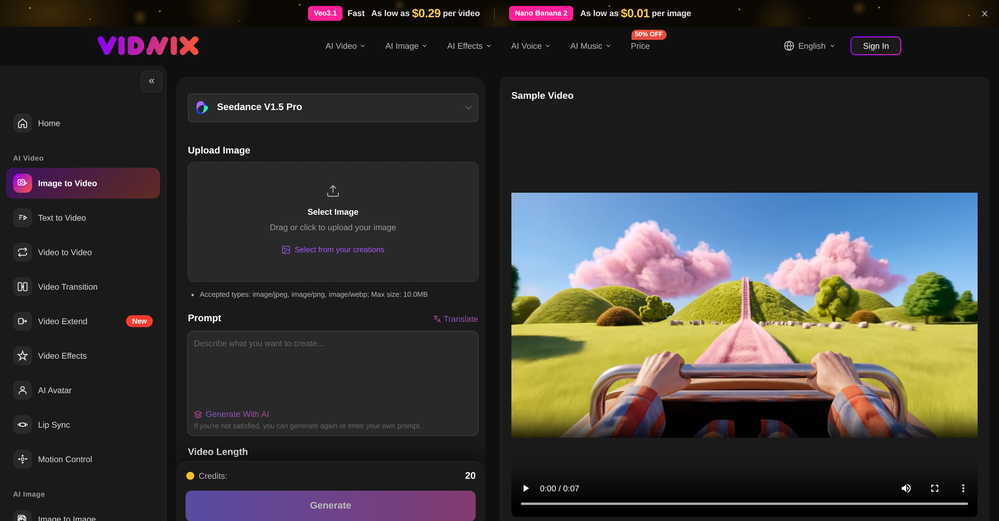 GOO DAGE🙏 20 karmaApr 24, 2026@Vidnix | AI Image to Video GeneratorThe generation speed is very fast, and having access to multiple mainstream models on a single platform — including the latest ones like Seedance2 and GPT Image2 — is great. The pricing is really affordable. I've already become an annual member.
 -
 Open
Open
-
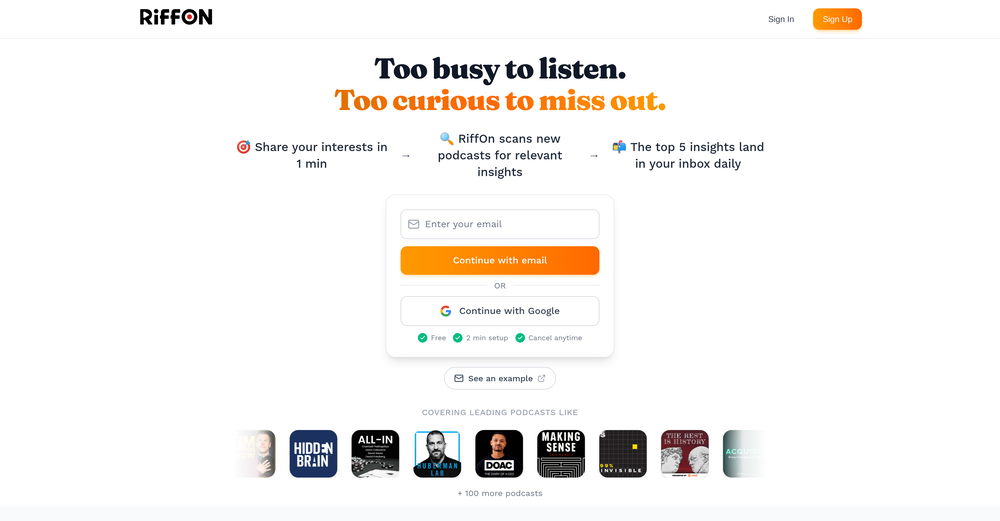 This is a great platform for synthesise insights from different podcasts in case you'd like to extract key point without watching the entire thing. Here's a video I made on it https://youtu.be/m9jw29xsQbo
 -
-
-
 Get expert AI feedback on your UCAS personal statement.Open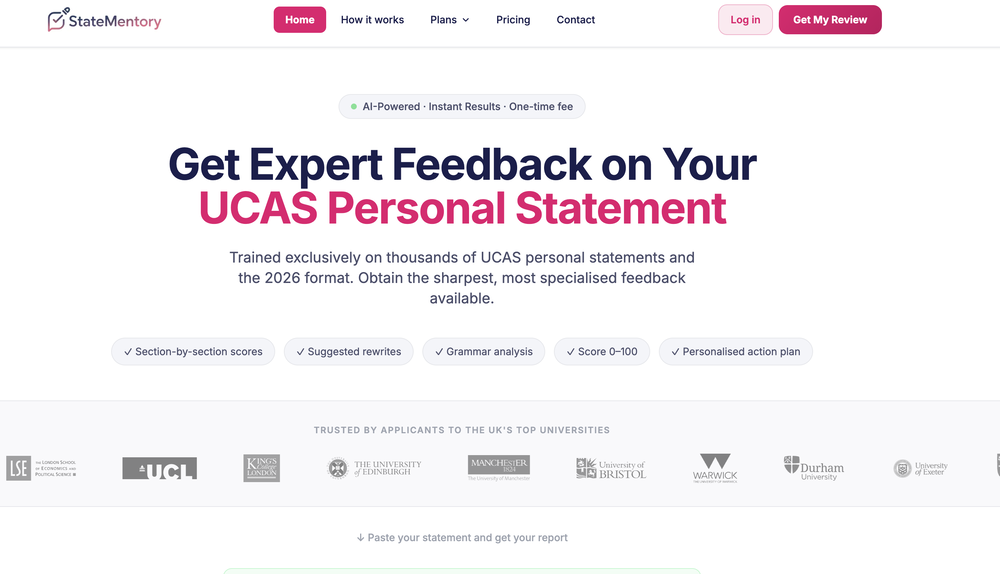
-
-
-







Verified tools
- SponsorFlow - 4x faster than typing🎤 Dictation
-
The Agent is really handy. It's much more streamlined and convenient than canvas-based AI tools. There's a bit of a learning curve at the start, but once you get the hang of it, it's incredibly useful
-
-
⭐⭐⭐⭐⭐ Great AI Presentation Tool! I really liked the Brand PPT feature. It helped me create professional, on-brand presentation slides in under 60 seconds. The AI-generated content was well-structured, the design looked polished, and the editing process was simple. It has saved me a lot of time compared to creating presentations manually. Highly recommended for anyone who needs fast, professional-quality PowerPoint presentations.
-
This is truly a wonderful experience that brings joy and delight.
-
-
New: Added a batch of new templates covering more scenes and use cases, ready to use out of the box Improved: Polished some UX details for smoother operation Fixed: Fixed some known issues to improve stability
-
Currently, generating course videos is basically free, and everyone is welcome to use it! If you have any problems during use, you can complain and we will quickly iterate! Thank you~!
-
 Turn any browser workflow into a polished, AI-narrated video guide in minutes.OpenHey everyone, I’m Evaldas, co-founder of Guideless, the fastest way to turn any browser workflow into a polished, AI-narrated video guide in minutes. No screen recording. No tedious editing. Just turn on the extension, click through your process as you normally would, and instantly get a share-ready guide. We recently shipped a major update: a sleeker UX and new high-quality AI voiceover characters — making guides sound and feel more vibrant than ever. Give Guideless a try and see how effortless creating high-quality tutorials can be 🪄
 -
I mostly use ChatGPT and Claude for writing content. What I like Chatgbot is that it saves me from multiple monthly payments for different AI tools. Everything works fine, accuracy included. Worth subscribing.
-
A lot of humanizer software is actually just gpt wrappers to do this by asking gpt to rewrite with some different voice. Ace Essay does have their own AI that does a better job at humanizing.
-
-
Clean UI, multiple video models in one place, and fair credit refunds when generations fail. Nice that you can try it for free before committing.
-
I love ShakespeareAi. After trying other products I landed on their website and it’s the best thing that ever happened to me. At first there were a few problems, but the team has been efficient and very quick in solving them for me, even accepting suggestiona from me.
-
 Open
Open -
-
This has got a super-positive future. After creating just one video, I could see that there would be a large use-case for most industries, including mine with Online Marketing. One thing I did notice was that assets that appear on screen often overlap each other. The same was apparent on most of the other videos in their showcase. Once they get over this hurdle, it'll be worth paying for, for sure.
-
-
-
-
 AI cartoon generator that keeps characters consistent across every sceneOpenThis tool helps a lot in creating cartoons consistently. It's very easy to use and the superb features that even beginners can easily adapt to it.
 -
-
its very limited, not Free at all 19 Dollars per month
-
Wonderful tool for generation short videos may add options for more voices
-
Looks promising but found it very slow to load and create templates and previews
-
 Open
Open -
 Turn simple prompts into viral videos, stunning images, and realistic audio.Open
 -
Particularly useful in scenarios where human voices are clear but background noise is complex.
-
 Open
Open -
 Convert IG Reels into text with 99.9% accuracy.OpenI hadn't come across this tool until just a few days ago, when I spotted it on TAAFT. It was truly a pleasant surprise; the development team genuinely offers their services completely free of charge—a remarkably generous approach compared to other tools. It saves both time and money. My sincere thanks to the development team for creating such an excellent tool.
 -
-
 Transform AI-generated content into natural, human-like text.Open
 -
"I’m genuinely impressed by how quickly AI to Song turns a simple text prompt into a coherent track. As someone without a musical background, it’s a game-changer for creating quick demos or just having fun with song ideas. The UI is clean and the generation speed is top-notch!"
-
 Make Better Decisions with Data-Driven Charts, Clear Explanations, and Insightful AnalysisOpen
 -
PDF Digest is a helpful AI tool that makes working with PDF files easier and saves time.
-
It's a pity I got a red line saying there is an error Actually, after a while, I got an email with the presentation So it was created, delivery was average I'd say, I didn't use it
-
Super interesting tool! I’ve been using FindTube to learn data analysis, and it solved a problem I always had with YouTube—I could easily collect too many tutorials, but I was always lost about where to start, and everything felt unstructured.
-
Pretty good tool for writing assignments or essays even, easy to use, gives a structured way to use AI and the outputs are better than expected, looks human.
-
Great App! Comes in handy to generate questionnaires or quizzes out of specific topics from PDFs and scanned notes. If you are looking to boost kids performances either as a parent or a teacher then this is the app. Try it to believe it!
-
needed broll for a travel vlog and didn't have footage of certain locations. generated some establishing shots with this and they blend in perfectly. not replacing my camera but great for filling gaps
-
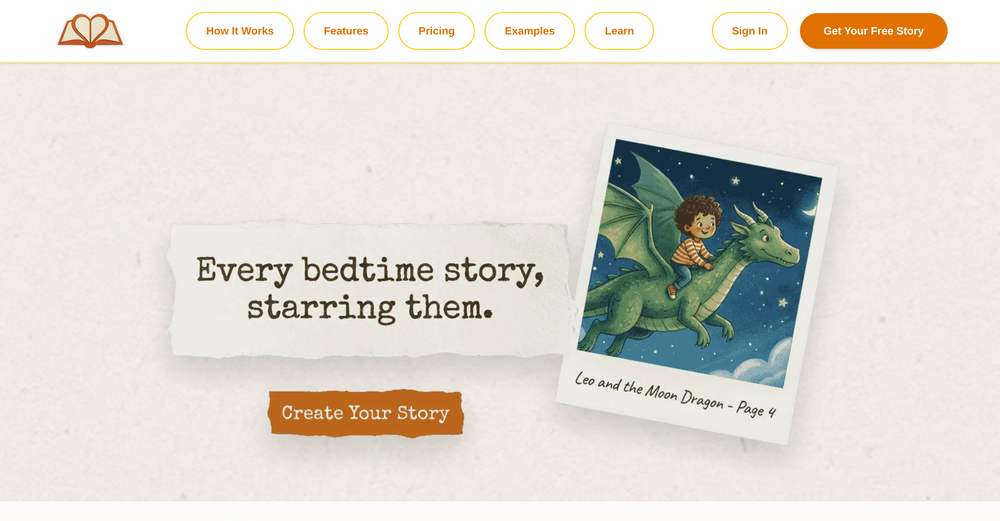
As the founder of Genstory.app, I’ve always believed that every child deserves a story of their own. Genstory.app was built with one simple idea: anyone should be able to use AI to easily create high-quality, imaginative, and personalized stories that truly spark a child’s curiosity. We simplified the entire creative process into three steps—enter a theme, choose characters, and generate both the story and illustrations. In just a few minutes, you can have a complete mini storybook. Since launch, the feedback we hear most often is: “I no longer have to struggle to make up stories every night.” “My child loves seeing themselves as the main character.” This is exactly what we hoped to achieve: making storytelling easier, more fun, and more personal. Genstory.app is growing fast, and we’ll continue refining the experience to become a creative playground that anyone can enjoy.
-
Hi Taaft community! I’m the creator of ConceptViz. We built this tool specifically for educators and researchers who deal with complex information daily. ConceptViz uses AI to instantly transform dense lesson plans, curriculum notes, or research frameworks into clear, structured diagrams. Our goal is to help K12 teachers make abstract concepts tangible for students and to help researchers map out logical workflows without the manual drudgery of drawing. I’d love to hear how this fits into your academic or classroom workflow—your feedback will help us build a better tool for the education community! 🚀
-
Every claim on this site starting with #1 Free use as many times as you like is false. Dont waste your time! "https://imagetovideoai.run/#:~:text=1,as%20you%20need.
-
 Rapidly generate AI training videos without equipment or editing.Open
 -
The system responds quickly, the video generation quality is excellent, and the AI voice is perfectly synchronized with the visuals.
-
 OpenThe features are incredibly comprehensive. I really love it — the AI videos I created got a ton of praise when I shared them. Likes galore!
 -
A very clean website — simple, clear, and fast to generate results.
-
Very accurate.I check videos and audios to detect fakes before sharing viral news
-
 OpenI often struggle to find the right words, but this tool helps me polish my expressions and make my writing flow naturally.
 -
Made writing my first book simple and fast. I turned scattered ideas into a full, professional manuscript in a weekend. The guided flow kept me focused, and the editing felt natural.
-
Amazing and very fast. 300 free credits a month is actually generous. Recommended!
-
Great platform to increase your productivity. The infographic generator is my favorite tool.























































































Other tools
-
Been using Knowcast to keep up with new ideas and information, and I like how easy it is to discover and revisit useful content. The experience feels straightforward and helps cut through a lot of the noise, making it easier to stay informed without getting overwhelmed.
-
I’ve been an entrepreneur since my early 20s so I don’t often give low ratings even if I don’t like a product as it’s never my intention to potentially hurt a small company that’s just starting out but I’ve got to say that this is beyond worthless as a tool. The promise of street interviews Sounds like an excellent way to promote a product, but after paying you find out that it has a limitation of eight seconds. Barely enough time for an extremely simple question and a one sentence answer at best. It was only 10 bucks to find out but for this to be viable there needs to be an option to extend up to at least 20 or 30 seconds. I’d happily pay the 10 bucks for 1 32nd St. interview that could be solid for marketing than 5 videos of 8 seconds each that are just useless. Also, just a quick update. The first video I generated took maybe five minutes. The next two attempts are still processing after almost a half an hour. I think with something like this, it needs to be made much clearer that the interview is limited to eight seconds. But in my opinion, that’s besides the point as that kind of time limitation is just way too short for any kind of “interview”.
-
-
-
Makes it easy to get started with a presentation if you have an outline, but as soon as you want more control, you're better off using Google Slides. Gamma's feature that I used the most was image generation - you can select among a variety of models (Ideogram, Flux, DALL-E, but not Midjourney), and it shows 3 variations to choose from. Performance is slow and a little janky, even in Chrome. Prompts and settings are often not respected - e.g. you set it to "preserve text" and just generate slides, and it goes onto dumping an entire 3 paragraphs of text in one slide. You can't overlay text over images (e.g. for image attribution), and there's no precise positioning control, or grouping elements. No way to control table layout, e.g. to have two images slide-by-side in full bleed mode. I tried Gamma for a new presentation, but next time I need to make a presentation, I'll go back to Google Slides and generate images independently.
-
“very useful for studying and comprehension.” does a great job of generating relevant questions from books. it’s straightforward to use and has helped me highlight key points and themes. very helpful tool for studying or preparing discussions. the accuracy of the questions is impressive, and it saves time compared to coming up with questions manually. overall, it’s a solid resource for students and readers.
- Didn't find the AI you were looking for?
-
nice tool,only input two images to easily create realistic cartoon animations.
-
Pro plan has 100~image gen, other features still I haven't reached the limit
-
To start a learning application, I think this is a great platform to support adaptive and personalized learning.
-
This is phenomenal. I demo it in my sessions all the time.
-
They deceive - they advertise functionalities that turn out to be in the Pro version, which again has to be purchased. For some languages, the voices are quite old and sound robotic.
-
I’m the developer of ClaviSay, and I’ve always struggled with learning foreign languages. But since I need to use them for work, I wondered if I could create an AI that would help me read more efficiently and save unfamiliar words—all while I’m actually reading content like BBC or Medium. Now I’ve made it happen—ClaviSay. All features are free, so feel free to use them as you like. You can also provide feedback at any time; ClaviSay offers a dedicated feedback channel. Thank you all.
-
Been using it for the past few days and it is exactly what I hoped it was. Nothing complicated, does exactly what it says it does without the fluff. The analysis section is great, does not produce canned summaries. It appears to be doing something different for every different type of topic, which is great. Still playing with it.
-
 Get AI-powered facial attractiveness ratings with detailed analysis.Open
 -
-
Says "free during testing," but keeps telling me I have insufficient credits. I also can't seem to find a way to delete my account.
-
bro you're such a hater, your comments all sound the same, I doubt you even tried this tool.
-
-
 AI-powered Moodle content generator for educatorsOpen
 -
 AI-powered script generator for captivating educational content.Open
 -
Love this tool, It solved my big problem of writing script in the way I wanted. Thanks....
-
 Personalized 180-day homeschool curriculums for any state.Open
 -
 Open
Open -
 Open
Open -
Hmmmm I’d say it’s a pretty useful tool, it generates solid outlines if you’re working on an article. You can’t just use them as-is, since you’ll still need to add details and review everything, but as a starting point it’s really good for getting an idea
-
 Open
Open -
 Instantly generate 10 unique, audience-safe words with definitions.Open
 -
 Open
Open -
 Transform any topic into a complete online course in 15 seconds.Open
 -
 Book Summarizer instantly transforms any book into a crisp, intelligent summary.OpenBy far the most complete summary I received. Thank you.
 -
 Turn academic jargon into human conversation.Open
 -
 Transform any topic into fascinating, little-known facts.Open
 -
 Assistant for creating educational content.Open
 -
 Creates detailed syllabi and schedules with in-depth topic explanationsOpen
 -
 Open
Open -
 Retrieve specific content from A.CRE Library using keywords.Open
 -
 Guide in esoteric and occult knowledge via chaos magick techniques.Open
 -
 Open
Open -
 Enhancing pharmaceutical understanding for 2nd year students through AIOpen
 -
 Open
Open -
 Creates eLearning content and assists in creative writing.Open