Go to section
Sponsor
 MongoDB - Build AI That Scales
🗄️ Database
MongoDB - Build AI That Scales
🗄️ Database
The front page of AI.Used by 90M+ humans.

TAAFT Tutorial
Generate image
Tasks
Generate text
Free mode
Trending
Leaderboard
Characters
 Mini tools
New
Featured
Lists
Agents
Requests
Jobs
Map
Newsletter
Starter pack
Free tools
Speech to text
Text translator
Remove background
Settings
Edit profile
My tools
Gallery
Dashboard
Inbox
Get featured
Contact TAAFT
For you
Popular
Job impact index
Most saved
Affiliate program
Submit AI tool
Notification preferences
Glossary
Home
Timeline
My profile
Create tool
Deals
Companies
Models
Robots
Papers
Fundraises
Repositories
Devices
Organizations
Events
Prompt Pack
Merchendise
Credits
APIs
Features
Tools
Countries
Collections
Mini tools
New
Featured
Lists
Agents
Requests
Jobs
Map
Newsletter
Starter pack
Free tools
Speech to text
Text translator
Remove background
Settings
Edit profile
My tools
Gallery
Dashboard
Inbox
Get featured
Contact TAAFT
For you
Popular
Job impact index
Most saved
Affiliate program
Submit AI tool
Notification preferences
Glossary
Home
Timeline
My profile
Create tool
Deals
Companies
Models
Robots
Papers
Fundraises
Repositories
Devices
Organizations
Events
Prompt Pack
Merchendise
Credits
APIs
Features
Tools
Countries
Collections
Mini tools
New
Featured
Lists
Agents
Requests
Jobs
Map
Newsletter
Starter pack
Free tools
Speech to text
Text translator
Remove background
Settings
Edit profile
My tools
Gallery
Dashboard
Inbox
Get featured
Contact TAAFT
For you
Popular
Job impact index
Most saved
Affiliate program
Submit AI tool
Notification preferences
Glossary
Home
Timeline
My profile
Create tool
Deals
Companies
Models
Robots
Papers
Fundraises
Repositories
Devices
Organizations
Events
Prompt Pack
Merchendise
Credits
APIs
Features
Tools
Countries
Collections

▼ Most saved
Flow-chart creation
Free mode
100% free
Freemium
Free Trial
Featured matches
-
-
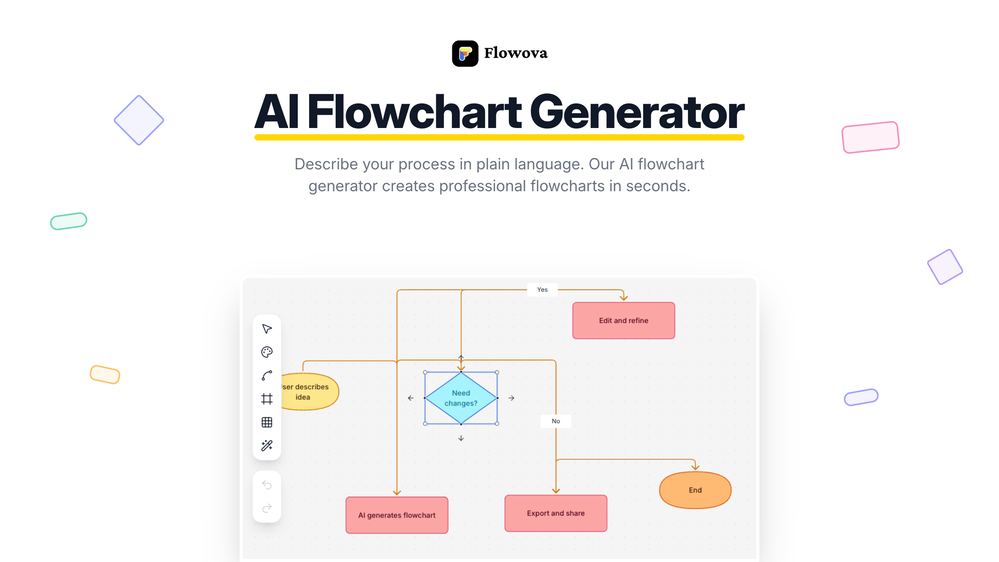
 Jimmy🛠️ 2 tools 🙏 10 karmaDec 14, 2025@Flowova AI👋 Hey, I'm the founder of Flowova! We built this because we were tired of spending hours dragging boxes in traditional flowchart tools. A few things you might not know: - Works with anything — text, images, PDFs, Word, PPT, Excel, even photos of whiteboard sketches - 40+ themes designed for presentations - Full Mermaid code support for developers Happy to answer any questions! 🚀


Other tools
-
-
Love FlowChai. I save so much time on writing content for my website.
-
False advertising and broken. Did not do what it claimed. AI chat has footnote that it cannot do multiple types of outputs. It generally felt dumb. Documentation lacking. Costs $7 per month and only available via auto renewing subscription. I got $5 credit from a competing ai I found here and in less than 10 hours I got all kinds of charts and it used $2 of the $5 credit in tokens. Meanwhile I lost more dignitiy, time and dollars to what amounts to a fraudster masrquaqrading as a developer making an AI that cannot do what it claims it can. Who in the end, has a response time of minutes to tell me no refunds can be issued when inquired. Which is fine, I accepted the risk of $7, but this is daylight robbery with a broken app. either fix it, or stop the fraud, or you get reported and reviewed like this. I needed user journey map, or a flow chart, or a sequence diagram, could have been happy with either one, and this app completely failed to do anything useful at all. Even when it did generate anything, it was giant text boxes nad a few arrows, no ability to decipher, summarize, and make it short and sweet in visuals. Needs a lot of work at best.
- SponsorMongoDB - Build AI That Scales🗄️ Database
-
 Create stunning hand-drawn flowcharts from text instantly.OpenI use AI Flowchart Generator to create flowcharts for my blog posts. It’s incredibly easy to use and saves me so much time. Now, I can turn my text to flowchart and make my posts more interesting and helpful for readers!
 -
 AI infographic generator that turns blog posts into link magnetsOpen
 -
I was just trying to get a quick graph showing population evolution over the last 30 years, didn’t have the dataset ready, so I was hoping the tool could auto-fill something reasonable. But it literally gave me three values. Three?? For 30 years?? What kind of trend can I possibly see with that? If the tool offers to research the data, it should at least offer a full timeline. And when I pasted the data I found, it created a literally bar chart???
-
Says "free during testing," but keeps telling me I have insufficient credits. I also can't seem to find a way to delete my account.
-
Great tool for getting some initial information about your data, especially in the beginning phase when your main goal is to explore your data
- Didn't find the AI you were looking for?
-
-
-
I've been exploring AI for quite some time, and it's been a true lifesaver for my severe ADHD. Finding the perfect calendar, task, and habit-tracking app that uses AI to intelligently schedule tasks with minimal interaction has been a quest. Day Flow is the closest I've found to my ideal solution. It's not perfect, but it's really good and incredibly helpful.
-
Really useful tool here. Saves a lot of time when creating diagrams. Made a video about it here: https://www.youtube.com/watch?v=ClySYyEBvno
-
Limitless possibilities, but templates available are subpar
-
 Converting Python code into illustrative diagrams.OpenI like how it gives both PlantUML and Mermaid code, as I found that the Mermaid graph TD code would sometimes not work in the Mermaid Live Editor.