Go to section
Spotlight SureThing.io - "OpenClaw" for BeginnersTask automation
The front page of AI.Used by 90M+ humans.

TAAFT Tutorial
Generate image
Tasks
Generate text
Free mode
Trending
Leaderboard
Characters
 Mini tools
New
Featured
Lists
Agents
Requests
Jobs
Map
Newsletter
Starter pack
Free tools
Speech to text
Text translator
Remove background
Settings
Edit profile
My tools
Gallery
Dashboard
Inbox
Get featured
Contact TAAFT
For you
Popular
Job impact index
Most saved
Affiliate program
Submit AI tool
Notification preferences
Glossary
Home
Timeline
My profile
Create tool
Deals
Companies
Models
Robots
Papers
Fundraises
Repositories
Devices
Organizations
Events
Prompt Pack
Merchendise
APIs
Features
Tools
Countries
Collections
Videos
Mini tools
New
Featured
Lists
Agents
Requests
Jobs
Map
Newsletter
Starter pack
Free tools
Speech to text
Text translator
Remove background
Settings
Edit profile
My tools
Gallery
Dashboard
Inbox
Get featured
Contact TAAFT
For you
Popular
Job impact index
Most saved
Affiliate program
Submit AI tool
Notification preferences
Glossary
Home
Timeline
My profile
Create tool
Deals
Companies
Models
Robots
Papers
Fundraises
Repositories
Devices
Organizations
Events
Prompt Pack
Merchendise
APIs
Features
Tools
Countries
Collections
Videos
Mini tools
New
Featured
Lists
Agents
Requests
Jobs
Map
Newsletter
Starter pack
Free tools
Speech to text
Text translator
Remove background
Settings
Edit profile
My tools
Gallery
Dashboard
Inbox
Get featured
Contact TAAFT
For you
Popular
Job impact index
Most saved
Affiliate program
Submit AI tool
Notification preferences
Glossary
Home
Timeline
My profile
Create tool
Deals
Companies
Models
Robots
Papers
Fundraises
Repositories
Devices
Organizations
Events
Prompt Pack
Merchendise
APIs
Features
Tools
Countries
Collections
Videos

▼ Latest
Smart inbox
Free mode
100% free
Freemium
Free Trial
-
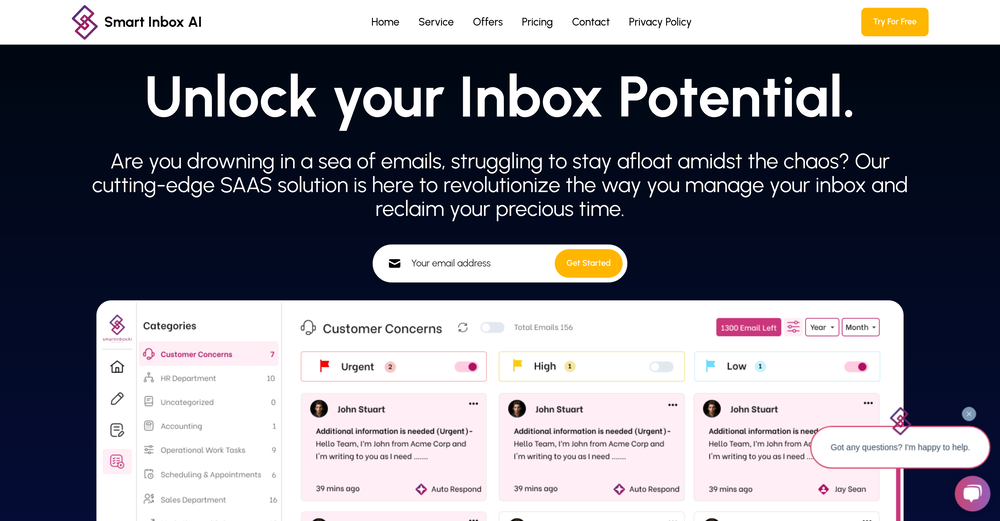 Devin “Dev” Reyes🙏 15 karmaMar 15, 2025@Smart Inbox AIClever email management design and easy to use. I love the kanban board style with summarize and auto response.


Featured matches
-
-
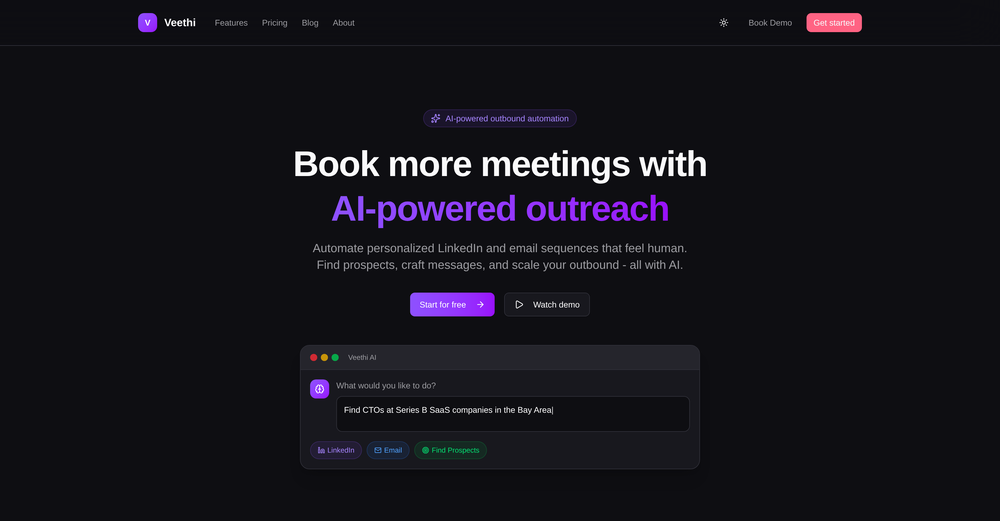 As an early-stage founder, I found this to be an incredible tool to quickly reach out to potential customers and get their thoughts on my product. Veethi is so easy to run and get your LinkedIn outbound kickstarted!
 -
 Outreach for passive candidates used to eat up hours every week. This automates the initial connection and follow up so i can focus on actual conversations with interested people. Our pipeline has doubled without adding headcount.


Verified tools
-
🐦 Pounce v2.4 — Smoother Setup & Sharper Sessions 🎨 A Redesigned Onboarding 1. Setting up a campaign is cleaner and more guided — the setup, refine, and new-campaign flows now share a consistent, step-by-step experience that's easier to follow start to finish. 2. Every step breathes better and reads more clearly, so getting Pounce dialed in feels effortless whether it's your first campaign or your fifth. 🛡️ Reply With Confidence 1. New explanations on the homepage and throughout setup spell out exactly why using Pounce won't get your account banned or suspended. 2. Know what Pounce can and can't do before you connect — no more guessing about account safety. 📒 A Reply Log That Makes Sense 1. Your reply log now groups replies by day, so your history reads like a timeline instead of an endless list. 2. Filter by platform or by account to zero in on exactly the replies you want to review. ⚡ Sharper Sessions 1. Your queue now flags tweets from people you interact with frequently, so familiar faces are easy to spot at a glance. 2. The "here's what you're missing" digest email has a clearer subject line — see how many tweets are waiting and what they're about before you even open it.
-
Hey AI fans, I am Kalo, co-founder of Breezemail. If your inbox is anything like mine, you spend at least 20% of your life opening, answering, and unsubscribing from emails. Arguably, the only thing more tedious than this is fixing your grandma’s Windows XP (arguably). Or you just gave up, and your inbox app has a cute red dot with a truncation ellipsis (…), also known as the symbol of inbox doom. Either way, the whole inbox situation is an absolute disaster. We wanted to solve this challenge using AI. Breezemail will help you enter the holy land of Inbox Zero. It’s an email categorizer tool that keeps important emails in your inbox and categorizes the rest into folders using natural language prompts. How does it work? 1. Breezemail has a default Important category which leaves all your real human emails in your inbox. 2. Everything else is organized into AI folders (or labels). Labels using natural language prompts, for example, “All emails from my family”. 3. We give you a bunch of pre-defined categories to start with, and you can create your own custom categories, the same way you would write a ChatGPT prompt (yes, our tool also uses ChatGPT). We’ve been testing it in-house for both our personal and business emails, and it worked so well that I no longer hate link builders and outreach people because their requests are neatly organized into a couple of folders. For my personal inbox, I can finally see all my receipts in one place, and all stock newsletters are ready for daily review in a different folder. Go try it out now for free. We’d love to hear your feedback, so please don’t be shy and drop me a line back. Currently, the tool is only available for Outlook, but we are working on a Gmail app, too. If you’d like to try it for Gmail, please let us know. Thank you, Kalo
- SpotlightSureThing.io - "OpenClaw" for BeginnersTask automation
-
The product looks framed like an outreach tool, but it actually behaves more like an AI outbound pipeline builder. That difference probably affects perceived value and pricing. I mapped where the positioning might be leaking revenue, happy to share if useful.
-
 AI-powered Gmail assistant. Get instant email summaries, task extraction, replies +moreOpen
 -
 OpenAmazing! This is exactly what I‘ve been looking for for years
 -
Hey TAAFT, I’m Richie, cofounder of Forage Mail! 👋 Forage has seriously changed my relationship to my inbox, and I'm excited for more of you to experience it. Forage is not a new email app you need to learn. It’s an AI that plugs right into your Gmail account and filters out your low-priority mail. Then, it sends you a clean daily summary with everything it filtered out—including a TLDR of every newsletter you received.
-
 Chatbot for Email using your Data!OpenWe've been using InboxPilot for a couple of weeks now, and it’s been a game-changer for my art studio's business! Our admins were drowning in repetitive customer emails while juggling phone calls and front-desk responsibilities, but we had a debate in our team about whether we could afford to hire support specialists. Now, with AI handling emails 24/7, our admins only review the emails that are escalated. I used to notice that emails went unanswered for hours due to the workload, and I'm sure our customer satisfaction has increased significantly since they receive responses right away. Thank you for the tool!
 -
Mail Sweeper V2 — Four ways to clean your Gmail inbox Mail Sweeper V2 turns a one-trick sweeper into a complete inbox-cleanup toolkit. A redesigned dashboard now offers four cleanup tools in one place: - Quick Clean — scans your inbox and suggests the smartest cleanups: top cluttering senders, years-old unread mail, and storage-hogging attachments, each with a one-click sweep and a "View in Gmail" preview before anything moves. - Organize Inbox — AI scans your senders, suggests smart Gmail labels grouped by category, and applies them in bulk. - Unsubscribe — every mailing list in one place, with one-click unsubscribe and bulk delete. - Automatic Cleanup — the signature Dustpan now has a guided setup and a dedicated configuration page, sweeping unimportant email to the trash on a schedule you control. V2 also adds a 14-day free trial, a limited pay-once lifetime plan, impact stats (emails deleted, storage reclaimed, estimated CO₂e saved), and a faster, streamlined onboarding. Everything goes to Gmail's trash first — nothing is ever permanently deleted without a rescue window.












Other tools
-
Looks very interesting. However, no numbers can be purchased outside US or CA.
- Didn't find the AI you were looking for?
-
I really appreciate it has a Chrome extenstion, besides just the app, as well as the user guide. I haven't yet seen it giving suggestions while writing, but i'm excited to try it out more