Go to section
Spotlight SureThing.io - "OpenClaw" for BeginnersTask automation
The front page of AI.Used by 90M+ humans.

Generate image
Tasks
Generate text
Free mode
Trending
Leaderboard
Characters
 Mini tools
New
Featured
Lists
Agents
Requests
Jobs
Map
Newsletter
Starter pack
Free tools
Speech to text
Text translator
Remove background
Settings
Edit profile
My tools
Gallery
Dashboard
Inbox
Get featured
Contact TAAFT
For you
Popular
Job impact index
Most saved
Affiliate program
Submit AI tool
Notification preferences
Glossary
Home
Timeline
My profile
Create tool
Deals
Companies
Models
Robots
Papers
Fundraises
Repositories
Devices
Organizations
Events
Prompt Pack
Merchendise
APIs
Features
Tools
Countries
Collections
Videos
Mini tools
New
Featured
Lists
Agents
Requests
Jobs
Map
Newsletter
Starter pack
Free tools
Speech to text
Text translator
Remove background
Settings
Edit profile
My tools
Gallery
Dashboard
Inbox
Get featured
Contact TAAFT
For you
Popular
Job impact index
Most saved
Affiliate program
Submit AI tool
Notification preferences
Glossary
Home
Timeline
My profile
Create tool
Deals
Companies
Models
Robots
Papers
Fundraises
Repositories
Devices
Organizations
Events
Prompt Pack
Merchendise
APIs
Features
Tools
Countries
Collections
Videos
Mini tools
New
Featured
Lists
Agents
Requests
Jobs
Map
Newsletter
Starter pack
Free tools
Speech to text
Text translator
Remove background
Settings
Edit profile
My tools
Gallery
Dashboard
Inbox
Get featured
Contact TAAFT
For you
Popular
Job impact index
Most saved
Affiliate program
Submit AI tool
Notification preferences
Glossary
Home
Timeline
My profile
Create tool
Deals
Companies
Models
Robots
Papers
Fundraises
Repositories
Devices
Organizations
Events
Prompt Pack
Merchendise
APIs
Features
Tools
Countries
Collections
Videos

▼ Latest
Text design
Free mode
100% free
Freemium
Free Trial
Featured matches
-
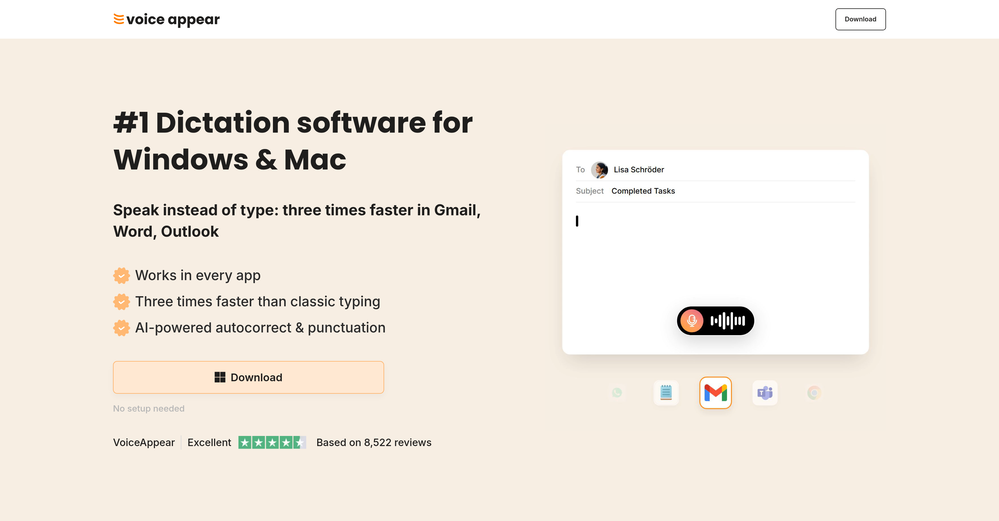
 Marvin🙏 3 karmaMay 5, 2026@VoiceAppearWhy did I not find this earlier
 -
-
-
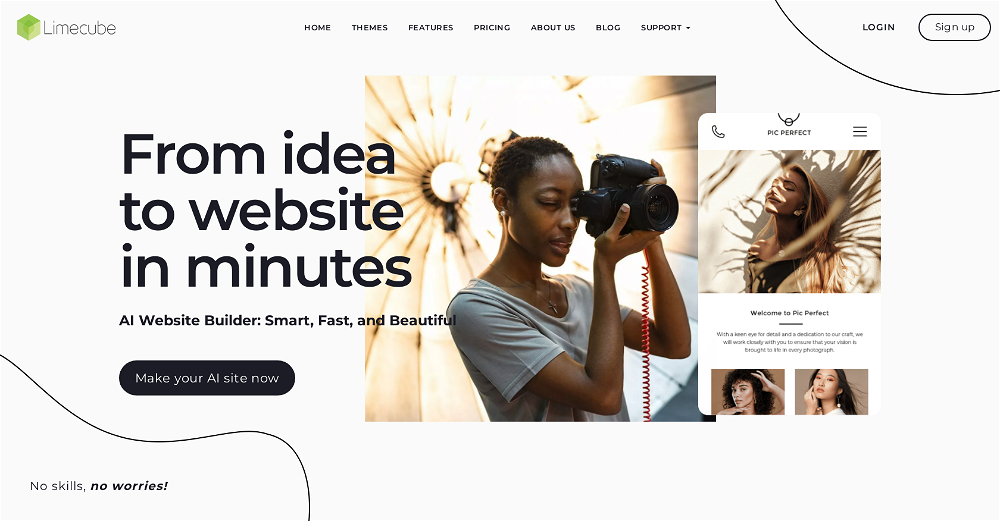 Very cool app! Build was fast as, and with a few tweaks I fully launched my website in 1 hour!
 -
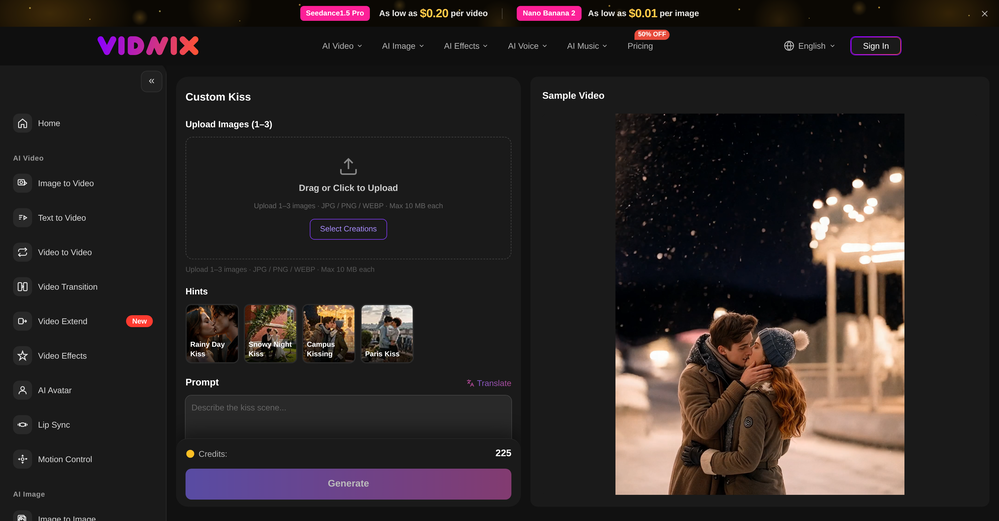 Looks pretty clean and easy to use! The upload process is straightforward, though the top section feels a little crowded. Maybe add a bit more info about how the credits work.
 -
 Grotto Slice – Your Shortcut from Image to KlaviyoOpen
-

-
 Open
Open
-
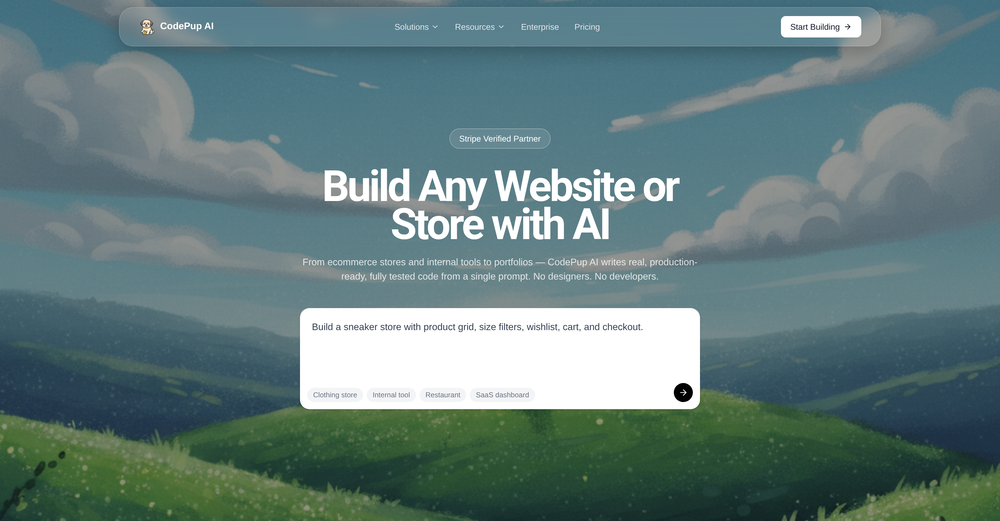 CodePup AI is incredible — it makes generating professional websites effortless with zero coding required.
 -








Verified tools
- SpotlightSureThing.io - "OpenClaw" for BeginnersTask automation
-
 Generate AI images. No subscription. Credits never expire.Open
 -
prompted a few different styles and it handled them pretty well. images came out detailed and didn’t take long either. solid for quick ideas.
-
Well, what can I say, I managed to create quite a few books quickly and with good quality ;)
-
made a presentation for my site with just 1 prompt, lol how did the AI get so much information out of my website lol
-
Which is more valuable, time or money? This doesn't save you either, at the moment as you only get two infographics to test out and you have to do quite a bit of editing to get it to look ok. The point of infographics is to inform in a highly visual and compelling way. None of the example info graphics are that. I suggest a pivot and use AI to fill out the text in a pre-made graphic template.
-
Scrollsequence is a game-changer for interactive storytelling! Smooth animations, intuitive setup, and impressive control over scrolling sequences make it perfect for engaging web experiences. Highly recommend for designers and developers looking to elevate their sites. 🙌
-
-
-
 Your AI-powered hub for seamless social media scheduling and content creation.OpenSadly is not working as described but they have pretty many things planned so maybe in the future it will.
 -
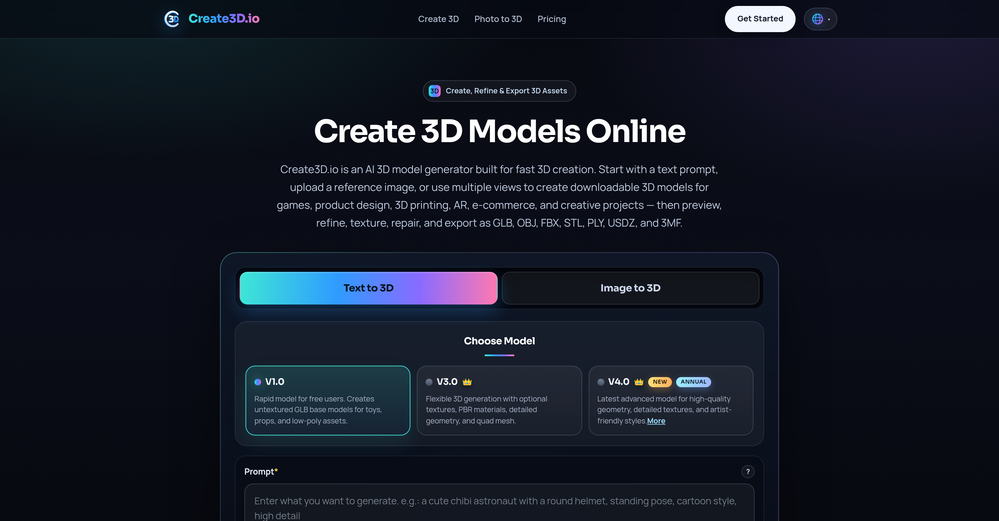
Image3D feels like a practical tool rather than just a demo. The workflow is simple, the preview loads in-browser, and I can export common formats like GLB, OBJ, STL, and PLY. I would recommend it for fast 3D asset drafts and 3D printing experiments.
-
-
This is truly a wonderful experience that brings joy and delight.
-
👋 Hey, I'm the founder of Flowova! We built this because we were tired of spending hours dragging boxes in traditional flowchart tools. A few things you might not know: - Works with anything — text, images, PDFs, Word, PPT, Excel, even photos of whiteboard sketches - 40+ themes designed for presentations - Full Mermaid code support for developers Happy to answer any questions! 🚀
-
We're live folks! Do check us out and drop your feedback or requests.
-
I tested. Loved it. Tried with 3 different websites. Full Marks to the output! Worth paying for!
-
-
Thank you — this honestly means a lot 🙏 "No design experience needed" was exactly the goal, so it's awesome to hear it clicked for you. Thanks for creating with MagicReels, and don't hesitate to reach out if you ever need anything!
-
Didn't really do the graphs that i thought it would do. Good for simple graphs, like for a presentation
-
 Turn text and images into production-ready 3D models with AI in seconds.OpenThis tool is definitely good for basic stuff, no doubt. Just keep the prompts super duper simple and it gets the job done. But once I put in something a bit more complex at it… it kinda screwed up the thing. Still, I see potential here
 -
I like it but sometimes it changes some features in somone
-
 Open
Open -
Apologies for the delayed response. Let me clarify our free tier benefits: 1.Daily Quick Credits: Free users receive 2 quick generation credits every day. 2.Unlimited Standard Generation: You can generate an unlimited number of images daily. Please note that during peak usage times, generation speeds may be slower to accommodate high traffic. 3.Advanced Features: Free users also have access to our excellent face-swap feature. 4.Our platform features the leading Nanobanana series models, supports various LoRA effects, and includes tools for background removal and image outpainting/expansion. 5.We welcome you to try them out! Regarding your question about pricing: The core features mentioned above are genuinely free. The 'pricing' structure you saw likely refers to optional paid plans for users who need faster speeds during peak times, higher priority, or additional commercial features. It is not 'free after you pay,' but rather a free base service with optional upgrades. We hope this clears up any confusion!"
-
Thank you for making everything simple, i can't and don't need to understand a app and what is doing. This is just how i want it, very good and keep going!
-
 Open
Open -
-
PPT.AI is an outstanding AI-powered presentation tool that has completely transformed my workflow! With just a few clicks, it turns my ideas, documents, or even YouTube links into polished, professional slides in minutes. The platform offers over 800 premium templates and smart editing tools, making customization both powerful and intuitive. I especially appreciate the real-time cloud collaboration and version control features, which make working in teams seamless. Whether you’re a professional, educator, or entrepreneur, PPT.AI saves a tremendous amount of time and ensures every presentation looks visually engaging and consistent. Highly recommended—definitely a five-star experience!
-
create a ppt with example and small case study on augmented marketing mix
-
-
I was lucky enough to join the early canary testing for this platform, and it’s been impressively simple and transparent to use.
-
 Transform any image into stunning AI-enhanced visuals.OpenIt can generate any image I want freely, it's amazing!
 -
-
-
-
 Turn product photos into marketing videos instantly.Open
 -
The infographic maker lets you use it once for free without signing in. This infographic maker is simple and easy to use, even more so than Canva or Venngage. However, the available styles and templates are still limited. I hope they add more design options and customization in future updates. Overall, a good choice for quickly creating infographics.
-
I tested a few AI presentation tools and this one works smoothly inside Google Slides.
-
 Open
Open -
It's a pity I got a red line saying there is an error Actually, after a while, I got an email with the presentation So it was created, delivery was average I'd say, I didn't use it
-
This looks like a solid tool for quick text to image work, especially with all the extra features like watermark removal and photo restore. If anyone here is experimenting with bold typography or pop style visuals, I have also tried https://allbratgenerator.com for fast brat inspired text and cover style graphics. It is simple and works well for social posts.
-
 AI-powered social content calendar that automatically creates content.Open
 -
-
 AI infographic generator that turns blog posts into link magnetsOpen
 -
Well, it did give me an insanely good image, but you only get one free trial, i.e, generate one image for free. And the model is costly for someone who wants free AI tools. But it does the job if you're willing to pay.
-
I’m not a professional animator, but Elser AI made it easy to turn a simple script into an anime-style video. The workflow feels straightforward, and the results are more consistent than I expected.
-
Just tried the tool and printed my first 3D model, and I’m honestly surprised by how good it came out. It was super easy to use, and the final print matched my reference image perfectly. Congrats to the Mimetic Labs team for building such a simple but super cool tool.
-
I did not like it. Seems very generic and did not adapt or recognized the topic to change the figures and the templates. Simply put my text to templates not related to the topic.
-
We built UPCV with a simple intention: to make writing a resume no longer the most frustrating part of the job search. We’ve spent a long time refining our guided questions, real-time formatting engine, ATS-friendly structure, and multilingual support. We’ve also talked to many real job seekers to better understand their challenges. Whether you’re writing your first resume, switching careers, coming off a gap, or just struggling with layout and structure — we hope UPCV helps you take that step more easily and frees up your time for what truly matters: building a better future for yourself. Thank you for choosing to click on us in a sea of tools. We’ll keep working hard to make it even better.
-
 Remove unwanted text, watermark or logo from images online free.Open
 -
img2img AI is the first image editor that actually replaced three tools on our team. I can upload a product shot, type what I want in plain English.
-
-
If you want an AI RPG that can do 5e, this is closer than any other one you'll find out there.
-
-
-
 Instantly rewrite, polish, and perfect any text without leaving your current tabOpen

































































































Other tools
-
1) I like that it can produce many diff image sizes and multiple images. 2) Does a nice job of embellishing the prompt. 3) Nice that it can take in a specific Seed. 4) BUT I found it hard to replicate a specific character. Tried loading a pic or providing a link to it. Neither seemed to work.
-
 Improve Your Productivity with Copilot–Your AI-Powered ChatAssistantOpenCopilot on mobile keeps me sharp during sales calls. I use it to quickly draft follow up emails right after meetings or pull contract language on the fly. Voice input works smooth and it formats responses professionally.
 -
for it's purpose, it's really great! nothing else.
-
this is a solid AI generator. you get 75 free daily generations, which is plenty to experiment. it doesn’t just do images, there are character, logo and avatar tools too. the interface is a bit plain but easy to use. results came out pretty good overall, not mind-blowing, but usable. it's a nice free option. :)
- Didn't find the AI you were looking for?
-
threw some 2D character sketches into this and got usable 3D models back. they need cleanup but it's a solid starting point. beats modeling from scratch when you're just testing ideas
-
Says "free during testing," but keeps telling me I have insufficient credits. I also can't seem to find a way to delete my account.
-
-
Free, Simple To use, If you need to Refont your Text Like Name , Quote or something, feel free to use this. the only problem is lack of option. hope dev gonna update it soon. but for a free AI 5/5 no complaint
-
-
thank you very much for this. i'll add some points: 1. its too fast, i cant make out where and when the pen leaves the paper and when it continues 2. there should be a pause and rewind mechanism, like a video player 3. a pen to paper angle indicator would be nice
-
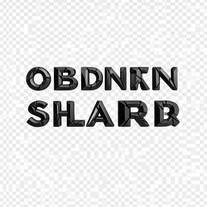 Generate razor-edged obsidian typography with dramatic presence.Open
 -
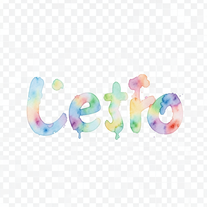 Turn text into hand-painted watercolor typography.Open
 -
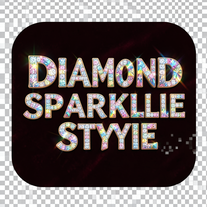 Transform ordinary text into dazzling, diamond-studded typography.Open
 -
 Open
Open -
If you want ultra realistic pictures then use this my ZN image generater tool 🔥
-
 Create stunning, ultra-realistic images from text prompts.Open
 -
 Open
Open -
-
 Transform children's stories into vivid illustration prompts instantly.Open
 -
-
 Transform text descriptions into professional circuit diagrams instantly.Open
 -
 Open
Open -
 Transform text into mesmerizing dripping, melting letterforms.Open
 -
It has content filters and there is no option to use a system prompt.
-
 Open
Open -
It designed lots of tue dye shirts for me big help