Go to section
Spotlight SureThing.io - "OpenClaw" for BeginnersTask automation

 Mini tools
New
Featured
Lists
Agents
Requests
Jobs
Map
Newsletter
Starter pack
Free tools
Speech to text
Text translator
Remove background
Settings
Edit profile
My tools
Gallery
Dashboard
Inbox
Get featured
Contact TAAFT
For you
Popular
Job impact index
Most saved
Affiliate program
Submit AI tool
Notification preferences
Glossary
Home
Timeline
My profile
Create tool
Deals
Companies
Models
Robots
Papers
Fundraises
Devices
Organizations
Events
Prompt Pack
Merchendise
APIs
Features
Tools
Countries
Collections
Videos
News
Investors
Repositories
Mini tools
New
Featured
Lists
Agents
Requests
Jobs
Map
Newsletter
Starter pack
Free tools
Speech to text
Text translator
Remove background
Settings
Edit profile
My tools
Gallery
Dashboard
Inbox
Get featured
Contact TAAFT
For you
Popular
Job impact index
Most saved
Affiliate program
Submit AI tool
Notification preferences
Glossary
Home
Timeline
My profile
Create tool
Deals
Companies
Models
Robots
Papers
Fundraises
Devices
Organizations
Events
Prompt Pack
Merchendise
APIs
Features
Tools
Countries
Collections
Videos
News
Investors
Repositories

Video-generation
Featured matches
-
-
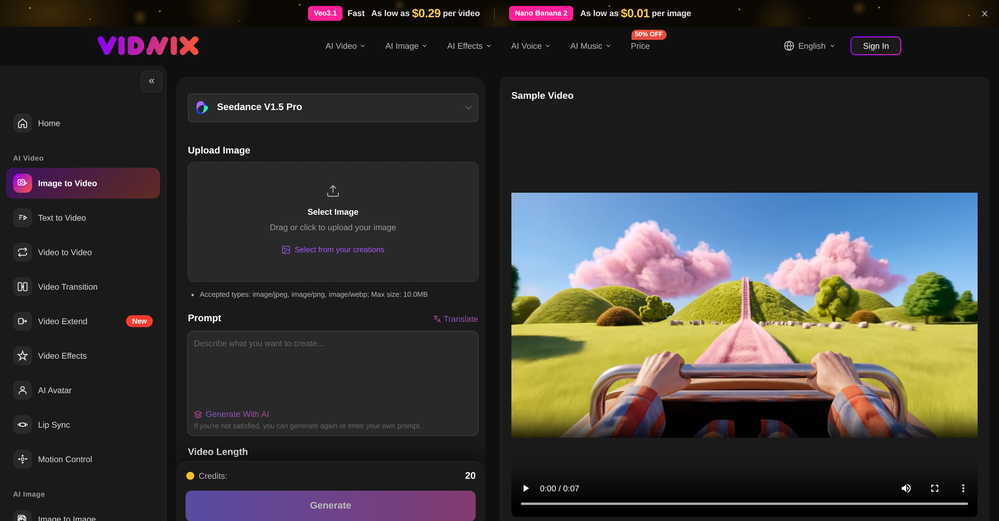 GOO DAGE🙏 25 karmaApr 24, 2026@Vidnix | AI Image to Video GeneratorThe generation speed is very fast, and having access to multiple mainstream models on a single platform — including the latest ones like Seedance2 and GPT Image2 — is great. The pricing is really affordable. I've already become an annual member.
 -
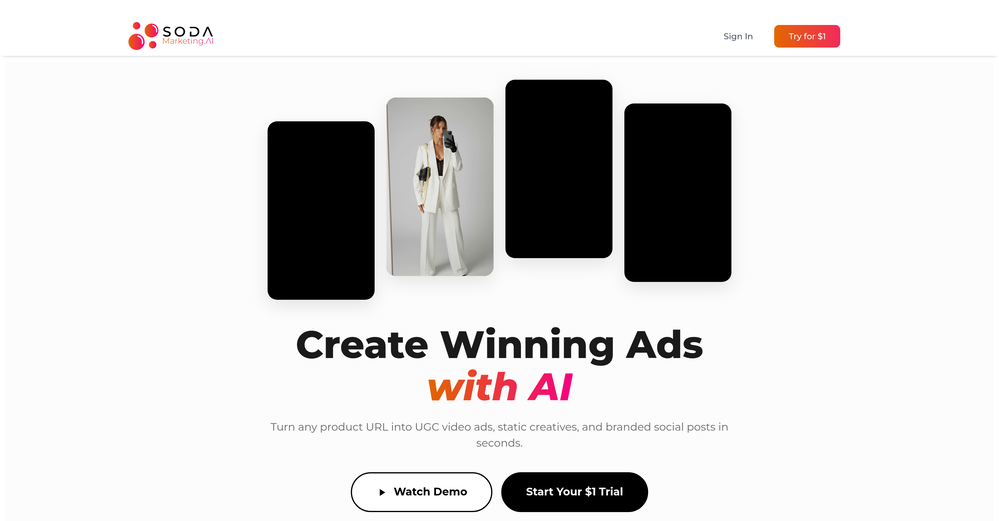 Very good tool to create hyper realistic UGC ads and on-brand static ads
 -
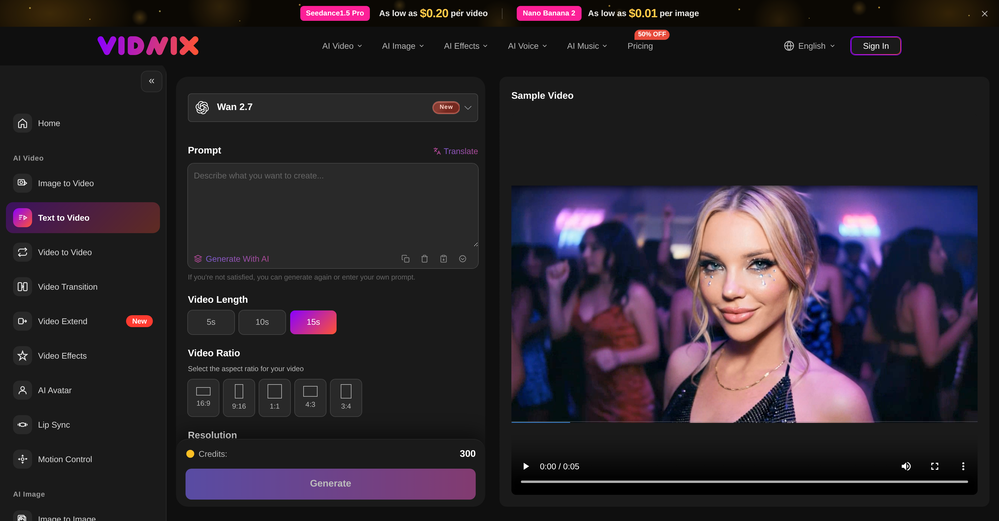 Solid. Not perfect but it gets the job done and the updates have been pretty consistent
 -
 Open
Open
-

-
-
-
-














Verified tools
-
Speed is amazing ! I will definitely utilize the tool in the future for film generation
- SpotlightSureThing.io - "OpenClaw" for BeginnersTask automation
-
 OpenHey 👋 — founder of Pinci here. Most AI tools hand you the controls and expect you to figure out the rest, the right model, the right prompt, the right settings. That's fine if you're an AI power user. It's a wall if you're not. Pinci works the opposite way. Each agent is a specialist creative director in one domain: Jules directs product video, Paul directs product photography, Tommy handles brand design. You describe the result you want in plain language. The agent decides how to get there, coordinates the right tools, and hands you a finished, ready-to-publish asset. No prompts. No model-picking. No AI knowledge required. You get 300 free credits on signup, enough to see exactly what I mean on your own product today. I'd love your honest feedback: which agent would you try first, and where does it fall short? 🙏
 -
 Open
Open -
Vireel offers the best realistic ai image to video and ai text to video tools. Incredible no watermark quality!
-
 Turn any image into AI video. No watermark, 10+ models, free.OpenVdoo is excellent; it can freely generate all sorts of videos and images I want. I highly recommend giving it a try.
 -
 OpenTried it with one photo and was surprised how natural the video looked — lots of effects and models to play with too
 -
To just upload my song and have AI figure out the rest so I can share my songs on tiktok etc... As a Suno user I've wanted something simple and affordable, this is finally it. Other tools want $50 credits then it turns out it's not even enough to learn the tool, never mind just get a usable video out.
-
 Transform photos into cinematic videos with AI.OpenOnly app I could create video for free! Thanks
 -
 Create any AI Videos, Images and Music - No creative limitsOpenI mainly used Himedia AI for image creation and got surprisingly realistic outputs. Prompt control feels intuitive compared with some other tools.
 -
 Transform your music into stunning visual experiences with AIOpenThe generation effect is good, the pictures are exquisite, and the transition animations of the pictures are smooth The only drawback is that it would be better if the generation time were a little faster
 -
 Open
Open -
Really enjoying VioEvo so far. It helps me test ideas quickly without getting stuck tweaking every little thing. Looking forward to seeing more models added over time.
-
 Turn prompts into polished images and videos, instantly.Open
 -
 Turn images into videos with advanced AI All with Fylia AI.Open
 -
 Open
Open -
 Turn simple prompts into viral videos, stunning images, and realistic audio.Open
 -
 OpenAI Inspo is an excellent all-in-one AI platform. With trending templates and advanced AI generation models, creating engaging videos becomes fast and effortless in just a few clicks.
 -
 Transform any photo into stunning dynamic videos.Open
 -
 Open
Open -
 Turn product photos into marketing videos instantly.Open
 -
I tried Animon for a bit and it’s actually pretty solid. It does a good job with simple animations and keeps the original image style pretty well, so the results usually look clean.
-
I really gotta let my heart out, got so many great reviews from my peers. It has helped me make my school work so much easier. I work with little children so when i make it cartoonish it's giving me the best one's yet.
-
This is an amazing AIGC tool! The effect is incredible, it can perfectly restore what I want.
-
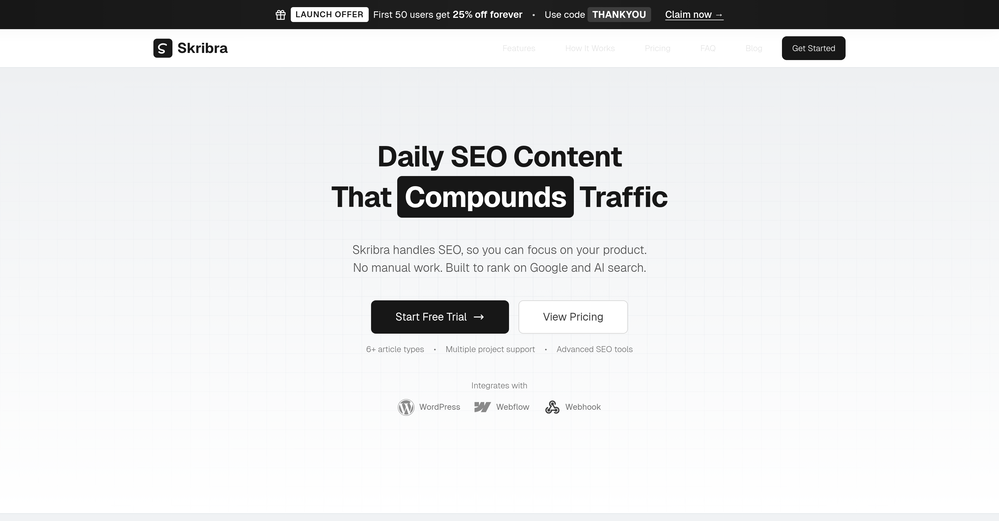
 Free AI video generator without watermarks.OpenSovideo.org is an advanced AI SaaS web platform built to unify powerful AI image generation and AI video generation in one simple, accessible workspace. It is designed for creators, marketers, and teams who want to turn ideas into high-quality visual content faster and easier than ever before. As an all-in-one AI image generator & AI video generator, Sovideo brings together multiple cutting-edge models, including Sora2, Nano Banana Pro, Veo3, and Seedream. Users can generate realistic images, creative illustrations, and cinematic AI videos from text or visual prompts—all without switching tools or learning complex workflows. Sovideo runs entirely in the browser, requiring no installation or technical setup. Its clean interface and cloud-based architecture make it easy to create, manage, and iterate on visual projects from anywhere. Whether you are producing social media content, marketing assets, concept art, or short videos, Sovideo helps streamline the entire creative process. By combining speed, flexibility, and powerful AI models, Sovideo reduces production time and lowers the cost of visual creation. It empowers users to experiment freely, scale content creation, and explore new creative possibilities. Sovideo.org is redefining how AI-driven images and videos are created—one platform, all-in-one AI, built for the future of visual content.
 -
I used it to generate several Christmas-related videos, and the results were excellent. It’s a really great product and definitely worth trying.
-
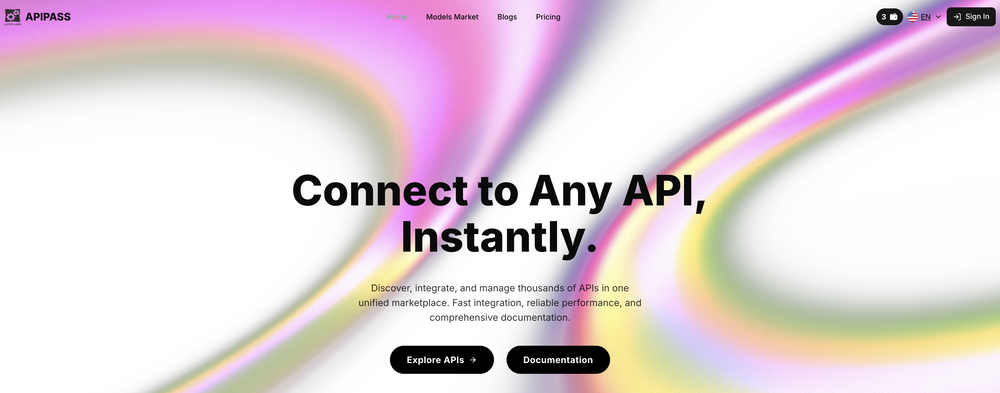
 Chain AI tasks with no-code into workflows for chatbots, video, documents, andOpenThis tool removes all of the prep work of getting an LLM API endpoint running. I can try out ideas quickly and see within minutes whether an endpoint concept actually works. And when it does, moving it into a production app is about as easy as it gets.
 -
Glad to see LitVideo listed here. Have been using it for a while. Easy to use, and LitVideo provides a relatively low-cost entry point into AI video creation.
-
 Turn scripts into creator-style videos instantly.OpenI built this because I had a spare RTX 5090 sitting idle and friends in e-commerce kept telling me UGC videos were too expensive. Most AI UGC tools cost 80 to 110 dollars a month, about 10 dollars per video. My prototype can already create 3-minute videos, but it takes almost an hour on one GPU, so I limited the public version to 30 seconds while I scale to 4 GPUs. Would love feedback on the best pricing model and go-to-market.
 -
 All-in-one AI Video Generator of Veo3,Hailuo,Seedance,Kling and more.OpenYa I would like to receive them as well
 -
 Generate romantic kissing videos from two photos.OpenI like the AI Kissing Video Generator in AI facefy. It's interesting to generate my romanatic video with my girlfriends
 -
It has most popular video models on the platform
-
 AI chat with images – Create, edit, innovate for free!Openthis is completely free, and it is amazing that you can change pictures into art and animations without paying anything.
 -
v03 ai is the only veo 3 videos generator supporting vertical videos for instagram, tiktok and other social media platforms, try it now!
-
 AI Video Generator by RenderFlow AI - Wan, Sora 2, Kling etc.OpenHello. Thanks for your feedback. The amount of credits coming with the free plan still covers 1 video from either Kling 2.1 standard model or Hailuo 2 standard model. It also can cover a couple of images from all image models. Hope this could help. Thanks
 -
 Create videos with consistent characters and scenes.OpenSays free trial but then there's not enough credits. False marketing in my book.
 -
 Open
Open -
link is taking to pollo.ai which simply uses vidu ai model and charges double for extra some extra tools please either fix the link to actual vidu ai or change the name to pollo ai very misleading actual vidu ai link www.vidu.com
-
This video generator did much better than I expected on complex subjects. Unfortunately, it isn't as free as I wished. I could not iterate my creation to create a resolved result.
-
It look to me like it chooses short videos and mix them, not generating a new video. It is similar to my prompt, but much far from it
-
Thank you for the feedback, Bella Blast. All of the issues you mentioned have been addressed, and the Learn My Voice engine has been fixed and improved. We really appreciate you taking the time to share this — feedback like yours helps us make the experience better.
-
Reloop let's you create and edit ads in different kind of styles, whether you want to promote a product, a service or a tool, you can do it in 3 minutes, by having a convo with an agent. The output and ease of use is great!
-
 Turn property photos into scroll-stopping videos that sell homes faster.Open
 -
You are absolutely right. There are a lot of founder and certain types of tools that assume their users are experts, making their products very technical. GeekLink is not that kind of product. A creator shouldn't have to know the exact parameters, meanings, and depths behind it. All of that is handled behind GeekLink.
-
 Open
Open -
Hi! Thor here, the creator. Think of Axey as your collaborative partner: you give commands, watch Axey work, refine & perfect. Feel free to ask any questions!
-
 AI jewelry retouching, virtual try-ons & video — studio quality in secondsOpenWe teach product photographers for a living, so we're picky about what actually holds up to a pro eye. NeuroViz surprised us. The retouching keeps the real texture of metal and stones instead of plasticky AI smoothing — that's the part most tools get wrong. We've started recommending it to students who need clean catalog shots fast without losing the craft. It doesn't replace a good photographer, it just removes the boring 80% so you can focus on the shot that matters.
 -
-
-
As the developer behind Pixado, I built this because I was tired of spending hours on design tools just to get a decent thumbnail. I wanted to create something that focuses purely on CTR and production-ready output, not just 'artistic' images. I’m constantly refining the models to handle real YouTube layouts. Would love to hear your feedback on the latest results—what features would make your content production even faster?
-
GoFaceless turns a single prompt into a finished, ready-to-post video — script, AI voiceover, B-roll, music, titles, and captions, fully assembled. No timeline to wrestle with, no stock clips to hunt down.
New in this release:
- Edit by chatting — change the voice, script, pacing, language, or any setting just by typing, and it re-renders instantly.
- Full timeline control when you want it — trim, split, reorder, and adjust volume on any track.
- Reusable AI presenters + faceless B-roll — pick a character once, reuse it across every video.
- 30+ languages, vertical and landscape (16:9), with grounded visuals that match real places and facts.
Describe your video, get a finished one back, then refine it in plain English. Faceless content on autopilot.
-
Been using Playyy for a while now and it's become a core part of my design workflow. I'm juggling a few different brands and projects at once, a clothing label's brand identity book, podcast cover art, poster design, and the brand kit feature has been a lifesaver for keeping each one's visual style separate and consistent. No more mixing up palettes or fonts across projects.
-
The Agent is really handy. It's much more streamlined and convenient than canvas-based AI tools. There's a bit of a learning curve at the start, but once you get the hang of it, it's incredibly useful
-
tried it for a quick edit and it was super easy to figure out. saved me a bunch of time cutting out the boring parts lol. would be nice to have a few more options for tweaking things, but overall it gets the job done :))
-
 OpenI was struggling to create some free Christmas and New Year's e-cards, and these templates are really good. I recommend giving them a try. The only downside is that each free template can only be used once.
 -
AI Video Prompt (1 Minute): > Create a 1-minute ultra-realistic cinematic video about a poor 12-year-old boy named Ali. Ali lives with his widowed mother in a small mud house in a village. They struggle to afford food, but Ali is hardworking, humble, and always smiles. Every morning, Ali wakes up before sunrise, helps his mother, carries vegetables to the market, shines shoes, and works honestly all day. One afternoon, he finds a wallet full of money on the road. Although his family is poor, Ali chooses to return the wallet to its owner. The owner is deeply touched by Ali's honesty and rewards him with a good job and financial support. In the final scene, Ali and his mother are smiling in their improved home, grateful for a brighter future. Ultra-realistic, emotional storytelling, cinematic lighting, realistic facial expressions, smooth camera movements, golden-hour colors, inspiring background music, 4K, movie-quality visuals.
-
Works wonders for anime, has me taking it in consideration for a tool rotation.
-
After testing Viyou AI Motion Control, I’m impressed by how it solves the 'stiff' movement common in AI video. While competitors struggle with physical contact, I found Viyou excels at fluid, complex interactions like hugging and dancing. It’s my go-to tool for cinematic storytelling where precise subject behavior matters most.
-
-
This is not good, it is randomly adding 3 seconds video before the given video. Not related to the video, so not good.
-
 Web platform for video translation, text-to-speech conversion, image creation, media editingOpenGenerated a pretty accurate video translation. Also, was quite impressed with a price tag.
 -
If you don't offer any free trial credits or at least show videos without a watermark, no one will feel confident enough to purchase credits without testing it first. People need to verify the quality before committing to a purchase.
-
Scrollsequence is a game-changer for interactive storytelling! Smooth animations, intuitive setup, and impressive control over scrolling sequences make it perfect for engaging web experiences. Highly recommend for designers and developers looking to elevate their sites. 🙌
-
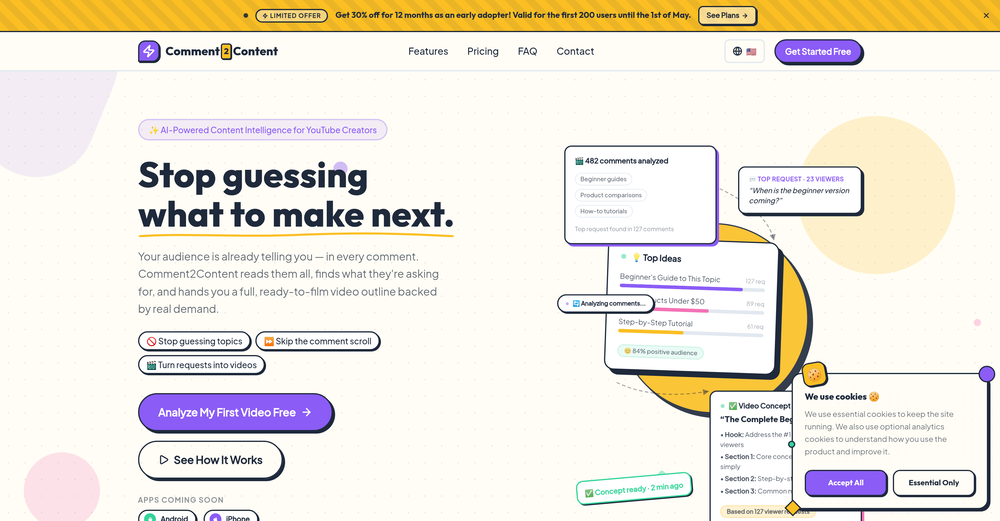
VideoIdeas.ai Creates YouTube Video Ideas & Scripts
-
Love Dadan's new AI features. I used to hate searching through videos to find specific points and actions. Now I just get AI Assist to transcribe them and use one of the meeting templates to find what I need in a few seconds.
-
 Edit smarter, faster and easier with Filmora’s powerful AI video tools.Open
 -
I am the builder of WUI.AI, an innovative content repurposing application designed to help global individual creators transform their text, audio, and video content into platform-optimized short and long videos for YouTube, TikTok, Reels, and more, with automated publishing capabilities. I try to build in public so any feedbacks will be appreciated
-
This is truly a wonderful experience that brings joy and delight.
-
 Turn baby photos into talking podcast videos.OpenWow, The AI tool is so interesting for the AI talking baby podcast. I like it. Thank you for the AI
 -
-
-
 Open
Open -
 Create Stunning PPTs in Seconds with the AI PPT MakerOpen
 -
Great and easy to use chatbot.... It is my personal advisor...
-
 AI-powered outreach and multimedia delivery to help sales and marketing teams close.Open
 -
Been using CloneViral for my UGC ad campaigns and it's honestly a game-changer. The Agent Mode feature is what sold me - you basically describe what you want, and their AI agents collaborate to handle everything from scripting to final video. No more jumping between 5 different tools. The UGC Ads generator is surprisingly good. I can create authentic-looking user testimonials and product demos in minutes instead of hiring creators or spending days editing. Quality is solid enough that my clients can't tell the difference. Not perfect, but for the price and time it saves me, it's become essential in my workflow. If you're doing any kind of social media marketing or content creation at scale, worth trying out.
-
-
Smarter Music Analysis, Better AI Music Videos, and Lyrics Video Creation
AirMusic v2.6 introduces major improvements across music analysis and video creation workflows.
This update upgrades AI Music Analyzer with deeper song insights, improves the AI Music Video Generator experience, adds subtitle editing for MVs, and introduces a new Lyrics Video Maker for creating lyric-based music videos.
🎵 AI Music Analyzer — Deeper Music Understanding
AirMusic’s AI Music Analyzer has been redesigned with more detailed song analysis capabilities.
The analyzer now provides:
- BPM analysis — detect the tempo and rhythm of your track
- Key detection — identify the musical key of the song
- Genre analysis — understand the main music category
- Mood analysis — identify emotional tone and atmosphere
- Style analysis — understand the overall musical direction
- Detailed instrument analysis — detect instruments used in the track
- Vocal style analysis — analyze singing characteristics and vocal expression
- Song structure analysis — identify sections such as intro, verse, chorus, bridge, and outro
- Style description — generate a detailed description of the song’s sound and creative direction
These improvements help creators better understand their music and provide richer input for AI-powered music creation and video generation.
🎬 AI Music Video Generator — Cleaner Interface, Smoother Workflow
The AI Music Video Generator interface has been redesigned with a cleaner and more intuitive layout.
Improvements include:
- Simplified page structure
- Clearer creation steps
- Easier video style selection
- More focused controls for music video generation
The updated workflow makes it easier to go from song upload to finished AI music video.
💬 Subtitle Editing for AI Music Videos
AirMusic now supports subtitle editing for generated music videos.
Creators can customize subtitles and lyrics display to better match their video style, making it easier to create:
- Lyric-based music videos
- Social media music clips
- Performance videos with synced lyrics
🎤 New Lyrics Video Maker
AirMusic v2.6 introduces Lyrics Video Maker, a new tool for creating engaging lyric videos from songs.
Users can turn their music into visual lyric content with synchronized text and AI-generated visuals, making it easier to create shareable videos for:
- YouTube music uploads
- TikTok and Instagram Reels
- Song promotion and artist branding
🛠️ Bug Fixes & Improvements
Based on user feedback, AirMusic v2.6 also includes multiple bug fixes and stability improvements.
These updates improve overall reliability across music analysis, video generation, and content creation workflows.
🎯 Best For
- Musicians and independent artists who want deeper insights into their songs and better tools for promoting their music
- AI music creators who need detailed song analysis before generating music videos
- YouTube, TikTok, and Instagram creators who want to create lyric videos and music content faster
- Suno and AI-generated music users who want to transform songs into polished visual content
- Creators producing multiple music videos who need a simpler and more efficient workflow
With AirMusic v2.6, creators get a more intelligent music analysis system, a smoother AI music video creation experience, and new ways to turn songs into engaging visual content.
-
This release introduces Flint, a new family of each::labs image models designed to deliver frontier-quality results with production-ready economics.
- flint-image: Generate four distinct images from a single prompt in one call for $0.20, compared with $0.60 for a standard generation.
- Flexible output controls: Set the output format and aspect ratio for each run, so generated images fit directly into your layout.
- Available across each::labs: Access Flint through the API at api.eachlabs.ai or the visual no-code AI Flows builder, with pay-per-call pricing and no subscription required.
- Coming next: Additional Flint models for clean 4K image generation and editing, available at the same $0.20 per-call price.
-
 Generate custom copyright-free music that fits to your video automaticallyOpen
-Complete redesign with the new AI Soundtrack experience.
-Improved soundtrack generation workflow from upload to export.
-Better preview and audio controls for fine-tuning your soundtrack.
-Numerous performance improvements, bug fixes, and UI refinements.
-
 Turn any song into scroll-stopping videos in minutes with AI-directed scripts andOpen
 -
 Open
Open -
-
Many ai models help me create videos I love
-
 Create on-brand image and video ads in minutesOpen
 -
 Start from real examples. Turn one good clip into a full video.OpenI was surprised by MotionGen's image2 model. I've uploaded a photo and it accurately suggested hairstyle variations I actually loved. Didn't expect that at all.
 -
Best Free Movie Maker App on the Market
-
 The workspace where memory, agents and creative studios share one canvas.Open
 -
Clean UI, multiple video models in one place, and fair credit refunds when generations fail. Nice that you can try it for free before committing.











































































































































Other tools
-
 Open
Open -
 Open
Open -
-
 OpenIf you can put right text you will get best result.
 -
 Create romantic kissing videos from images with AI.Open
 -
Greetings Kalyani. Tool offers you 1 credit upon sign up, you can use that in order to test it out. That counts as a free trial. Have fun !
-
-
 Generate SEO-friendly YouTube descriptions with AI instantly.Open
 -
I think it delivers on all of its claims, specially the transcription and Blogs.
- Didn't find the AI you were looking for?
-
Been using Knowcast to keep up with new ideas and information, and I like how easy it is to discover and revisit useful content. The experience feels straightforward and helps cut through a lot of the noise, making it easier to stay informed without getting overwhelmed.
-
I’ve been an entrepreneur since my early 20s so I don’t often give low ratings even if I don’t like a product as it’s never my intention to potentially hurt a small company that’s just starting out but I’ve got to say that this is beyond worthless as a tool. The promise of street interviews Sounds like an excellent way to promote a product, but after paying you find out that it has a limitation of eight seconds. Barely enough time for an extremely simple question and a one sentence answer at best. It was only 10 bucks to find out but for this to be viable there needs to be an option to extend up to at least 20 or 30 seconds. I’d happily pay the 10 bucks for 1 32nd St. interview that could be solid for marketing than 5 videos of 8 seconds each that are just useless. Also, just a quick update. The first video I generated took maybe five minutes. The next two attempts are still processing after almost a half an hour. I think with something like this, it needs to be made much clearer that the interview is limited to eight seconds. But in my opinion, that’s besides the point as that kind of time limitation is just way too short for any kind of “interview”.
-
easy to use meets very specific need but for general purpose ( quick enhance)
-
 Creates casual-toned video ideas and shot lists in table format.Open