 MongoDB - Build AI That Scales
 Mini tools
 AI-powered research and knowledge management assistant













 TheLibrarian.io
 Supernormal App
 Saidar
 Runable
 ComputerX
 Collate
 AiAssistWorks - GPT Gemini Claude AI for Sheets Docs Slides
 ConsoleX AI
 Skymel: Create Your Own Personal Agents
 Ask Steve
 Alfred by Simbli.ai
 Affint
 BrowseWiz
 Sup AI
 MiroAI
 Support Flow
 Octofy
 Criticly
 Mentor: Get things done
 Singularity AI
 Constella
 Cerebro
 Liminary
 Keymate.AI
 everfind | AI workspace
 MyMemo
 Keepi
Keepi
 ArcaNotes
 Cortex | BodhiGPT
 Aethera
 Guru
Guru
 Quench.ai
 curioAI
 Confi AI
 Ask by Slite
 IKI AI
 Grokipedia
 Perfect Wiki
 Ariglad
 Tettra
SurfSense




Overview




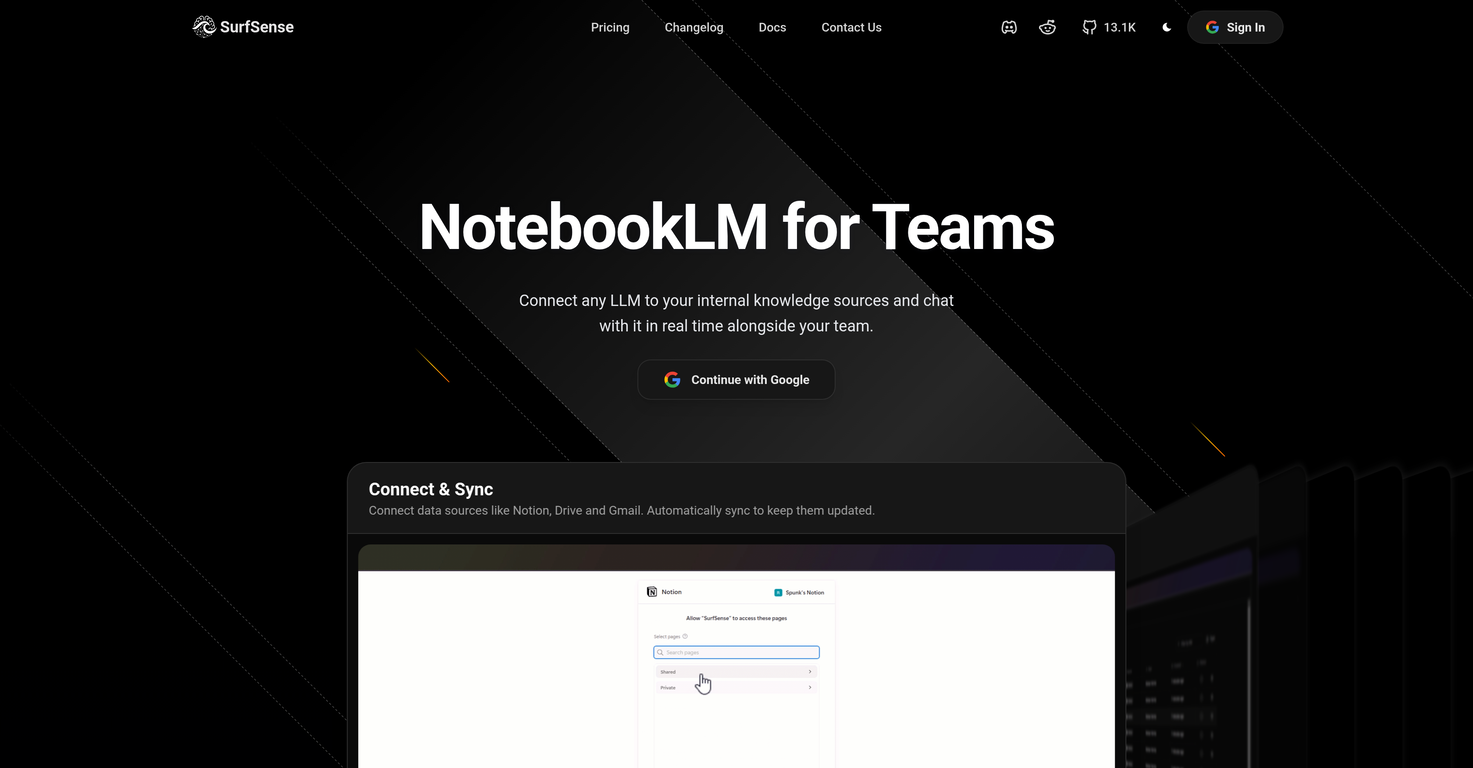
SurfSense is an AI-powered research and knowledge management assistant designed with versatility and productivity in mind. The tool integrates into a variety of other platforms like Notion, GitHub, Slack, and more, allowing users to easily manage, search, and engage with their documents.
It has the capability to generate podcasts, execute hybrid searches, and derive insights from a users knowledge base.Beyond the conventional document interaction, SurfSense transforms company documents into live workspaces, allowing for real-time collaboration and live content edits.
Added features go beyond just text-based interaction, allowing teams to create multimedia content that can be shared and improved upon within the workspace.
The software also supports numerous other AI models, running Inference via vLLM, Ollama, llama.cpp, LM Studio, among others, offering flexibility and adaptability suitable for a variety of operations.The assistant is fully customizable with the option to directly integrate user feedback onto chats and documents for better interaction and clarity.
It allows for instant retrieval of information, detailed updates, and cited answers across company and personal knowledge.SurfSense is equipped to transform the way teams collaborate and discover with its intelligent search feature, essentially unifying all a team's knowledge in one collaborative space.
The tool is designed to enhance collaboration, boost productivity, and streamline workflows for teams.
Releases


Pricing
Top alternatives
-
 Openremio v2.10.0 Early Spring Update! With a limited time 30% discount! 1.📱remio Mobile App is now live on the App Store & Google Play Capture notes, voice memos, and photos anytime, anywhere—so every spark of inspiration goes straight into your knowledge base. Everything you add or save on your phone will automatically sync to your computer. 2.🍌Nano Banana Image Generation Unleash your creativity. Generate infographics and design assets directly within your knowledge base using Nano Banana. 3.💬Ask with Chat History Context Your AI chats are no longer isolated. Reference historical chats in your Q&A for deeper context. Adding to favorites/later & rename are also supported to keep your chats organized. 4.📧Outlook Email Sync Expand your knowledge net. Sync, search, and chat with your Outlook emails just like you do with Gmail. 5.📈Enhanced Slides Parsing & Preview Enjoy upgraded parsing accuracy and full visual rendering for all your .pptx presentations. 6.⬆️More experience improvements Q&A prompt suggestions on the Chat home screen, LaTeX formula rendering, and enhanced multilingual meeting features, plus more.
 -
 amix ffx🙏 38 karmaJun 22, 2023@RecallReally like how it finds connection in the content that I save. I don't think any other tool can do that.
 -
-
The accuracy is very high, and I can check the answers against the original webpage, which is great.
-
-




 0
0



