Go to section
Sponsor
 Flow - 4x faster than typing
🎤 Dictation
Flow - 4x faster than typing
🎤 Dictation
The front page of AI.Used by 90M+ humans.

Generate image
Tasks
Generate text
Free mode
Trending
Leaderboard
Characters
 Mini tools
New
Featured
Lists
Agents
Requests
Jobs
Map
Newsletter
Starter pack
Free tools
Speech to text
Text translator
Remove background
Settings
Edit profile
My tools
Gallery
Dashboard
Inbox
Get featured
Contact TAAFT
For you
Popular
Job impact index
Most saved
Affiliate program
Submit AI tool
Notification preferences
Glossary
Home
Timeline
My profile
Create tool
Deals
Companies
Models
Robots
Papers
Fundraises
Repositories
Devices
Organizations
Events
Prompt Pack
Merchendise
APIs
Features
Tools
Countries
Collections
Videos
Mini tools
New
Featured
Lists
Agents
Requests
Jobs
Map
Newsletter
Starter pack
Free tools
Speech to text
Text translator
Remove background
Settings
Edit profile
My tools
Gallery
Dashboard
Inbox
Get featured
Contact TAAFT
For you
Popular
Job impact index
Most saved
Affiliate program
Submit AI tool
Notification preferences
Glossary
Home
Timeline
My profile
Create tool
Deals
Companies
Models
Robots
Papers
Fundraises
Repositories
Devices
Organizations
Events
Prompt Pack
Merchendise
APIs
Features
Tools
Countries
Collections
Videos
Mini tools
New
Featured
Lists
Agents
Requests
Jobs
Map
Newsletter
Starter pack
Free tools
Speech to text
Text translator
Remove background
Settings
Edit profile
My tools
Gallery
Dashboard
Inbox
Get featured
Contact TAAFT
For you
Popular
Job impact index
Most saved
Affiliate program
Submit AI tool
Notification preferences
Glossary
Home
Timeline
My profile
Create tool
Deals
Companies
Models
Robots
Papers
Fundraises
Repositories
Devices
Organizations
Events
Prompt Pack
Merchendise
APIs
Features
Tools
Countries
Collections
Videos

▼ Latest
Build
Free mode
100% free
Freemium
Free Trial
Featured matches
-
-
-
-
-
-

-
-
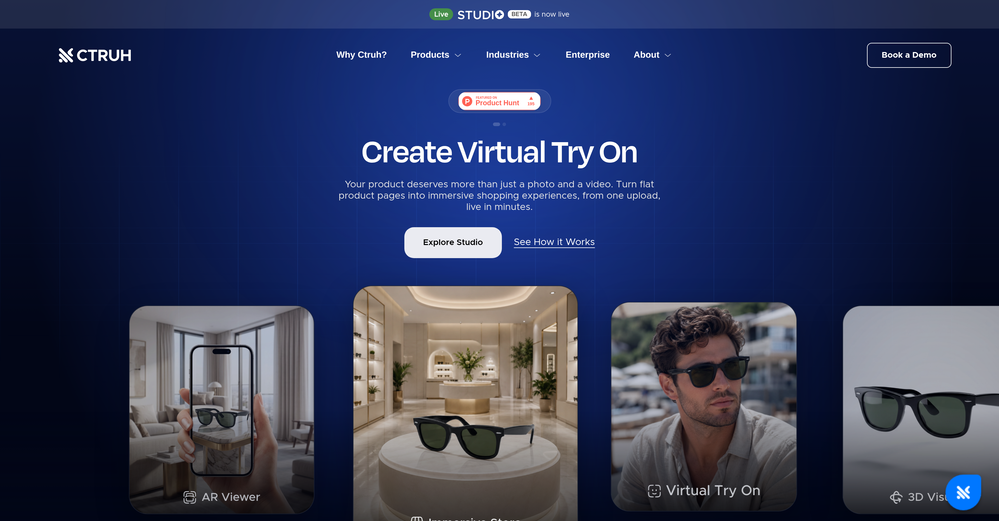 Sharun Kanan🙏 5 karmaJul 16, 2026@Ctruh3D assets in minutes and then ability to use them in AR and in my website in just minutes is a game changer! Tried their free plan and now moving to their basic plan to go through it more!
 -
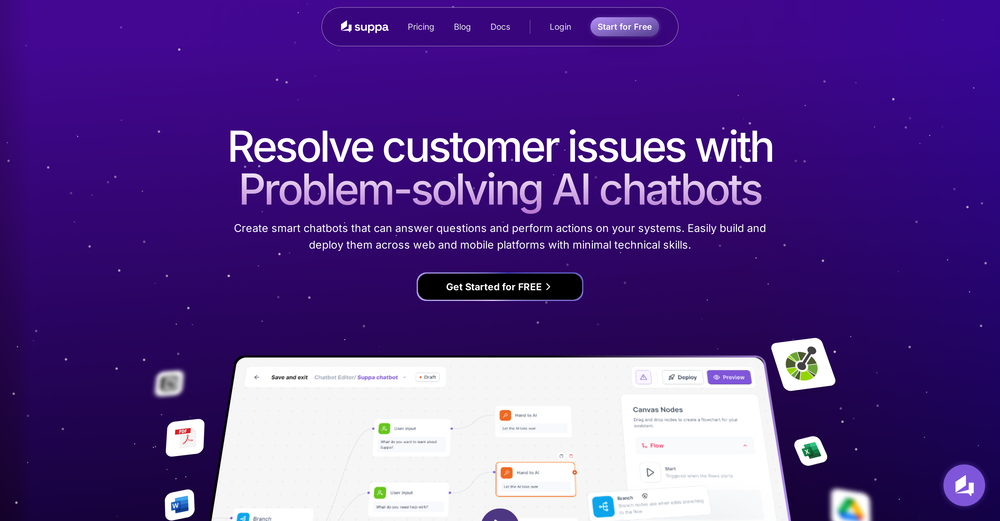 Currently using it for handling basic FAQs and simple actions and it's doing the job. The no code part makes everything straightforward. Replies are fast and natural. Nice tool option if you're looking to simply add a chatbot without dealing with the complex stuff.
 -






Verified tools
-
New: Added multilingual support. Improved: Enhanced the AI agent building experience and refreshed the website visuals for better usability. Fixed: Fixed some known issues to improve overall stability.
-
We're live folks! Do check us out and drop your feedback or requests.
- SponsorFlow - 4x faster than typing🎤 Dictation
-
Used it for PPT generation and performed extremely well, especially the numbers and data part.
-
 Build web apps and websites without writing any code.OpenHey! My name is Domantas and I invite all fellow solopreneurs, business and product owners to try Hostinger Horizons. Using it is super simple - you are creating a website or application just by prompting - chatting with AI. No struggle, code or design skills are needed. You can literally have your website live in few minutes. Looking forward for your feedback!
 -
 Build, deploy, and govern autonomous enterprise AI agents with total data sovereignty.OpenAs founder, this was a great product for working on for enterprise teams, and looking forward to more releases
 -
Great product to offload the data analytics workflow.
-
Looks like an interesting project with complete focus on ease of use and no-code environment! 🤩 #NoCode #Project #Software #Development #EaseOfUse
-
This is a very useful tool, especially for me as a small business owner. It keeps everything in one place
-
huge timesaver, had an ideea for an app to help me with my invoices and it made a working website without me needing to set up anything, I didn't even have to leave the chat to do this
-
-
 Build smarter AI voice agents with the best speech recognition technologyOpen
 -
-
 OpenLove that it’s open source. I built a whole GPT content pipeline in a weekend.
 -
One of the most accurate API's I've used for speech to text and summarization. Cost effective w/ bulk contracts too.






















Other tools
-
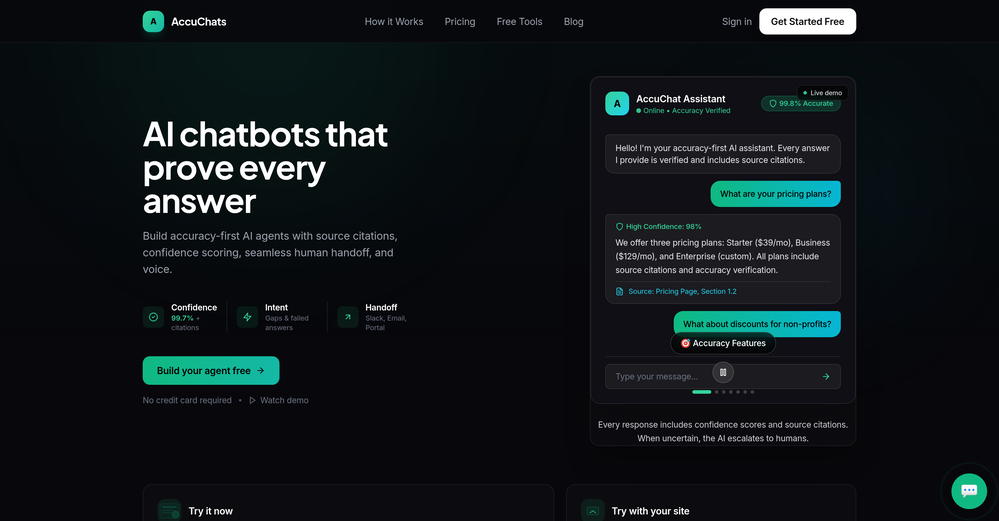
We added Build Chatbot to our website for FAQs and support. It impressively gives exact answers from our service files. The ease of getting started is the best. I was up in less than 5 minutes, asking questions to the files.
-
 Open
Open - Didn't find the AI you were looking for?
-
I asked it to generate simple and more complicated code, from scratch or fixing. Planning on trying it out more in the future, as it could be of great help.
-
 Open
Open -
i've been trying for almost an hour to check how this works. The See Demo page takes me to a "Ask me about Tesla" page? i just want to test your product, it shouldn't be this hard -_-