Go to section
Spotlight SureThing.io - "OpenClaw" for BeginnersTask automation
The front page of AI.Used by 90M+ humans.

Generate image
Tasks
Generate text
Free mode
Trending
Leaderboard
Characters
 Mini tools
New
Featured
Lists
Agents
Requests
Jobs
Map
Newsletter
Starter pack
Free tools
Speech to text
Text translator
Remove background
Settings
Edit profile
My tools
Gallery
Dashboard
Inbox
Get featured
Contact TAAFT
For you
Popular
Job impact index
Most saved
Affiliate program
Submit AI tool
Notification preferences
Glossary
Home
Timeline
My profile
Create tool
Deals
Companies
Models
Robots
Papers
Fundraises
Repositories
Devices
Organizations
Events
Prompt Pack
Merchendise
APIs
Features
Tools
Countries
Collections
Videos
Mini tools
New
Featured
Lists
Agents
Requests
Jobs
Map
Newsletter
Starter pack
Free tools
Speech to text
Text translator
Remove background
Settings
Edit profile
My tools
Gallery
Dashboard
Inbox
Get featured
Contact TAAFT
For you
Popular
Job impact index
Most saved
Affiliate program
Submit AI tool
Notification preferences
Glossary
Home
Timeline
My profile
Create tool
Deals
Companies
Models
Robots
Papers
Fundraises
Repositories
Devices
Organizations
Events
Prompt Pack
Merchendise
APIs
Features
Tools
Countries
Collections
Videos
Mini tools
New
Featured
Lists
Agents
Requests
Jobs
Map
Newsletter
Starter pack
Free tools
Speech to text
Text translator
Remove background
Settings
Edit profile
My tools
Gallery
Dashboard
Inbox
Get featured
Contact TAAFT
For you
Popular
Job impact index
Most saved
Affiliate program
Submit AI tool
Notification preferences
Glossary
Home
Timeline
My profile
Create tool
Deals
Companies
Models
Robots
Papers
Fundraises
Repositories
Devices
Organizations
Events
Prompt Pack
Merchendise
APIs
Features
Tools
Countries
Collections
Videos

▼ Latest
Audio tool
Free mode
100% free
Freemium
Free Trial
Featured matches
-
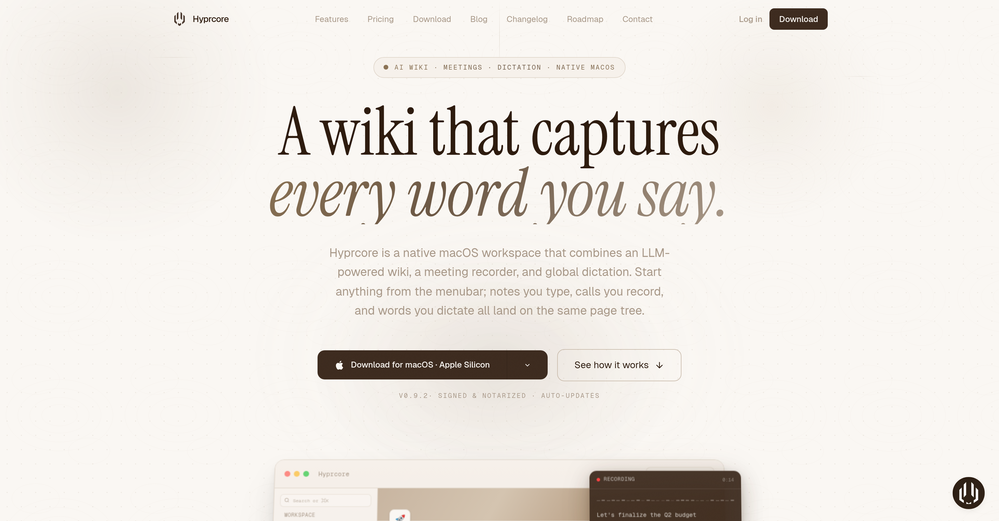
 Zeeshan🛠️ 1 toolMay 9, 2026@HyprcoreAwesome to use, the dictation really helps out while doing dev work
 -
-
-
-
-
-
-
 This is a great smart tool for recording memoirs. It helped me record my childhood memories from long ago, and the generated images are beautiful. They can be used as chapters in my memoirs and can be continuously updated. Oh, and I especially think the images generated from those words are amazing! This tool is also easy to use, making it suitable for seniors. Therefore, I will recommend it to my grandparents to record their special moments!!
 -
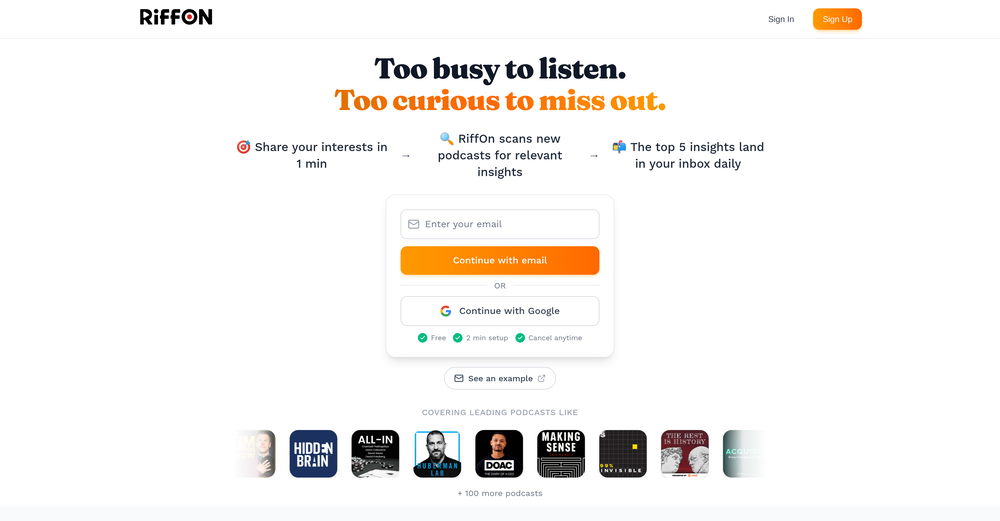 This is a great platform for synthesise insights from different podcasts in case you'd like to extract key point without watching the entire thing. Here's a video I made on it https://youtu.be/m9jw29xsQbo
 -
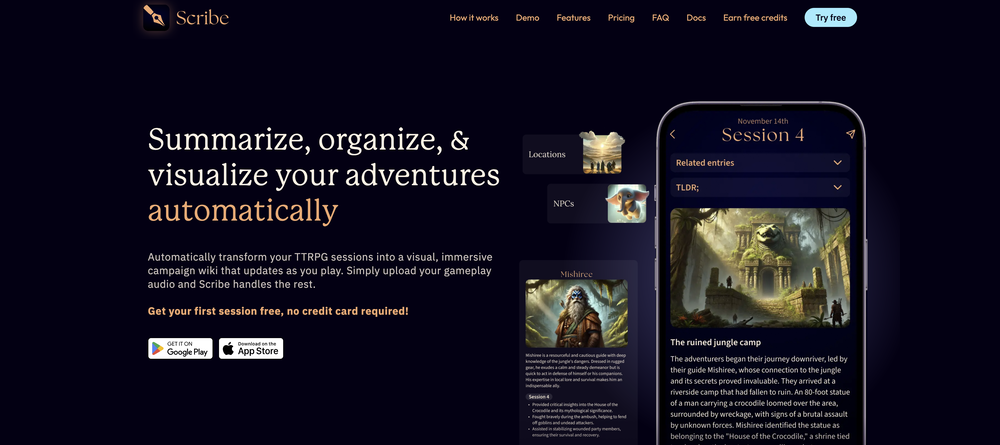









Verified tools
- SpotlightSureThing.io - "OpenClaw" for BeginnersTask automation
-
Tried this with a couple clips and the speed was honestly impressive. Feels super useful for creators and research workflows.
-
One thing we kept noticing with AI music: Great songs were being generated… but most of them still looked like demos when shared online. We built LyricMV to help turn AI-generated music into something that actually feels publishable — cinematic lyric videos with synced visuals, emotional pacing, and short-form friendly formats. Would love feedback from the AI music community 👀
-
As a student, I regularly work with research papers and long PDFs. PodcastorAI has been a helpful way to turn that content into something I can listen to while commuting or walking. I like that it creates a structured podcast rather than simply reading the text aloud. The dialogue format is surprisingly engaging and makes dense material easier to get through. I still rely on the original documents for deeper study, but for review and knowledge retention, it's been a genuinely useful tool.
-
AudioScribe has been really helpful for turning meeting recordings into clean transcripts without much hassle. I especially like the AI summaries and speaker identification, since they make it much easier to review long conversations and pull out the key points. Solid tool overall, and definitely worth a 5-star rating.
-
-
 Live transcription and translation for any audio: meetings, streams, calls. 60+ languages.Open
 -
This app now supports both iOS & macOS: https://whispernotes.app
-
been using this for a bit and the songs it makes are honestly pretty good, way better than i thought. love the clean design too, makes it easy to use. only thing i wish is there was some kind of playlist feature so i can organize all the songs i made, gets hard to find stuff after a while. but yeah solid app overall
-
Vireel offers the best realistic ai image to video and ai text to video tools. Incredible no watermark quality!
-
 Edit smarter, faster and easier with Filmora’s powerful AI video tools.Open
 -
The talking avatar is something to been seen. Improvements are needed but AI technology is coming along. This looks promising!
-
 Extract Wisdom from Any Link -- 6 AI Models, Haiku 4.5 SynthesizedOpenExtract wisdom from YT, websites, PDFs, any link. Multiple models catch what single perspectives miss. Organized thematically. Honest about uncertainty. Built for understanding, not compression. All feedback welcome!
 -
 OpenThis is my favourite, so handy and works brilliant
 -
 Turn any song into scroll-stopping videos in minutes with AI-directed scripts andOpen🎬 BeatMV AI Music Video Generator v3.2 — Jul 19, 2026 🎬 BeatMV v3.2 — Product Update Two new flagship image models and per-scene sound design — paint every frame and give every shot its own atmosphere. ✨ New Features 🎨 FLUX 2 Max + Midjourney Two new image models join the lineup. FLUX 2 Max (reference-aware, 5 credits) keeps your characters and references consistent; Midjourney (8 credits) brings its signature painterly look, with prompts auto-cleaned so they pass moderation. Available in Fast, Script, and Custom director modes. 🔊 Per-Scene Sound Design Each scene can now generate its own ambient sound and effects (via MMAudio), matched to what's happening on screen — footsteps, rain, room tone — mixed into your final export for a richer, more cinematic soundscape. 🔧 Improvements & Fixes 🧹 Leaner, Stronger Model Roster Retired underperforming models (NanoBanana 2, SeedDream, Vidu basic) and repointed defaults to higher-quality models for more reliable results. 🎤 Lip-Sync Heads-Up Generating a singing or dancing shot with a non-lip-sync model now shows a quick warning so you can switch models or continue — no more surprise mismatches. 💸 No Double Charges on Regenerate Regenerating a scene now refunds the credits from a failed previous attempt, so retries never cost you twice.
 -
Maybe you don’t have a subscription, so there are no credits on your account, and a lot of features require credits to use.
-
only the part of my own voice is not possible, but it's amazing as application
-
Hey this is Tan, I'm the creator of NotesBot. I created this tool because I needed it for my own meetings. After using myself and getting great summarization reviews from my peers, I decided to release it to the public. After release, we realized people were also using it for Dungeons and Dragons, I then added a DnD mode. This tool is non-invasive, very easy to set up, and perfect for meetings. I hope you enjoy using it!
-
 Open
Open -
I use Coolo to remove bass from the song. By isolating the bass track, I can hear every single note and nuance. It’s also been great for making backing tracks to practice my guitar solos over. Very nice!!
-
"I was very disappointed to find out that although this AI claims to be free, it requires payment when downloading files. This was not clear upfront and felt misleading. Please provide clearer information about any charges before users get too far in the process."
-
 Turn images into videos with advanced AI All with Fylia AI.Open
 -
The "Lion and Sun" symbol is seen on streets where protests are underway, fires are spreading, and the nation has risen up for freedom.
-
Particularly useful in scenarios where human voices are clear but background noise is complex.
-
Very simple and easy to use. The premium feature of Lyrics helper really helped me to write lyrics exactly the way i wanted.
-
I spent a few days on the free plan testing Melody Genie to draft verses and choruses in different artist styles, and it nailed the vocabulary and flow more often than not. The tool's ability to switch tones and produce coherent punchlines made it effortless to iterate on song ideas. Maybe till now the best lyric generator out there with a huge difference
-
While searching for audio transcription tools, I found that many came with limitations—until I discovered Audio Transcriber AI. Not only is it free and unlimited, but its accuracy rivals that of paid tools; I have since recommended it to my friends.
-
Hi 👋 I'm Vera, the maker of Whisper Web. I built it because I needed a frictionless way to turn recordings into structured text — meeting notes, interview quotes, podcast transcripts, YouTube research. Whisper Web runs entirely in your browser. Drop an audio or video file (up to 2GB), record from your mic, or paste a YouTube URL. You get a clean transcript with automatic speaker labels and a structured AI summary covering key points, action items, decisions, and quotes — all in under 3 minutes. 100+ languages, auto-detected. Six export formats: TXT, DOCX, PDF, SRT, VTT, and JSON. Privacy-first by design. Free to try, no credit card. Would love your feedback — drop a recording you've been putting off and tell me how it went. — Vera
-
 Free text-to-audio reader for PDFs, web pages, URLs, and even paper books.Open
 -
-
"WriteSongAI offers an incredibly smooth end-to-end experience for music creation. The AI vocals sound remarkably human-like across different genres, and the ability to export studio-grade WAV files directly from the browser is a huge plus. Whether you are a beginner or a pro needing a quick arrangement, this tool delivers quality results in seconds."
-
-
AITextSong.com is a solid choice for creators who need high-quality music without a background in production. The ability to extend tracks up to 8 minutes is a standout feature, and the built-in vocal remover is a massive plus for those who want to remix or create karaoke versions. While it could use more vocal customization options, it’s one of the most efficient tools I've found for turning lyrics into fully produced WAV files.
-
Steer clear of this by any cost ! it gives you ONE video for free and then ask you for no less than FIFTY dollars a month for only FIVE videos ! they must be crazy with all the alternatives.
-
PDF Digest is a helpful AI tool that makes working with PDF files easier and saves time.
-
-
This is so cool! Look loved, i made my GF t-pose haha. Keep it going man, really fun!
-
I paid for the subscription and the video generation has failed. I found no way to access support and the site says no refunds allowed. Hoping to find some help on here with this and I revisit my review
-
 Convert YouTube videos to text with 99% accuracy.OpenI’ve used Riverside before and it’s a really solid tool for recording and producing high-quality audio and video. If you’re looking for a YouTube transcript generator, I’ve also been using Saveto AI. It’s been pretty handy for turning videos into clean text and quick notes.
 -
needed background instrumentals for a demo track and this delivered. the beats are clean and royalty free which is huge.
-
 Open
Open -
It's very easy to use, completely free, and even supports files up to 1GB in size.
-
✨ Key Advantages of Pixwith: 1. Wide range of AI models: From video generation to image creation, enhancement, and style transformation — you get access to a full suite of cutting-edge AI models in one place. 2. Affordable and transparent pricing: Our credit-based system is flexible and offers better value compared to many similar platforms. 3. Free trials available: Several models can be used for free, allowing you to test the quality before purchasing credits. 4.Beginner-friendly interface: Simple and intuitive design — generate high-quality content in just a few clicks. 5.Constant updates: We continuously add new models and features, ensuring you always have access to the latest AI capabilities.
-
 vocal remover, remove vocal, vocal remover online free, vocal remover AIOpen
 -
Easy to use, good visuals and good price to videos ratio. Made a few with 10k views.
-
This tool not only transcribes videos and audio, but also automatically generates summaries, which greatly helps me organize my study notes.
-
I ama YouTuber, scrambling to put out content,this AI video maker works.No weird,glitchy stuff here—just realistic footage that doesn’t make my viewers go‘that’s AI?’Total lifesaver when I’m tight on time.
-
⭐⭐⭐⭐⭐ SongGuru.AI is awesome! It makes music creation super easy and fun. I just type a few words and it turns them into a full song in seconds. The sound quality is great, and it feels like magic every time. Love it!
-
-
Working good and enough credits including achievements to test the app for free
-
Very accurate.I check videos and audios to detect fakes before sharing viral news
-
A very good music generator, with nice voices and able to handle complex sound prompts and lyrics.
-
 OpenThe only model available to use as a non-subscriber is Music 3.5, which is not available to select in the model menu. As a result, no music can be created unless you are a subscriber. This is a bit ... annoying.
 -
Doesnt work. Also even if it would work the free Version offers only 5 seconds of video generation per month which is almost nothing. but then again, doesnt work in the first place
-
Be aware. You can’t download a song unless you have taken out a subscription.
-
I like that the ai support many languages the only disadvantage is that the free version is limited and the paid version is also high $8 per month!!
-
Great!! It was easy and it was quick! Thank you
-
 OpenFree AI Voice Generator, good
 -
-
YouTube to Doc is freaking awesome! Total lifesaver for turning videos into text. Just paste the URL → boom, you’ve got a doc. Perfect for notes or quotes. 10/10 recommend!
-
👋 Hey everyone — I’m Yusef, founder of Jamy. We built Jamy because we were tired of wasting time after meetings — rewriting notes, chasing action items, and trying to remember what was actually said. Jamy handles all of that automatically: it joins your calls, transcribes, summarizes, pulls tasks and quotes, and even sends branded follow-ups. It works with Zoom, Google Meet, Teams, and phone calls — and connects with tools like Slack, Trello, and Notion. If you’re curious, give it a spin — jamy.ai. Would love your feedback! — Yusef
-
This is hands-down the most engaging language app I’ve ever used. The AI conversations feel real, and the talking avatar makes it fun to practice speaking without anxiety.
-
 Create Celebrity voices and voiceovers in 120 languages with 800+ AI voices.OpenThis is a cool little generator for a quick clip! Could see some potential quick use cases if you needed to generate something with an accent on the fly. Not a bad little tool!
 -
Hi, We’re truly sorry to hear that you had a less-than-satisfactory experience with our product. Your feedback is very important to us, and we sincerely apologize for any inconvenience caused. If you’re encountering any specific issues or have suggestions for improvement, please don’t hesitate to reach out to us at [email protected]. Our team is committed to addressing your concerns and will do our best to assist you promptly. We’re always working to improve, and your input helps us get better. Thank you for giving us the opportunity to do so.
-
Amazing app and really easy-to-use! It has all the things I need to create a neat, functional, and clear-cut mindmap.
-
-
 Open
Open -



























































































































Other tools
-
I think it delivers on all of its claims, specially the transcription and Blogs.
-
Not a very good experience. There are a lot of screenshots of what is supposed to happen when you record or upload audio, but the functionality is very clunky. I had to upload the same audio file 5 times before it appeared in the dashboard. The experience is even worse on a mobile phone. So I am still looking for a quick audio to text AI tool and one that I can get the transcription in multiple languages.
-
MusicAura is an AI music generation tool designed to help creators quickly turn ideas into royalty-free music. It focuses on a simple workflow where users can generate music from text prompts in seconds, making it useful for content creators, indie developers, and marketers who need fast audio ideas without complex production tools.
- Didn't find the AI you were looking for?
-
Links do not work. Generated music is only 10 seconds long.
-
You can only choose one female voice or one male voice. Everyone’s music is going to sound the same. Lame. Didn’t bother testing it out solely based on that.
-
any plans to have it available for Android or PC anytime soon? can't find any such info on the website :(
-
1 credit and boom. greedy ai website wants you to pay for more IN SUCH A HIGH AMOUNT OMFG
-
Worked for me. Try it again might get a pleasant result.
-
It's suitable for beginners like me. I think it is simple and comprehensive, which can solve music creation problems. The creation speed is also prettey fast. And I hope it can keep improving, so we can create better music together.
-
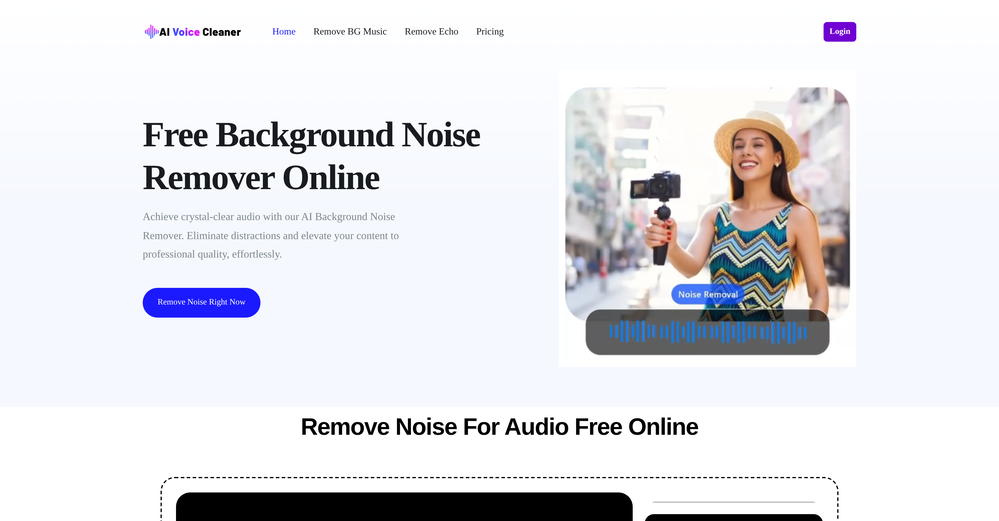
 Remove background noise from any audio or video, free to preview.Open
 -
This Ai Does Not Work Those Music That Are Not Match Because It contain copyrighted content That cannot be processed.
-
Hi, thank you for trying our service! I understand your frustration. Due to high abuse rates from certain regions, we've had to temporarily restrict free credits for new signups from some countries, including India. However, you can still use our service: Purchase credits or subscribe to a plan to start creating music We offer affordable pricing starting from just $9.99 (normally $19.99, now 50% off) Each plan includes up to 1,200 generations per month, commercial usage rights, and high-quality music generation We're working on better fraud prevention systems to restore free credits for all regions in the future. We appreciate your understanding! If you'd like to give it another try with a paid plan, we'd love to have you as a user. 🎵
-
bro you're such a hater, your comments all sound the same, I doubt you even tried this tool.
-
 Transform any material into summaries, flashcards, and quizzes instantly.Open
 -
Brilliant! I'm blow away... the quality and the vocals are on another level. I had my lyrics that I wrote years back. Then I decided to use this Ai to create the song for me... I'm still jamming on the song
-
it does not give you enough credits to use veo3 which it claim to .
-
 Convert YouTube videos to text fast and freeOpenHands down the best ai tool for content creators. Their free YouTube transcriptor is always on point
 -
It's not free, 3 free credits per day is not enough. It's kind of tourist trap
-
It worked only once and then failed consistently every time.
-
Freepik is an all in one editing and content creation suite. It features ai and stock images and videos. I honestly love them so much. I use them daily and customer service support is quick and efficient. Highly recommend.
-
I was shocked at how layered the track was not to mention the great vocals!
-
Is this a joke? creator of this web must be deaf, otherwise i honestly don't understand how he/she can make that absolute crap
-
Spelling errors found throughout their website. If they can’t take the time to check for spelling, they can’t take the time to ensure the coding for security is accurate.
-
Just tried it and the subscribe button shows up fine on my side. Maybe try disabling any ad blocker or switch browsers and refresh the page.
-
AudioStrip did exactly what I wanted to do, to isolate and denoise an important video I had, there was a lady talking loudly close to the camera but we needed the background conversations to be heard and the noise taken out, this did the job, free and fast!
-
Really impressed with audien.to so far. I dropped in a meeting recording and got a clean transcript plus useful notes in just a few minutes, without having to tweak much. The speaker tags and filler cleanup make it way easier to share with the team.
-
 Transform ideas into cinematic prompts for video production.Open
 -
 Convert speech to text with our AI speech to text tool. Simply upload your audio file and our AI will transcribe your speech into text. Easy and accurate!Open2 times I tried and it threw error. it is not clear how to use it.
 -
It provides generic recommendations, such as crawl your website with screaming frog, consult google pagespeed etc. Specific into that it should fetch from the website to be analysed are plain wrong. For example, it got the page title wrong, the meta description.