Go to section
Spotlight SureThing.io - "OpenClaw" for BeginnersTask automation
The front page of AI.Used by 90M+ humans.

TAAFT Tutorial
Generate image
Tasks
Generate text
Free mode
Trending
Leaderboard
Characters
 Mini tools
New
Featured
Lists
Agents
Requests
Jobs
Map
Newsletter
Starter pack
Free tools
Speech to text
Text translator
Remove background
Settings
Edit profile
My tools
Gallery
Dashboard
Inbox
Get featured
Contact TAAFT
For you
Popular
Job impact index
Most saved
Affiliate program
Submit AI tool
Notification preferences
Glossary
Home
Timeline
My profile
Create tool
Deals
Companies
Models
Robots
Papers
Fundraises
Repositories
Devices
Organizations
Events
Prompt Pack
Merchendise
APIs
Features
Tools
Countries
Collections
Videos
Mini tools
New
Featured
Lists
Agents
Requests
Jobs
Map
Newsletter
Starter pack
Free tools
Speech to text
Text translator
Remove background
Settings
Edit profile
My tools
Gallery
Dashboard
Inbox
Get featured
Contact TAAFT
For you
Popular
Job impact index
Most saved
Affiliate program
Submit AI tool
Notification preferences
Glossary
Home
Timeline
My profile
Create tool
Deals
Companies
Models
Robots
Papers
Fundraises
Repositories
Devices
Organizations
Events
Prompt Pack
Merchendise
APIs
Features
Tools
Countries
Collections
Videos
Mini tools
New
Featured
Lists
Agents
Requests
Jobs
Map
Newsletter
Starter pack
Free tools
Speech to text
Text translator
Remove background
Settings
Edit profile
My tools
Gallery
Dashboard
Inbox
Get featured
Contact TAAFT
For you
Popular
Job impact index
Most saved
Affiliate program
Submit AI tool
Notification preferences
Glossary
Home
Timeline
My profile
Create tool
Deals
Companies
Models
Robots
Papers
Fundraises
Repositories
Devices
Organizations
Events
Prompt Pack
Merchendise
APIs
Features
Tools
Countries
Collections
Videos

▼ Latest
Automatic audio editing
Free mode
100% free
Freemium
Free Trial
Featured matches
-
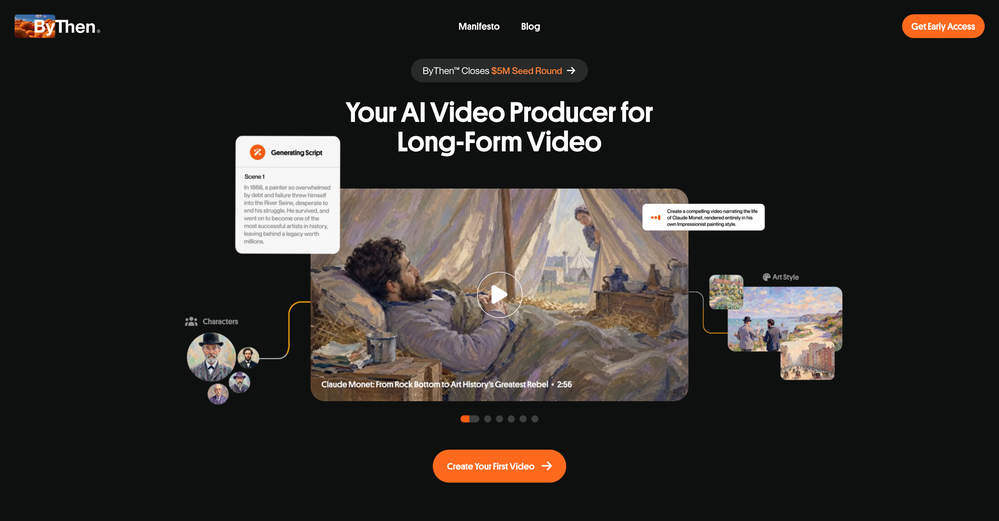
 Turn any song into scroll-stopping videos in minutes with AI-directed scripts andOpen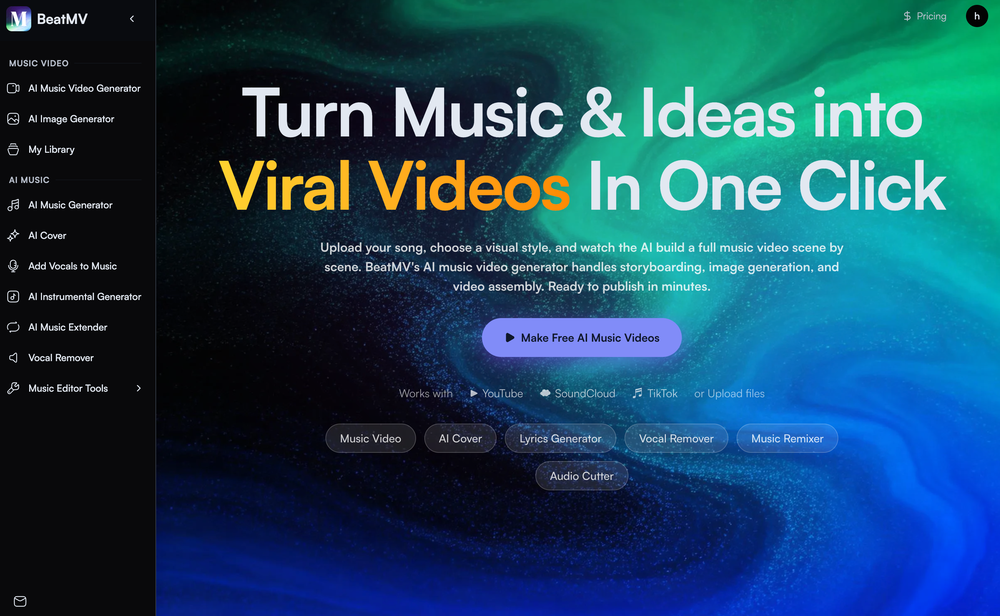
-
-

 Laliga Hel🛠️ 1 tool 🙏 4 karmaMay 21, 2026@LyricMVOne thing we kept noticing with AI music: Great songs were being generated… but most of them still looked like demos when shared online. We built LyricMV to help turn AI-generated music into something that actually feels publishable — cinematic lyric videos with synced visuals, emotional pacing, and short-form friendly formats. Would love feedback from the AI music community 👀
 -
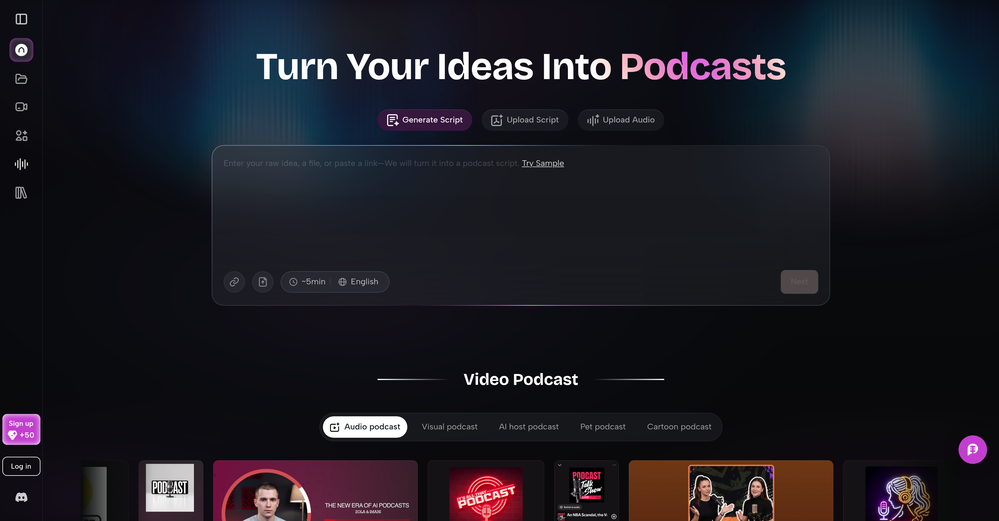 As a student, I regularly work with research papers and long PDFs. PodcastorAI has been a helpful way to turn that content into something I can listen to while commuting or walking. I like that it creates a structured podcast rather than simply reading the text aloud. The dialogue format is surprisingly engaging and makes dense material easier to get through. I still rely on the original documents for deeper study, but for review and knowledge retention, it's been a genuinely useful tool.
 -
-
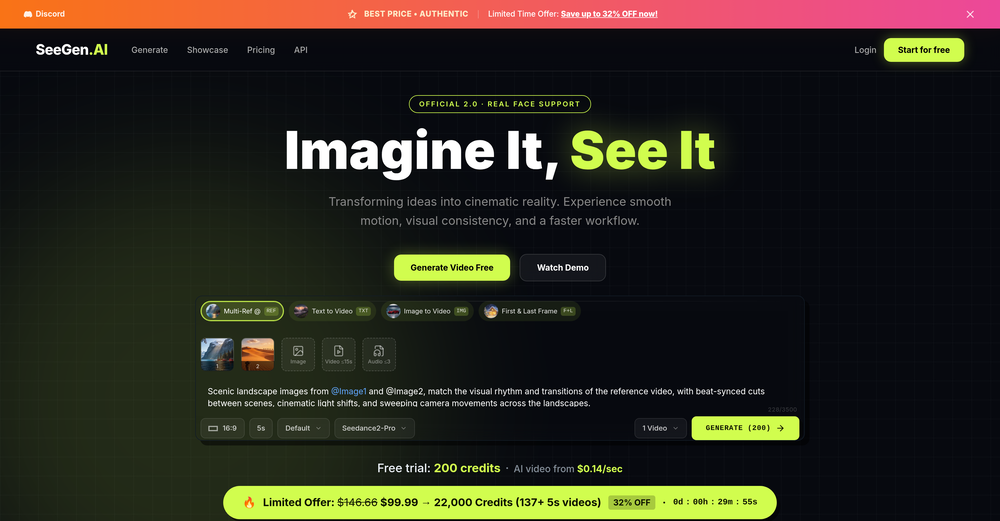 I tried testing Seedance 2.0 on several platforms, but most of them required a membership upgrade first — even Dreamina. SeeGen AI offers a free trial, and that’s the main reason I recommend it.
 -
 Apply spooky Halloween filters and scary makeup effects online for free.Open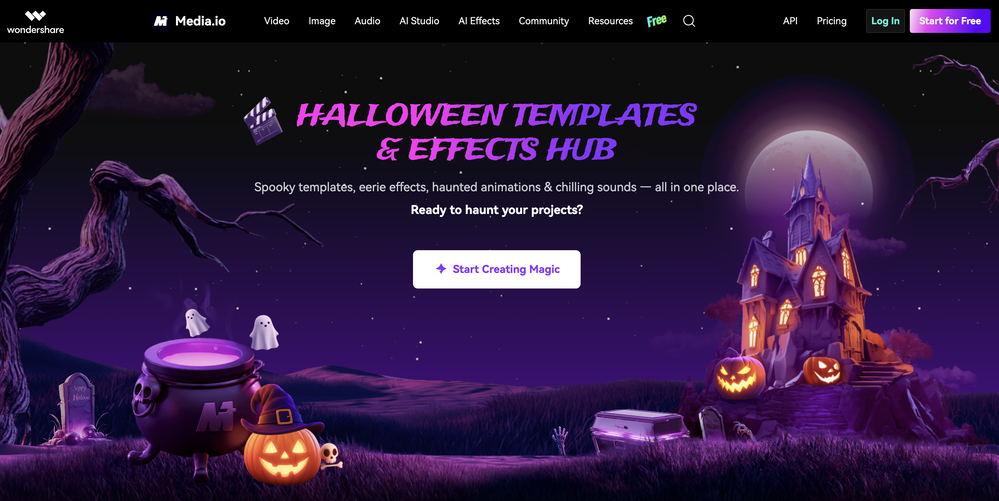
-
-








Verified tools
-
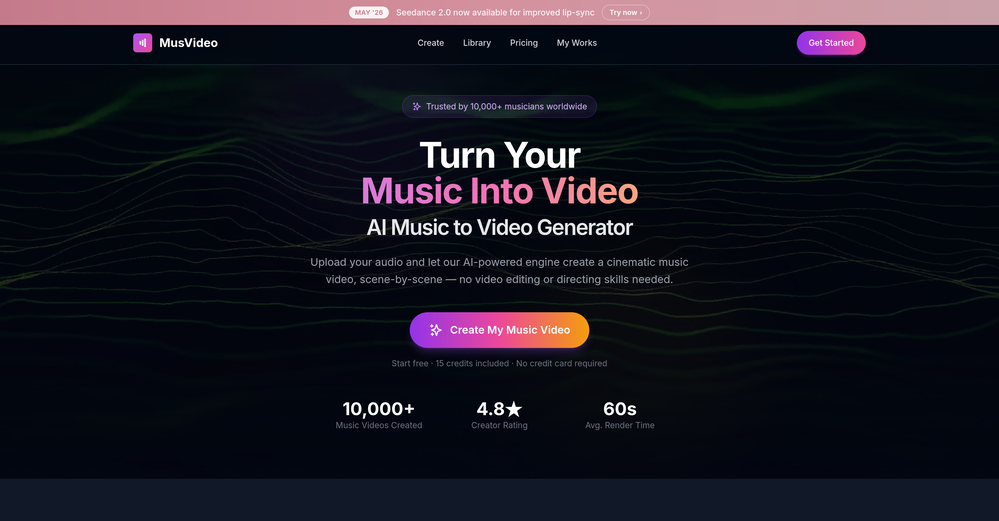
 Transform your music into stunning visual experiences with AIOpenThe generation effect is good, the pictures are exquisite, and the transition animations of the pictures are smooth The only drawback is that it would be better if the generation time were a little faster
 -
The "Lion and Sun" symbol is seen on streets where protests are underway, fires are spreading, and the nation has risen up for freedom.
- SpotlightSureThing.io - "OpenClaw" for BeginnersTask automation
-
I paid for the subscription and the video generation has failed. I found no way to access support and the site says no refunds allowed. Hoping to find some help on here with this and I revisit my review
-
 Convert YouTube videos to text with 99% accuracy.OpenI’ve used Riverside before and it’s a really solid tool for recording and producing high-quality audio and video. If you’re looking for a YouTube transcript generator, I’ve also been using Saveto AI. It’s been pretty handy for turning videos into clean text and quick notes.
 -
Great that you like it! Due to a lot of abuse, we had to disable exports in the free trial. We do have a 14 day money back guarantee for one-time licenses, so you can try out all the features.
-
-
Hi, We’re truly sorry to hear that you had a less-than-satisfactory experience with our product. Your feedback is very important to us, and we sincerely apologize for any inconvenience caused. If you’re encountering any specific issues or have suggestions for improvement, please don’t hesitate to reach out to us at [email protected]. Our team is committed to addressing your concerns and will do our best to assist you promptly. We’re always working to improve, and your input helps us get better. Thank you for giving us the opportunity to do so.
-
Particularly useful in scenarios where human voices are clear but background noise is complex.
-
-
While searching for audio transcription tools, I found that many came with limitations—until I discovered Audio Transcriber AI. Not only is it free and unlimited, but its accuracy rivals that of paid tools; I have since recommended it to my friends.
-
 Open
Open
























Other tools
-
Really impressed with audien.to so far. I dropped in a meeting recording and got a clean transcript plus useful notes in just a few minutes, without having to tweak much. The speaker tags and filler cleanup make it way easier to share with the team.
-
 Remove background noise from any audio or video, free to preview.Open
 -
Transcriptions seem pretty accurate, especially Piano2Notes does a great job!
-
cant test before i pay. autocut doesnt work,but i can install it and watch that it doesnt work autopod cant do it
- Didn't find the AI you were looking for?
-
Really useful for podcast work. the transcription is accurate and speeds things up a lot.
-
Is this a joke? creator of this web must be deaf, otherwise i honestly don't understand how he/she can make that absolute crap
-
AutoEditor is a tool powered by AI that allows users to create highly customized short videos. It is primarily designed to make video editing easier and more efficient, thus enabling users to focus more on content creation. Distinct features include the automatic generation of subtitles in more than 40 languages, detection of silence or non-relevant content in videos, and the ability to enhance videos by adding b-rolls, watermarks, and other effects. The platform provides an easy-to-use interface for video editing, putting users in complete control of their content. Users can change text, styles, and various other aspects of their videos without prior knowledge in video editing. Furthermore, AutoEditor supports editing of long videos, which can be broken down into smaller parts without pre-cutting them. Videos for editing can be directly processed from YouTube, eliminating the need for separate downloading websites. Users can also customize their captions, save their unique styles as presets, and create videos with a few simple clicks for a fast editing experience. AutoEditor's pricing is designed to be simple and affordable, with plans tailored to suit different needs. Users can also access a free tier to get started. Flexibility is one of its key advantages, providing users the means to edit their videos exactly how they want them. The software works best with videos containing any type of voice or talking, such as podcasts, talk shows, documentaries, educational videos, or speeches.
-
I enjoyed the experience and it certainly cleaned up my audio files. I really wanted to find an AI driven auto-tuning app that would clean up my vocals. But haven't found one yet.
-
iPhone SE 2020 and iOS17.6.1 - totally not working
-
Privacy Nightmare. Your content will belong to Adobe.
-
 AI video editor that transforms raw footage into multilingual presentations.Open
 -