Go to section
Spotlight SureThing.io - "OpenClaw" for BeginnersTask automation
The front page of AI.Used by 90M+ humans.

TAAFT Tutorial
Generate image
Tasks
Generate text
Free mode
Trending
Leaderboard
Characters
 Mini tools
New
Featured
Lists
Agents
Requests
Jobs
Map
Newsletter
Starter pack
Free tools
Speech to text
Text translator
Remove background
Settings
Edit profile
My tools
Gallery
Dashboard
Inbox
Get featured
Contact TAAFT
For you
Popular
Job impact index
Most saved
Affiliate program
Submit AI tool
Notification preferences
Glossary
Home
Timeline
My profile
Create tool
Deals
Companies
Models
Robots
Papers
Fundraises
Repositories
Devices
Organizations
Events
Prompt Pack
Merchendise
APIs
Features
Tools
Countries
Collections
Videos
Mini tools
New
Featured
Lists
Agents
Requests
Jobs
Map
Newsletter
Starter pack
Free tools
Speech to text
Text translator
Remove background
Settings
Edit profile
My tools
Gallery
Dashboard
Inbox
Get featured
Contact TAAFT
For you
Popular
Job impact index
Most saved
Affiliate program
Submit AI tool
Notification preferences
Glossary
Home
Timeline
My profile
Create tool
Deals
Companies
Models
Robots
Papers
Fundraises
Repositories
Devices
Organizations
Events
Prompt Pack
Merchendise
APIs
Features
Tools
Countries
Collections
Videos
Mini tools
New
Featured
Lists
Agents
Requests
Jobs
Map
Newsletter
Starter pack
Free tools
Speech to text
Text translator
Remove background
Settings
Edit profile
My tools
Gallery
Dashboard
Inbox
Get featured
Contact TAAFT
For you
Popular
Job impact index
Most saved
Affiliate program
Submit AI tool
Notification preferences
Glossary
Home
Timeline
My profile
Create tool
Deals
Companies
Models
Robots
Papers
Fundraises
Repositories
Devices
Organizations
Events
Prompt Pack
Merchendise
APIs
Features
Tools
Countries
Collections
Videos

▼ Latest
Automation tool
Free mode
100% free
Freemium
Free Trial
Featured matches
-
 First General AI Agency. Designed for long-horizon tasks.Open
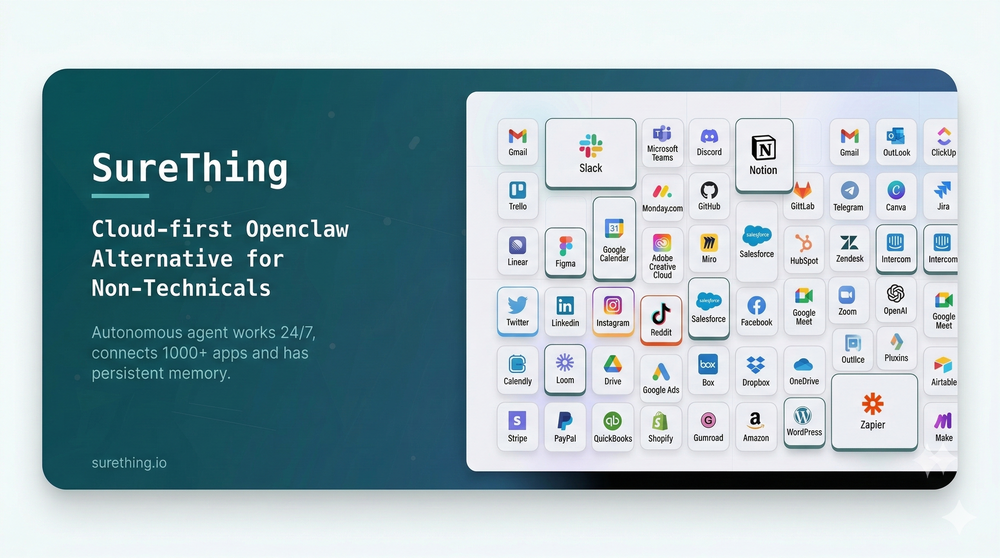 Bonnie🙏 27 karmaMar 5, 2026@SureThing.io - "OpenClaw" for BeginnersI've put about 30-40 hours into SureThing, and it's seriously been a game-changer, basically acting like a virtual COO for my business!
 -
-
 Base44 Superagents is an AI tool that designs personalized AI agents to automate various tasks without requiring any coding. It offers users a platform where they can deploy apps that are built specifically for AI agents.
 -
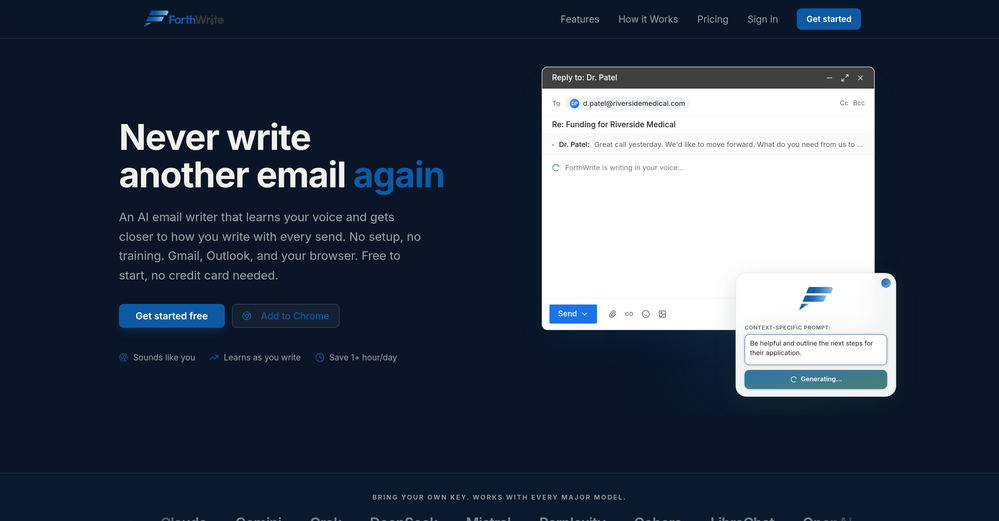 I've tried a lot of AI email tools and they all produce the same generic output. ForthWrite is different because it actually learns from the gap between what it drafts and what I end up sending. After a few weeks the drafts need almost no editing. Works right inside Gmail via the Chrome extension, so there's no new app to learn. The 60-day guarantee made it easy to commit. Highly recommend for anyone who sends a high volume of professional email.
 -
 The fastest way to map and streamline inefficient workflowsOpen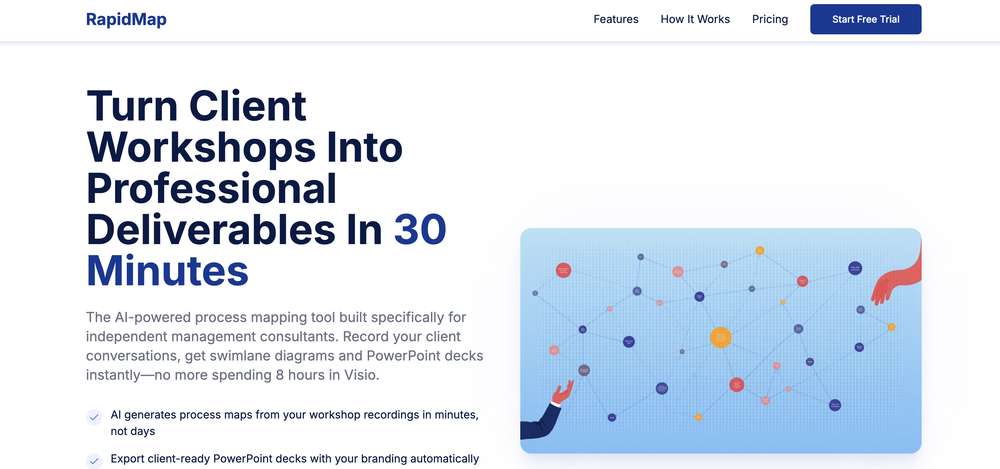
-
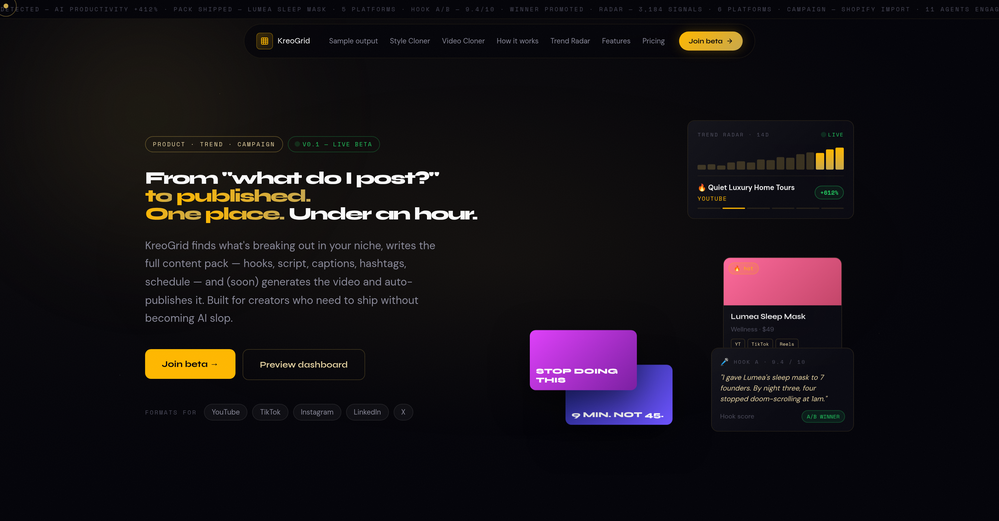 Been experimenting with KreoGrid for content ideas, and I like how it turns trends into something you can actually publish. Instead of spending hours researching what's working, it helps speed up the process and makes campaign planning feel much more streamlined.
 -
-
-
-
 All-in-one founder platform. Post to 7 socials. Replaces 6 SaaS tools.Open
 Thank you for your feedback, Wasim. We’ve removed the requirement for 2FA during sign-in. However, it is still required for accessing the credential vault since it is encrypted. Please try the app again and let me know how it feels at this stage.










Verified tools
- SpotlightSureThing.io - "OpenClaw" for BeginnersTask automation
-
-
Protaige really made my life easier in creating Campaign across different platforms in a single click just by providing my Briefs. Thank you! Awesome Time Saving AI Tool. Really loved using it.
-
Like copilot, but for power users. Nice for my n8n workflows command center
-
 Your AI stream companion that entertains chat and boosts tipsOpeninteresting tool, thank you
 -
-
 Grotto Slice – Your Shortcut from Image to KlaviyoOpen
 -
Hey, wonderful TAAFTers! We made outwrite.ai to quickly generate articles, blogs, and posts that are structured in the EXACT format that AIs prefer to find, scan, and include your brand when buyers are asking questions about your category. You become part of THE answer AI gives. Most brands still create content for Google's algorithm: keywords, backlinks, LOTS of money, and...hope. AI search doesn't work the same way as Google. When someone asks ChatGPT, Gemini, or Perplexity for a product recommendation, the AI produces a single answer. If your brand isn't in that answer...you're invisible. That's the challenge outwrite.ai solves: LLM citation optimization. Now, page 10 brands can get cited along with Fortune 500 market leaders...without a penny spent on ads.
-
Bracket makes your task list proactive. Instead of hunting tasks across tools, Bracket captures them straight from Slack and Email (for now :P). It automates follow-ups, takes accountability for your tasks, and eliminates the hours wasted maintaining task systems. Operate where your work happens —> no context switching, no dropped balls, just a team that actually follows through. Try Bracket free, sign up to the waitlist today.
-
-
 Open5-star rating from me, and I stand by my rating. I use KeywordToPin daily and love everything about it... It's still not perfect, but it gets improved constantly. Few weeks ago I sent feedback to the devs for something that I didn't like and the issue got fixed within days... pretty neat if you asked me :) ... Anyway, for those interested in Pinterest marketing K2P is the go-to software IMO, it makes keyword research and competitor analysis on Pinterest such a breathe... and the price is great even for a cheapskate like me so yeah, absolutely 5 stars from me...
 -
Good tool. I've tested a bunch of these over the past 6 months. Supawrite is on the expensive side for what you get, but granted it produces great articles (and has a cute mascot). Casper Content is a little bit cheaper and is just as good in terms of keyword/topic research and the quality of articles written. Outrank is probably bottom of the list for article quality and consistancy.
-
 AI browser assistant for intelligent automation.Open
 -
 Test Management by Testsigma | Test Faster with AIOpen
 -
Great platform! Very impressed by the ability to combine documents to generate full research reports or extract data in large PDF files.
-
 Turn any idea or face photo into polished square icons instantly.Open
 -
 An AI-powered financial command center that untangles your complex financial lifeOpenI was a dedicated Banktivity user for over a decade. I tried Monarch, Copilot, and YNAB. But none of them could handle my life: dozens of accounts, multiple currencies, and complex cash flow. I spent hours manually untangling internal transfers just to see my real run rate. I built Quaestor Ledger to automate the heavy lifting. If you have complex finances, this is the dashboard you've been waiting for.
 -
This is a great platform for synthesise insights from different podcasts in case you'd like to extract key point without watching the entire thing. Here's a video I made on it https://youtu.be/m9jw29xsQbo
-
Use it every day! Best AI support for work
-
Thanks Gary, really appreciate it! Calendar's getting even better soon - stay tuned.
-
Man, with the free models that we have web creation became so easy. But everyone had the same websites. I really like how different they look from others.
-
Honestly SurfSense is amazing, I use it almost every morning to get an mp3/podcast of my Gmail, Gcal and urgent Linear tickets so I know exactly what's going on that day. It's also insane for board games because I just throw the rulebooks in and share it with my friends so we can chat with the AI together to figure out how to play. And it is scarily good at untangling and explaining really complex rules when we encounter some weird situation!
-
Yes, finally a slack tool that does it all. I wonder how safe it is?
-
What you’re describing is interesting, but also risky. If users stay for insights but you position around ops efficiency, you’re likely attracting the wrong icp and underpricing the real value. In similar cases, that creates a significant revenue ceiling. Have you tested leading with insight speed / decision advantage instead of scheduling pain?
-
 AI-powered construction site safety and compliance management.Open
 -
I love the idea of how one platform can hold so many features in one place, working so efficiently.
-
-
-
 Open
Open -
 Search and chat across multiple developer documentation sources in one place.Open
 -
Finally, a tool that gets my brand visual, logo and written aesthetic I can generate images with my logo without having to add context each time like i used to with ChatGPT or Gemini.
-
 Turn phone photos into compliant passport photos instantly.Open
 -
HitPublish seems useful for people trying to scale SEO/content production without manually handling every publishing step. I like that it focuses on automation across the full WordPress workflow instead of only generating text.
-
Tried this with a couple clips and the speed was honestly impressive. Feels super useful for creators and research workflows.
-
 Save hours by auto-replying to YouTube comments with context-aware AI.Open
 -
Really impressed with Junior.so so far. Having an AI teammate inside Slack that can handle CRM updates and follow-ups without me constantly prompting it feels genuinely useful, especially for small teams juggling sales and ops. Setup was pretty smooth, and the daily reports are a nice bonus.
-
Great tool to grow on YouTube with actionable insights👏🏼
-
Lynx by Apex7 AI offers an interesting approach to workflow automation and AI-powered business operations. The interface feels clean, and it’s great to see a tool focused on helping teams streamline repetitive tasks more efficiently. Looking forward to seeing how the platform evolves and the new capabilities it brings over time.
-
 Kane CLI: Browser Automation for AI-Driven Testing | TestMu AIOpen
 -
amaiko finally makes AI feel native to Teams. Instead of another chatbot bolted onto your workflow, amaiko lives right inside Microsoft Teams and actually gets things done — reading your email, digging through Microsoft 365, researching the web, and drafting documents through a team of specialist agents that remember who you are and how you work. It's everything Copilot promised, but sharper, faster, and genuinely useful. If you live in Teams, amaiko is the AI colleague you've been waiting for. 🚀
-
 LinkedIn automation, LinkedIn outreach, sales engagement, lead generation, AI sales assistant, socialOpenWe built Inboundy to solve our own problem: keeping LinkedIn outreach consistent without living in the browser or risking the account. It runs connection requests, follow-ups, and posts from the cloud, drafts messages in your own tone, and respects LinkedIn's daily limits so nothing gets flagged. Still early — no public API yet and LinkedIn is the only channel for now — but the core workflow (connect, message, post, track) works reliably every day.
 -
I really like the generated PDF and the content. It would be great if you had a way or add some instructions on how to use it on my website. Thank you.
-
This is a very useful app! Going to use it on all my products.
-
Well, what can I say, I managed to create quite a few books quickly and with good quality ;)
-
-
typed in my prompts and boooooom. clean descriptions in secs lol. handy if you suck at writing (like me). lowkey a cheat code (no san andreas)
-
-
I mean, it does it's job. It's good, i tend to switch tools but i really want to use it more.
-
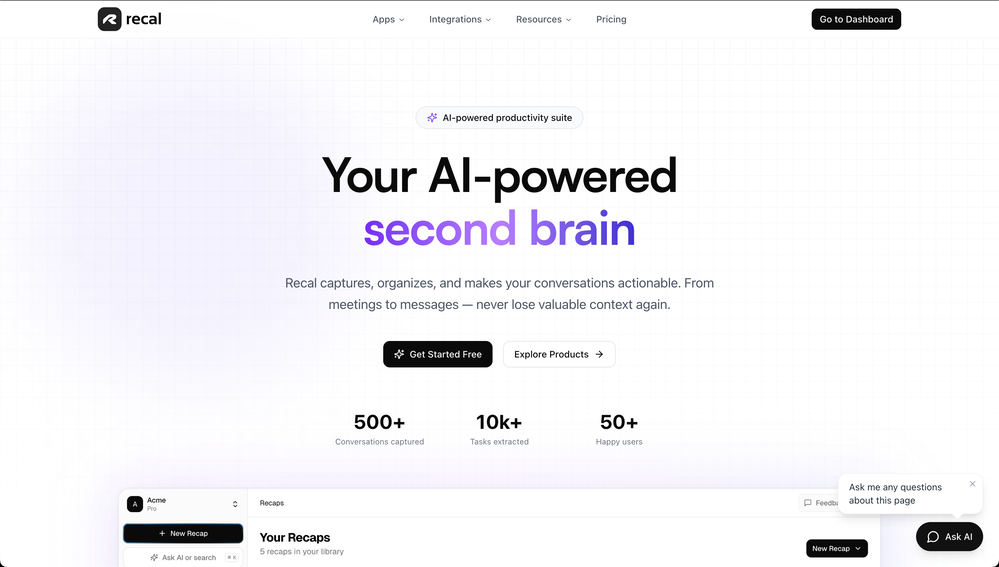
Saves me from rewatching hour-long recordings just to find one decision point. The recap feature is clutch when back-to-back calls pile up and I need to remember who committed to what.
-
Relay.app fills the gap between AI and actually using it. It allows you to build your own custom flows and agents, unlocking a level of customisation that was previously only achievable through custom code. It's a game changer, and the free plan is so generous - go try it!
-
 Validate ideas, name your business, create logos, and build websites in minutesOpenIt helped me set up my online business within minutes.
 -
Outreach for passive candidates used to eat up hours every week. This automates the initial connection and follow up so i can focus on actual conversations with interested people. Our pipeline has doubled without adding headcount.
-
A very simple-to-use, yet very powerful app. It made my work so much easier, my scanned and downloaded files are no longer a mess.
-
⭐⭐⭐⭐⭐ Great AI Presentation Tool! I really liked the Brand PPT feature. It helped me create professional, on-brand presentation slides in under 60 seconds. The AI-generated content was well-structured, the design looked polished, and the editing process was simple. It has saved me a lot of time compared to creating presentations manually. Highly recommended for anyone who needs fast, professional-quality PowerPoint presentations.
-
As a student juggling classes and deadlines, this tool is a lifesaver. It helps me stay on track without having to manually check everything.
-
 PDF Bank Statements to Spreadsheets with High Accuracy AI & SecurityOpenHighly accurate.. Superb!
 -
Thank you everyone for trying 1UI! If you haven't yet, give it a spin and use code ‘TAAFT’ to get $5 credits to try 1UI.
-
This is awesome! I love that it tells you exactly how much time it takes you from one location to another and how to get there
-
Insanely easy to use yet reliable automation tool. Recommend to give it a try.
-
 Turn any browser workflow into a polished, AI-narrated video guide in minutes.OpenHey everyone, I’m Evaldas, co-founder of Guideless, the fastest way to turn any browser workflow into a polished, AI-narrated video guide in minutes. No screen recording. No tedious editing. Just turn on the extension, click through your process as you normally would, and instantly get a share-ready guide. We recently shipped a major update: a sleeker UX and new high-quality AI voiceover characters — making guides sound and feel more vibrant than ever. Give Guideless a try and see how effortless creating high-quality tutorials can be 🪄
 -
-
Used it for PPT generation and performed extremely well, especially the numbers and data part.
-
Data extraction is accurate and incredibly efficient. Plus, it's super easy to use - no setup, no onboarding forms, perfectly simple UI. We started using it right away. The bank statements feature quickly imports, categorizes, and matches transactions. Their automatic categorization and matching process fully automates the reconciliation flow in our team.
-
Generating captions was super fast like seconds. Wish they had Anton font though
-
-
Been using CloneViral for my UGC ad campaigns and it's honestly a game-changer. The Agent Mode feature is what sold me - you basically describe what you want, and their AI agents collaborate to handle everything from scripting to final video. No more jumping between 5 different tools. The UGC Ads generator is surprisingly good. I can create authentic-looking user testimonials and product demos in minutes instead of hiring creators or spending days editing. Quality is solid enough that my clients can't tell the difference. Not perfect, but for the price and time it saves me, it's become essential in my workflow. If you're doing any kind of social media marketing or content creation at scale, worth trying out.
-
For now the best browser based AI scraper i have ever used.
-
A great tool without a doubt. However I prefer to have something that stays under my sight, like a separate app or a browser extension.
-
Absolutely love this tool! It helps me apply to jobs so quickly and is so easy to use






























































































































































Other tools
-
Worth the $60 monthly if you're a small business especially because it sends email on your behalf - doesn't just draft and keep it in your inbox (that option also exists). Mails composed are accurate, it's as if the tool is thinking on your behalf too. Learns and understands your writing style, job role, etc. and tailors the response.
-
it integrates so well with my workspace, could be more responsive though!
-
 Your HTS classification assistant for accurate tariff codes.OpenClean design and the interaction just flows. It guides you step by step into a more detailed classification
 - Waitlist
-
-
 Discover your perfect colors with AI-powered analysis.Open
 - Didn't find the AI you were looking for?
-
 AI-powered restaurant location analysis before you lease.Open
 -
Not a very good experience. There are a lot of screenshots of what is supposed to happen when you record or upload audio, but the functionality is very clunky. I had to upload the same audio file 5 times before it appeared in the dashboard. The experience is even worse on a mobile phone. So I am still looking for a quick audio to text AI tool and one that I can get the transcription in multiple languages.
-
I’ve been an entrepreneur since my early 20s so I don’t often give low ratings even if I don’t like a product as it’s never my intention to potentially hurt a small company that’s just starting out but I’ve got to say that this is beyond worthless as a tool. The promise of street interviews Sounds like an excellent way to promote a product, but after paying you find out that it has a limitation of eight seconds. Barely enough time for an extremely simple question and a one sentence answer at best. It was only 10 bucks to find out but for this to be viable there needs to be an option to extend up to at least 20 or 30 seconds. I’d happily pay the 10 bucks for 1 32nd St. interview that could be solid for marketing than 5 videos of 8 seconds each that are just useless. Also, just a quick update. The first video I generated took maybe five minutes. The next two attempts are still processing after almost a half an hour. I think with something like this, it needs to be made much clearer that the interview is limited to eight seconds. But in my opinion, that’s besides the point as that kind of time limitation is just way too short for any kind of “interview”.
-
I like the concept and the convenience of Refer.me; it gives job seekers like me access to networks I wouldn’t normally have.
-
 Ready-to-use AI Teams for Your Automation NeedsOpengood!A different kind of AI tool that has been very helpful for my work!
 -
-
Code varies from run to run. Still it is a helpful app. You can specify coding languages that are not in the dropdown menu.