Go to section
Spotlight SureThing.io - "OpenClaw" for BeginnersTask automation

 Mini tools
New
Featured
Lists
Agents
Requests
Jobs
Map
Newsletter
Starter pack
Free tools
Speech to text
Text translator
Remove background
Settings
Edit profile
My tools
Gallery
Dashboard
Inbox
Get featured
Contact TAAFT
For you
Popular
Job impact index
Most saved
Affiliate program
Submit AI tool
Notification preferences
Glossary
Home
Timeline
My profile
Create tool
Deals
Companies
Models
Robots
Papers
Fundraises
Devices
Organizations
Events
Prompt Pack
Merchendise
APIs
Features
Tools
Countries
Collections
Videos
News
Investors
Repositories
Mini tools
New
Featured
Lists
Agents
Requests
Jobs
Map
Newsletter
Starter pack
Free tools
Speech to text
Text translator
Remove background
Settings
Edit profile
My tools
Gallery
Dashboard
Inbox
Get featured
Contact TAAFT
For you
Popular
Job impact index
Most saved
Affiliate program
Submit AI tool
Notification preferences
Glossary
Home
Timeline
My profile
Create tool
Deals
Companies
Models
Robots
Papers
Fundraises
Devices
Organizations
Events
Prompt Pack
Merchendise
APIs
Features
Tools
Countries
Collections
Videos
News
Investors
Repositories

Content design
Featured matches
-
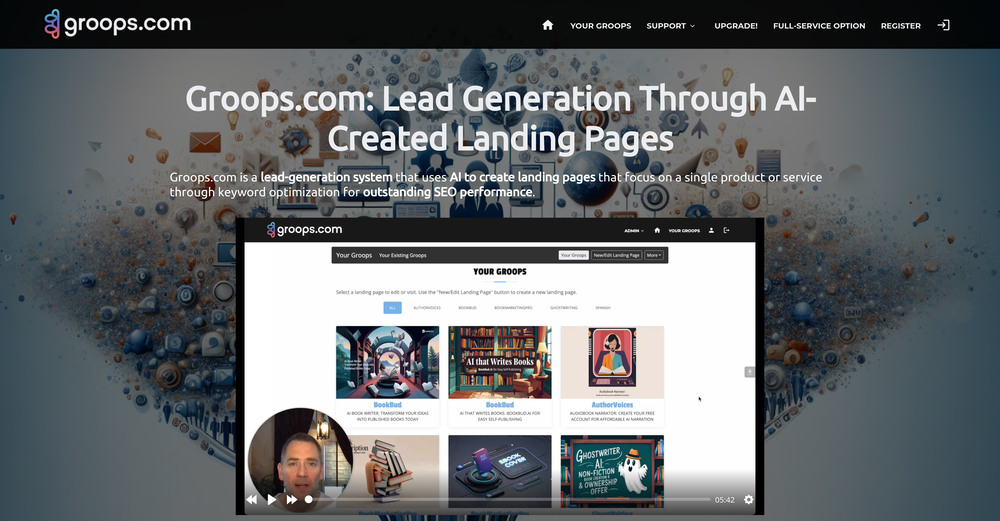
 Bo Bennett🛠️ 6 tools 🙏 110 karmaFeb 1, 2025@Groops.comHi Rod, you did not click the "include" for each section you wanted to include. I did that for you so you can now see your page. Looks good so far.
 -

-

-
 Open
Open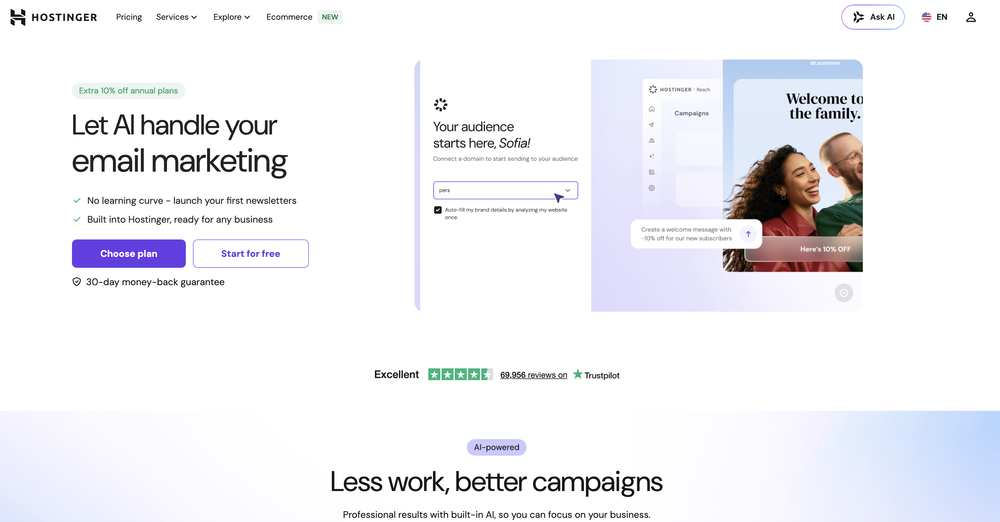
What's new:
Template editor UI redesign: 3-column to 2-column layout with AI/Editor/Code tabs
HTML view showing the raw code of the current template, with live preview so changes render instantly on the left-side email preview
HTML upload and paste, letting users bring in their own markup directly
Beautify to auto-format and clean up the HTML for readability
Personalization token helper, copy-to-clipboard, right inside the Code tab
HTML structure validation on save, prompting an auto-update when:- the pasted/uploaded HTML isn't table-based
- the unsubscribe link is missing
- security issues are detected
-
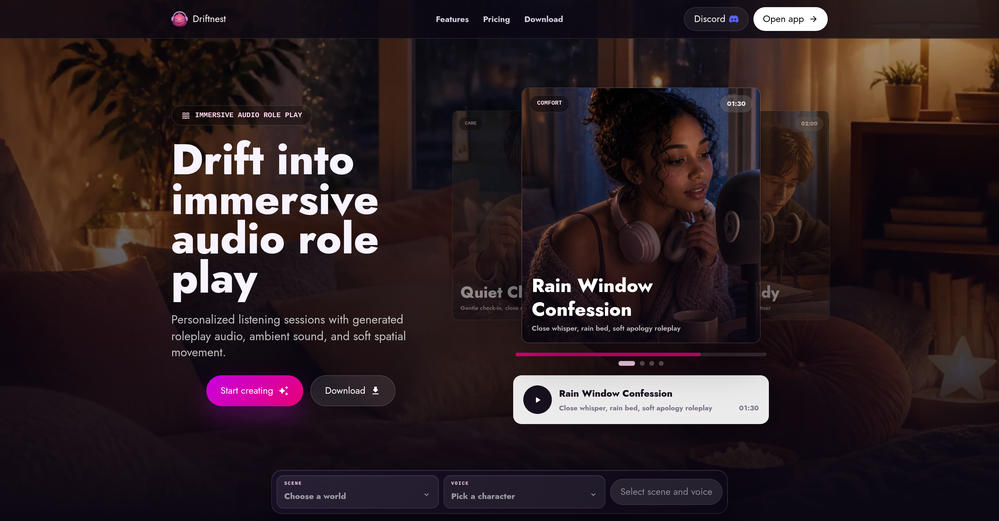
-
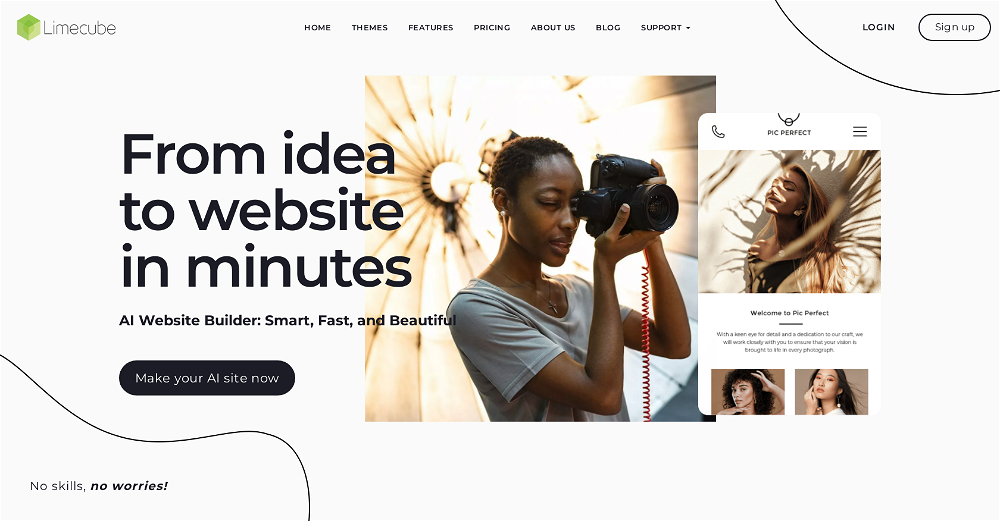 Very cool app! Build was fast as, and with a few tweaks I fully launched my website in 1 hour!
 -
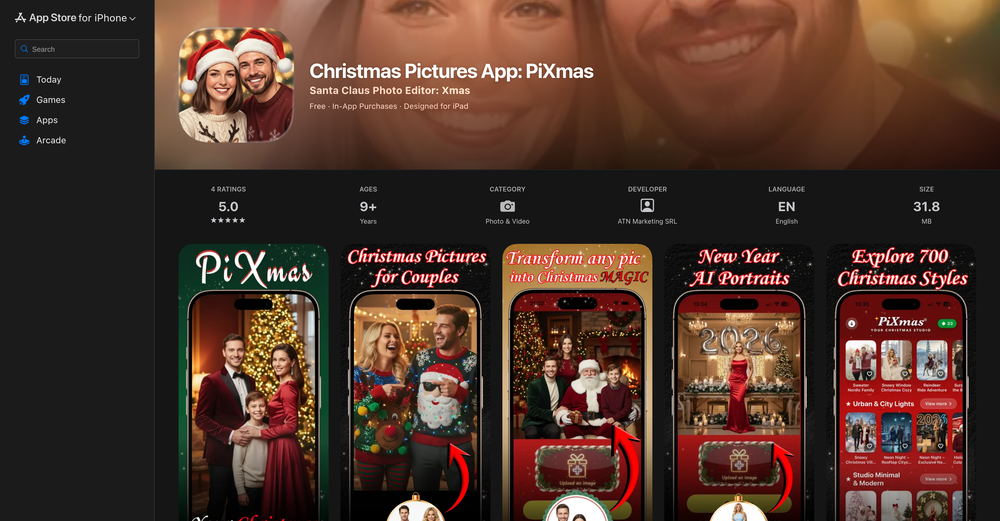
-

-
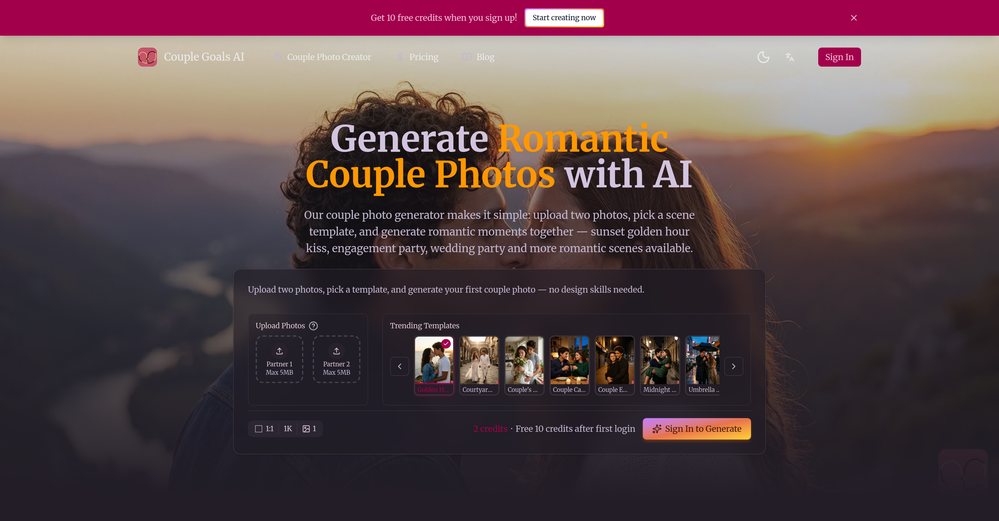
-










Other tools
-
Makes it easy to get started with a presentation if you have an outline, but as soon as you want more control, you're better off using Google Slides. Gamma's feature that I used the most was image generation - you can select among a variety of models (Ideogram, Flux, DALL-E, but not Midjourney), and it shows 3 variations to choose from. Performance is slow and a little janky, even in Chrome. Prompts and settings are often not respected - e.g. you set it to "preserve text" and just generate slides, and it goes onto dumping an entire 3 paragraphs of text in one slide. You can't overlay text over images (e.g. for image attribution), and there's no precise positioning control, or grouping elements. No way to control table layout, e.g. to have two images slide-by-side in full bleed mode. I tried Gamma for a new presentation, but next time I need to make a presentation, I'll go back to Google Slides and generate images independently.
-
Isn't it intriguing how all three other reviews for this "website builder" share the exact same profile photo?
-
quick and the quality's nuts. tons of presets and styles to pick from, definitely one of those tools that makes you wanna keep testing more stuff.
- SpotlightSureThing.io - "OpenClaw" for BeginnersTask automation
-
-
Classic tool 😮💨 Loving Gen 4, it's wild how good the motion consistency is. It feels like a full studio in your browser. Big W guys keep it up!
-
-
-
I liked it, it was easy to use and the generated website was perfect.
-
- Didn't find the AI you were looking for?
-
 ✨ We help you design stunning product photos & high-quality content quick.OpenTo Jacob: Thanks for fixes, now it's working correctly!
 -
This is truly a wonderful experience that brings joy and delight.
-
 Redesign And Build websites, docs, and blogs with AI in minutesOpenusefull for intial landing page design
 -
-
-
-
Currently, generating course videos is basically free, and everyone is welcome to use it! If you have any problems during use, you can complain and we will quickly iterate! Thank you~!
-
I handle a large number of tasks simultaneously through VoooAI to complete my creative work, thereby accomplishing the workload equivalent to one month in one day
-
Well, what can I say, I managed to create quite a few books quickly and with good quality ;)
-
this is very impressive, it tracks everything from SEO to website changes
-
 Improve Your Productivity with Copilot–Your AI-Powered ChatAssistantOpenCopilot on mobile keeps me sharp during sales calls. I use it to quickly draft follow up emails right after meetings or pull contract language on the fly. Voice input works smooth and it formats responses professionally.
 -
very slow , no help and you did not have any feedbck on what happened also It deducts points even without providing any videos or photos.
-
 Turn any brief into scroll-stopping, on-brand Instagram visuals.Open
 -
-
New: Added multilingual support.
Improved: Enhanced the AI agent building experience and refreshed the website visuals for better usability.
Fixed: Fixed some known issues to improve overall stability.
-
NOT Working!! supportAdsCreator.com I acidently forgot my trial, and you billed me for 1 year subscription. Its been a month since im trying to contact someone for refund but you EMaiL does NOT work, every time google respond to email saying that your server is.notnworking. checked your mail on websites and it does not exist. supportAdsCreator.com @ThumbnailCreator.com @KeywordSearch @VideoIdeas.ai
-
-
Very impressed with the results! The illustrations are wonderful and really high quality
-
Scrollsequence is a game-changer for interactive storytelling! Smooth animations, intuitive setup, and impressive control over scrolling sequences make it perfect for engaging web experiences. Highly recommend for designers and developers looking to elevate their sites. 🙌
-
Apologies for the delayed response. Let me clarify our free tier benefits: 1.Daily Quick Credits: Free users receive 2 quick generation credits every day. 2.Unlimited Standard Generation: You can generate an unlimited number of images daily. Please note that during peak usage times, generation speeds may be slower to accommodate high traffic. 3.Advanced Features: Free users also have access to our excellent face-swap feature. 4.Our platform features the leading Nanobanana series models, supports various LoRA effects, and includes tools for background removal and image outpainting/expansion. 5.We welcome you to try them out! Regarding your question about pricing: The core features mentioned above are genuinely free. The 'pricing' structure you saw likely refers to optional paid plans for users who need faster speeds during peak times, higher priority, or additional commercial features. It is not 'free after you pay,' but rather a free base service with optional upgrades. We hope this clears up any confusion!"
-
Great platform to increase your productivity. The infographic generator is my favorite tool.
-
Thank you — this honestly means a lot 🙏 "No design experience needed" was exactly the goal, so it's awesome to hear it clicked for you. Thanks for creating with MagicReels, and don't hesitate to reach out if you ever need anything!
-
I like it but sometimes it changes some features in somone
-
Really appreciate the support and thank you for making a video about Tunee. That means a lot.❤️
-
man it literally says that you have to pay to use it
-
-
 Open
Open -
 Transform any image into stunning AI-enhanced visuals.OpenIt can generate any image I want freely, it's amazing!
 -
-
made a presentation for my site with just 1 prompt, lol how did the AI get so much information out of my website lol
-
-
 Generate AI images. No subscription. Credits never expire.Open
 -
Hey TAAFT community 👋 We’ve just rolled out two new features on Uramaki Studio AI: ✨ Enhanced Brand Kit You can now define your Tone of Voice, branding guidelines, and typography to keep your content fully consistent and on-brand. 🚀 More for free users We’ve increased the limit — free users can now create up to 2 Instagram campaigns per month, each with 3-image carousels. Would love to hear your feedback and see what you create with it!
-
 From idea to launch: professional AI-generated content in one place.OpenHi everyone! I am Adnan, the author of MakerSuite.AI. I am a content creator as well as a software engineer (16+ years of experience). MakerSuite has been created firstly for my own needs with a goal to help me organize content creation workflow (from YouTube scripts to blog and social media posts). The application covers a lifecycle from idea generation to complete script, thumbnail, description, and all the necessary things to prepare you for video recording or to provide you with a script that you can use on your blog or social media platforms. MakerSuite is a result of continuous work from more than 6 months of active day-night and weekend hard work on it. In the end I decided to share it with the world so other people could benefit from it, and also in return I can pay off the hard work and support the platform's future development and maintenance costs. As the models and infrastructure cost a lot. I am open to any form of suggestions or comments; even negative ones are always welcome. The platform has a lot of planned future developments that have to be added to make it even better. Please share your thoughts and feedback in the comments section, as it will help me improve it more! Thanks, everyone! Best, Adnan
 -
I was lucky enough to join the early canary testing for this platform, and it’s been impressively simple and transparent to use.
-
 Turn notes into perfect infographics from 500+ designs.OpenHi TAAFT! I'm Henry, the founder of CartoMind. CartoMind offers a fully automated AI workflow to help you quickly organize text content and generate the perfect infographics to match. 【Why did I build this?】 When creating infographics with AI today, users are often forced to choose between two extremes. You either use generic AI image SaaS tools that trap you in complex prompt engineering and steep design learning curves with zero knowledge management, or you use products like NotebookLM. While they are fantastic for knowledge management, their infographic generation is just an afterthought, lacking design freedom and rich templates. 【Here is where CartoMind stands out:】 1. Lightweight knowledge & note management: We support uploading multiple file formats and automatically parsing text, allowing you to freely select the exact knowledge snippets you want to visualize. 2. Fully automated workflow: Based on your selected content, our AI automatically distills the key text elements and instantly matches you with the ideal infographic design from over 500 professional combinations. 3. Massive template library: A rich selection of infographic templates offering a true what-you-see-is-what-you-get experience. 【Who is using it?】 Marketers, educators, social media creators... In fact, anyone who needs to make their domain knowledge "visible" and loves to share it will find it incredibly useful. 【I can't wait for you all to try it out!】
 -
 Your AI presentation agent for instant professional slides.OpenA great AI presentation maker
 -
 Ready-to-use AI Teams for Your Automation NeedsOpengood!A different kind of AI tool that has been very helpful for my work!
 -
-
 Free landing page analyzer backed by a library of 500+ top-converting pages.Open
 -
Hi! Thor here, the creator. Think of Axey as your collaborative partner: you give commands, watch Axey work, refine & perfect. Feel free to ask any questions!
-
-
been using this for a bit and the songs it makes are honestly pretty good, way better than i thought. love the clean design too, makes it easy to use. only thing i wish is there was some kind of playlist feature so i can organize all the songs i made, gets hard to find stuff after a while. but yeah solid app overall
-
-
 OpenAI Inspo is an excellent all-in-one AI platform. With trending templates and advanced AI generation models, creating engaging videos becomes fast and effortless in just a few clicks.
 -
 AI-powered YouTube thumbnail maker for click-ready designs.Open
 -
The site is unavailable, I also tried using vpn, but the issue is not solved.
-
Gistr has been a game changer for processing long YouTube videos and PDFs - saves hours and actually helps you retain what you consume.
-
Easy and efficient tool, I like the carousel generator
-
-
-
I feel it is very baseline and useless. Any AI chatbot could do better. I found no creativity or inspiration. Mediocre for me.
-
 Open
Open -
-
Looks pretty clean and easy to use! The upload process is straightforward, though the top section feels a little crowded. Maybe add a bit more info about how the credits work.
-
 OpenHey 👋 — founder of Pinci here. Most AI tools hand you the controls and expect you to figure out the rest, the right model, the right prompt, the right settings. That's fine if you're an AI power user. It's a wall if you're not. Pinci works the opposite way. Each agent is a specialist creative director in one domain: Jules directs product video, Paul directs product photography, Tommy handles brand design. You describe the result you want in plain language. The agent decides how to get there, coordinates the right tools, and hands you a finished, ready-to-publish asset. No prompts. No model-picking. No AI knowledge required. You get 300 free credits on signup, enough to see exactly what I mean on your own product today. I'd love your honest feedback: which agent would you try first, and where does it fall short? 🙏
 -
Most design workflows require switching between various tools. For instance, you might use ChatGPT to generate an image and then refine it in Canva. However, Play now significantly streamlines this process by integrating both image generation and an image editor into a single AI canvas and workspace. This is a game-changer for anyone creating images or marketing visuals.
-
-
 Open
Open -
 Open
Open -
 Turn any idea or face photo into polished square icons instantly.Open
 -
As the developer behind Pixado, I built this because I was tired of spending hours on design tools just to get a decent thumbnail. I wanted to create something that focuses purely on CTR and production-ready output, not just 'artistic' images. I’m constantly refining the models to handle real YouTube layouts. Would love to hear your feedback on the latest results—what features would make your content production even faster?
-
create a ppt with example and small case study on augmented marketing mix
-
 Instant, pixel-perfect translation for any image, in any language.Open
 -
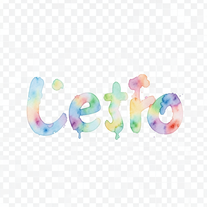 Turn text into hand-painted watercolor typography.Open
 -
-
 AI that paints whimsical baseball scenes with stuffed animals.Open
 -
 Turn one product upload into complete ecommerce image sets.Open
 -
 Create personalized World Cup Fan ID cards from photos.Open
 -
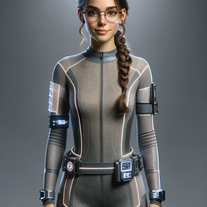 Design your movie character's costume with ease.Open