TAAFT Tutorial
Generate image
Tasks
Generate text
Free mode
Trending
Leaderboard
Characters
 Mini tools
New
Featured
Lists
Agents
Requests
Jobs
Map
Newsletter
Starter pack
Free tools
Speech to text
Text translator
Remove background
Settings
Edit profile
My tools
Gallery
Dashboard
Inbox
Get featured
Contact TAAFT
For you
Popular
Job impact index
Most saved
Affiliate program
Submit AI tool
Notification preferences
Glossary
Home
Timeline
My profile
Create tool
Deals
Companies
Models
Robots
Papers
Fundraises
Repositories
Devices
Organizations
Events
Prompt Pack
Merchendise
APIs
Features
Tools
Countries
Collections
Videos
Mini tools
New
Featured
Lists
Agents
Requests
Jobs
Map
Newsletter
Starter pack
Free tools
Speech to text
Text translator
Remove background
Settings
Edit profile
My tools
Gallery
Dashboard
Inbox
Get featured
Contact TAAFT
For you
Popular
Job impact index
Most saved
Affiliate program
Submit AI tool
Notification preferences
Glossary
Home
Timeline
My profile
Create tool
Deals
Companies
Models
Robots
Papers
Fundraises
Repositories
Devices
Organizations
Events
Prompt Pack
Merchendise
APIs
Features
Tools
Countries
Collections
Videos
Mini tools
New
Featured
Lists
Agents
Requests
Jobs
Map
Newsletter
Starter pack
Free tools
Speech to text
Text translator
Remove background
Settings
Edit profile
My tools
Gallery
Dashboard
Inbox
Get featured
Contact TAAFT
For you
Popular
Job impact index
Most saved
Affiliate program
Submit AI tool
Notification preferences
Glossary
Home
Timeline
My profile
Create tool
Deals
Companies
Models
Robots
Papers
Fundraises
Repositories
Devices
Organizations
Events
Prompt Pack
Merchendise
APIs
Features
Tools
Countries
Collections
Videos

▼ Latest
Mail management
Free mode
100% free
Freemium
Free Trial
Featured matches
-
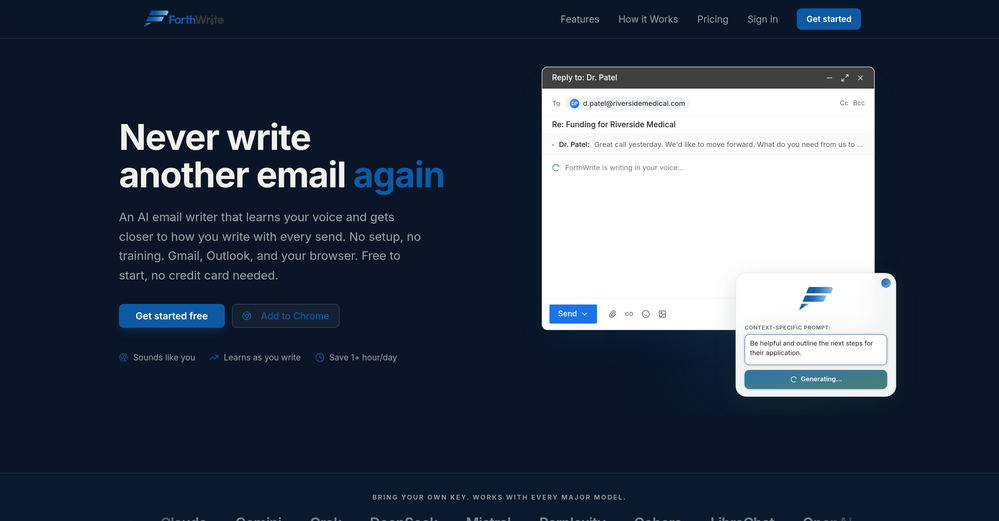
 Curtis Boortz🛠️ 1 tool 🙏 2 karmaJun 19, 2026@ForthWriteI've tried a lot of AI email tools and they all produce the same generic output. ForthWrite is different because it actually learns from the gap between what it drafts and what I end up sending. After a few weeks the drafts need almost no editing. Works right inside Gmail via the Chrome extension, so there's no new app to learn. The 60-day guarantee made it easy to commit. Highly recommend for anyone who sends a high volume of professional email.
 -
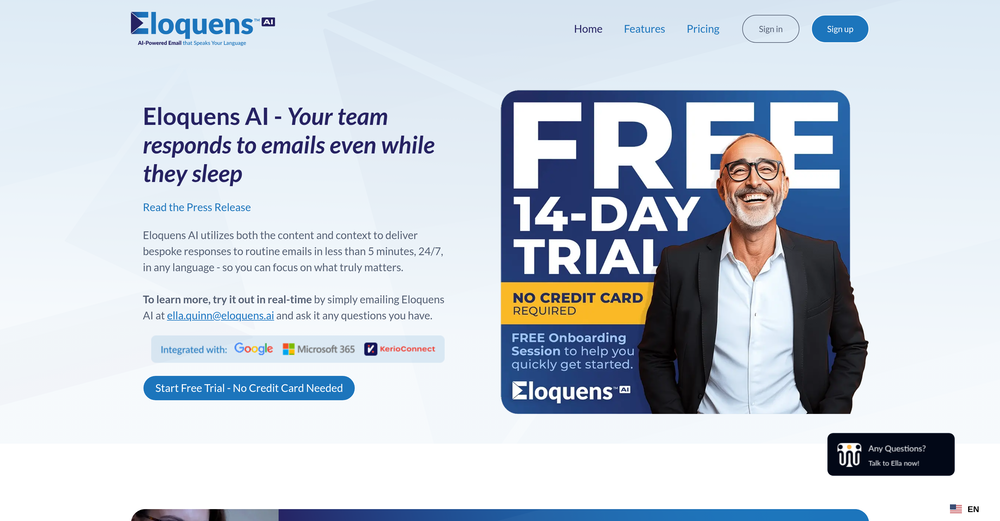 Worth the $60 monthly if you're a small business especially because it sends email on your behalf - doesn't just draft and keep it in your inbox (that option also exists). Mails composed are accurate, it's as if the tool is thinking on your behalf too. Learns and understands your writing style, job role, etc. and tailors the response.
 -
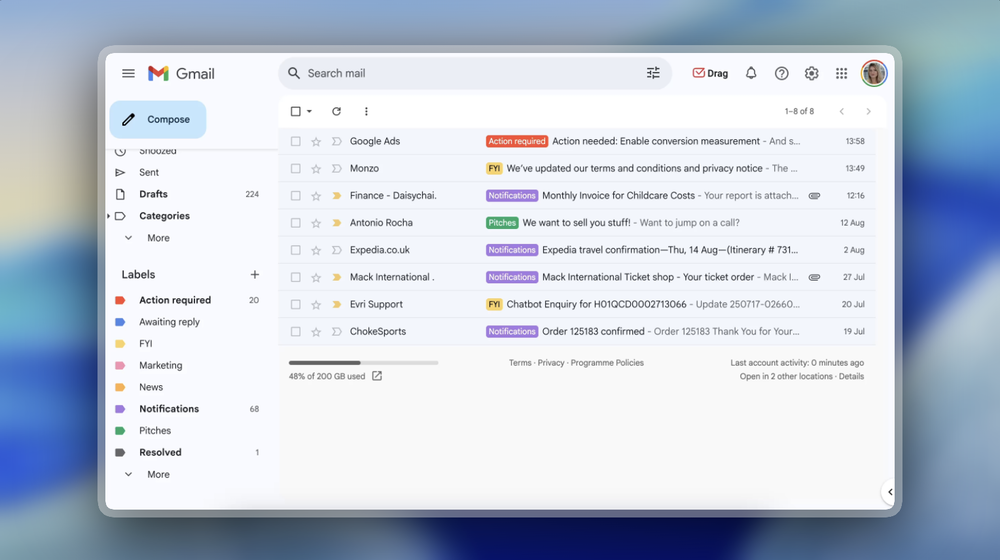 Been loving this tool so far, it's awesome to keep my inbox organized with the auto-tagging feature. I'll try the auto-draft as well, seems promising 🙏
 -
-
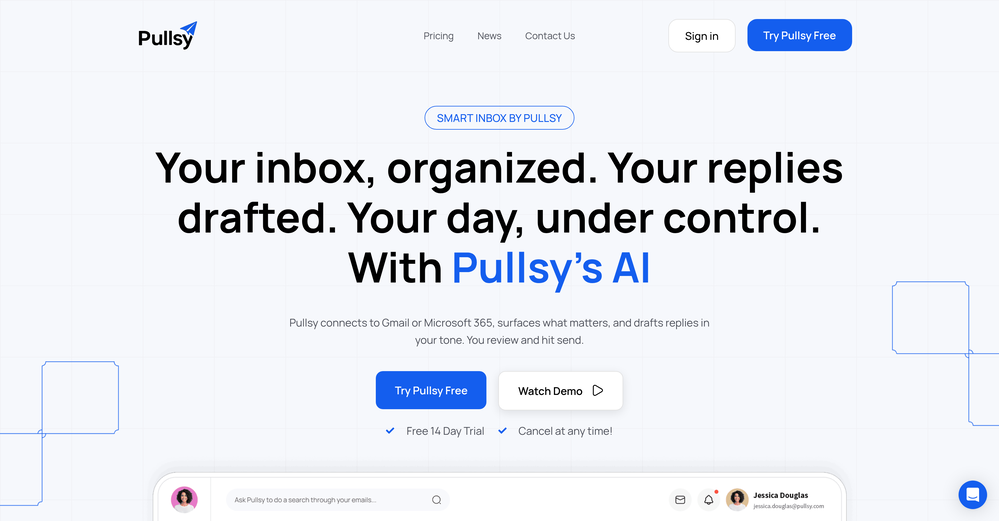
-
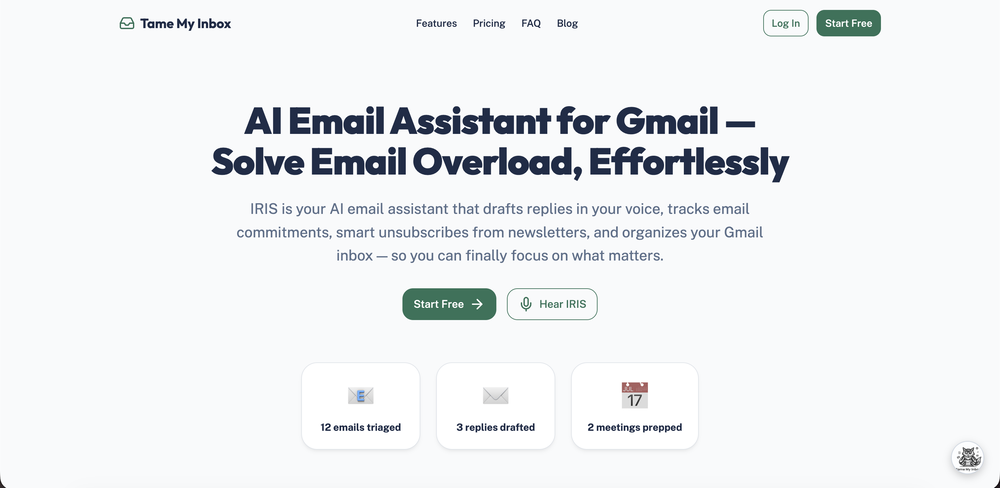
-
-
-
Waitlist
-









Verified tools
-
Mail Sweeper V2 — Four ways to clean your Gmail inbox Mail Sweeper V2 turns a one-trick sweeper into a complete inbox-cleanup toolkit. A redesigned dashboard now offers four cleanup tools in one place: - Quick Clean — scans your inbox and suggests the smartest cleanups: top cluttering senders, years-old unread mail, and storage-hogging attachments, each with a one-click sweep and a "View in Gmail" preview before anything moves. - Organize Inbox — AI scans your senders, suggests smart Gmail labels grouped by category, and applies them in bulk. - Unsubscribe — every mailing list in one place, with one-click unsubscribe and bulk delete. - Automatic Cleanup — the signature Dustpan now has a guided setup and a dedicated configuration page, sweeping unimportant email to the trash on a schedule you control. V2 also adds a 14-day free trial, a limited pay-once lifetime plan, impact stats (emails deleted, storage reclaimed, estimated CO₂e saved), and a faster, streamlined onboarding. Everything goes to Gmail's trash first — nothing is ever permanently deleted without a rescue window.
-
Hey AI fans, I am Kalo, co-founder of Breezemail. If your inbox is anything like mine, you spend at least 20% of your life opening, answering, and unsubscribing from emails. Arguably, the only thing more tedious than this is fixing your grandma’s Windows XP (arguably). Or you just gave up, and your inbox app has a cute red dot with a truncation ellipsis (…), also known as the symbol of inbox doom. Either way, the whole inbox situation is an absolute disaster. We wanted to solve this challenge using AI. Breezemail will help you enter the holy land of Inbox Zero. It’s an email categorizer tool that keeps important emails in your inbox and categorizes the rest into folders using natural language prompts. How does it work? 1. Breezemail has a default Important category which leaves all your real human emails in your inbox. 2. Everything else is organized into AI folders (or labels). Labels using natural language prompts, for example, “All emails from my family”. 3. We give you a bunch of pre-defined categories to start with, and you can create your own custom categories, the same way you would write a ChatGPT prompt (yes, our tool also uses ChatGPT). We’ve been testing it in-house for both our personal and business emails, and it worked so well that I no longer hate link builders and outreach people because their requests are neatly organized into a couple of folders. For my personal inbox, I can finally see all my receipts in one place, and all stock newsletters are ready for daily review in a different folder. Go try it out now for free. We’d love to hear your feedback, so please don’t be shy and drop me a line back. Currently, the tool is only available for Outlook, but we are working on a Gmail app, too. If you’d like to try it for Gmail, please let us know. Thank you, Kalo
-
 AI-powered Gmail assistant. Get instant email summaries, task extraction, replies +moreOpen
 -
Maybe making an browser extension to integrate directly into mail clients would be great here :)
- Spotlight
 SparkVoxLinkedIn
 -
Hey TAAFT, I’m Richie, cofounder of Forage Mail! 👋 Forage has seriously changed my relationship to my inbox, and I'm excited for more of you to experience it. Forage is not a new email app you need to learn. It’s an AI that plugs right into your Gmail account and filters out your low-priority mail. Then, it sends you a clean daily summary with everything it filtered out—including a TLDR of every newsletter you received.
-
Clever email management design and easy to use. I love the kanban board style with summarize and auto response.
-
Good idea, very mediocre execution. Not there yet. Contextual search is a complete joke, task generation from emails do not recognise taks owners (if I ask someone to do something or if someone asks me to do something). Useless at this stage. Will revisit it in an year, hopefully with some money form YC they can develop the product.
-
-
Its an impressive tool , eases the HR key tasks. Highly recommendable for the HR community
-
Very convenient tool. They have this "prompt wizard", kind of like a template selector so it's easy to generate outputs without coming up with prompts just to generate what I need.
-
 OpenAmazing! This is exactly what I‘ve been looking for for years
 -
unexpectedly nice email service with useful ai features. heavily recommended.
-
To be honest I never really thought AI could help me in anything more than writing the email. But I'm delightfully proved wrong by Mailmodo. I mean it does everything for you!




















Other tools
-
Registration before trial is a bad 1st impression and even worse user experience.
-
This is an inbox game changer. I combined 4 inboxes into one, and set up custom tags using prompts. It actually saved me from missing a message that I would have never otherwise cought. Support is also great, had a connection issue and it resolved quickly.
- Didn't find the AI you were looking for?
-
It's a great tool that let's write your email just in your outlook account
-
Mails.ai is a lifesaver for my email outreach. The platform lets me connect unlimited email accounts and upload unlimited leads, which is amazing. But the real standouts are their warmup features - both Email Warmup and Campaign Warmup. These train the email service provider's algorithm to recognize my emails as inbox worthy, not promotional, which is crucial. The added bonus is their Email Verification tool, which helps ensure I'm sending to valid addresses. And the AI Writer? That's the icing on the cake. It's been a game changer for both my email marketing and cold outreach. Definitely worth checking out!
-
I really appreciate it has a Chrome extenstion, besides just the app, as well as the user guide. I haven't yet seen it giving suggestions while writing, but i'm excited to try it out more
-
 ChatGPT AI for Gmail: Generate, summarize, translate, and improve emails.Open
 -
 Extract Outlook emails to Excel automatically using VBA.Open
 -
 AI enhanced email management with advanced personalization and integration.Open