Go to section
Sponsor
 Flow - 4x faster than typing
🎤 Dictation
Flow - 4x faster than typing
🎤 Dictation
The front page of AI.Used by 90M+ humans.

TAAFT Tutorial
Generate image
Tasks
Generate text
Free mode
Trending
Leaderboard
Characters
 Mini tools
New
Featured
Lists
Agents
Requests
Jobs
Map
Newsletter
Starter pack
Free tools
Speech to text
Text translator
Remove background
Settings
Edit profile
My tools
Gallery
Dashboard
Inbox
Get featured
Contact TAAFT
For you
Popular
Job impact index
Most saved
Affiliate program
Submit AI tool
Notification preferences
Glossary
Home
Timeline
My profile
Create tool
Deals
Companies
Models
Robots
Papers
Fundraises
Repositories
Devices
Organizations
Events
Prompt Pack
Merchendise
APIs
Features
Tools
Countries
Collections
Videos
Mini tools
New
Featured
Lists
Agents
Requests
Jobs
Map
Newsletter
Starter pack
Free tools
Speech to text
Text translator
Remove background
Settings
Edit profile
My tools
Gallery
Dashboard
Inbox
Get featured
Contact TAAFT
For you
Popular
Job impact index
Most saved
Affiliate program
Submit AI tool
Notification preferences
Glossary
Home
Timeline
My profile
Create tool
Deals
Companies
Models
Robots
Papers
Fundraises
Repositories
Devices
Organizations
Events
Prompt Pack
Merchendise
APIs
Features
Tools
Countries
Collections
Videos
Mini tools
New
Featured
Lists
Agents
Requests
Jobs
Map
Newsletter
Starter pack
Free tools
Speech to text
Text translator
Remove background
Settings
Edit profile
My tools
Gallery
Dashboard
Inbox
Get featured
Contact TAAFT
For you
Popular
Job impact index
Most saved
Affiliate program
Submit AI tool
Notification preferences
Glossary
Home
Timeline
My profile
Create tool
Deals
Companies
Models
Robots
Papers
Fundraises
Repositories
Devices
Organizations
Events
Prompt Pack
Merchendise
APIs
Features
Tools
Countries
Collections
Videos

▼ Latest
Metadata generator
Free mode
100% free
Freemium
Free Trial
Featured matches
-
-
 Batch rename files by content — private AI for Mac & WindowsOpen
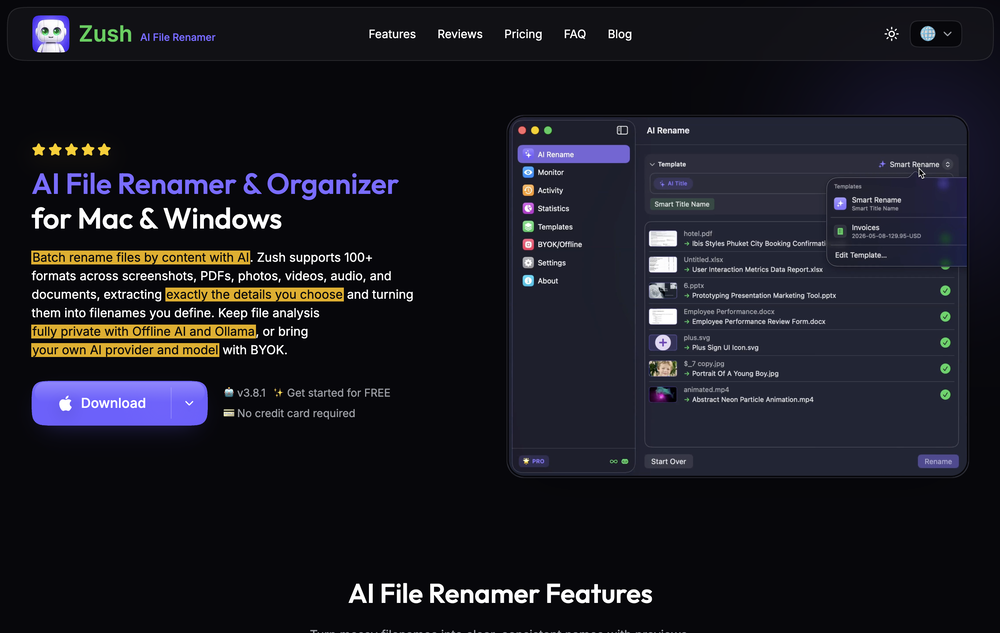 deviruchi🙏 1 karmaJul 14, 2026@Zush AI File Renamer & OrganizerGreat experience, exceeded all expectations!
 -
-
 Open
Open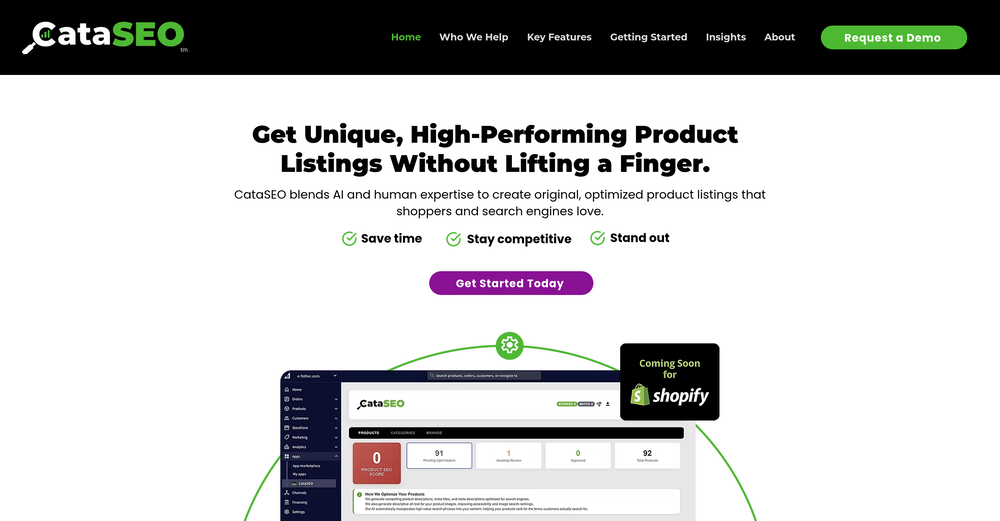 Sorry Marek, at this point it is an embedded BigCommerce app, which can only be used within a BigCommerce store. PS...I see that you work for ProductLasso.com? Doing competitive research?
 -
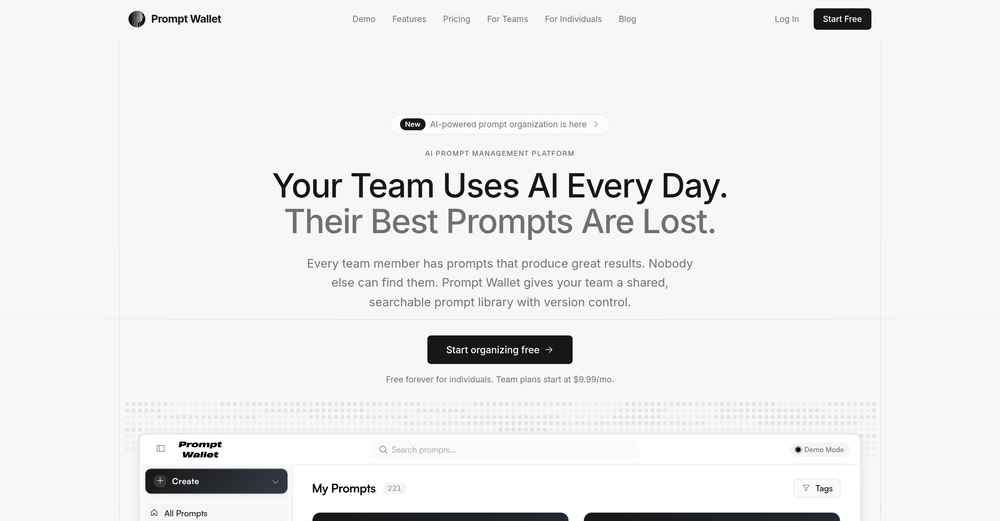
-
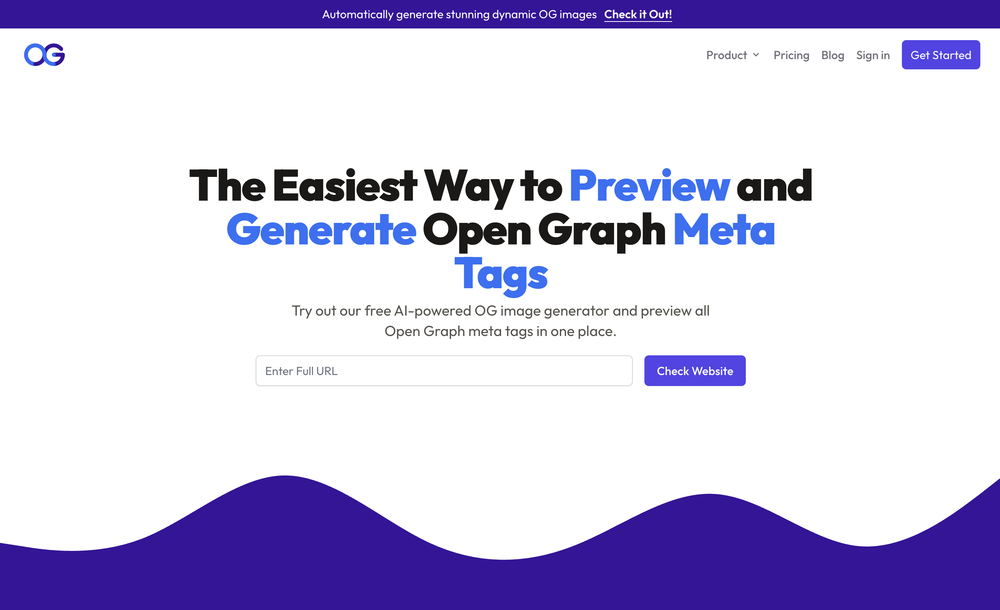
-
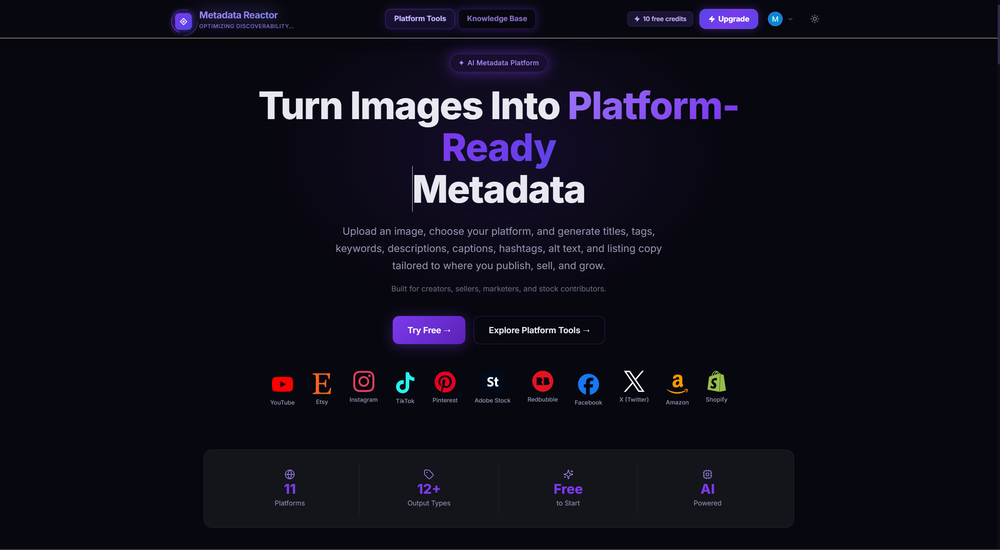
-
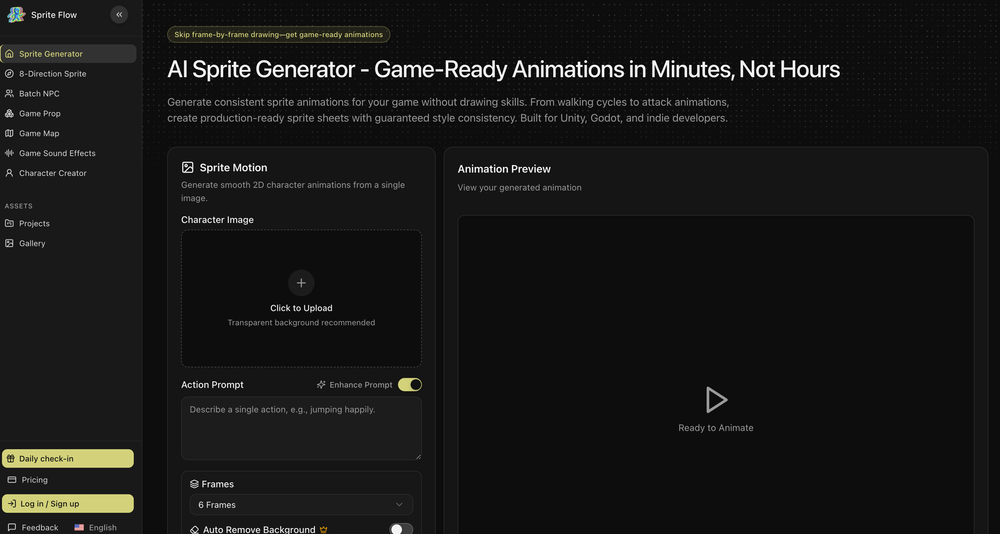
-
-
 Didn't even get the country right. The place looked nothing like the location on my image. :/











Verified tools
-
Great platform. I like their content readability optimiser, pretty quick and useful. Also made a video on it: https://www.youtube.com/watch?v=UBMWiqNAo2w
- SponsorFlow - 4x faster than typing🎤 Dictation
-
-
Super interesting tool! I’ve been using FindTube to learn data analysis, and it solved a problem I always had with YouTube—I could easily collect too many tutorials, but I was always lost about where to start, and everything felt unstructured.
-
 Your AI-powered file organizer that respects privacy for macosOpenGood Replacement for the sparkle. Keep it up
 -
Hey Cherryl, seems to be working just fine for me, can you give it another try?
-
 Extract data instantly: Grab text, images, emails & links from any websiteOpen
 -
 Boost visibility with instant AI-generated SEO content.Open
 -
 Generate catchy, SEO-friendly titles to boost sales.OpenHi Alex! It's working for me, try again
 -
I’ve been using it for a month now and I have decided to keep it for a year. There definitely are some kinks they can still work out like file management, but it’s very good at it’s core function: it generally does a good job answering questions and most times identifies PDFs automatically and correctly. The browser plugin works great, and it’s very nice that Papers allows you to add your university’s library API so you can automatically download PDFs that are accessible through your institution (sometimes it refuses to download some papers, so you just have to downlow it yourself and manually add it). The iPad and Android apps are serviceable. Every once in a while it will mess up the PDF identification, especially with papers from either very old sources or online-only journals. Things they must work on: * A much better system to annotate PDFs (the post-it type notes are cumbersome). * Introduce a notepad attached to each PDF or some way to easily link and save the AI’s output to the PDF. Currently, you have to add a little post it note and then paste the text there. * Keep the AI answers available after closing the documents. If you close the document by mistake or have several open and wish to close some, the ai conversation will be reset. * I REALLY wish that you could get citations and links to where the info was from extracted from PDFs. Currently, I have found Coral.ai does a much better job of showing you where the info came from and it even highlights it for you. Give it a try, their 30-day no credit card needed trial allowed me to truly test it, and now I’m a yearly subscriber looking forward for new additions and releases.
-
Similarity search works okay, but UX could be improved — it's hard to tell when a search was completed. Also there are some minor mistakes in BPM assignation. But overall works as expected and helps finding similar tracks.
-
You can now ask AI about your typed note. This issue has been fixed.
-
-
Pretty cool app. I uploaded some of my own footage and was able to search for expressions and actions. Super easy to find interesting clips.
-
Data narration and augmentation are valuable tools from datumfuse.ai




























Other tools
-
Hi, I am the founder of the website and the email address is working correctly. Also, you can contact me on Twitter, @Swapbuilds if you get any issues. I am pretty active on social, so not creating any scamy stuff! 😅😁 I saw this now so just wanna share it.
-
-
 Open
Open -
 AI translation that automatically reflects your brand's tone and styleOpen
 - Didn't find the AI you were looking for?
-
 Generate SEO-friendly YouTube descriptions with AI instantly.Open
 -
-
Taja has truly transformed my YouTube journey. While I thrive on the creative process, the publishing side often felt overwhelming. Taja stepped in as my trusty sidekick, making the entire process a breeze. The title and description creation alone would be worth it, but Taja goes above and beyond. It delivers optimized keywords and even helps structure video chapters, adding immense value to each upload. Time-saving and incredibly effective, Taja is a must-have for any content creator looking to level up their game!
-
 Open
Open -
 Generate stunning scientific visuals with AI precision.Open
 -
 Creating SEO-optimized meta descriptions for various topics.Open
 -
 Open
Open -
 Open
Open -
 Open
Open -
 Evaluates articles based on Google Search Quality Guidelines.Open
 -
 Open
Open -
 Open
Open -
 Upload your tarot spread, get an instant interpretation.Open