 Rocket
 Mini tools
▼ Latest
Presentation enhancement
Free mode
100% free
Freemium
Free Trial
Featured matches
-
 AI-powered insights to optimize your LinkedIn presence.Open
 Simon Gelfand🛠️ 1 tool 🙏 3 karmaDec 10, 2025@LinkedIn Profile AnalyzerGreat to hear, glad it was helpful for you.
 -
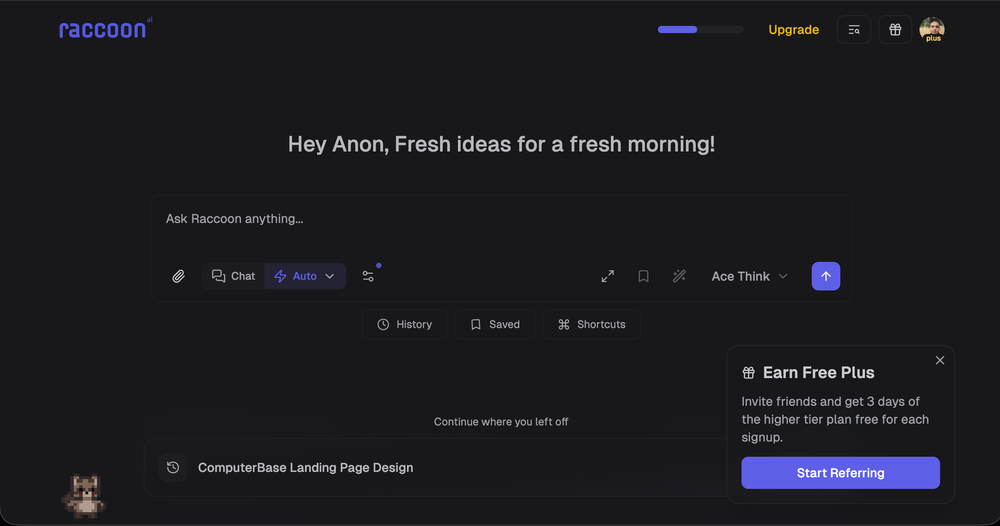 We're live folks! Do check us out and drop your feedback or requests.
 -
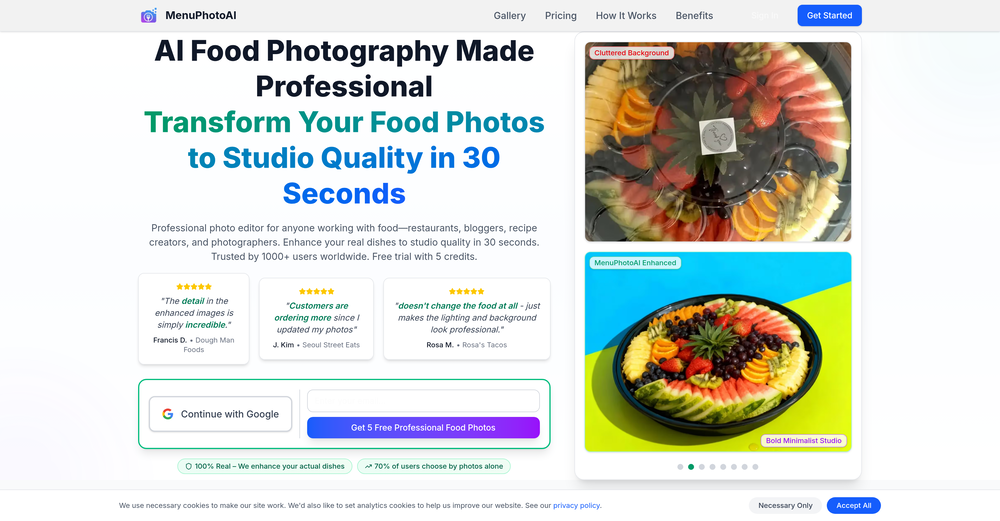
-
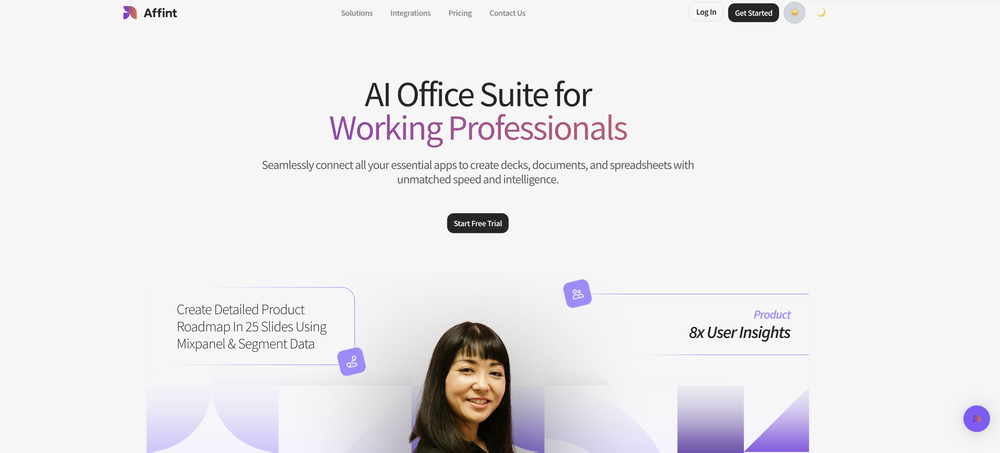 Just tried yesterday. The first productivity tool which allowed me to create professional slides, reports, and sheets with my data in a few minutes. Was able to connect 20 of my tools in less than 5 minutes.





Verified tools
-
A very useful AI slides tool! The content it generates is genuinely smart.
-
Six months ago I was building some landing pages and found myself wasting way too much time downloading stock photos, cropping them, resizing, rehosting... the whole thing felt broken. I looked around for a tool that just let me describe the image I wanted and get it in the right format instantly—but nothing really existed. So I built Inliner AI. Now when I need an image, I just write what I want directly into a URL like this: https://img.inliner.ai/my-project/panda-playing-guitar-on-stage_1200x750.png Hit enter and boom Inliner generates an original AI image, intelligently cropped, resized for the web, and served instantly via CDN. Need a quick edit? Just append it to the URL: .../remove-the-guitar_900x750.png No uploads, no UI, no waiting. You can also upload your own products, people, or logos and compose them into generated scenes. For more control, there's a Studio web GUI where you can play with prompts and dimensions and compare variants side by side before committing. Where this gets really powerful is when you show your LLM how to use these URLs. Once it knows the pattern like: https://img.inliner.ai/my-project/xxx-yyy-zzz.png It can generate, tweak, and iterate on image assets dynamically, right inside your prompts or your code. Everything stays self contained in the link. We also include copy/pasteable instructions for Claude, GPT, Cursor, and more so you can wire this up in minutes. If you're building a product, designing a page, or just prototyping something new try it out and let me know what you think!
-
not gonna lie, reading the name I was ready to start shooting an actual film. turns out it just makes a description and a cover. still, kinda cool for discovering new movie ideas
- Sponsor:Rocket
-
 OpenBriefNest is a very useful tool for quickly generating strategic and creative briefs in a professional format. The interface is clear, the bilingual support is a big plus for international clients, and the ready-to-deliver PDFs make the workflow much easier.
 -
Thanks for your note. Pi is independently developed, with more than Gamma: richer themes, interactive surveys, AI copilot. 7-day free trial—try it to see! We value innovation and users.
-
Using it on day-to-day basis to create presentations for my real estate clients. It's good.
-
 Generate professional presentations in seconds with AIOpenDid not allow to download the slides.... ideally they should keep it free till sufficient traffic hits the platform and allow people to share feedback.
 -
 Create stunning presentations in seconds with AIOpen
 -
Looks promising but found it very slow to load and create templates and previews
-
Too limited in caracters, visuals and prompt application
-
Surprisingly Powerful & Underrated I originally used TeraBox just to back up my photos and save lecture materials—but the new AI features blew me away. The built-in paraphrasing tool has become my go-to for refining academic writing. It’s a hidden gem that deserves way more attention!
-
GoEnhance's production from video to animation is impressive. It can go up to 2k 60fps, so exciting.
-
 Enhance portraits with AI for stunning detailsOpen
 -













Other tools
-
-
 Create stunning hand-drawn flowcharts from text instantly.OpenI use AI Flowchart Generator to create flowcharts for my blog posts. It’s incredibly easy to use and saves me so much time. Now, I can turn my text to flowchart and make my posts more interesting and helpful for readers!
 -
-
It's really a cool concept, but for a year is over $1000 subscription price, and you can't even try it first ONCE before having to pay! When you sign up, you should get (x)# of free trials, even if it's like... limited. The fact you can't even try it is super lame!
- Didn't find the AI you were looking for?
-
It easy to use and you can create beautiful presentations but you can't share professionally without a HUGE cost of 50 per month thats billed annual! they try and force you to buy. Will not use as it is NOT easy to share
-
I am able to summarize a complex paper into a one-pager visual. Before this tool: hours of reading and summarizing. After this tool: I grasp something complex in seconds. Thank you!!!
-
I no longer need to crack my head just to come up with quiz questions for my students! Really saves me a lot of time! Love it!
-
-
-
-
Hello Lalith! Try refreshing the page and giving it another shot,the app seems to be working fine.
-
Very intuitive and easy to use tool, that will allow whoever wants to create presentations a wide range of templates to add cool graphics and design in very little time. The cons are that as a web based app, you have to store your presentations online and depend on having good internet connection to present. It does give you the option to download a PDF or PPTX document, but transitions, videos and audio doesn't download. The AI generator for images is not quite there yet, but the prompts to create slides is very good. Tip: Create slide by slide if you are going to use AI. The command to generate a whole presentation from a prompt is still not very accurate in my experience.
-
 OpenI want a presentation on the topic **Travel**. I want words that are easy to read and pronounce and have an expressive, useful and scientific meaning.
 -
It’s more than just a presentation maker, it also helps organize information.A great alternative to PowerPoint or Google Slides when you need something fast and professional. It has become part of my daily workflow at the office.
-
It's helps you get started on a presentation. Likely need to edit photos and text.
-
It works great! I like it so far, awesome concept and easy to use.
-
 AI-generated watercolor backgrounds for stunning visuals.Open
 -
 Transform ordinary product photos into stunning, market-ready e-commerce images.Open
 -
 Your AI writing coach for expert, motivating feedback.Open
 -
 Transform ideas into charming stick figure illustrations.Open
 -
Hi Christian! Looks like it's working for me, can you give it another try?
-
-
 Crafting best presentations by enhancing narrative and visuals.Open
 -
 Expert in creating content and voiceovers with AI & SEO.Open
 -
 Assists with PDF and template formatting for a professional look.OpenThough doesn't format pdf correctly, however saved my time, so far good tool
 -
 OpenI'm hoping it's me and a user error so I can make this 5 stars but I was able to enter information, prompts seemed to show it was understanding the task but any attempt to generate a presentation failed
 -
 Expert in enhancing Tinder profiles and crafting unforgettable bios.Open
 -
 Aiding in design, formatting, and creative PowerPoint slide ideas.Open
 -
 Enhanced Wikipedia with effective image search and friendly presentation.Open

























































Post





