 Rocket
 Mini tools
▼ Latest
Presentation maker from text
Free mode
100% free
Freemium
Free Trial
Featured matches
-
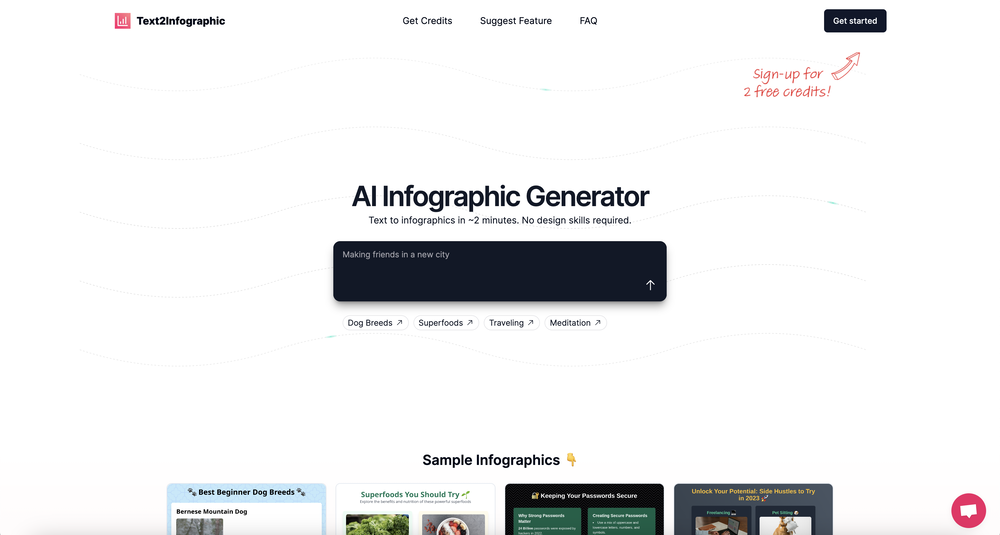 David Parsons🙏 5 karmaJun 15, 2024@Text to InfographicThis definitely has potential. The lack of control over what gets generated is annoying, in particular how it will insert meaningless graphs despite being provided with no data - there needs to be a way of preventing this. However, the fact that you can download the HTML and then edit yourself is a big plus. Unfortunately only having two credits to test it out didn't really give me a chance to find out what it could do.

Verified tools
-
 OpenYou spent half of hour on describing how your presentation should look like, and just after that getting informed that you need to pay subscription to proceed. Who’ll pay my time back?
 -
 Generate professional presentations in seconds with AIOpenDid not allow to download the slides.... ideally they should keep it free till sufficient traffic hits the platform and allow people to share feedback.
 -
Surprisingly Powerful & Underrated I originally used TeraBox just to back up my photos and save lecture materials—but the new AI features blew me away. The built-in paraphrasing tool has become my go-to for refining academic writing. It’s a hidden gem that deserves way more attention!
-
 Create stunning presentations in seconds with AIOpen
 - Sponsor:Rocket
-
 OpenThe PowerPoint presentation I made met my expectations very well
 -
A very useful AI slides tool! The content it generates is genuinely smart.
-
When testing out the free version it looked promising, but as soon as I purchased the largest package for more characters the slides were unusable with text running vertically up and beyond my slides (1 character per line). When I reached out to the supplier, they wouldn't refund me because it had been more than 48 hours since my purchase. Waste of money and time.
-
Xpptx: Your One-Click Professional PowerPoint Solution. Making PowerPoint & Slides Creation Easier
-
 OpenThere is nothing here that meets the presentation requirements. The slides are monotonous and boring; it's as if I just copied my entire text and pasted it onto 10 slides - there's no value in that. The information is inconvenient and uninteresting to read. It's even summarised and organized worse than I could do it in 5 mins. It's better to use free GPT and put all into slides then use this. Omg it's really very bad, extremely poor, and I will never use it again.
 -
Using it on day-to-day basis to create presentations for my real estate clients. It's good.






Other tools
-
It easy to use and you can create beautiful presentations but you can't share professionally without a HUGE cost of 50 per month thats billed annual! they try and force you to buy. Will not use as it is NOT easy to share
-
-
It's helps you get started on a presentation. Likely need to edit photos and text.
-
-
-
-
- Didn't find the AI you were looking for?
-
Test based on an actual teaching topic of Social Media Marketing based on a textbook. Perhaps my prompt was not detailed enough because the .ppt output had a minimalist layout. Some textual explanations were acceptable however, the AI does not yet have enough depth to use for an education environment. The results were very fast and produced 12 slides. Images were presentation quality however, two images were repeated and the text-to-image ratio was only a 1/2 grid.
-
-
-
-
This is a simple, private, free tool that helps me unload my thought stack to decompose and solve any creative tasks. I love to use this app as an alternative to the official ChatGPT to conveniently apply my frequent prompts to the results of my brainstorming.























Post





