Go to section
Sponsor
 Flow - 4x faster than typing
🎤 Dictation
Flow - 4x faster than typing
🎤 Dictation
The front page of AI.Used by 90M+ humans.

Generate image
Tasks
Generate text
Free mode
Trending
Leaderboard
Characters
 Mini tools
New
Featured
Lists
Agents
Requests
Jobs
Map
Newsletter
Starter pack
Free tools
Speech to text
Text translator
Remove background
Settings
Edit profile
My tools
Gallery
Dashboard
Inbox
Get featured
Contact TAAFT
For you
Popular
Job impact index
Most saved
Affiliate program
Submit AI tool
Notification preferences
Glossary
Home
Timeline
My profile
Create tool
Deals
Companies
Models
Robots
Papers
Fundraises
Repositories
Devices
Organizations
Events
Prompt Pack
Merchendise
APIs
Features
Tools
Countries
Collections
Videos
Mini tools
New
Featured
Lists
Agents
Requests
Jobs
Map
Newsletter
Starter pack
Free tools
Speech to text
Text translator
Remove background
Settings
Edit profile
My tools
Gallery
Dashboard
Inbox
Get featured
Contact TAAFT
For you
Popular
Job impact index
Most saved
Affiliate program
Submit AI tool
Notification preferences
Glossary
Home
Timeline
My profile
Create tool
Deals
Companies
Models
Robots
Papers
Fundraises
Repositories
Devices
Organizations
Events
Prompt Pack
Merchendise
APIs
Features
Tools
Countries
Collections
Videos
Mini tools
New
Featured
Lists
Agents
Requests
Jobs
Map
Newsletter
Starter pack
Free tools
Speech to text
Text translator
Remove background
Settings
Edit profile
My tools
Gallery
Dashboard
Inbox
Get featured
Contact TAAFT
For you
Popular
Job impact index
Most saved
Affiliate program
Submit AI tool
Notification preferences
Glossary
Home
Timeline
My profile
Create tool
Deals
Companies
Models
Robots
Papers
Fundraises
Repositories
Devices
Organizations
Events
Prompt Pack
Merchendise
APIs
Features
Tools
Countries
Collections
Videos

▼ Latest
Preservation
Free mode
100% free
Freemium
Free Trial
Featured matches
-
-
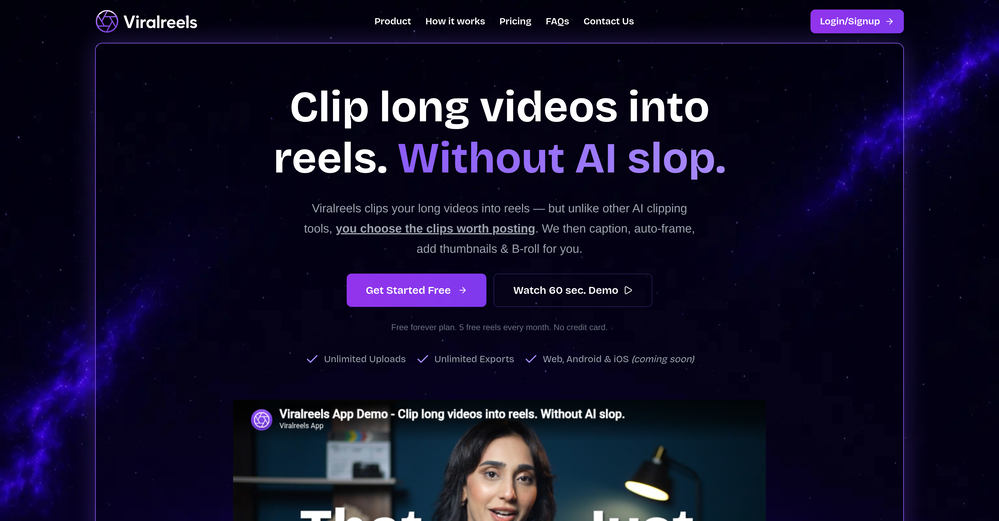 Divya Bavana🙏 5 karmaMay 28, 2026@ViralReelsBeen using ViralReels.co for a few days and it honestly saves me a ton of time editing shorts. The animated captions look really good, and I can turn one video into multiple Reels and Shorts in minutes.
 -
-
-
 We’ve just launched CASi Scout — a product that helps writers generate smart, relevant content ideas based on breaking news, strategic angles, and their client’s audience and product.
 -
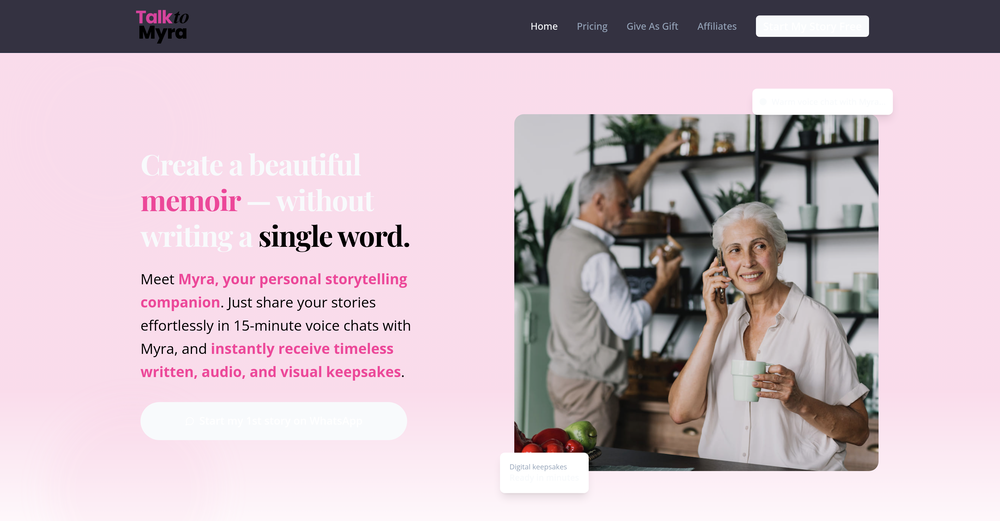 This is a great smart tool for recording memoirs. It helped me record my childhood memories from long ago, and the generated images are beautiful. They can be used as chapters in my memoirs and can be continuously updated. Oh, and I especially think the images generated from those words are amazing! This tool is also easy to use, making it suitable for seniors. Therefore, I will recommend it to my grandparents to record their special moments!!
 -

-
 Turn any idea or face photo into polished square icons instantly.Open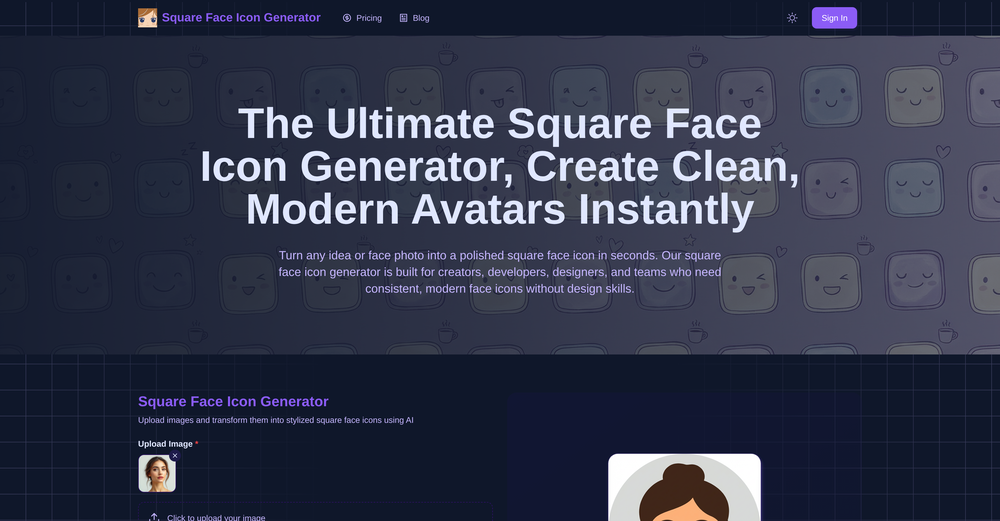
-
Waitlist
 I’m no longer worried about office devices or Wi-Fi being blocked when using AI. With that "AI You Can Text" feature, where Anuma can be accessed via SMS or iMessage, all those problems are gone. Plus, I’m not worried about data security either, because all our interactions stored in the Private Memory are end-to-end encrypted, and the Private Memory itself makes sure we never lose context.
 -








Verified tools
-
 Turn your slides into narrated videos with AI voiceoverOpen- Complete rebuild with a redesigned interface and faster workflow. - Added AI script generation to automatically create presentation narration. - Expanded language support for creating videos in more languages. - Added new natural-sounding AI voices across supported languages. - Improved presentation rendering speed and overall reliability. - Enhanced export experience with downloadable MP4, PDF, and script files. - Refined project management and editing workflow. - Numerous bug fixes and performance improvements.
 -
 Your AI presentation agent for instant professional slides.OpenA great AI presentation maker
 -
create a ppt with example and small case study on augmented marketing mix
-
Thanks for your note. Pi is independently developed, with more than Gamma: richer themes, interactive surveys, AI copilot. 7-day free trial—try it to see! We value innovation and users.
- SponsorFlow - 4x faster than typing🎤 Dictation
-
 Create stunning presentations in seconds with AIOpen
 -
 Generate professional presentations in seconds with AIOpenDid not allow to download the slides.... ideally they should keep it free till sufficient traffic hits the platform and allow people to share feedback.
 -
-
 AI video translation with dubbing and lip-sync.Open
 -
it removed the watermark cleanly while keeping the original quality.
-
-
 Create and download your digital clone to live forever. Interact with others.Open
 -
 Transform photos into cinematic videos with AI.OpenMultiple video models available, easy to try with free credits, and the results look good.
 -
I like it but sometimes it changes some features in somone
-
Não conseguir testar pois a plataforma fica toda hora caindo, então não conseguir gerar a imagem. Mas gostaria de conseguir testar pois a proposta é muito boa.
-
Thanks for the nice comment Cath! I'm working on it by myself, it's the first app that I build and I try to make the customer experience as good as I can. It's always the number one focus.
-
 Turn images into videos with advanced AI All with Fylia AI.Open
 -
 Open
Open -
 Transform any photo into stunning dynamic videos.Open
 -
-
I’ve tried almost every AI slide generator out there, and Tosea is in a league of its own. Most tools just scrape the surface, but Tosea actually digs into my research PDFs. It captures the nuance and logical flow of the original document without the usual AI hallucinations. The slides it produced for my last project were surprisingly deep and well-structured. Plus, being able to export directly to PPTX and make my own tweaks is a lifesaver. It’s easily saved me hours of manual formatting this week.
-
Nice interface and a good ai humanizer.




















































Other tools
-
I think it delivers on all of its claims, specially the transcription and Blogs.
-
 AI phone agent for restaurants: answers calls, takes orders, books reservationsOpen
 -
 AI-powered restaurant recommendations with instant bookingOpen
 -
Its just impossible to get a demo of their API! I guess they have a 5 year $ runway and dont care about customers anyways.
-
 Open
Open -
 AI photo restoration that preserves original identity.Open
 -
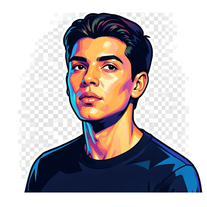 Transform photos into vibrant streetart portraits with perfect identity preservation.Open
 - Didn't find the AI you were looking for?
-
 Ultra-realistic AI image generator with perfect identity preservation.OpenJust put your photo, dont put prompt text ok
 -
 Transform photos into cinematic cloud scenes with perfect identity preservation.Open
 -
Sweet for cinematic grounded realism
-
 Become the subject of your own cinematic masterpiece.Open
 -
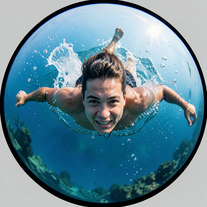
 Generate hyperreal portraits that preserve your exact identity.Open
 -
 Open
Open -
 Open
Open -
-
 Generate hyper-real GoPro-style self-portraits from your reference photo.Open
 -
 Create hyper-real, top-down cinematic portraits of colossal subjects in gridded cities.Open
 -
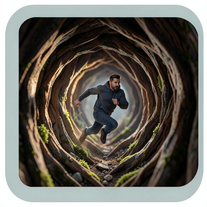 Generate ultra-real 8K cinematic macro scenes with your subject.Open
 -
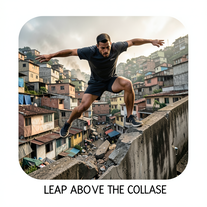 Craft hyper-real 8K cinematic action shots from reference images.Open
 -
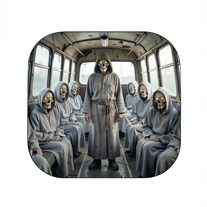 Generate photoreal 8K cinematic bus scenes with perfect subject fidelity.Open
 -
 Hyper-realistic portraits with cinematic lighting perfection.Open
 -
 Open
Open -
It is the best free image to image generator I have seen! It is fast, reliable, and good for making either quick adjustments or large gradual changes! 10/10 would recommend!
-
 AI creates photoreal portraits and matching desk miniatures.Open
 -
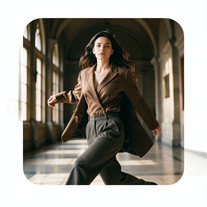 Hyper-real cinematic fashion portraits from single reference photos.Open
 -
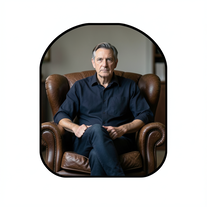 Create film-noir portraits through a keyhole perspective.Open
 -
 Open
Open -
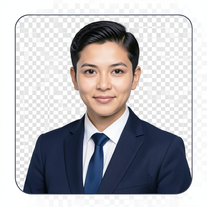 AI-powered corporate portrait generator for ultra-realistic executive headshots.Open
 -
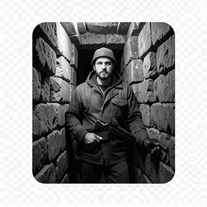
 Transform photos into dramatic neo-noir assassin portraits.Open
 -
 Transform photos into hyper-realistic 8K cinematic masterpieces.Open
 -
 Transform yourself into cinematic miniature adventures.Open
 -
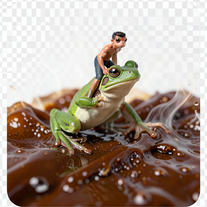
 Wrestle giant food in hyper-realistic cinematic photos.Open
 -
 Generate surreal cinematic scenes with perfect facial identity.Open
 -
 Open
Open -
 Open
Open -
 Transform photos into whimsical handcrafted felt dolls.Open
 -
 Create cinematic action scenes while preserving human identity.Open
 -
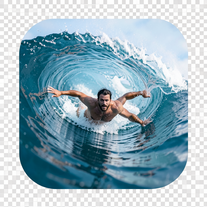 Transform portraits into hyper-realistic barrel wave shots.Open
 -
just put your image and generate. Just this ok
-
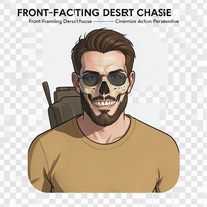 Generate hyper-realistic 8K cinematic motorcycle chase scenes.Open
 -
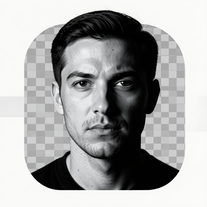 Transform photos into dramatic black-and-white chiaroscuro portraits.Open
 -
 Transform photos into Parisian fashion editorials instantly.Open
 -
 Open
Open -
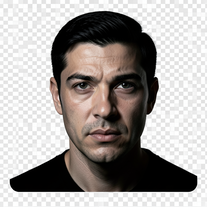 Turn portraits into cinematic masterpieces with dramatic lighting.Open
 -
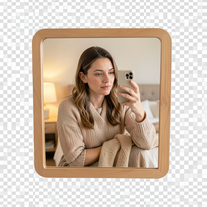 Creates ultra-realistic 4K mirror selfies with warm, cozy lifestyle aesthetics.Open
 -
 Open
Open -
 Open
Open -
 AI-powered studio portraits that preserve your exact identity.Open
 -
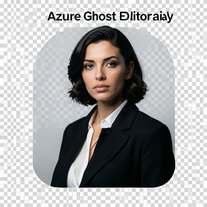 Open
Open -
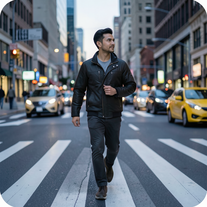
 Creates ultra-realistic cinematic portraits from your photos.Open
 -
 Open
Open -
 Create cinematic 8K images of people in surreal scenarios.Open
 -
 Create cinematic AI photographs of yourself anywhere.Open
 -
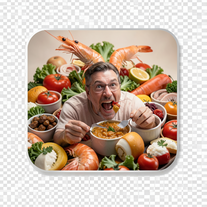 Create photorealistic images in surreal food worlds.Open
 -
 Transform photos into ultra-realistic 1/6-scale collectible action figures.Open
 -
 Create cinematic photos with giant and miniature versions of yourself.Open
 -
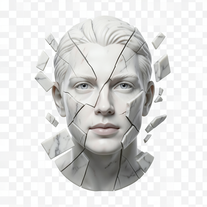 Transform portraits into fractured sculptural masterpieces.Open
 -
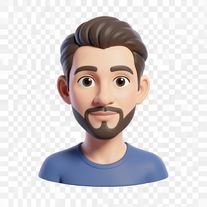 Transform photos into bold 3D caricature portraits.OpenAlways generate a portrait with earrings, even when it's a man?
 -
 Open
Open -
 Transform photos into ultra-realistic 8K cinematic scenes.Open
 -
 Open
Open -
 Transform ordinary photos into ultra-realistic cinematic scenes.Open
 -
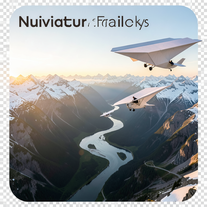 Create ultra-realistic 8K cinematic photographs with whimsical concepts.Open
 -
 Transform photos into cinematic scenes with perfect precision.Open
 -
 Create ultra-realistic 8K photos of real people.OpenSimply upload your photo; you don't need to type anything in the prompt field. Just click "generate" and watch the magic happen.
 -
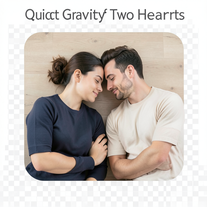 Open
Open -
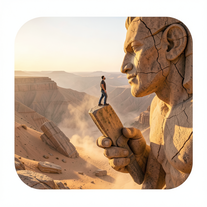 Ultra-realistic AI image generator creating hyper-detailed 8K cinematic photographs.OpenSimply upload your photo; you don't need to type anything in the prompt field. Just click "generate" and watch the magic happen.
 -
 Crafting stunning PowerPoint presentations from research to product.Open
 -
 Upload your startup presentation, get a Silicon Valley-style Elevator PitchOpen
 -
 Expert in creating tailored clinical psychology workshop presentations.Open
 -
 Creating professional PowerPoint slides tailored to your tone.Opensimple, easy and effective. Thanks
 -
 Crafting best presentations by enhancing narrative and visuals.Open
 -
 Expert in PowerPoint structures, slide descriptions, and speaker notes.Open
 -
Plus AI makes creating engaging presentations a breeze. I’m impressed by the smart suggestions that align perfectly with my needs. It’s like having an AI co-worker always ready to help!
-
 Crafting stunning, detailed PowerPoint presentations from research to final product.Open
 -
 Improves PowerPoint presentation in content and timing.Open
 -
 Creative ideas for plating dishes with visual appeal and practicality.Open
 -
 Enhanced PowerPoint Assistant for comprehensive, linked outlines.Open
 -
 Adaptable to your Level of experience Google Slides Assistant.Open
 -
 Data-driven analysis and PPT creation for all industriesOpen
 -
 'Little fire' simulates self-awareness, self-preservation and moral compass.Open
 -
 Expert guidance on antique identification, preservation, and restoration.Open
 -
 Ensures proper organization and preservation of company records.Open
 -
 Specialist in game dialogue translation with ID preservation and spreadsheet formatting.Open