 Flow - 4x faster than typing

 Mini tools
Presentation to Video | Vidsembly
 Turn your slides into narrated videos with AI voiceover
Go to 💼 Business
📢
Marketing
(2451)
🔍
Industries
(1059)
💾
Data
(924)
💼
Sales
(738)
💰
Finance
(405)
👔
Management
(331)
💡
Startups
(310)
⚖️
Legal
(268)
👔
HR
(239)
🔒
Security
(215)
📈
Business strategy
(210)
📅
Meetings
(131)
📊
Product management
(124)
📞
Calls
(45)
🤝
Networking
(40)
💻
Tech support
(38)
💻
Virtual employees
(36)
🤖
Enterprise
(15)
🚀
Business innovation
(13)
💼
Freelancing
(12)
 GetSpiced
 CleeAI
 Starnus
 Activepieces
 Avataar's GenAI Creator
 Olivya
 Abstra
 Pipefy
 DoubleO
 Neferdata
 Quixl
Quixl
 Cubeo
Cubeo
 Sema4.ai
 Ridvay
 Tray.io
 Cognition by Mindcorp
 GoodWork
 Mr David
 UiPath
 Super Amplify
GetSpiced
17,148
CleeAI
15,009
Starnus
11,370
Activepieces
6,264
Avataar's GenAI Creator
5,891
Olivya
4,955
Abstra
4,258
Pipefy
3,973
DoubleO
3,853
Neferdata
2,632
Quixl
2,633
Cubeo
2,516
Sema4.ai
2,342
Ridvay
1,618
Tray.io
1,468
Cognition by Mindcorp
1,276
GoodWork
1,265
Mr David
735
UiPath
654
Super Amplify
463
Go to 📢 Marketing
📣
Marketing channels
(1695)
🔥
Branding
(254)
🎥
Presentations
(112)
🤝
Public relations
(64)
🎯
Marketing strategies
(54)
📢
Marketing content
(51)
📑
Landing pages
(44)
🔍
QR codes
(32)
📣
Marketing campaigns
(18)
🌱
Business growth
(15)
📊
Marketing optimization
(12)
📊
Marketing analysis
(11)
📈
Marketing assistance
(8)
 Averi AI
 Digibate
 Aiter.io | Paste a URL. Ship a Campaign That Sounds Like Your Brand.
 The AI CMO
 BrandJet AI
 Okara
Okara
 DFIRST AI
 Beno One
 NoimosAI
 BlueAlpha
 Layers
 Conversion
 Markifact
 ActiveCampaign
 Octo
Octo
 mavic.ai
 Swipe Insight
 BOSCO
BOSCO
 Planist
 Zenie
Zenie
Averi AI
78,110
Digibate
43,994
Aiter.io | Paste a URL. Ship a Campaign That Sounds Like Your Brand.
38,322
The AI CMO
20,527
BrandJet AI
17,970
Okara
17,502
DFIRST AI
17,442
Beno One
13,173
NoimosAI
11,244
BlueAlpha
10,114
Layers
9,511
Conversion
9,309
Markifact
8,615
ActiveCampaign
7,636
Octo
7,242
mavic.ai
5,857
Swipe Insight
4,769
BOSCO
3,962
Planist
3,573
Zenie
3,119
Go to 🎥 Presentations
🖥️
PowerPoint presentations
(31)
🎬
Interactive presentations
(2)
📹
Presentations to videos
(2)
 MagicSlides.app AI PPT Maker
 NextDocs.io
 Gamma
Gamma
 AI Slide Generator
 GenPPT
 okkslides
 VoxDeck
 SlidesPilot
 PresentationGPT
 Tome App AI
 Xavier AI
 SlidesAI
 Chronicle
 SlideSpeak
 Alai
Alai
 PresentationsAI
 AI Presentation Maker by SketchBubble
 AI GPT for Slides
 Prezo
Prezo
 Beautiful.ai DesignerBot
MagicSlides.app AI PPT Maker
207,174
NextDocs.io
108,676
Gamma
105,075
AI Slide Generator
65,549
GenPPT
63,235
okkslides
62,970
VoxDeck
59,869
SlidesPilot
42,907
PresentationGPT
39,778
Tome App AI
33,458
Xavier AI
32,917
SlidesAI
30,259
Chronicle
26,511
SlideSpeak
26,164
Alai
24,808
PresentationsAI
24,252
AI Presentation Maker by SketchBubble
21,927
AI GPT for Slides
21,363
Prezo
17,333
Beautiful.ai DesignerBot
16,628

Presentation to Video | Vidsemblyv2.0.0Version updatev2.0.0Jul 13, 2026- Complete rebuild with a redesigned interface and faster workflow.
- Added AI script generation to automatically create presentation narration.
- Expanded language support for creating videos in more languages.
- Added new natural-sounding AI voices across supported languages.
- Improved presentation rendering speed and overall reliability.
- Enhanced export experience with downloadable MP4, PDF, and script files.
- Refined project management and editing workflow.
- Numerous bug fixes and performance improvements.
Inputs:
Outputs:
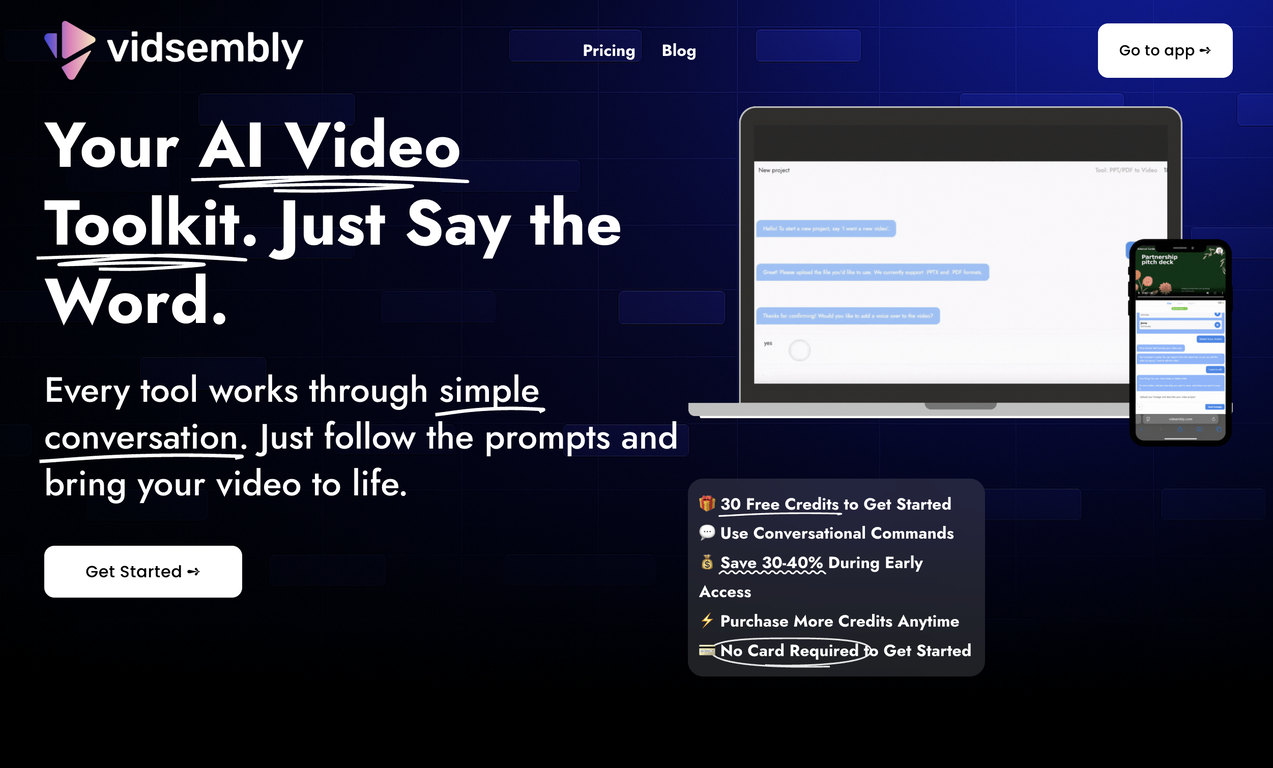
Turn your slides into narrated videos with AI voiceover
Top alternatives
 AI Slides to Videos
AI Slides to Videos
759
Overview
Description:Turn presentations into polished narrated videos in minutes. Upload your presentation, add or generate a script, choose an AI voice, and export a ready-to-share MP4. Whether you're creating training videos, sales presentations, online courses, product demos, or internal communications, Presentation to Video makes it easy to transform existing slide decks into professional video content without video editing.
Key Features:
Convert PowerPoint (.pptx) and PDF presentations into narrated videos
Add your own script or generate one with AI
Choose from natural-sounding AI voices
Automatically sync narration with your slides
Preserve your presentation's layout and formatting
Export high-quality MP4 videos ready for sharing
Make quick edits through a simple guided workflow
Works for training, education, sales, marketing, and business presentations
Best For:
Corporate training
Employee onboarding
Sales presentations
Product demos
Online courses
Educational lectures
Internal communications
Conference presentations
Client proposals
How It Works
Upload your PowerPoint or PDF presentation.
Add or generate narration for each slide.
Select an AI voice.
Preview your presentation.
Export a finished MP4 video.
Supported Formats
Input
- PPTX
Output
- MP4
Why Use Presentation to Video?
Instead of rebuilding presentations in a traditional video editor, Presentation to Video lets you start with the slides you already have. Simply upload your presentation, answer a few prompts, and export a polished narrated video in minutes. It's a faster, simpler way to create professional video content using the materials you've already created.
Supported features
Show more
Releases
Get notified when a new version of Presentation to Video | Vidsembly is released
Notify me
Jul 13, 2026
- Complete rebuild with a redesigned interface and faster workflow.
- Added AI script generation to automatically create presentation narration.
- Expanded language support for creating videos in more languages.
- Added new natural-sounding AI voices across supported languages.
- Improved presentation rendering speed and overall reliability.
- Enhanced export experience with downloadable MP4, PDF, and script files.
- Refined project management and editing workflow.
- Numerous bug fixes and performance improvements.
1
0
- Added AI script generation to automatically create presentation narration.
- Expanded language support for creating videos in more languages.
- Added new natural-sounding AI voices across supported languages.
- Improved presentation rendering speed and overall reliability.
- Enhanced export experience with downloadable MP4, PDF, and script files.
- Refined project management and editing workflow.
- Numerous bug fixes and performance improvements.
July 24, 2025
Initial release of Presentation to Video | Vidsembly.
Author

Pricing
Pricing model
Freemium
Paid options from
$6.99/month
Billing frequency
Monthly

#2488
0
0






How would you rate Presentation to Video | Vidsembly?
Help other people by letting them know if this AI was useful.