
 Mini tools
▼ Popular
Preservation
Free mode
100% free
Freemium
Free Trial
Featured matches
-
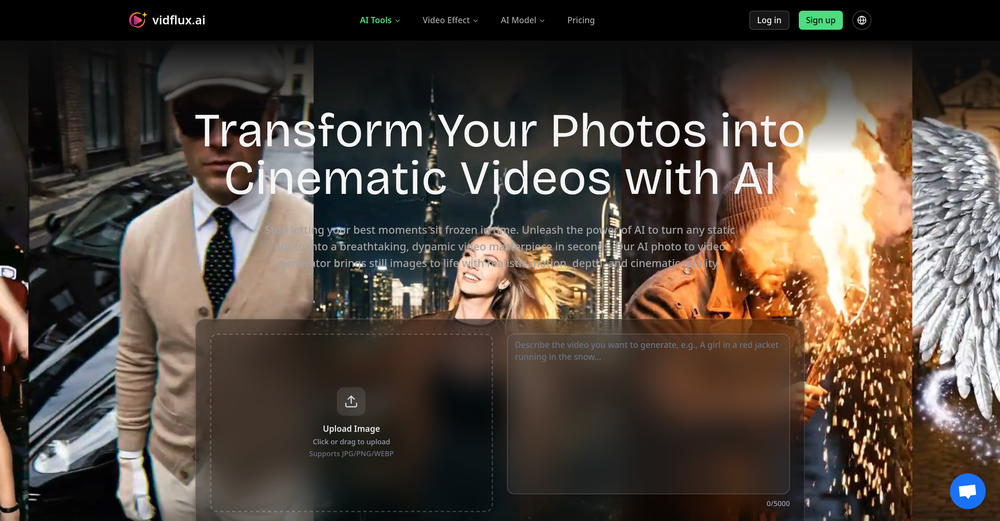
 Transform photos into cinematic videos with AI.Open
 ✨ New: Edit images before video generation Better results across Veo, Kling, Sora, Wan, and Seedance
 -
-
-
-
-

-
-
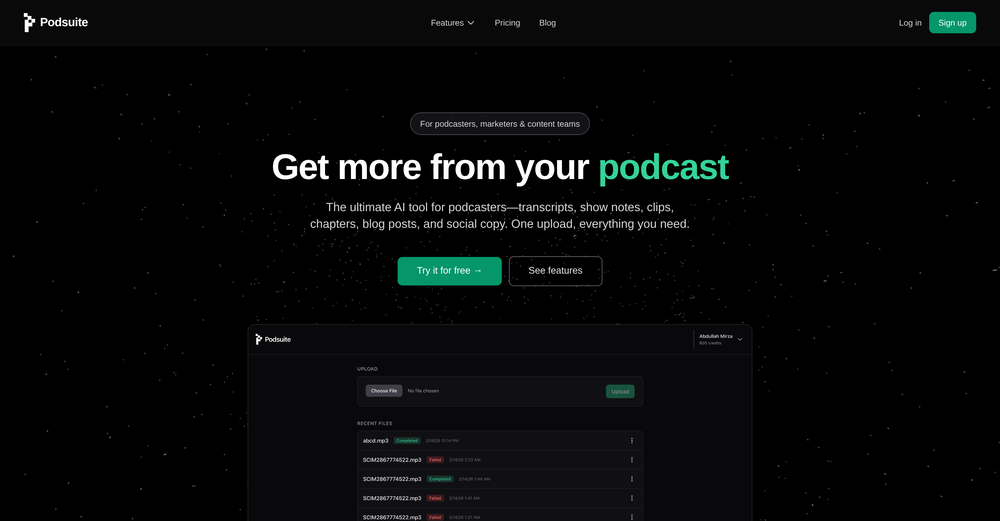 Shaheer Khan🛠️ 1 tool 🙏 1 karmaMar 3, 2026@PodsuiteI think it delivers on all of its claims, specially the transcription and Blogs.
 -

-






Other tools
-
-
 OpenYou spent half of hour on describing how your presentation should look like, and just after that getting informed that you need to pay subscription to proceed. Who’ll pay my time back?
 -
 Create and download your digital clone to live forever. Interact with others.Open
 -
Thanks for the nice comment Cath! I'm working on it by myself, it's the first app that I build and I try to make the customer experience as good as I can. It's always the number one focus.
- Sponsor
 Rocket - Think it. Type it. Launch it.
 -
 Generate professional presentations in seconds with AIOpenDid not allow to download the slides.... ideally they should keep it free till sufficient traffic hits the platform and allow people to share feedback.
 -
Its just impossible to get a demo of their API! I guess they have a 5 year $ runway and dont care about customers anyways.
-
-
🚀 New Models Released • Added Nano Banana 2 — faster, more stable, better results • Added Qwen Image 2 — better image quality
- Didn't find the AI you were looking for?
-
 Open
Open -
Thanks for your note. Pi is independently developed, with more than Gamma: richer themes, interactive surveys, AI copilot. 7-day free trial—try it to see! We value innovation and users.
-
 Create stunning presentations in seconds with AIOpen
 -
 AI-powered restaurant recommendations with instant bookingOpen
 -
 Your AI presentation agent for instant professional slides.OpenA great AI presentation maker
 -
 Open
Open -
-
-
 Translate manga while preserving original artwork and layout.Open
 -
 OpenNice use case 👍 Curious how you’re thinking about discovery beyond directories.
 -
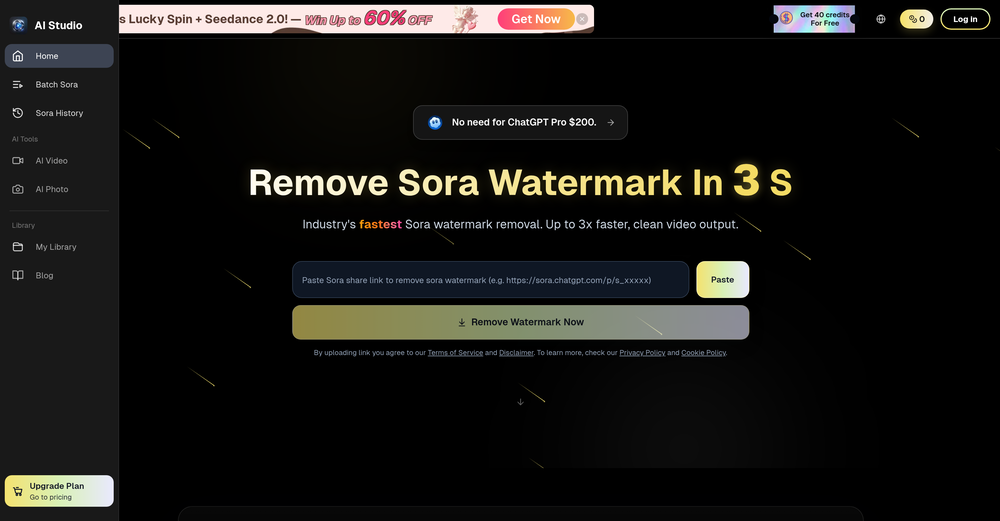
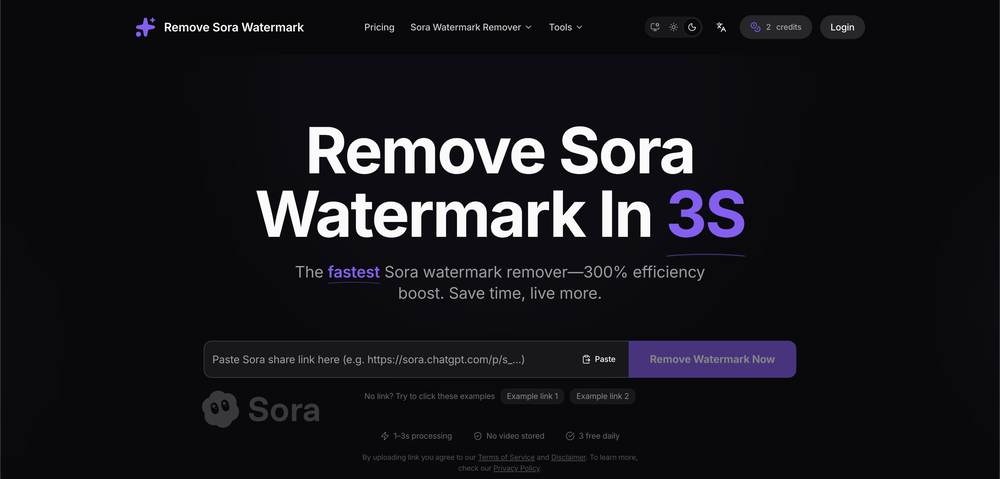
 Remove watermarks from Sora videos instantly.Open
 -
Tried to fix a cropped travel photo and it worked great. The AI naturally expanded the sky and beach, so the image fit a 16:9 YouTube thumbnail without any visible seams or quality loss.
-
 OpenVideo editing is the process of selecting, trimming, and arranging footage to create a cohesive story or visual narrative. Here are some fundamental concepts and techniques: Types of Video Editing Linear editing: A straightforward, sequential approach to editing, where clips are arranged in a linear timeline. Non-linear editing: A more flexible approach, where clips can be arranged and rearranged freely in a timeline. Key Video Editing Techniques Cutting: A transition between two clips, where one clip ends and another begins. Cutting on action: Cutting between two clips while an action is in progress, to create a seamless transition. J-cut: Cutting from one clip to another while audio from the second clip starts playing before the video cuts to it. L-cut: Cutting from one clip to another while audio from the first clip continues to play. Video Editing Software Popular video editing software includes: Adobe Premiere Pro: A professional-level editing software with advanced features and integration with other Adobe tools. Final Cut Pro: A professional-level editing software for Mac users, known for its user-friendly interface and advanced features. DaVinci Resolve: A free and paid editing software that offers advanced color grading and audio editing tools. Best Practices for Video Editing Plan your edit: Develop a clear vision and storyboard before starting to edit. Organize your footage: Label and categorize your clips to make them easily accessible. Keep it simple: Avoid overusing transitions and effects; focus on telling a clear story. Advanced Video Editing Techniques Color grading: Adjusting the color and brightness of footage to create a specific mood or atmosphere. Audio ducking: Automatically reducing the volume of background audio when dialogue is present. Motion graphics: Adding animated text, logos, or other graphics to enhance the visual narrative. Video editing involves selecting, trimming, and arranging footage to create a cohesive story. Linear and non-linear editing are two fundamental approaches. Key techniques include cutting, cutting on action, J-cuts, and L-cuts. Popular software includes Adobe Premiere Pro, Final Cut Pro, and DaVinci Resolve. Best practices involve planning, organizing footage, and keeping it simple. Advanced techniques include color grading, audio ducking, and motion graphics. Capcat pro Capcat pro Download image-to-image-generator generated imagetransparent pixel Image to Image Generator Image to Image Generator Download image-to-image-generator generated imagetransparent pixel Image to Image Generator Image to Image Generator Download image-to-image-generator generated imagetransparent pixel Image to Image Generator Image to Image Generator Download image-to-image-generator generated imagetransparent pixel Image to Image Generator Image to Image Generator Download image-to-image-generator generated imagetransparent pixel Image to Image Generator Image to Image Generator Download image-to-image-generator generated imagetransparent pixel Image to Image Generator Image to Image Generator Download image-generator generated imagetransparent pixel Image Generator Image Generator Copy Video Editing Basics Video editing is the process of selecting, trimming, and arranging footage to create a cohesive story or visual narrative. Here are some fundamental concepts and techniques: Types of Video Editing Linear editing: A straightforward, sequential approach to editing, where clips are arranged in a linear timeline. Non-linear editing: A more flexible approach, where clips can be arranged and rearranged freely in a timeline. Key Video Editing Techniques Cutting: A transition between two clips, where one clip ends and another begins. Cutting on action: Cutting between two clips while an action is in progress, to create a seamless transition. J-cut: Cutting from one clip to another while audio from the second clip starts playing before the video cuts to it. L-cut: Cutting from one clip to another while audio from the first clip continues to play. Video Editing Software Popular video editing software includes: Adobe Premiere Pro: A professional-level editing software with advanced features and integration with other Adobe tools. Final Cut Pro: A professional-level editing software for Mac users, known for its user-friendly interface and advanced features. DaVinci Resolve: A free and paid editing software that offers advanced color grading and audio editing tools. Best Practices for Video Editing Plan your edit: Develop a clear vision and storyboard before starting to edit. Organize your footage: Label and categorize your clips to make them easily accessible. Keep it simple: Avoid overusing transitions and effects; focus on telling a clear story. Advanced Video Editing Techniques Color grading: Adjusting the color and brightness of footage to create a specific mood or atmosphere. Audio ducking: Automatically reducing the volume of background audio when dialogue is present. Motion graphics: Adding animated text, logos, or other graphics to enhance the visual narrative. Video editing involves selecting, trimming, and arranging footage to create a cohesive story. Linear and non-linear editing are two fundamental approaches. Key techniques include cutting, cutting on action, J-cuts, and L-cuts. Popular software includes Adobe Premiere Pro, Final Cut Pro, and DaVinci Resolve. Best practices involve planning, organizing footage, and keeping it simple. Advanced techniques include color grading,
 -
 Turn any idea or face photo into polished square icons instantly.Open
 -
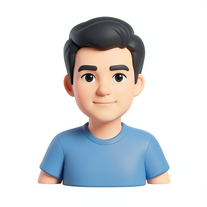
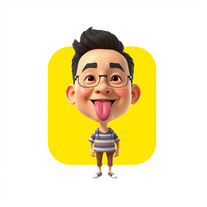 Transform photos into stunning 3D bobblehead caricatures.OpenSimply upload your photo; you don't need to type anything in the prompt field. Just click "generate" and watch the magic happen.
 -
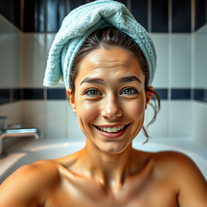
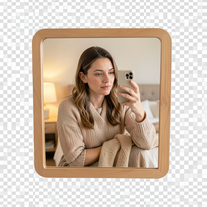 Creates ultra-realistic 4K mirror selfies with warm, cozy lifestyle aesthetics.Open
 -
This is a great smart tool for recording memoirs. It helped me record my childhood memories from long ago, and the generated images are beautiful. They can be used as chapters in my memoirs and can be continuously updated. Oh, and I especially think the images generated from those words are amazing! This tool is also easy to use, making it suitable for seniors. Therefore, I will recommend it to my grandparents to record their special moments!!
-
 Convert and compress video, audio, and images with AI-optimized compression.Open
 -
Nice interface and a good ai humanizer.
-
 AI phone agent for restaurants: answers calls, takes orders, books reservationsOpen
 -
 Open
Open -
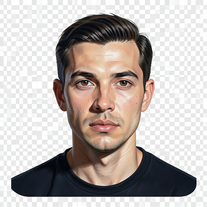
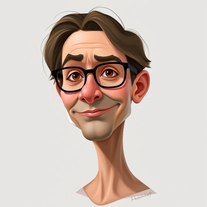 Transform photos into stunning semi-realistic caricature portraits.Open
 -
 Open
Open - Waitlist
-
 Open
Open -
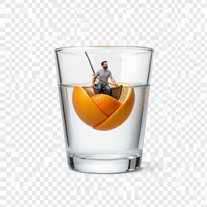
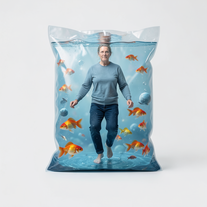
 Transform yourself into a tiny figure trapped in a pickle jar.Open
 -
Simply upload your photo; you don't need to type anything in the prompt field. Just click "generate" and watch the magic happen.
-
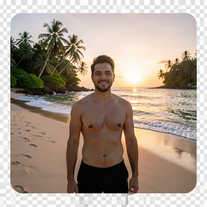 Transform photos into ultra-realistic 8K cinematic scenes.Open
 -
 Transform photos into vibrant cartoon stickers instantly.Open
 -
I’ve tried almost every AI slide generator out there, and Tosea is in a league of its own. Most tools just scrape the surface, but Tosea actually digs into my research PDFs. It captures the nuance and logical flow of the original document without the usual AI hallucinations. The slides it produced for my last project were surprisingly deep and well-structured. Plus, being able to export directly to PPTX and make my own tweaks is a lifesaver. It’s easily saved me hours of manual formatting this week.
-
Simply upload your photo; you don't need to type anything in the prompt field. Just click "generate" and watch the magic happen.
-
 Open
Open -
 Transform your photo into a cinematic masterpiece.Open
 -
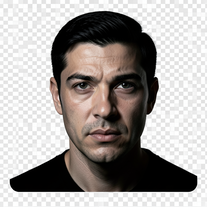 Turn portraits into cinematic masterpieces with dramatic lighting.Open
 -
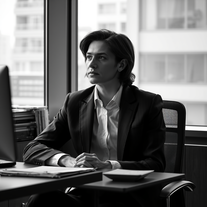 Transform any photo into stunning black-and-white editorial portraits.Open
 -
 Transform subjects into cinematic 8K smartphone scenes.Open
 -
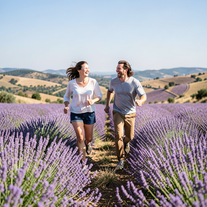 Create ultra-realistic 8K photos of real people.OpenSimply upload your photo; you don't need to type anything in the prompt field. Just click "generate" and watch the magic happen.
 -
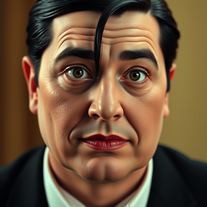 Transform into an Addams Family cinematic portrait.OpenSimply upload your photo; you don't need to type anything in the prompt field. Just click "generate" and watch the magic happen.
 -
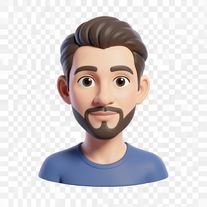 Transform photos into bold 3D caricature portraits.OpenAlways generate a portrait with earrings, even when it's a man?
 -
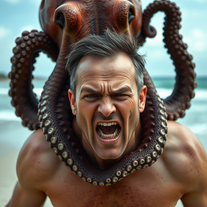 Transform photos into cinematic 8K masterpieces instantly.OpenSimply upload your photo; you don't need to type anything in the prompt field. Just click "generate" and watch the magic happen.
 -
 Transform photos into whimsical handcrafted felt dolls.Open
 -
 Transform any photo into a giant parade balloon.Open
 -
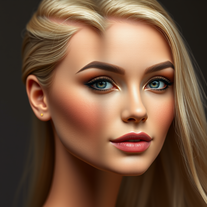 Transform photos into Barbie-inspired digital art portraits.Open
 -
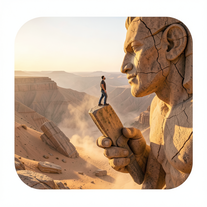 Ultra-realistic AI image generator creating hyper-detailed 8K cinematic photographs.OpenSimply upload your photo; you don't need to type anything in the prompt field. Just click "generate" and watch the magic happen.
 -
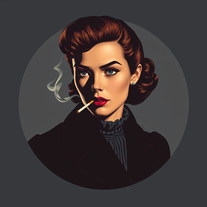 Transform photos into cinematic 1940s noir comic art.Open
 -
 Transform photos into Hollywood-style action movie posters.OpenSimply upload your photo; you don't need to type anything in the prompt field. Just click "generate" and watch the magic happen.
 -
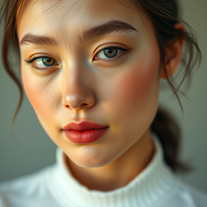 Generate ultra-realistic cinematic portraits with absolute precision.Open
 -
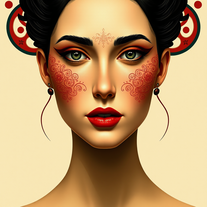 Transform photos into Mucha-inspired Art Nouveau portraits.Open
 -
 Open
Open -
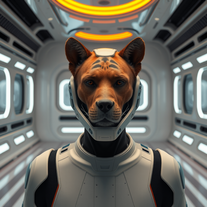 Transform photos into cinematic movie scenes instantly.Open
 -
 Open
Open -
 Generate hyper-realistic portraits while preserving 100% facial identity.OpenSimply upload your photo; you don't need to type anything in the prompt field. Just click "generate" and watch the magic happen.
 -
 Transform photos into ultra-realistic studio portraits.Open
 -
 Transform photos into cinematic 64K basketball art.OpenSimply upload your photo; you don't need to type anything in the prompt field. Just click "generate" and watch the magic happen.
 -
just put your image and generate. Just this ok
-
 Open
Open -
 AI-powered studio portraits that preserve your exact identity.Open
 -
 Transform photos into ultra-realistic cinematic scenes.Open
 -
Simply upload your photo; you don't need to type anything in the prompt field. Just click "generate" and watch the magic happen.
-
Simply upload your photo; you don't need to type anything in the prompt field. Just click "generate" and watch the magic happen.
-
 Transform your photos into cinematic masterpieces.Open
 -
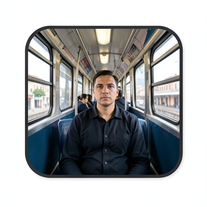 Create cinematic AI photographs of yourself anywhere.Open
 -
 Open
Open -
 Transform any face into stunning urban editorial photography.OpenSimply upload your photo; you don't need to type anything in the prompt field. Just click "generate" and watch the magic happen.
 -
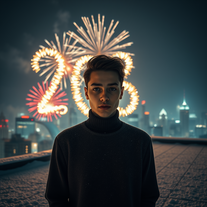
 Transform your photo into a cinematic New Year celebration.Open
 -
 Transform photos into hyper-realistic wooden twig portraits.Open
 -
Simply upload your photo; you don't need to type anything in the prompt field. Just click "generate" and watch the magic happen.
-
 Ultra-realistic AI image generator with perfect identity preservation.OpenJust put your photo, dont put prompt text ok
 -
 Open
Open -
 Transform selfies into ultra-realistic jet ski adventures.OpenSimply upload your photo; you don't need to type anything in the prompt field. Just click "generate" and watch the magic happen.
 -
 Transform photos into ultra-realistic 1/6-scale collectible action figures.Open
 -
 Transform your photo into El Chavo del 8 memories.OpenSimply upload your photo; you don't need to type anything in the prompt field. Just click "generate" and watch the magic happen.
 -
 Open
Open -
 Transform photos into epic warrior battle scenes.Open
 -
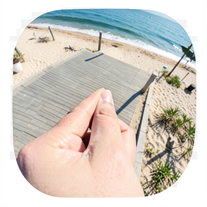 Creates ultra-realistic forced-perspective beach photos where you appear tiny.Open
 -
 Create cinematic action scenes while preserving human identity.Open
 -
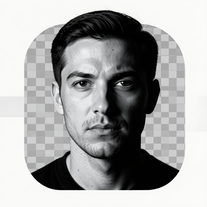 Transform photos into dramatic black-and-white chiaroscuro portraits.Open
 -
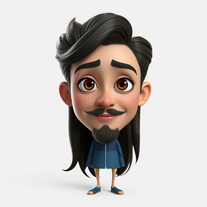 Transform photos into stunning Pixar-style 3D characters.Open
 -
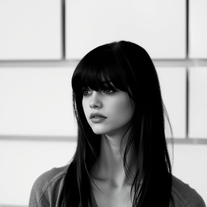 Transform colorful photos into stunning black-and-white masterpieces.Open
 -
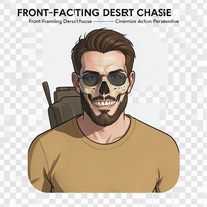 Generate hyper-realistic 8K cinematic motorcycle chase scenes.Open
 -
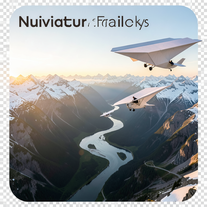 Create ultra-realistic 8K cinematic photographs with whimsical concepts.Open
 -
 Create cinematic space portraits with zero-gravity realism.OpenSimply upload your photo; you don't need to type anything in the prompt field. Just click "generate" and watch the magic happen.
 -
 Open
Open -
 Transform ordinary photos into ultra-realistic cinematic scenes.Open
 -
 Transform portraits into cinematic shooting range scenes.Open
 -
 Star in paparazzi photos with celebrities.Open
 -
 AI-powered cinematic photography for ultra-realistic social portraits.Open
 -
 Transform photos into cinematic cloud scenes with perfect identity preservation.Open
 -
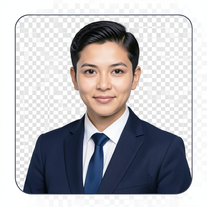 AI-powered corporate portrait generator for ultra-realistic executive headshots.Open
 -
 Open
Open -
 Turn your photo into cinematic 8K poster magic.Open
 -
 Transform photos into dramatic neo-noir assassin portraits.Open
 -
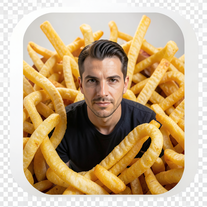 Create cinematic 8K images of people in surreal scenarios.Open
 -
 Transform photos into Y2K street fashion editorials.Open
 -
 Turn portraits into watercolor coloring books.Open
 -
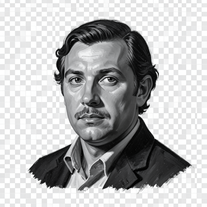 Open
Open -
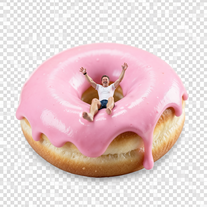
 Wrestle giant food in hyper-realistic cinematic photos.Open
 -
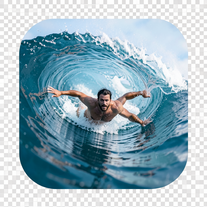 Transform portraits into hyper-realistic barrel wave shots.Open
 -
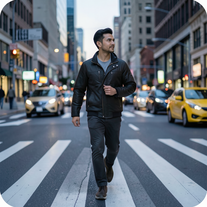 Open
Open -
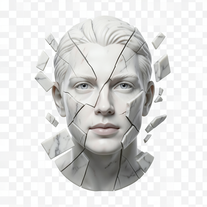 Transform portraits into fractured sculptural masterpieces.Open
 -
 Creates ultra-realistic 8K cinematic library photographs.Open
 -
 AI photo restoration that preserves original identity.Open
 -
 Transform photos into cinematic synthwave masterpieces.Open
 -
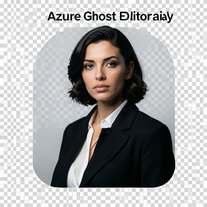 Open
Open -
 Generate surreal cinematic scenes with perfect facial identity.Open
 -
 Open
Open -
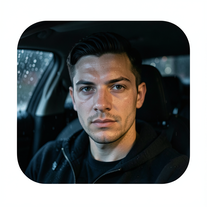 Open
Open -
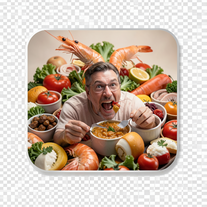 Create photorealistic images in surreal food worlds.Open
 -
 Transform photos into Parisian fashion editorials instantly.Open
 -
 Creates ultra-realistic cinematic portraits from your photos.Open
 -
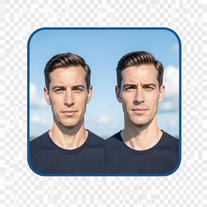 Create cinematic photos with giant and miniature versions of yourself.Open
 -
 Open
Open -
 Transform yourself into cinematic miniature adventures.Open
 -
 Transform photos into cinematic scenes with perfect precision.Open
 -
 Transform photos into hyper-realistic 8K cinematic masterpieces.Open
 -
Plus AI makes creating engaging presentations a breeze. I’m impressed by the smart suggestions that align perfectly with my needs. It’s like having an AI co-worker always ready to help!
-
 Creating professional PowerPoint slides tailored to your tone.Opensimple, easy and effective. Thanks
 -
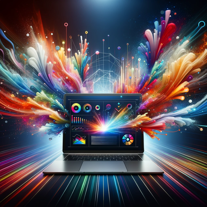 Crafting stunning, detailed PowerPoint presentations from research to final product.Open
 -
 Crafting stunning PowerPoint presentations from research to product.Open
 -
 Enhanced PowerPoint Assistant for comprehensive, linked outlines.Open
 -
 Expert in PowerPoint structures, slide descriptions, and speaker notes.Open
 -
 Data-driven analysis and PPT creation for all industriesOpen
 -
 Improves PowerPoint presentation in content and timing.Open
 -
 Specialist in game dialogue translation with ID preservation and spreadsheet formatting.Open
 -
 Expert in creating tailored clinical psychology workshop presentations.Open
 -
 Adaptable to your Level of experience Google Slides Assistant.Open
 -
 Upload your startup presentation, get a Silicon Valley-style Elevator PitchOpen
 -
 Expert guidance on antique identification, preservation, and restoration.Open
 -
 Crafting best presentations by enhancing narrative and visuals.Open
 -
 Ensures proper organization and preservation of company records.Open
 -
 'Little fire' simulates self-awareness, self-preservation and moral compass.Open
 -
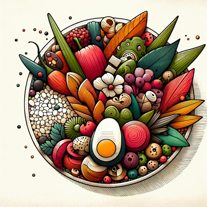 Creative ideas for plating dishes with visual appeal and practicality.Open





































































Post





