
 Mini tools
▼ Latest
Template creation
Free mode
100% free
Freemium
Free Trial
Featured matches
-
 Johnny Ruhlen🙏 3 karmaMar 6, 2026@TentedImpressive work from the team at Tented.ai, their approach to AI-driven automation is genuinely next-level.
 -
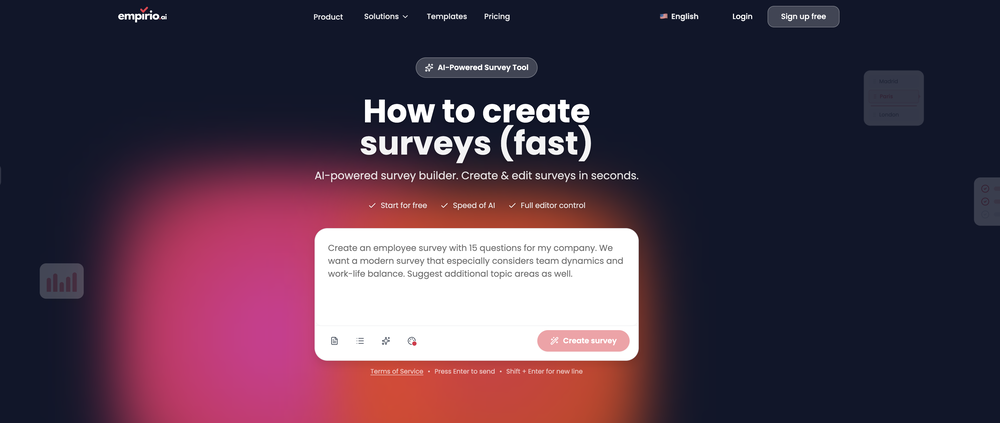 empirio.ai is a user-friendly tool that allows you to quickly and easily create a survey in just a few minutes. With the AI, you can rapidly generate questions on a topic and customize them. It offers templates that can be personalized to your needs, and it is fully compliant with data protection regulations. Highly recommended!
 -
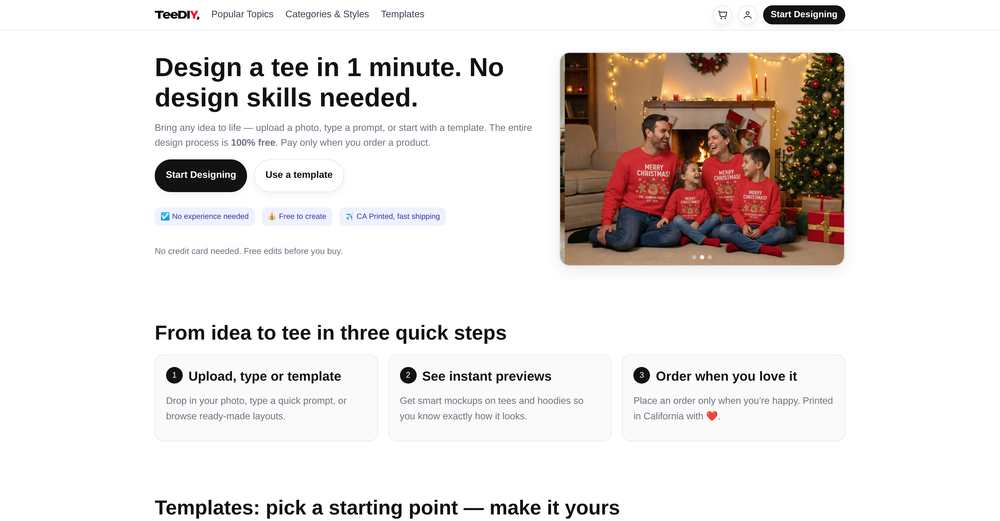 Excellent site. Super clean interface. Developer was very fast to get back to me on my question. Would highly recommend buying from these guys.
 -
-
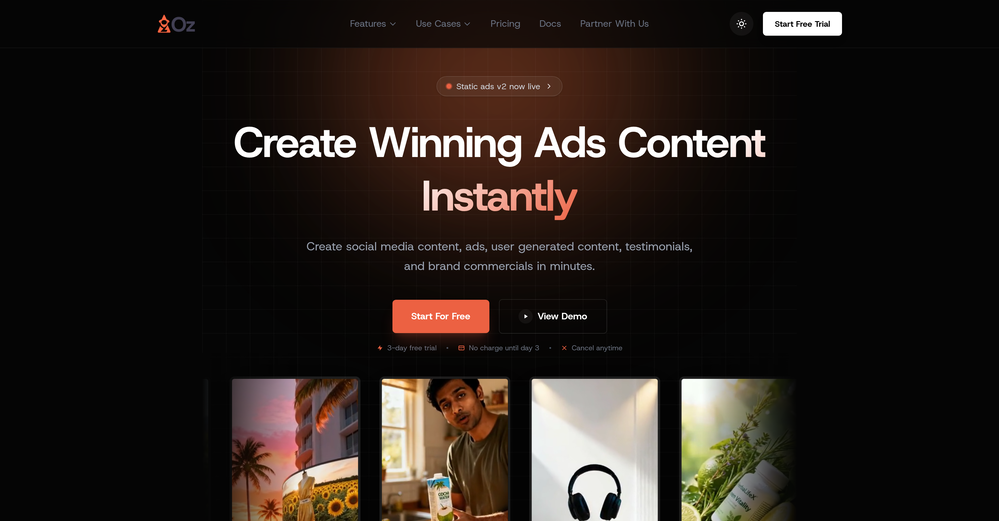
 Build professional, on-brand decks — 10x faster. Inside PowerPoint or online.Open
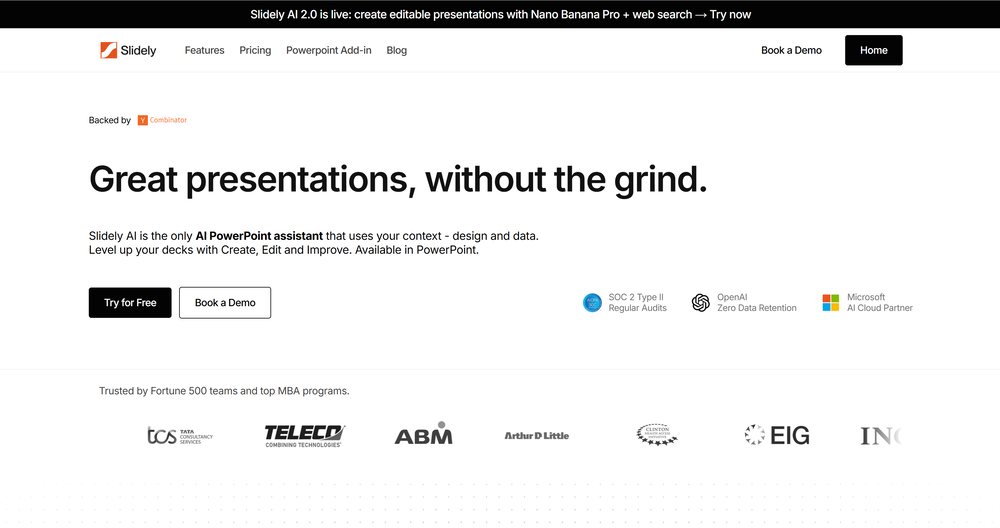 I think Slidely is the only tool that has worked for me when creating my client presentations. The presentations aren't web pages or images like the other tools but actual PowerPoint slides which I really like.
 -
 Big fan of 1Template. Building my resume is the bane of my existence, so this is something really helps me out. Nice one.
 -

-









Verified tools
-
 Open
Open - Sponsor
 MongoDB - Build AI That Scales🗄️ Database
 -
I got some free credits to try the app when I signed up, I could create a few great infographics
-
Solid hub for socials. Schedules to a lot of platforms in one place with ai post ideas and short-form tools, plus a free tier to try things out. I like the planner and analytics, ui feels busy at first but once you learn the flow it moves fast.
-
It’s a brilliant tool that instantly transforms your ideas into dynamic, professional presentations with ease and impact. Overall a nice one!🙌
-
 OpenThe PowerPoint presentation I made met my expectations very well
 -
This looks absolutely amazing so far! Creating loop diagrams in Photoshop used to eat up so much of my time - this feature is a real time-saver. The platform offers other tools too, definitely worth exploring.
-
I had to tweak a few things to match my brand style, but overall it saved me a ton of time. Definitely handy if you need something fast and professional-looking.
-
 Open
Open -
Hey, appreciate the feedback! I have to respectfully disagree though. While resumebuild is a great tool, UseResume.ai actually takes a different approach with its AI builder workflow and the editor. As for ATS readiness - all our templates generate documents with machine readable text (not images). I've personally tested them through Workday, Breezy, and others (e.g. Google's job portal), with perfect parsing accuracy. Would be curious to hear what specific ATS issues you encountered? Always looking to improve!
-
I recently started using Pin Generator, and I can confidently say it’s a game-changer for Pinterest creators. This tool is the best combination of all current Pinterest creation tools, including Canva, but it takes things to a whole new level. Compared to Tailwind, Pin Generator is far superior, allowing me to create everything I need quickly and effortlessly. One of the standout features of Pin Generator is its bulk creation capability, which feels like Canva Bulk Creation on steroids. I no longer have to manually add backgrounds, making the process of creating quotes and other bulk content incredibly fast and easy. The options for using it across multiple accounts are exceptional, providing flexibility and efficiency. Pin Generator has revolutionized my Pinterest workflow, saving me not just hours, but days of work. The efficiency it brings is unparalleled, allowing me to focus on other important tasks while maintaining a robust Pinterest presence. A special shoutout to Ollie, the creator of Pin Generator. His responsiveness to emails and openness to suggestions for future additions have been impressive. He’s even helped me figure out how to use some features I was initially unsure about. His support and dedication to improving the tool make a significant difference. Overall, I couldn’t be happier with Pin Generator. If you’re looking for a powerful, efficient, and user-friendly Pinterest creation tool, Pin Generator is the way to go.
-
-

























Other tools
-
It's helps you get started on a presentation. Likely need to edit photos and text.
-
Really useful tool here. Saves a lot of time when creating diagrams. Made a video about it here: https://www.youtube.com/watch?v=ClySYyEBvno
- Didn't find the AI you were looking for?
-
Decent creation tools, but doesn't allow downloading the resume for free.
-
It has improved a lot. When it was launched, it was just a tool for presentation. Now, I have been using it for more than 6 months and can create professional and engaging presentations and documents in just 1 minute
-
-
-
Seems to be working for me just fine. Perhaps try again?
-
I tried this and found it kind of disappointing. It’s expensive to pay maybe $4 or $5 just for the prompt. It didn’t feel worth it to me. But it was still helpful for getting some design ideas and playing around with the free ones
-
 Creates professional portfolio outlines with personalized guidance.Open
 -
 AI-powered viral graphic design for trending content.Open
 -
 Open
Open -
 Transform your vision into a stunning, SEO-optimized website with ease.Open
 -
 Open
Open -
 Extracts and formats procedures from manuals into templates.Open
 -
 Assists in document management, creation, and summarization.Open
 -
 Expert in drafting Mutual Non-Disclosure Agreement.Open
 -
 Legal Expert in drafting Business Cooperation AgreementOpen
 -
 Effortlessly design anything: presentations, logos, social media posts and more.OpenCanva is a user-friendly online design tool great for creating a variety of visuals like social media posts and presentations. Its drag-and-drop interface and vast template library make it ideal for those without design skills. While it's free for basic use, advanced features require a paid subscription. It simplifies design work and promotes collaboration, but professionals might find it less versatile than more sophisticated software. Overall, Canva is an excellent tool for quick, attractive designs.





























































Post





