TAAFT Tutorial
Generate image
Tasks
Generate text
Free mode
Trending
Leaderboard
Characters
 Mini tools
New
Featured
Lists
Agents
Requests
Jobs
Map
Newsletter
Starter pack
Free tools
Speech to text
Text translator
Remove background
Settings
Edit profile
My tools
Gallery
Dashboard
Inbox
Get featured
Contact TAAFT
For you
Popular
Job impact index
Most saved
Affiliate program
Submit AI tool
Notification preferences
Glossary
Home
Timeline
My profile
Create tool
Deals
Companies
Models
Robots
Papers
Fundraises
Repositories
Devices
Organizations
Events
Prompt Pack
Merchendise
APIs
Features
Tools
Countries
Collections
Videos
Mini tools
New
Featured
Lists
Agents
Requests
Jobs
Map
Newsletter
Starter pack
Free tools
Speech to text
Text translator
Remove background
Settings
Edit profile
My tools
Gallery
Dashboard
Inbox
Get featured
Contact TAAFT
For you
Popular
Job impact index
Most saved
Affiliate program
Submit AI tool
Notification preferences
Glossary
Home
Timeline
My profile
Create tool
Deals
Companies
Models
Robots
Papers
Fundraises
Repositories
Devices
Organizations
Events
Prompt Pack
Merchendise
APIs
Features
Tools
Countries
Collections
Videos
Mini tools
New
Featured
Lists
Agents
Requests
Jobs
Map
Newsletter
Starter pack
Free tools
Speech to text
Text translator
Remove background
Settings
Edit profile
My tools
Gallery
Dashboard
Inbox
Get featured
Contact TAAFT
For you
Popular
Job impact index
Most saved
Affiliate program
Submit AI tool
Notification preferences
Glossary
Home
Timeline
My profile
Create tool
Deals
Companies
Models
Robots
Papers
Fundraises
Repositories
Devices
Organizations
Events
Prompt Pack
Merchendise
APIs
Features
Tools
Countries
Collections
Videos

▼ Latest
User-friendly design
Free mode
100% free
Freemium
Free Trial
Featured matches
-
 The fastest way to map and streamline inefficient workflowsOpen
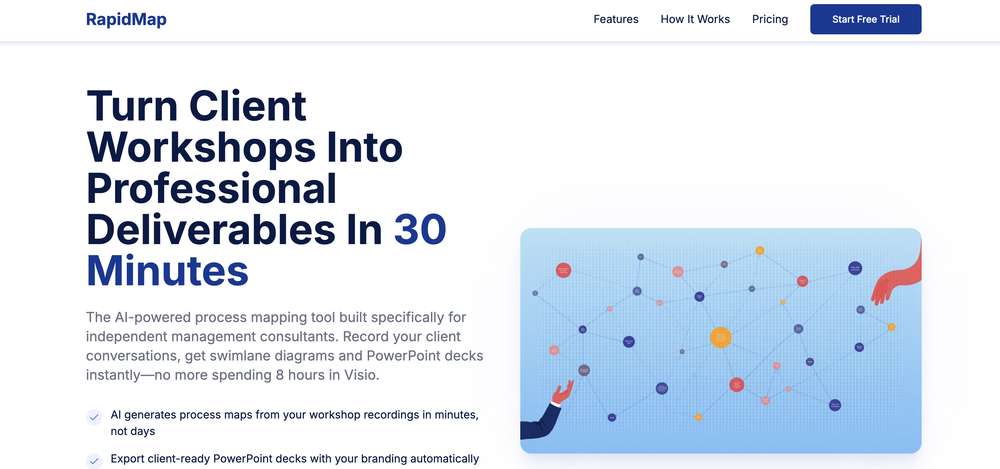 Michael Adair🙏 5 karmaDec 1, 2025@RapidMap - powered by LeanifyVery good. I like it
 -
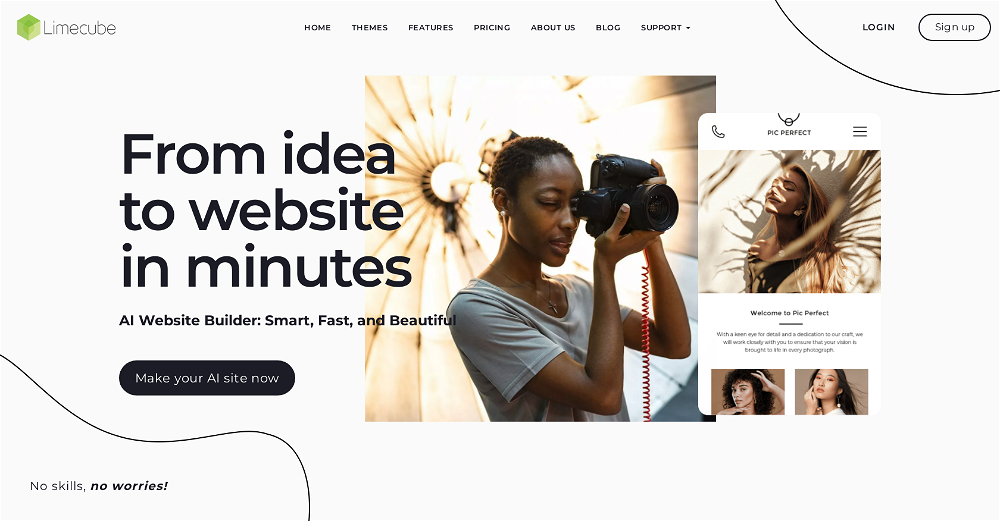 Very cool app! Build was fast as, and with a few tweaks I fully launched my website in 1 hour!
 -
-
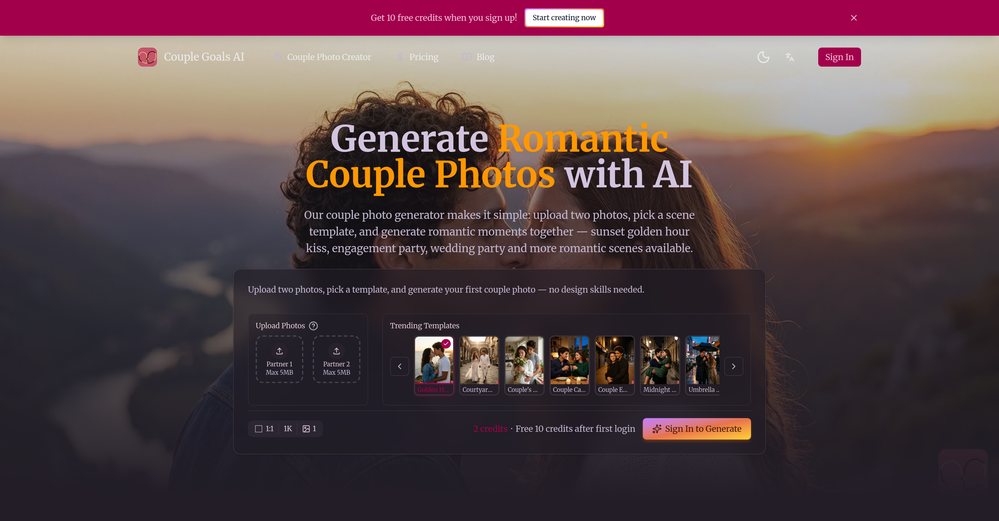
 Have to sign up, but can't even sign up because they refuse to accept my password.
 -
-
-
-
 Open
Open 🪄TarotAI: An all-in-one AI Tarot platform. Redefining your Tarot experience with AI. 🔮 Why Choose TarotAI? Traditional Tarot decks are fixed, but we believe Tarot should be fluid and personal. Core features of TarotAI: 1. Generate Unique Tarot Cards with AI Our AI Tarot card image generation engine is incredibly powerful. You can upload your favorite Tarot card template images and generate Tarot cards with highly consistent artistic style in 30 seconds, with full control over each card's elements, symbolism, and details. 2. Craft Your Own Deck Design and create an entirely original Tarot deck from scratch, visualizing your inspiration and ideas. Infuse it with your personal beliefs or narratives, and use the custom deck for genuine readings. 3. Receive Insightful Free Readings Select any Tarot deck on our platform and ask any question on your mind. Our AI provides thoughtful, empathetic, and in-depth interpretations, designed to offer you meaningful guidance. 4. Share Your Creations Whether you're a creative enthusiast or a professional Tarot reader, you can share your card designs and unique Tarot insights in our community gallery. 👋 Try It Today! We can't wait to hear what you think. Visit our website to experience free AI Tarot readings and create your first AI-generated Tarot card. ✨ Start here: https://tarotai.art
 -
 Turn any idea or face photo into polished square icons instantly.Open
-








Verified tools
- Spotlight
 CodeRabbitCode reviews
 -
Viz makes the process of turning data into dashboards feel much simpler and more natural. Being able to upload or connect data, ask questions in plain language, and quickly get interactive visualizations is genuinely useful, especially for people who do not want to spend hours building dashboards manually. What I like most is that Viz feels focused: it is not just an AI chat tool, but a product designed to help users move from raw data to clear, shareable insights. Overall, it looks like a practical and intuitive tool for making data analysis faster and more accessible.
-
RenderCAD has been such an incredible asset to my company, At Home By Design. We specialize in both commercial and residential design, and their renderings have truly brought my visions to life. The level of detail, professionalism, and presentation has been beyond impressive.
-
 Open
Open -
-
 OpenHey 👋 — founder of Pinci here. Most AI tools hand you the controls and expect you to figure out the rest, the right model, the right prompt, the right settings. That's fine if you're an AI power user. It's a wall if you're not. Pinci works the opposite way. Each agent is a specialist creative director in one domain: Jules directs product video, Paul directs product photography, Tommy handles brand design. You describe the result you want in plain language. The agent decides how to get there, coordinates the right tools, and hands you a finished, ready-to-publish asset. No prompts. No model-picking. No AI knowledge required. You get 300 free credits on signup, enough to see exactly what I mean on your own product today. I'd love your honest feedback: which agent would you try first, and where does it fall short? 🙏
 -
The world first multi-angle virtual staging tool for all room types and style!
-
 OpenAI Inspo is an excellent all-in-one AI platform. With trending templates and advanced AI generation models, creating engaging videos becomes fast and effortless in just a few clicks.
 -
Which is more valuable, time or money? This doesn't save you either, at the moment as you only get two infographics to test out and you have to do quite a bit of editing to get it to look ok. The point of infographics is to inform in a highly visual and compelling way. None of the example info graphics are that. I suggest a pivot and use AI to fill out the text in a pre-made graphic template.
-
 Build professional, on-brand decks — 10x faster. Inside PowerPoint or online.OpenI think Slidely is the only tool that has worked for me when creating my client presentations. The presentations aren't web pages or images like the other tools but actual PowerPoint slides which I really like.
 -
It's kind of lame to promise the moon and deliver essentially nothing.
-
This is truly a wonderful experience that brings joy and delight.
-
-
Agentic AI Orchestration is here! Over 8000 platforms are automated using agents and an orchestration manager. It is the simplest yet most powerful platform on planet Earth.
-
Would rate 4.9 if possible, but rounding up to 5 stars because this app truly excels compared to other AI coding tools. Why 5 Stars: Best-in-class AI coding assistance Huge improvements over competitors Actually works for real development Real Impact: I successfully built and published an actual app using this tool - that's game-changing for non-developers like me. Bottom Line: Yes, there's room for improvement, but this is already the top AI coding app available. The fact that ordinary people can create real apps with it says everything. Perfect for anyone wanting to turn ideas into actual apps!
-
Gave it a spin today—absolutely blown away. For anyone building something and tired of delays and complexity, this is a game-changer. I spent ages navigating technical back-and-forth before this made it effortless. Had my site up almost instantly. Couldn’t ask for more.
-
 Your AI presentation agent for instant professional slides.Open- Added MCP support, allowing AI agents and MCP-compatible tools to connect with Dokie directly. - Enabled agent-driven presentation creation, making it easier to turn prompts, documents, and structured content into slides. - Improved workflow compatibility for AI agent use cases, including research-to-slides and report-to-PPT scenarios. - Optimized generation stability when creating presentations through external AI tools. - Improved the handoff from AI-generated content to editable, export-ready PPTs.
 -
-
This is a great overview! It clearly explains how the AI simplifies the entire process, from design to content creation. Perfect for anyone looking to launch a business quickly.
-
Hey TAAFT community 👋 We’ve just rolled out two new features on Uramaki Studio AI: ✨ Enhanced Brand Kit You can now define your Tone of Voice, branding guidelines, and typography to keep your content fully consistent and on-brand. 🚀 More for free users We’ve increased the limit — free users can now create up to 2 Instagram campaigns per month, each with 3-image carousels. Would love to hear your feedback and see what you create with it!
-
Very impressed with the results! The illustrations are wonderful and really high quality
-
 Turn text and images into production-ready 3D models with AI in seconds.OpenThis tool is definitely good for basic stuff, no doubt. Just keep the prompts super duper simple and it gets the job done. But once I put in something a bit more complex at it… it kinda screwed up the thing. Still, I see potential here
 -
I handle a large number of tasks simultaneously through VoooAI to complete my creative work, thereby accomplishing the workload equivalent to one month in one day
-
I like it but sometimes it changes some features in somone
-
Really appreciate the support and thank you for making a video about Tunee. That means a lot.❤️
-
Thank you for making everything simple, i can't and don't need to understand a app and what is doing. This is just how i want it, very good and keep going!
-
-
A very useful AI slides tool! The content it generates is genuinely smart.
-
I was just trying it out at first, used some free credits a few hours ago to build a simple app. Turns out, it actually came out pretty decent! I got to test it on my phone without spending a dime, and even showed it to my wife, she was pretty surprised too. So we decided to go ahead and pay to polish it up and download it properly. So far, everything’s running smooth
-
It’s super easy to use! Trickle can handle everything from forms to analytics, and you can deploy your project in no time. Impressive!
-
Lovart is the 1st design agent, built for socials, posters, videos, 3D and more.
-
Just paste content in, layout will automatically be desigend
-
This is an awesome tool that creates crazy detailed mega-prompts
-
Just another Chrome browser. Installed it. Don't see any AI anywhere. Don't waste your time. Sticking with Arc browser.
-
I was lucky enough to join the early canary testing for this platform, and it’s been impressively simple and transparent to use.
-
-
 Transform any image into stunning AI-enhanced visuals.OpenIt can generate any image I want freely, it's amazing!
 -
 Open
Open -
 Generate custom greeting cards in seconds with AI.Open
 -
 AI-powered YouTube thumbnail maker for click-ready designs.Open
 -
Klayn looks really solid — simple to use, clean interface, and genuinely useful. It saves a lot of time on tasks that would normally take way longer. Definitely a tool worth trying!
-
 AI website builder that helps small businesses win customers.Open
 -
The infographic maker lets you use it once for free without signing in. This infographic maker is simple and easy to use, even more so than Canva or Venngage. However, the available styles and templates are still limited. I hope they add more design options and customization in future updates. Overall, a good choice for quickly creating infographics.
-
I am glad to rate it as one of the best tool for website creation maybe developer recognise me and reply me. I really want to thank the developers personally
-
 Professional character generator for creating complete character designs with turnarounds, expressions, andOpenVery good,Best AI Character Generator 2026
 -
 Open
Open -
Generating both Android and iOS while staying native is impressive.
-
Great tool for experimenting with paint effects. It's like an AI-powered version of microsoft paint. Also made a video on it https://youtu.be/ZWOP1M7pgSE
-
I think I've learned a valable lesson here. I'm never going to use or ever bother to purchase a subscription if the inintial logo is this lousy. I guest AI does not do quality control.
-
 Create unique AI birthday invitations in under a minute.OpenBirthdayInvitation.ai is a surprisingly polished and practical tool. It lets you generate beautiful birthday invitations in under a minute, and the built-in online RSVP feature is a huge bonus — no more spreadsheets or manual tracking. I especially love that you can upload your own custom design and still get a free RSVP form. It works well for kids’ parties and adult birthdays alike, and the interface is clean and easy to use. If you’re looking for a fast, modern alternative to traditional invitation templates, this is absolutely worth trying.
 -
Well, it did give me an insanely good image, but you only get one free trial, i.e, generate one image for free. And the model is costly for someone who wants free AI tools. But it does the job if you're willing to pay.
-
 Remove backgrounds from images with AI in seconds.Open
 -
 Open
Open -
These are sooo cool, I love them, so many cute outfits I can create for Roblox
-
Just tried the tool and printed my first 3D model, and I’m honestly surprised by how good it came out. It was super easy to use, and the final print matched my reference image perfectly. Congrats to the Mimetic Labs team for building such a simple but super cool tool.
-
Tried to fix a cropped travel photo and it worked great. The AI naturally expanded the sky and beach, so the image fit a 16:9 YouTube thumbnail without any visible seams or quality loss.
-
The tool isn't bad for design, especially for the creative part, but very poor with language (French) even when you provide it with all the text
-
We built UPCV with a simple intention: to make writing a resume no longer the most frustrating part of the job search. We’ve spent a long time refining our guided questions, real-time formatting engine, ATS-friendly structure, and multilingual support. We’ve also talked to many real job seekers to better understand their challenges. Whether you’re writing your first resume, switching careers, coming off a gap, or just struggling with layout and structure — we hope UPCV helps you take that step more easily and frees up your time for what truly matters: building a better future for yourself. Thank you for choosing to click on us in a sea of tools. We’ll keep working hard to make it even better.
-
Great value for the price with powerful features. I especially love the video generation function - it has taken my content creation to the next level.
-
As a technical entrepreneur, working with designers is often way too slow - when I have an idea, I want a prototype the same day - not days/weeks later. I created UX Canvas because I wanted a better way to communicate my UI/UX ideas to developers, without having to spend thousands on hiring UI/UX designers or opening Figma and spending days/hours manually creating, iterating on, and prototyping designs myself. UX Canvas unlocks the ability for anyone - technical or not - to rapidly prototype their design ideas and instantly share them with team members in minutes. If you can put your idea into words, you can design it. No design skills required. (Although they are helpful) The agent has the ability to do cool things like generate it’s own image assets to be used in the design, and you can even export your designs to clean React/Typescript code - so you can hand the code over to your developers (or other AI tools like Cursor, Windsurf, etc.) to bring your product idea to life. Try it for free and let me know what you think! https://uxcanvas.ai





















































































































Other tools
-
I liked it, it was easy to use and the generated website was perfect.
-
This tool has completely transformed my social media content. I can now create engaging talking videos from my photos in minutes. The lip sync is incredibly realistic!
-
- Didn't find the AI you were looking for?
-
After not even ONE try, it asks for Pro. No success, just imo developer hyper-greed. Avoid!
-
for it's purpose, it's really great! nothing else.
-
Uizard is so great for spinning out ideas and iterating. You can generate designs from text prompts as well as individual screens and themes. Also has a ton of other cool AI features like turning screenshots into editable designs and attention heatmaps. I suck at design so this is a game changer for me.
-
Its actually good. I was able to make 3 screens using the promo code and they were better than the other UI tools.
-
quick to pick up, slick results. turned my prompts into clean logo drafts n poster layouts fast; pixel-art style worked after a couple tweaks. wish it had true vector export and tighter font control, but for fast art ideas it’s great. 5/5
-
 Open
Open -
You have the option to waitlist or you can login with your email/pass or google account. I chose google. Once inside you have a suite of tools but im sure when you go to publish you have to sign up for a paid plan. So if your looking for a free option it will be branded. Use at your own risk. Thanks
-
 Open
Open -
 Provides constructive feedback on how to make a feature clearerOpen
 -
 Open
Open -
This is definitely cool, I can’t wait to try this.
-
Didn't work... GPT said it would return a new design and to hang tight. Nothing... Then asked again and said it was still working... Then nothing. Then the following morning I asked again and it said it couldn't do the design but would provide some templates and to hang tight... and nothing. Great in theory but it simply doesn't work.