Go to section
Spotlight SureThing.io - "OpenClaw" for BeginnersTask automation
The front page of AI.Used by 90M+ humans.

Generate image
Tasks
Generate text
Free mode
Trending
Leaderboard
Characters
 Mini tools
New
Featured
Lists
Agents
Requests
Jobs
Map
Newsletter
Starter pack
Free tools
Speech to text
Text translator
Remove background
Settings
Edit profile
My tools
Gallery
Dashboard
Inbox
Get featured
Contact TAAFT
For you
Popular
Job impact index
Most saved
Affiliate program
Submit AI tool
Notification preferences
Glossary
Home
Timeline
My profile
Create tool
Deals
Companies
Models
Robots
Papers
Fundraises
Devices
Organizations
Events
Prompt Pack
Merchendise
APIs
Features
Tools
Countries
Collections
Videos
News
Investors
Repositories
Mini tools
New
Featured
Lists
Agents
Requests
Jobs
Map
Newsletter
Starter pack
Free tools
Speech to text
Text translator
Remove background
Settings
Edit profile
My tools
Gallery
Dashboard
Inbox
Get featured
Contact TAAFT
For you
Popular
Job impact index
Most saved
Affiliate program
Submit AI tool
Notification preferences
Glossary
Home
Timeline
My profile
Create tool
Deals
Companies
Models
Robots
Papers
Fundraises
Devices
Organizations
Events
Prompt Pack
Merchendise
APIs
Features
Tools
Countries
Collections
Videos
News
Investors
Repositories
Mini tools
New
Featured
Lists
Agents
Requests
Jobs
Map
Newsletter
Starter pack
Free tools
Speech to text
Text translator
Remove background
Settings
Edit profile
My tools
Gallery
Dashboard
Inbox
Get featured
Contact TAAFT
For you
Popular
Job impact index
Most saved
Affiliate program
Submit AI tool
Notification preferences
Glossary
Home
Timeline
My profile
Create tool
Deals
Companies
Models
Robots
Papers
Fundraises
Devices
Organizations
Events
Prompt Pack
Merchendise
APIs
Features
Tools
Countries
Collections
Videos
News
Investors
Repositories

▼ Price
Visual builder
Free mode
100% free
Freemium
Free Trial
Featured matches
-
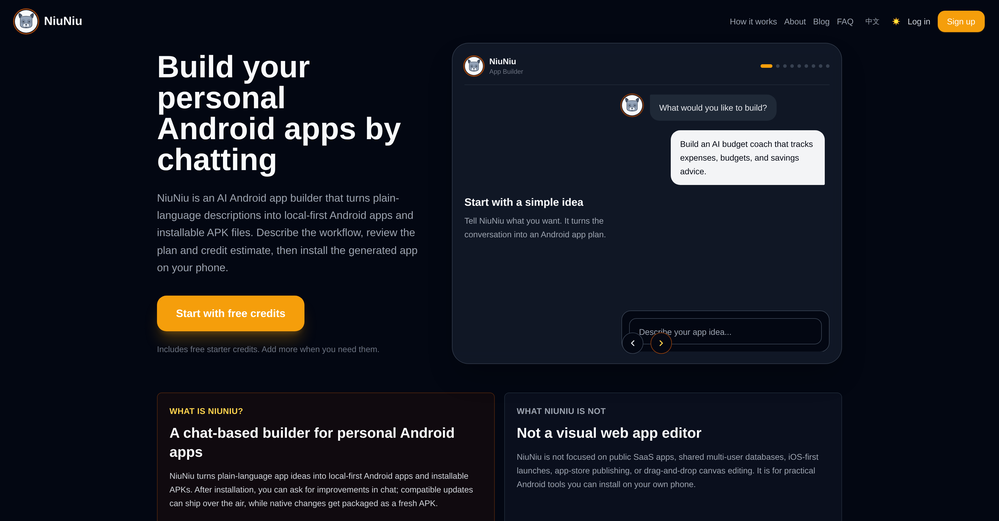 chaer🙏 4 karmaJun 15, 2026@NiuNiuI built a medical tracking App for a friend undergoing cancer treatment. He uses it to record side effects, medications, temperature, blood pressure, and more. The app turns his records into charts, making doctor visits much more efficient. Most importantly, all data stays on his own phone, giving him complete peace of mind!!! We can build apps not only for ourselfs but also as a new type of gift for people we care about. I am excited about this as I have no IT background. NiuNiu keeps its promise that it is easy to build and deploy a real app just by chatting. definately I will try more ideas.
 -
-
-
-
-
 I love the idea of how one platform can hold so many features in one place, working so efficiently.
 -
-











Other tools
- SpotlightSureThing.io - "OpenClaw" for BeginnersTask automation
-
I am glad to rate it as one of the best tool for website creation maybe developer recognise me and reply me. I really want to thank the developers personally
-
-
Looks like an interesting project with complete focus on ease of use and no-code environment! 🤩 #NoCode #Project #Software #Development #EaseOfUse
- Didn't find the AI you were looking for?
-
quick to pick up, slick results. turned my prompts into clean logo drafts n poster layouts fast; pixel-art style worked after a couple tweaks. wish it had true vector export and tighter font control, but for fast art ideas it’s great. 5/5
-
Uizard is so great for spinning out ideas and iterating. You can generate designs from text prompts as well as individual screens and themes. Also has a ton of other cool AI features like turning screenshots into editable designs and attention heatmaps. I suck at design so this is a game changer for me.
-
Looks promising but found it very slow to load and create templates and previews
-
Base44 is an AI-powered platform for building fully-functional apps with no code and minimal setup hassle. The platform leverages advanced AI technology to translate simple, natural language descriptions into working apps. Let’s make your dream a reality. Right now.
-
I made my website with Pagesmith. Seems the best for fast content based sites.
-
Really impressed by the multi-model planning and code review. Having different models collaborate instead of relying on just one actually leads to better decisions. You can feel the difference on more complex tasks.
-
-
Its Not Free Its fully paid even you cant access few seconds without payment. not recommended.
-
-
Honestly, this took waaaay too long to generate. I didn’t really have the patience for it. However, I did appreciate the little group chat animation during the wait, definitely more fun than just staring at a boring loading bar. But still, I couldn't wait until the website was done
-
-
-
Purely magic. It increases the productivity by a lot and the process is pretty addictive. I've been building websites like there's not tomorrow.
-
-
B12 exceeded my expectations especially after I tried a few similar tools. Signing up took under a minute and because I offer a very specific set of services as a consultant, I didn't expect the AI to be able to capture my work, but it did a great job with creating content for me. I only had to make a few edits, add my bio, and was able to publish that same day. Now I get lots of compliments on my site and I've even tried their other tools like email marketing, which is great because the emails match my site's appearance. Overall I would recommend B12 as an effective, affordable, and easy to use website solution.
-
Easy to create Chatbots and there is a easy using with existing templates
-
 Open
Open -
It works great and is super easy to use. There are several different layouts to choose frim that are all quite nice.
-
-
-
It missed my expectations, because I got smth completely different.
-
The leading generative media models on fal combined with top-earning real-world creative talent on Contra is a powerful combination. Feedback to fuel the future of creative ai.
-
doesn't generate anything 3d, nor animated. images also took a long time to make :(
-
 Open
Open -
 Focused After Effects animation and expression guide.OpenTo register as a requestor, I can download the mobile application from the Play Store or Apple Store. Then, I open the application and click on “signup”. On the signup screen, I can enter personal information like Name, Email ID, Password, Contact No and Address. My account is successfully created, and I can “sign in” with the entered email ID and password. Smart Sort generates a unique QR code with my information, which will be stuck on front of my door.