Go to section
Sponsor
 Flow - 4x faster than typing
🎤 Dictation
Flow - 4x faster than typing
🎤 Dictation
The front page of AI.Used by 90M+ humans.

TAAFT Tutorial
Generate image
Tasks
Generate text
Free mode
Trending
Leaderboard
Characters
 Mini tools
New
Featured
Lists
Agents
Requests
Jobs
Map
Newsletter
Starter pack
Free tools
Speech to text
Text translator
Remove background
Settings
Edit profile
My tools
Gallery
Dashboard
Inbox
Get featured
Contact TAAFT
For you
Popular
Job impact index
Most saved
Affiliate program
Submit AI tool
Notification preferences
Glossary
Home
Timeline
My profile
Create tool
Deals
Companies
Models
Robots
Papers
Fundraises
Repositories
Devices
Organizations
Events
Prompt Pack
Merchendise
APIs
Features
Tools
Countries
Collections
Videos
Mini tools
New
Featured
Lists
Agents
Requests
Jobs
Map
Newsletter
Starter pack
Free tools
Speech to text
Text translator
Remove background
Settings
Edit profile
My tools
Gallery
Dashboard
Inbox
Get featured
Contact TAAFT
For you
Popular
Job impact index
Most saved
Affiliate program
Submit AI tool
Notification preferences
Glossary
Home
Timeline
My profile
Create tool
Deals
Companies
Models
Robots
Papers
Fundraises
Repositories
Devices
Organizations
Events
Prompt Pack
Merchendise
APIs
Features
Tools
Countries
Collections
Videos
Mini tools
New
Featured
Lists
Agents
Requests
Jobs
Map
Newsletter
Starter pack
Free tools
Speech to text
Text translator
Remove background
Settings
Edit profile
My tools
Gallery
Dashboard
Inbox
Get featured
Contact TAAFT
For you
Popular
Job impact index
Most saved
Affiliate program
Submit AI tool
Notification preferences
Glossary
Home
Timeline
My profile
Create tool
Deals
Companies
Models
Robots
Papers
Fundraises
Repositories
Devices
Organizations
Events
Prompt Pack
Merchendise
APIs
Features
Tools
Countries
Collections
Videos

▼ Latest
Youtube tools
Free mode
100% free
Freemium
Free Trial
Featured matches
-
-
-
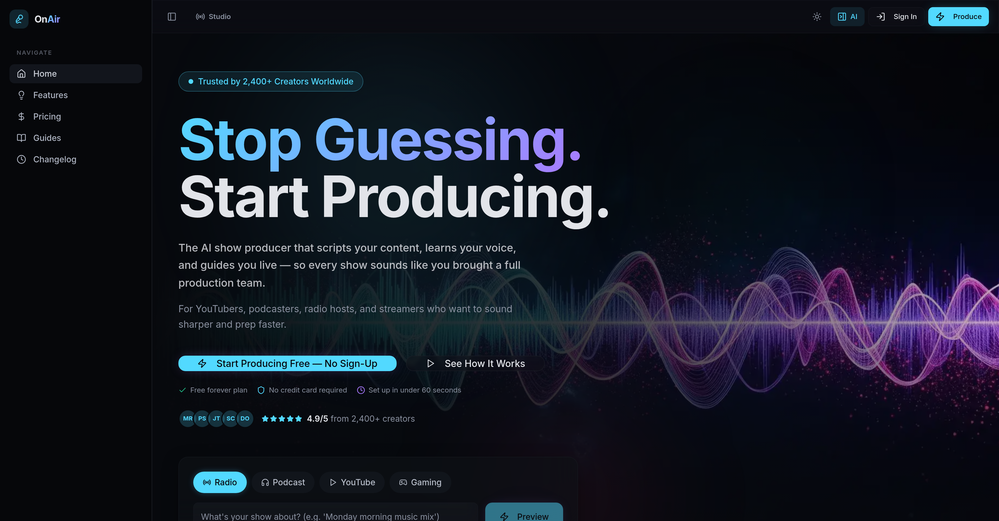 Luna Coverdale🛠️ 1 tool 🙏 3 karmaApr 26, 2026@OnAir StudioThank you for the feedback, Bella Blast. All of the issues you mentioned have been addressed, and the Learn My Voice engine has been fixed and improved. We really appreciate you taking the time to share this — feedback like yours helps us make the experience better.
 -
-
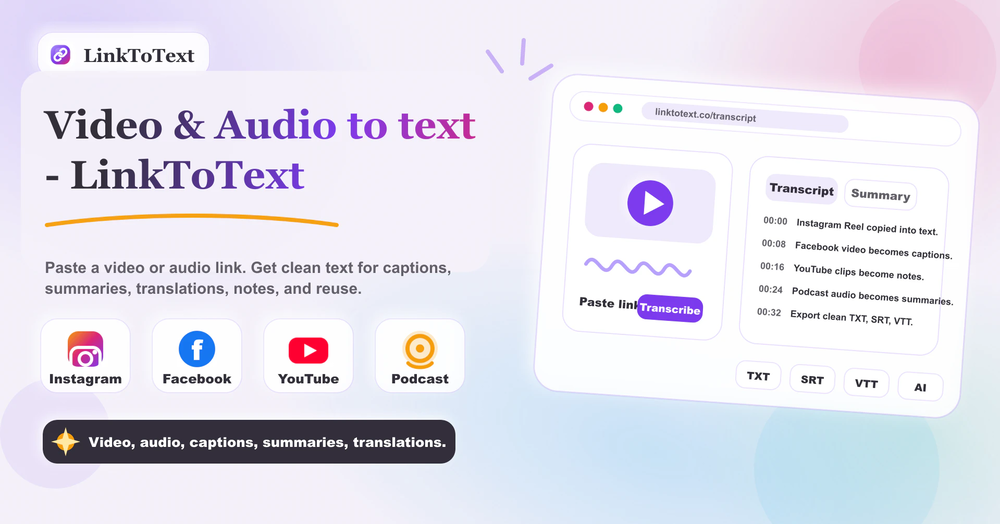 Tried this with a couple clips and the speed was honestly impressive. Feels super useful for creators and research workflows.
 -
-

-
 Save Hours of Research in Seconds with 40+ AI ToolsOpen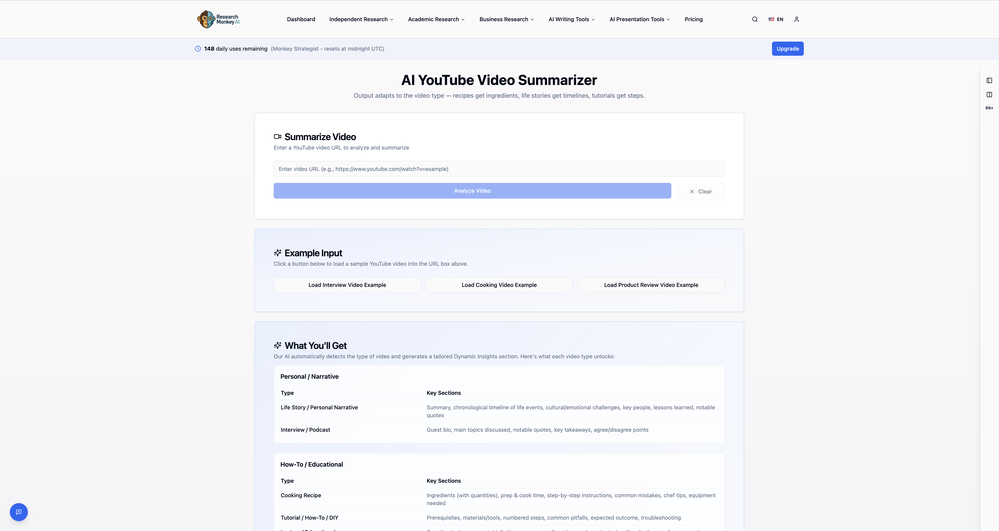
-
-







Verified tools
- SponsorFlow - 4x faster than typing🎤 Dictation
-
Currently, generating course videos is basically free, and everyone is welcome to use it! If you have any problems during use, you can complain and we will quickly iterate! Thank you~!
-
 OpenI played around with PodScribe.IO for just 5 minutes, and it helped me save at least 35 minutes when transcribing my first podcast (for free - have not subscribed to the paid version yet). That's pretty sweet! The way it presents and separates podcast data into different formats is really well done. It makes it super easy to find what you're looking for.
 -
Using Meloflow felt almost magical—it instantly turned my rough ideas into music that sounded alive, polished, and truly my own.
-
 Automate your short video production with AI and instantly publish to socialsOpen
 -
 Open
Open -
Very simple and easy to use. The premium feature of Lyrics helper really helped me to write lyrics exactly the way i wanted.
-
 AI-powered YouTube thumbnail maker for click-ready designs.Open
 -
-
Vocallab AI is honestly the easiest tool I’ve ever used. The interface is super simple and intuitive. Generations take less than 2 seconds. The quality is also incredible. The voices sound very realistic — almost like real people. You can even add emotions and details like coughs, laughs, sighs, and other subtle effects, which makes everything feel much more natural and alive. Highly recommend it to anyone working with content, videos, or voice projects.
-
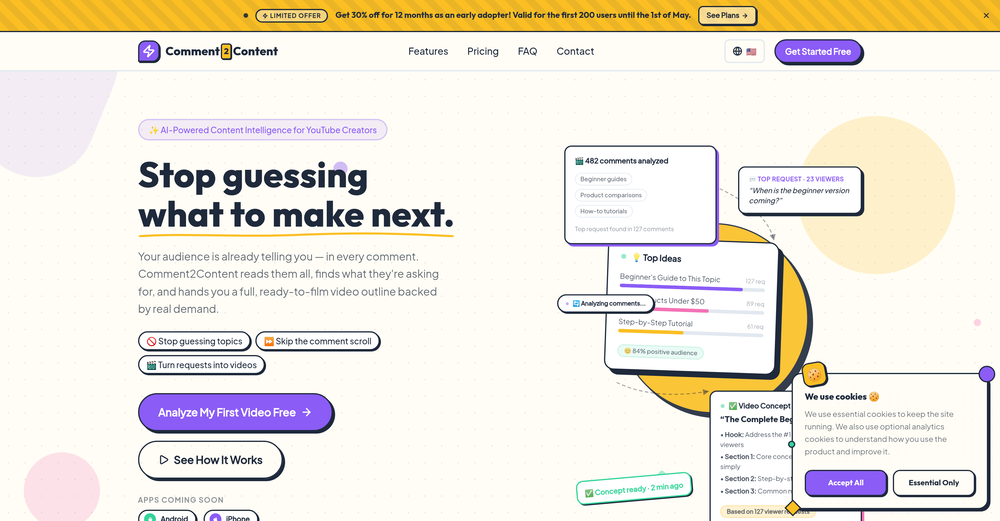
 Instantly analyze YouTube community sentiment and generate audience insights.OpenMost YouTube analytics tools track views and retention, but sentiment analysis could reveal why audiences react the way they do. Are creators mainly using it for content strategy or for brand monitoring?
 -
Pricing is fair since it would take me days to clip 4 hour videos
-
lots of video styles available; more templates would be nice
-
 Convert YouTube videos to text with 99% accuracy.OpenI’ve used Riverside before and it’s a really solid tool for recording and producing high-quality audio and video. If you’re looking for a YouTube transcript generator, I’ve also been using Saveto AI. It’s been pretty handy for turning videos into clean text and quick notes.
 -
 OpenAbsolutely HUGE. This gonna be the top AI for YouTube creators!
 -
Easy to use, good visuals and good price to videos ratio. Made a few with 10k views.
-
 Chain AI tasks with no-code into workflows for chatbots, video, documents, andOpenThis tool removes all of the prep work of getting an LLM API endpoint running. I can try out ideas quickly and see within minutes whether an endpoint concept actually works. And when it does, moving it into a production app is about as easy as it gets.
 -
This tool not only transcribes videos and audio, but also automatically generates summaries, which greatly helps me organize my study notes.
-
 Add accurate, multilingual subtitles to videos - fast, right in your browser.OpenThis one is CRAAAAAZY! drop your MP4/MOV, it locks captions to speech cleanly (also multi-language), the in-browser editor is solid and you can either export SRT for youtube or burn the subs in shorts with a couple clicks. it's a W for creators :D
 -
-
 Open
Open -
I can now find cool YouTube ideas without wasting hours thinking about it. Amazing product !
-
 Generate eye-catching YouTube titles that boost views and engagement.OpenAmazing title choices! I put in a title idea with a one sentence video description and got back amazing title options.
 -
-
One platform gives me access to various high-quality video models — it’s been used to generate 110k viral social media posts.
-
 Open
Open -
 Transform YouTube videos into polished documents and quizzes.OpenSuper helpful tool for content creators like myself. I have a Patreon where I give my Patreons quizzes and video summaries based on my YouTube video and this website speeds the whole process up tremendously.
 -
 Generate full-length faceless YouTube videos from text and earnOpenNoodle Tomato is an amazing video creation tool. You can create shorts or full length videos on ANY subject. Choose your voice, bullet points about what you want the video to be about. It then creates the script, all of the videos into parts that are editable. After it compiles the video you can download it directly, post it to YouTube and it's that simple. You need 0 knowledge of AI prompting or video editing.







































Other tools
-
Been using it for the past few days and it is exactly what I hoped it was. Nothing complicated, does exactly what it says it does without the fluff. The analysis section is great, does not produce canned summaries. It appears to be doing something different for every different type of topic, which is great. Still playing with it.
-
Super helpful tool! Saved me hours reading comments and gave great insights. Highly recommend for YouTubers!
-
 Convert YouTube videos to text fast and freeOpenHands down the best ai tool for content creators. Their free YouTube transcriptor is always on point
 -
Not really worth it, not only does it only support Youtube, but can only generate up to 30s of video and has no options to control the image style.
-
it gives multiple shorts to pick from and lets you tweak stuff like caption style, duration etc. makes the whole process super easy. Works great.
-
- Didn't find the AI you were looking for?
-
 Capture & Share beautiful YouTube Thumbnails & Comments!Open
 -
So right away, when you go to their site, it allows you to create a video. I punched in a short sentence about Hannahbelle And Tami, 2 women in pink ski masks that rob a bank and get away in a pink dodge charger, a recurring theme in many of my AI Generated tests. I didnt expect too much but i have to say, while I would have liked to have more control over the voiceover, and perhaps some of the images used, it wasnt bad for just going to the site and really without even signing up, getting a demo of what the site is capable of. The features are...few...but there is potential. No free tier, but you do get one free video. With little to no editing or manipulation available, the prices seem high. Also, not sure if you can change this, but the voiceover is auto-captioned inside the video.
-
-
iPhone SE 2020 and iOS17.6.1 - totally not working
-
-
 Generate compelling YouTube channel descriptions with AI for free.Open
 -
 Generate SEO-friendly YouTube descriptions with AI instantly.Open
 -
 Open
Open -
-
 AI-powered video editing for YouTube creators.OpenSelamat siang saya akan membagikan tutorial gimana caranya mengedit video di aplikasi capcut
 -
We've released multi-language support and resolved a few pesky bugs that were affecting some users. Videos now chop much more accurately and faster :)
-
-
Well, it is not that good as expected It only transcribes the outline of the video. Don't expect the notes from the website I think the paid versions work better than this and it just gives you the outline. That's it
-
Just tried it and the subscribe button shows up fine on my side. Maybe try disabling any ad blocker or switch browsers and refresh the page.
-
-
 Generate engaging YouTube scripts instantly with AI.Open
 -
 Professional guide for YouTubers on newsletter creation.Open
 -
 Transforming YouTube subtitles into blog articles.Open