 Rocket - Think it. Type it. Launch it.
 Mini tools














 TheLibrarian.io
 Supernormal App
 Saidar
 Runable
 ComputerX
 Collate
 AiAssistWorks - GPT Gemini Claude AI for Sheets Docs Slides
 MiroAI
 ConsoleX AI
 Skymel: Create Your Own Personal Agents
 Ask Steve
 Alfred by Simbli.ai
 Affint
 Kolva
Kolva
 Sup AI
 BrowseWiz
 Support Flow
 Octofy
 Hyperis
 Criticly
 Constella
 Cerebro
 Liminary
 Keymate.AI
 everfind | AI workspace
 MyMemo
 Keepi
Keepi
 ArcaNotes
 Cortex | BodhiGPT
 Aethera
 Quench.ai
 Guru
Guru
 curioAI
 Ask by Slite
 Perfect Wiki
 Grokipedia
 IKI AI
 Ariglad
 Tettra
 Paperbook


Overview
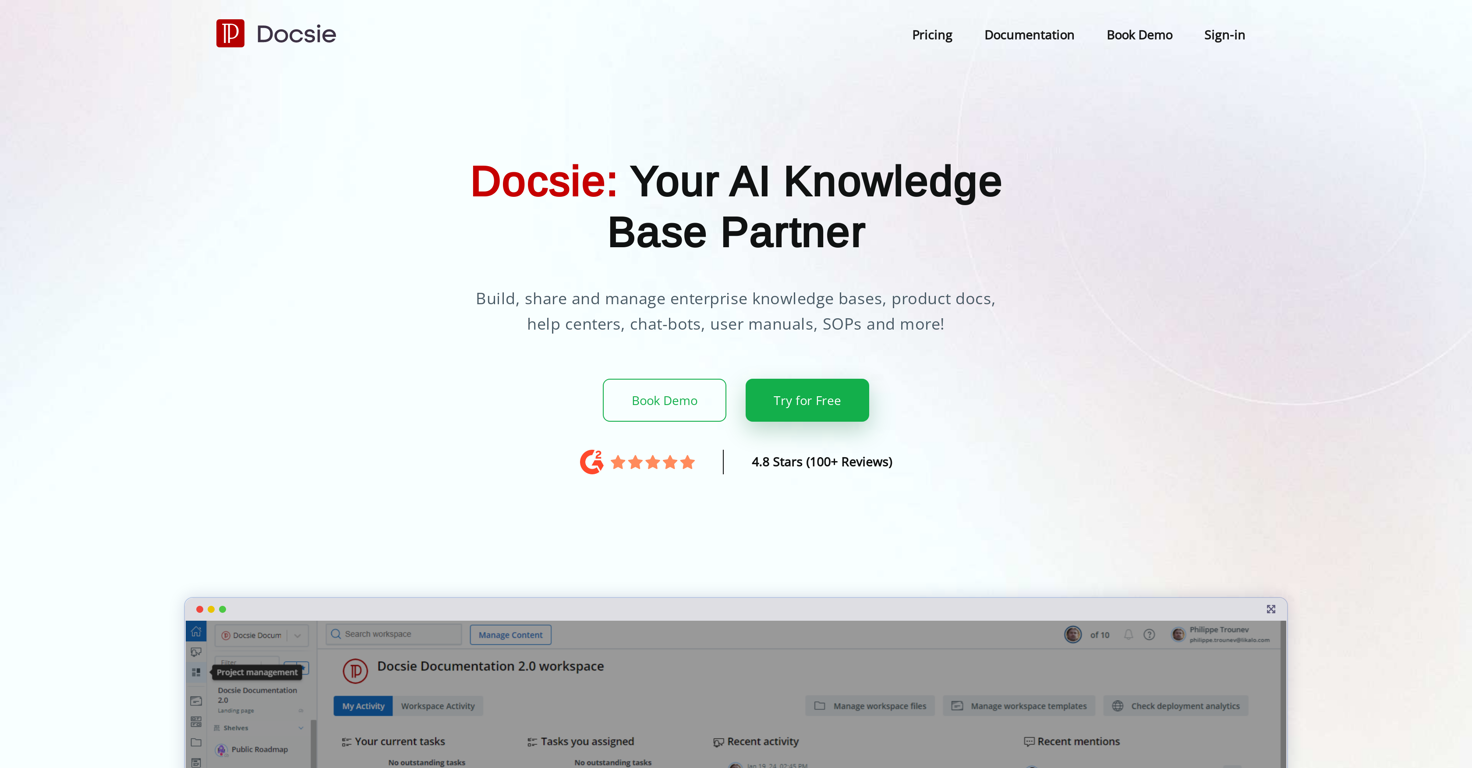
Docsie is a digital documentation and knowledge management platform. As an AI-based knowledge base partner, it enables the building, sharing, and managing of enterprise knowledge bases, product documents, help centers, chat-bots, user manuals, standard operating procedures and more.
One of the key features includes the ability to create and publish internal and external knowledge bases. It is also designed to facilitate documentation lifecycle management, provide in-app help interfaces, support tickets, multiple versions and languages, as well as AI generative content.
Additionally, Docsie makes it possible to transform documentation into interactive chatbots, with capabilities for markdown and WYSIWYG editing, feedback collection, and web analytics.
It is equally designed to streamline processes for technical writers, product managers, and developers, through reduction of complexity and time spent, while simultaneously enhancing quality.
The platform comes equipped with features such as version control, auditing, analytics, SEO, and access restrictions. Docsie's ease of use makes it suitable for most knowledge base websites.
Releases

Pricing
Top alternatives
-
 Open🚀Meet remio v2.12.0, which added lots of new and useful features to boost your productivity! Let's dive in! 1.🍌 Visualize thoughts faster with Nano Banana 2 Turn complex logic into professional diagrams and infographics instantly with the most affordable model. 2.🎧 Put Podcasts into your personal library Simply paste a link to save full transcripts from your favorite podcasts and get instant summaries. You can chat with your podcast library to find specific insights without listening to every second. 3.💬 Write at the speed of thought With global voice input, remio transforms natural speech into clear and polished writing across all your apps. Experience a creation process up to 5x faster than typing. 4.🔗 Seamless sharing of notes & recordings Knowledge is most powerful when it flows. You can now generate shareable links for your notes and recordings, and move insights from your personal library into team discussions. 5.🆙Advanced models upgrade Switch to the latest Gemini 3.1 and Claude Sonnet 4.6 models for superior accuracy and speed.
 -
 amix ffx🙏 40 karmaJun 22, 2023@RecallReally like how it finds connection in the content that I save. I don't think any other tool can do that.
 -
-
-
-
I like the way I can read, search, write, take note and organize in one seamless place.





Related topics
 0
0





