 Base44 Superagents-AI agent that does it all
 Mini tools
 Organized access to conversational knowledge base.













 TheLibrarian.io
 Supernormal App
 Saidar
 Runable
 ComputerX
 Collate
 AiAssistWorks - GPT Gemini Claude AI for Sheets Docs Slides
 ConsoleX AI
 MiroAI
 Skymel: Create Your Own Personal Agents
 Ask Steve
 Alfred by Simbli.ai
 Affint
 Kolva
Kolva
 Sup AI
 BrowseWiz
 Support Flow
 Octofy
 Criticly
 Mentor: Get things done
 Constella
 Cerebro
 Liminary
 Keymate.AI
 everfind | AI workspace
 MyMemo
 Keepi
Keepi
 ArcaNotes
 Cortex | BodhiGPT
 Aethera
 Quench.ai
 Guru
Guru
 curioAI
 Ask by Slite
 Perfect Wiki
 Grokipedia
 IKI AI
 Ariglad
 Tettra
 Paperbook


Overview
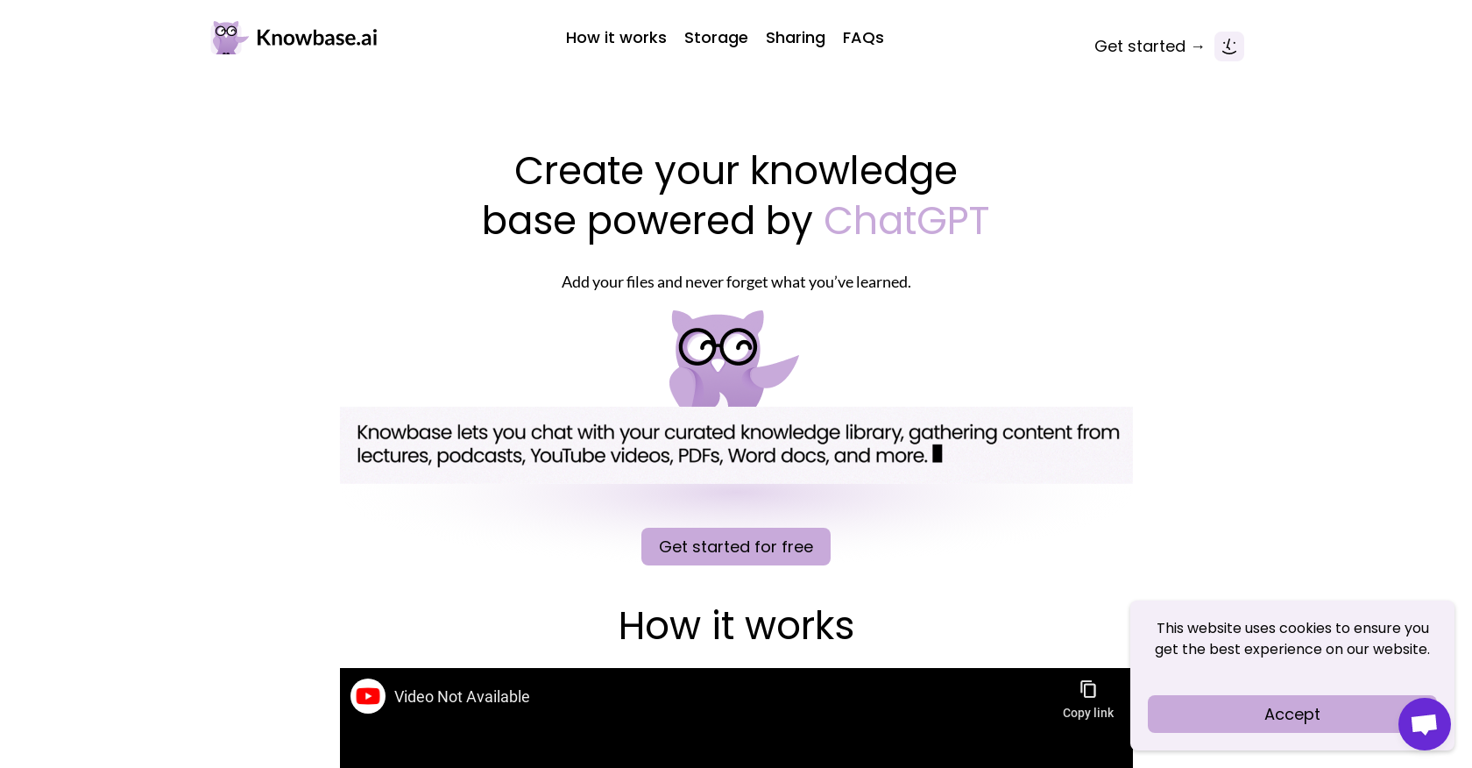
Knowbase is an AI knowledge base tool that allows users to store, organize, and access their files and information in an intuitive and conversational manner.
Users can upload various types of files such as PDFs, Word documents, PowerPoint presentations, video and audio recordings, as well as YouTube videos through provided links.
The tool is like a combination of Dropbox and ChatGPT, enabling users to interact with their collected knowledge just as they would with a chatbot.The tool provides a Library feature, which allows users to access all their organized files in one place.
Users can also share their Knowbase chat with others, promoting knowledge sharing and collaboration. Knowbase supports transcription of video and audio recordings into text, offering a maximum transcription duration of 900 minutes for the Standard plan.
The tool supports a wide range of languages for transcription and chat interactions.Knowbase offers a free plan with 100 MB of storage space and 10 questions per month, providing users with an opportunity to test and explore the functionality of the tool.
There are additional paid plans available, depending on the user's storage and usage requirements.Overall, Knowbase is a user-friendly and convenient AI knowledge base tool that helps individuals and teams organize their information effectively and access it through natural language interactions.
Releases


I'm a introvert who likes to read books and code. My small project knowbase.ai aims to help people getting smarter thanks to organised knowladge base with ChatGPT like interface.
Pricing
Top alternatives
-
 Open🚀Meet remio v2.12.0, which added lots of new and useful features to boost your productivity! Let's dive in! 1.🍌 Visualize thoughts faster with Nano Banana 2 Turn complex logic into professional diagrams and infographics instantly with the most affordable model. 2.🎧 Put Podcasts into your personal library Simply paste a link to save full transcripts from your favorite podcasts and get instant summaries. You can chat with your podcast library to find specific insights without listening to every second. 3.💬 Write at the speed of thought With global voice input, remio transforms natural speech into clear and polished writing across all your apps. Experience a creation process up to 5x faster than typing. 4.🔗 Seamless sharing of notes & recordings Knowledge is most powerful when it flows. You can now generate shareable links for your notes and recordings, and move insights from your personal library into team discussions. 5.🆙Advanced models upgrade Switch to the latest Gemini 3.1 and Claude Sonnet 4.6 models for superior accuracy and speed.
 -
amix ffx🙏 39 karmaJun 22, 2023@RecallReally like how it finds connection in the content that I save. I don't think any other tool can do that.
-
-
-
I like the way I can read, search, write, take note and organize in one seamless place.























 0
0





