 Tripo AI 3D Generator

 Mini tools
 AI Image Processing Made Simple
 Funy AI: Video, Image
 Image to Image Generator
 Viyou AI Image Generator
 Photoleap
 Creen AI
 Img2Img AI
 Photoeditor
 Cleanup pictures
 ImgPilot
 ObjectRemover
 Luminar AI
 Retouch4me
 Deep Art Effects
 img2img AI
 AI Photo Editor by The Influencer AI
 Magic Eraser
 HeyPhoto
 PixPretty AI
 Image Editor Online
 ExtendImage
 So You Want To Be A Writer?
 Minka
Minka
 Ancient AI powered spirits
 Jvb ai
 somacguffin
 Cuty
Cuty
 Superfly Stoner
 Image Generator
 Photo AI
 Stockimg AI
 BestPhotoAI
 Midjourney
 CreativePixel
 Ideogram
 INLINER
 Getimg.ai
 SD Telegram bot
 Picsman - AI Photo Editor
 Seedream
 PixAI Art
 Shoots by Diktatorial
 ChatGPT Images
 GenTube
 HeadSnap
 Deepdreamgenerator
 FLUX
FLUX
 Reface

Maskr.io







Overview

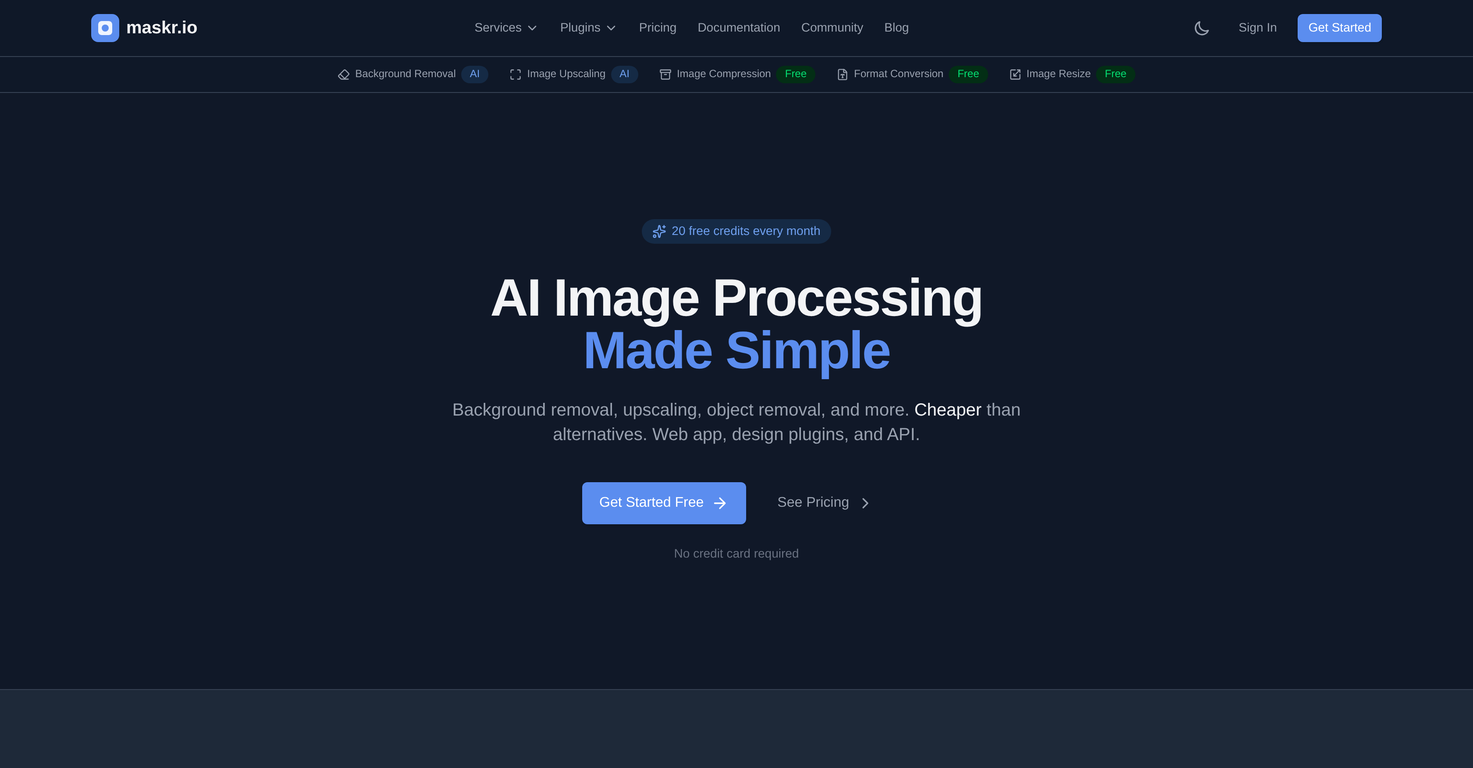
Maskr.io is an AI-powered solution that simplifies image processing tasks. This platform performs a series of functions including background removal, image upscaling, object removal, and image compression, ensuring quality maintenance throughout all procedures.
It also provides the tools to convert between different image formats, such as PNG, JPG, and WebP, and to resize images to precise dimensions. Developers will benefit from Maskr.io's REST API which allows for full integration of its image processing capabilities into their own applications and workflows.
Also offered are design plugins that can be used directly from different design tools. The platform operates with a strong privacy focus, processing and thereafter discarding images without any storage or utilization for training purposes.
It is designed for a variety of users, from individual designers to developer teams and accommodates batch processing, making tasks like product catalog creation more efficient.
The pricing model is designed with simplicity and transparency, providing a selection of packages from a free tier to user upgrades based on more extensive needs.
Supported features
Releases

Pricing
Top alternatives
-
 Transform your images with AI — effortlessly enhance, edit, or reimagine any picture using advanced image-to-image generation. Perfect for creatives, designers, and anyone looking to bring visual ideas to life.Shvetank Sharma🙏 91 karmaAug 19, 2025@Image to Image GeneratorNot at all accurate…. The only thing similar between original and generated images were the clothes and accessories… face was absolutely new and unconnected.
 -
 Transform text and images into stunning videos and visuals.I was struggling to create some free Christmas and New Year's e-cards, and these templates are really good. I recommend giving them a try. The only downside is that each free template can only be used once.
 -
 Transform photos into stunning creations instantly.I think this is the point of a free trial...
 -
 40+ AI models for video, image and art. Free, no sign-up.Works wonders for anime, has me taking it in consideration for a tool rotation.
 -
 Transform any image with AI in seconds.
 -
 Enhanced image editing with object and text removal.i edited my picture twice because the first time it randomly got deleted. second time i did everything and i pressed download but nothing happened, after repeatedly trying it didn’t work in the end. regardless very good editing tool (fyi you can’t download high res pic without paying)






