How fast is RemoveBGVideo's background removal process?
RemoveBGVideo boasts lightning-fast background removal processes, thanks to the use of leading GPU technology.
What kind of technology powers RemoveBGVideo?
RemoveBGVideo uses AI and GPU technology to power its background removal process.
Does RemoveBGVideo offer any previews before finalizing the video?
Yes, RemoveBGVideo offers a free preview to provide a glimpse of the final outcome before you commit to process the video.
Does RemoveBGVideo replace green screens?
Yes, RemoveBGVideo does negate the need for a green screen by automatically identifying and deleting video backgrounds.
Can I choose different backgrounds after removing the original one with RemoveBGVideo?
Following the removal of the original background, RemoveBGVideo offers flexible background options allowing users to choose from a palette of solid colours or opt for a transparent background.
Can I use my own custom images as a background with RemoveBGVideo?
Yes, RemoveBGVideo allows users to upload custom images to use as the new background for their videos.
Can the tool manage complex on-screen elements like animals or products?
Yes, the AI of RemoveBGVideo is capable of managing complex on-screen elements like animals or products.
Does RemoveBGVideo support batch processing?
Based on the given information, it is unclear whether RemoveBGVideo supports batch processing.
What is the maximum video length that RemoveBGVideo can process?
Based on the website content, it is unclear what the maximum video length that RemoveBGVideo can process is.
Can I expect a professional output from RemoveBGVideo?
Yes, RemoveBGVideo is designed to produce a professional output, including offering an export option in up to 4K resolution.
Does the software have any restriction regarding the video's content?
There is no indication of any restrictions regarding the video's content for processing with RemoveBGVideo.
Does RemoveBGVideo offer API access?
API access for RemoveBGVideo is currently under development and expected to be available soon.
Are there subscription plans for RemoveBGVideo or is it a one-time purchase?
RemoveBGVideo offers separate pricing plans which range from a basic plan to a pro plan and doesn't appear to require subscriptions.
What is RemoveBGVideo?
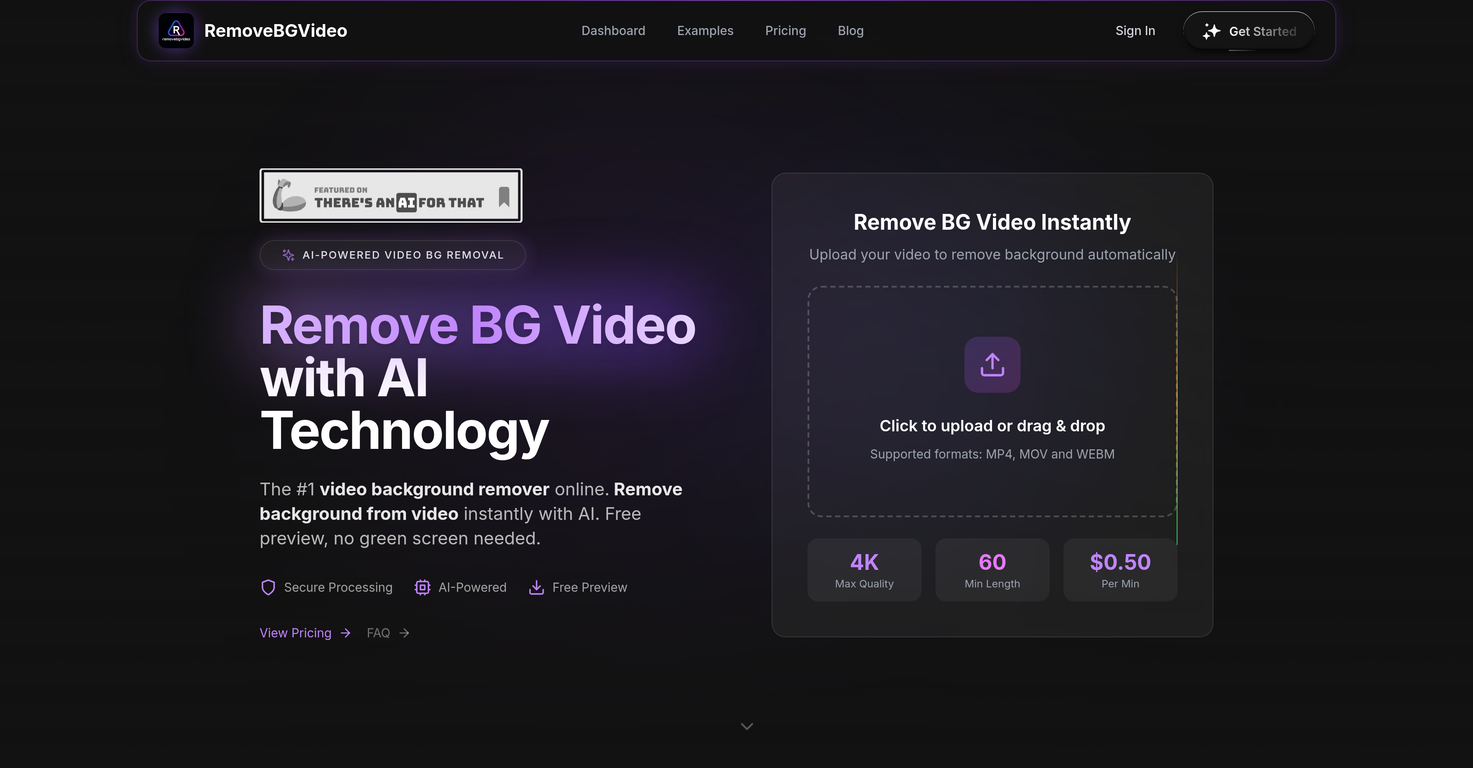
RemoveBGVideo is an advanced artificial intelligence software tool designed for instant background removal from videos. The tool caters to a wide variety of users, including YouTube, TikTok, and Instagram content creators. It uses cutting-edge AI technology to accurately identify and erase video backgrounds, obviating the need for a green screen. Also, it provides a range of options for the replacing the background, such as uploading custom images, using a palette of solid colors, or opting for a transparent background.
How does RemoveBGVideo work?
RemoveBGVideo utilizes artificial intelligence to render high-precision automatic background erasure from videos. Users can upload videos in multiple formats, and the AI initiates a process to identify and erase the background, effectively differentiating between the key video elements like people, pets, or products, and the background. After background removal, users can opt for a custom image, a solid color, or a transparent background.
What unique features does RemoveBGVideo offer for video editing?
RemoveBGVideo offers a variety of unique features for video editing, such as object recognition that identifies key elements in the video like people, animals, or products. It also offers the ability to replace the erased background with a transparent one, custom images, or a selection of solid colors. Users can look forward to preserving their original video quality with an export option up to 4K, and they can take advantage of the robust GPU technology for ultra-fast background removal.
Can I preview my video before finalizing the process in RemoveBGVideo?
Yes, RemoveBGVideo provides a free preview feature that lets users have a glance at the expected result before making the commitment to process the video. This ensures the final outcome aligns with the expectations of the user.
Does RemoveBGVideo support various video formats?
Yes, RemoveBGVideo is designed to support multiple video formats such as MP4, MOV, and WebM, thereby providing its users flexibility in their choices of video formats for background removal.
What AI technology does RemoveBGVideo use in video processing?
RemoveBGVideo uses advanced artificial intelligence for video processing. Its AI-powered capability recognizes various elements in a video, such as people, pets, or objects, and accurately differentiates them from the background. This results in the high-precision removal of video backgrounds.
What are the customizable background options available in RemoveBGVideo?
Once the video background is removed by RemoveBGVideo, users are offered a variety of options to customize the background. They can decide to choose from a palette of solid colors, go with a transparent background, or upload custom images.
How does RemoveBGVideo maintain the original video quality?
RemoveBGVideo employs unconventional processing techniques to assure the quality preservation of the original video. Despite the removal and alteration of video backgrounds, it maintains the initial video quality, even offering an export option supporting up to 4K resolution which is ideal for professional output.
How fast does RemoveBGVideo process videos?
RemoveBGVideo uses high-performance GPU technology for processing videos, which allows for extremely quick background removal. Most videos can be processed in under 5 minutes, depending on the length and complexity of the video.
Do I need a green screen to use RemoveBGVideo?
No, a green screen isn't a requirement to use RemoveBGVideo. The software uses AI technology to detect subjects and remove the background automatically, making green screens unnecessary.
Does RemoveBGVideo offer any cost or fee for its services?
Yes, there is a cost associated with using RemoveBGVideo, but consumers will appreciate that it operates on a per-minute pricing model as opposed to a subscription. Prices begin at $0.50 per minute but can vary.
What is the maximum length of video that RemoveBGVideo can process?
RemoveBGVideo supports a maximum video length of 60 minutes. This offers creators plenty of scope for processing longer video content without worrying about cutting the video to shorter segments.
Can I use my own image as a background in RemoveBGVideo?
Yes, RemoveBGVideo allows users to upload their own images to use as a new video background after the original background has been removed.
Can RemoveBGVideo detect all on-screen elements in a video?
Yes, RemoveBGVideo can accurately detect all on-screen elements in a video, whether they are people, animals, or products. This accurate object recognition capability is a key component of the background removal process.
Which social platforms can use the videos processed by RemoveBGVideo?
Videos processed by RemoveBGVideo can be seamlessly used across various social platforms including, but not limited to, YouTube, TikTok, and Instagram.
Is there a file size limit for videos to be processed by RemoveBGVideo?
Videos to be processed by RemoveBGVideo should not exceed a file size of 500MB. This limit ensures efficient processing while maintaining the render quality.
Is RemoveBGVideo solely online or do I need to install anything?
RemoveBGVideo is solely an online tool. There’s no need for any software installation, making it easily accessible regardless of the device or operating system.
Can I expect a 4K resolution output from RemoveBGVideo?
Yes, users of RemoveBGVideo can certainly expect an output resolution up to 4K. Despite the high-level processing techniques employed, the software maintains the original video quality and supports high-resolution output.
What type of users is RemoveBGVideo specifically designed for?
RemoveBGVideo serves a wide array of users. From content creators using platforms like YouTube, TikTok, and Instagram, to other diverse multimedia projects, the platform can handle a multitude of use-cases.
What happens after I upload my video to RemoveBGVideo?
After uploading a video to RemoveBGVideo, it goes through an automatic process where the software's artificial intelligence power identifies and removes the background with high precision. Users then have the option to choose from a palette of solid colors, upload custom images, or to have a transparent background for the video.
How would you rate RemoveBGVideo?
Help other people by letting them know if this AI was useful.