
 Mini tools
▼ Latest
Ai for developers
Free mode
100% free
Freemium
Free Trial
Featured matches
-
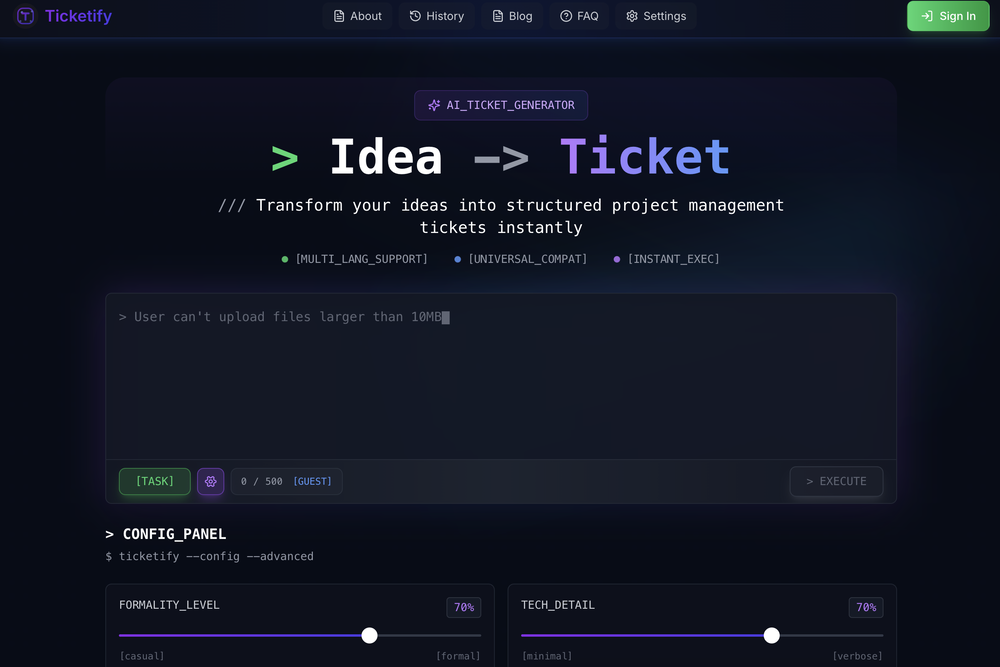 Improved the model response.
 -
-

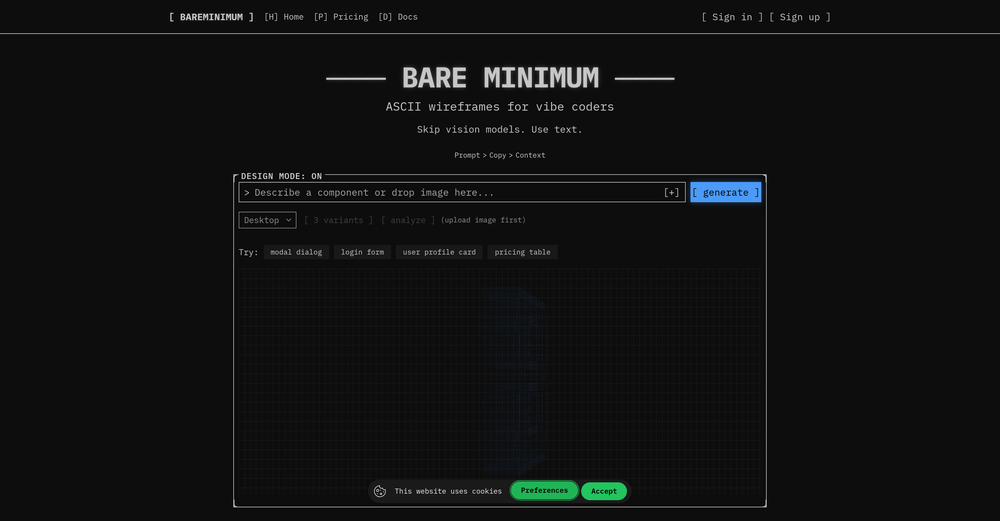
 Singulairity AI🛠️ 1 tool 🙏 31 karmaJul 31, 2025@Singularity AIHello everyone, As a AI power user, I constantly faced the multi-tab scramble and the uncertainty of getting truly reliable answers from various AI tools. That frustration led me to build Singulairity AI. My goal was simple: to create a unified, intelligent, and trustworthy platform where you can access leading AI models with unprecedented clarity and efficiency. I poured my efforts into features like Intelligent Auto-Routing, Side-by-Side Response Comparison, and the innovative Truth Mode to give you the confidence I always sought. I truly hope Singulairity AI enhances your workflow. Please review the tool and share your invaluable feedback; it's essential for Singulairity's continued evolution.
 -






Verified tools
-
 AI-powered code reviews that accelerate pull requests and improve code qualityOpenI signed up for early access and have been using codoki for a few months now, eventually brought it into my team as well. Great tool, simple to use, not overwhelming and has caught things in a way thats actually digestible
 - Sponsor
 MongoDB - Build AI That Scales🗄️ Database
 -
 AI-native OCR platform, 95%+ accuracy, zero prompt engineering, flags uncertain fields.OpenWe are a team of founders who worked before in data extraction, with traditional manual review of each document to check accuracy / errors. We are so excited about AI and the new LLM models because we have created DeepRead using those and the accuracy is 95% and we flag uncertain fields so no one has to manually review entire documents (whew), only the exceptions! We hope you try it out and please share your review, comments and feedback. Looking forward to hearing from users!
 -
Far beyond my expectation. Thanks for bribg us such a great work.
-
From one of our customers: We are running our 15 person VC-backed company right now without a PM. Devplan helps fills that gap for us by generating high-quality user stories that sync in Linear in minutes. What used to take me days of back and forth and refinement I’m now doing in less then a hour.
-
Really liked the performance dashboard features. Very unique. Also the output was very polished, ready to deploy. Did not have to use Supabase - though would like to have the option of also using it if I want. Also cheaper compared to alternatives















Other tools
-
- Didn't find the AI you were looking for?
-
 Open
Open -
-
I'm a developer and Code Genius is my pair programming, it's amazing how much time it already saved me. Especially when it comes to unit tests (Jest and React Testing Library) 💯 Recommended!
-
-
Phind is amazingly good, combined with VSCode extension it is even better. It just works and it works FOR FREE - without idiotic whining attempts at stealing your money like shitty worse crap is trying to do.
-
-
 OpenUuu this'll make creating shorts much easier, thank you!
 -
Code varies from run to run. Still it is a helpful app. You can specify coding languages that are not in the dropdown menu.
-
-
quick to pick up, slick results. turned my prompts into clean logo drafts n poster layouts fast; pixel-art style worked after a couple tweaks. wish it had true vector export and tighter font control, but for fast art ideas it’s great. 5/5
-
 OpenI'm happy to help you with generating a manifest file and a Lua script based on your input. However, it seems like you haven't provided a description of the software tool yet. Could you please provide more details about what you need? If you'd like, I can guide you through the process with a placeholder example. Let's assume you want a simple tool that greets the user. Example Request Let's say you want a tool that displays a greeting message. Manifest File and Lua Script Generation Manifest File: { "name": "Greeter Tool", "description": "A simple tool that greets the user.", "author": "Your Name", "version": "1.0.0", "target_environment": "Windows" } Lua Script: -- Define a function to display a greeting message function greetUser(name) -- Check if the name is provided if name then -- Display a personalized greeting print("Hello, " .. name .. "!") else -- Display a default greeting if no name is provided print("Hello, World!") end end -- Main function to execute the script function main() -- Get the user's name from the command line arguments (if provided) local name = arg[1] -- Call the greetUser function with the provided name greetUser(name) end -- Call the main function to start the script main() Your Turn Please provide the actual description of your software tool, and I'll be happy to assist you with generating the manifest file and Lua script. Since no description was provided, here is a default example. Manifest File: { "name": "Example Tool", "description": "A default example tool.", "author": "AI Assistant", "version": "1.0.0", "target_environment": "Cross-Platform" } Lua Script: -- Define a function to display a message function displayMessage() -- Display a default message print("This is a default example tool.") end -- Main function to execute the script function main() -- Call the displayMessage function displayMessage() end -- Call the main function to start the script main()
 -
 Open
Open -
 Open
Open -
 Friendly guide for street sign app development.Open
 -
 Open
Open





















































![GPT Builder [Community]](https://media.theresanaiforthat.com/icons/gpt-builder-community.png?height=207)














Post





