Go to section
Spotlight SureThing.io - "OpenClaw" for BeginnersTask automation
The front page of AI.Used by 90M+ humans.

Generate image
Tasks
Generate text
Free mode
Trending
Leaderboard
Characters
 Mini tools
New
Featured
Lists
Agents
Requests
Jobs
Map
Newsletter
Starter pack
Free tools
Speech to text
Text translator
Remove background
Settings
Edit profile
My tools
Gallery
Dashboard
Inbox
Get featured
Contact TAAFT
For you
Popular
Job impact index
Most saved
Affiliate program
Submit AI tool
Notification preferences
Glossary
Home
Timeline
My profile
Create tool
Deals
Companies
Models
Robots
Papers
Fundraises
Repositories
Devices
Organizations
Events
Prompt Pack
Merchendise
APIs
Features
Tools
Countries
Collections
Videos
Mini tools
New
Featured
Lists
Agents
Requests
Jobs
Map
Newsletter
Starter pack
Free tools
Speech to text
Text translator
Remove background
Settings
Edit profile
My tools
Gallery
Dashboard
Inbox
Get featured
Contact TAAFT
For you
Popular
Job impact index
Most saved
Affiliate program
Submit AI tool
Notification preferences
Glossary
Home
Timeline
My profile
Create tool
Deals
Companies
Models
Robots
Papers
Fundraises
Repositories
Devices
Organizations
Events
Prompt Pack
Merchendise
APIs
Features
Tools
Countries
Collections
Videos
Mini tools
New
Featured
Lists
Agents
Requests
Jobs
Map
Newsletter
Starter pack
Free tools
Speech to text
Text translator
Remove background
Settings
Edit profile
My tools
Gallery
Dashboard
Inbox
Get featured
Contact TAAFT
For you
Popular
Job impact index
Most saved
Affiliate program
Submit AI tool
Notification preferences
Glossary
Home
Timeline
My profile
Create tool
Deals
Companies
Models
Robots
Papers
Fundraises
Repositories
Devices
Organizations
Events
Prompt Pack
Merchendise
APIs
Features
Tools
Countries
Collections
Videos

▼ Most saved
Caption creation
Free mode
100% free
Freemium
Free Trial
Featured matches
-
-
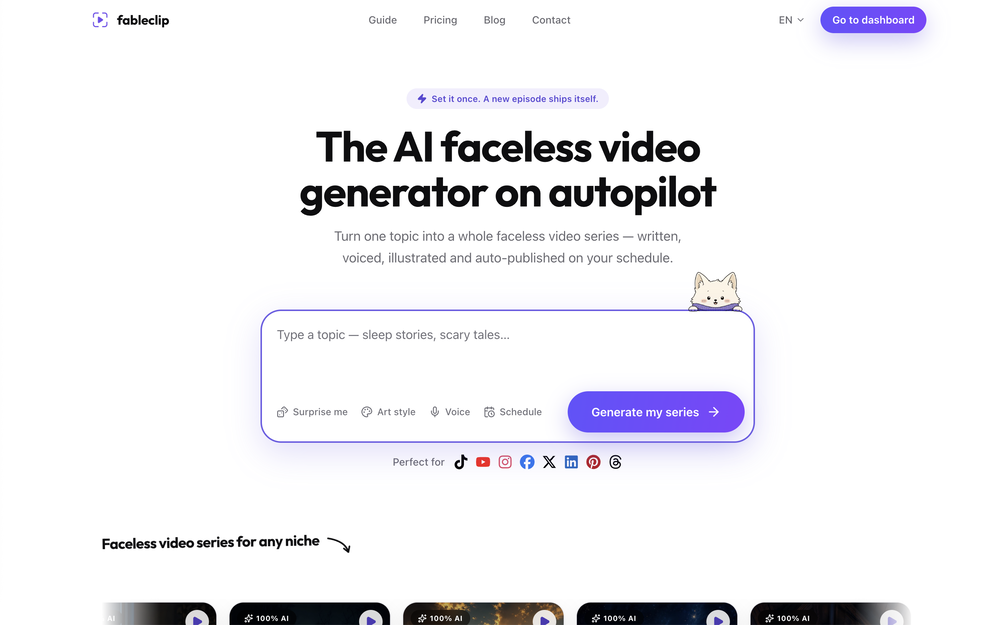
 AI-powered social media creation, scheduling, and optimization in one placeOpen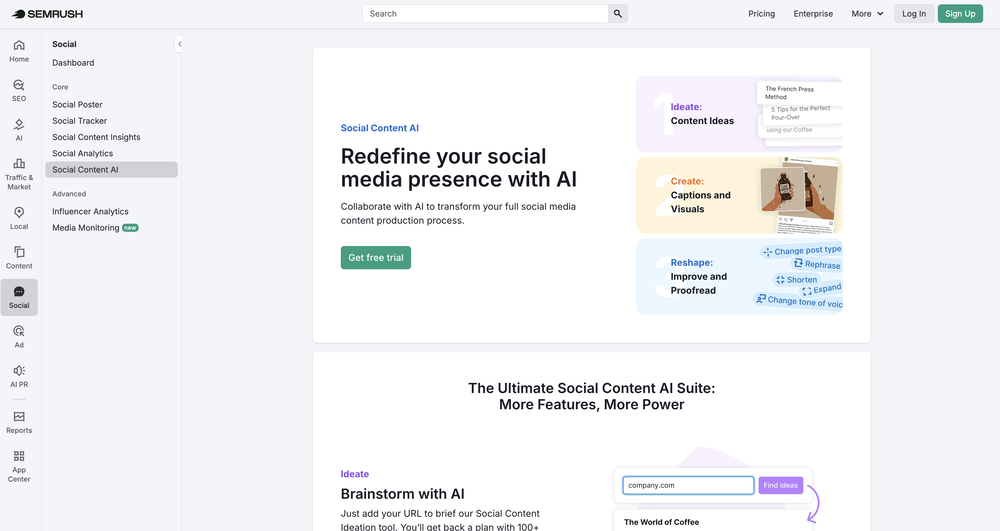
-
-
 Aurélien D'Hondt🛠️ 1 tool 🙏 9 karmaMay 6, 2026@ReloopReloop let's you create and edit ads in different kind of styles, whether you want to promote a product, a service or a tool, you can do it in 3 minutes, by having a convo with an agent. The output and ease of use is great!
 -
 Tried this with a couple clips and the speed was honestly impressive. Feels super useful for creators and research workflows.
 -
 As a student, I regularly work with research papers and long PDFs. PodcastorAI has been a helpful way to turn that content into something I can listen to while commuting or walking. I like that it creates a structured podcast rather than simply reading the text aloud. The dialogue format is surprisingly engaging and makes dense material easier to get through. I still rely on the original documents for deeper study, but for review and knowledge retention, it's been a genuinely useful tool.
 -
 AI video translation with dubbing and lip-sync.Open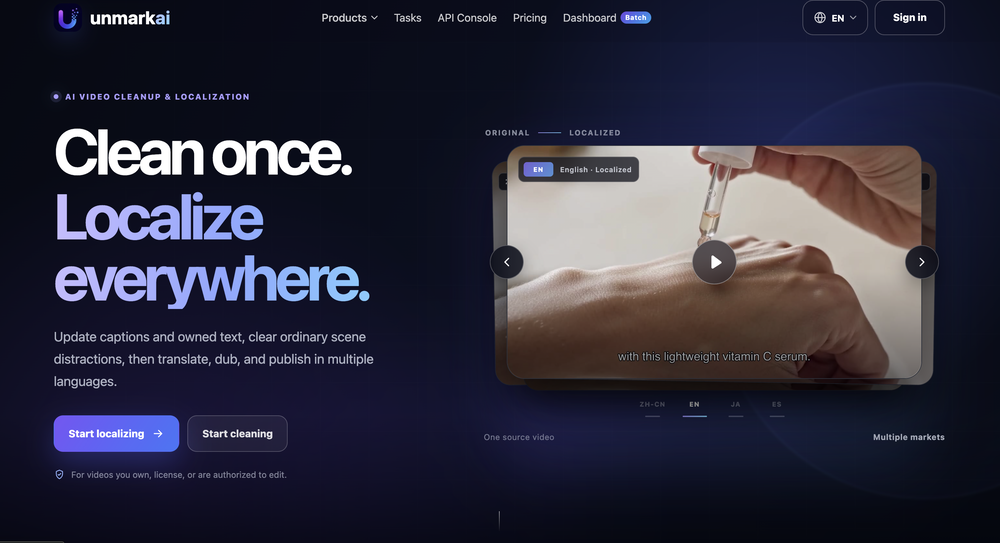
-
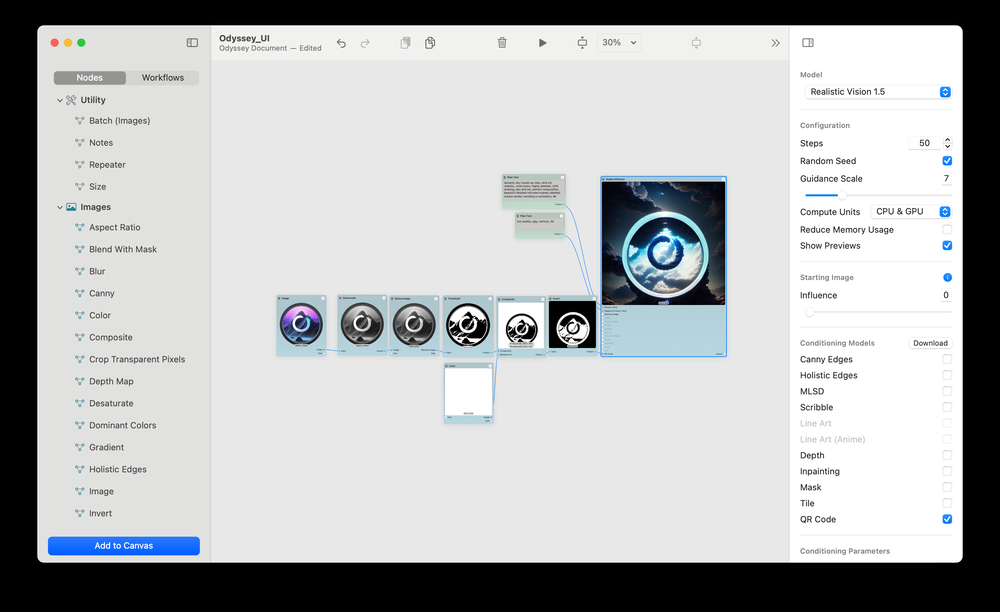 Beautiful Mac app for locally run AI models plus dozens of different image and text processing nodes. So much you can do in one place and adding new features constantly.
 -
 Your AI-powered hub for seamless social media scheduling and content creation.Open
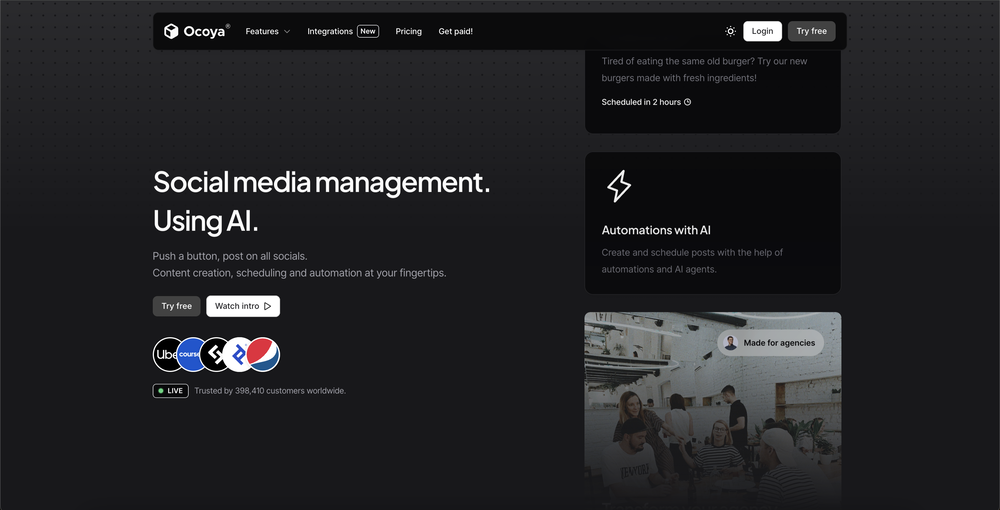 Sadly is not working as described but they have pretty many things planned so maybe in the future it will.










Other tools
-
It's really frustrating when you try to select something you want, only to be immediately redirected to a subscription-based payment model. There's no opportunity to even test things out, which kills the enthusiasm right away. It seems like everything is geared towards subscriptions nowadays, and it's a turn-off. Companies should prioritize transparency and give customers a chance to try out products before committing to a subscription. Practices like these erode consumer trust and deter many potential customers.
-
Generating captions was super fast like seconds. Wish they had Anton font though
- SpotlightSureThing.io - "OpenClaw" for BeginnersTask automation
-
Hey there! Quick question — did you already purchase the subscription and it’s not working, or were you just assuming that because there’s no free trial? Just want to make sure I understand where you’re coming from.
-
Thanks! So happy to hear you're liking FlowPost.
-
 Transform any topic into high-performing Instagram captions.Open
 -
it's good. but is not totally free. there's a limit of captions you can run daily.
- Didn't find the AI you were looking for?
-
There is no image to see after giving prompt and generating
-
Great platform to increase your productivity. The infographic generator is my favorite tool.
-
Solid hub for socials. Schedules to a lot of platforms in one place with ai post ideas and short-form tools, plus a free tier to try things out. I like the planner and analytics, ui feels busy at first but once you learn the flow it moves fast.
-
GoFaceless turns a single prompt into a finished, ready-to-post video — script, AI voiceover, B-roll, music, titles, and captions, fully assembled. No timeline to wrestle with, no stock clips to hunt down. New in this release: • Edit by chatting — change the voice, script, pacing, language, or any setting just by typing, and it re-renders instantly. • Full timeline control when you want it — trim, split, reorder, and adjust volume on any track. • Reusable AI presenters + faceless B-roll — pick a character once, reuse it across every video. • 30+ languages, vertical and landscape (16:9), with grounded visuals that match real places and facts. Describe your video, get a finished one back, then refine it in plain English. Faceless content on autopilot.
-
tried submagic and it does the job, auto captions came out clean and it’s super easy to use. free trial lets you upload 3 vids which is enough to test it out, but the watermark on them means you can’t really use those exports anywhere. still, pretty solid tool overall :p
-
It’s a brilliant tool that instantly transforms your ideas into dynamic, professional presentations with ease and impact. Overall a nice one!🙌
-
-
-
It’s a no! you can’t try anything for the unremoveable ads that pop up as soon as you click a source
-
 Open
Open -
ok this one actually understands the meme format lol. threw in a few prompts and got captions that were way less “hello fellow youths” than expected. not every one landed, but there were definitely some usable memes in there.
-
 Add accurate, multilingual subtitles to videos - fast, right in your browser.OpenThis one is CRAAAAAZY! drop your MP4/MOV, it locks captions to speech cleanly (also multi-language), the in-browser editor is solid and you can either export SRT for youtube or burn the subs in shorts with a couple clicks. it's a W for creators :D
 -
I just used LumiClip to make clips from my long podcast video and Im so amazed how it differs from other ai video clipper tools like Opus or vizard, It does the highlight finding very well and reframe comes our so clean with no editing required. Only thing i would suggest is adding b-roll videos to clips automaticaly.
-
 Open
Open -
 Automatically generate unique personalized social media captions from images or videos.Open
 -
the tool charges per response not result, simply the 100 gratuity credits keeps decreasing every time i try to correct the action taken backend, may be i am stupid but if i am uploading a photo that cannot be altered in horizontal view, the tool should notify me that the outcome will be wrong due to the reference image, what really happened is that i was charged, the result even after i requested correction was the same for 3 times. and guess what the script was complete and i literally requested the assets to be added since i had none, the tool promised to get assets and show a preview,, but after charging ofcourse and again the result was wrong.. not recommended sorry!
-
tried it on a pic of my cat pedro wearing glasses and it cooked up a full on storyline like he's some retired tech genius or something 😂 lots of options to mess around with. another W tool added to the list.
-
 Generate engaging social media captions with AI.Open
 -
its good, but uses a credit system and needs premuim
-
This tool generates image Alt texts, not images.
-
 Creative Instagram caption writer with relevant hashtags and emojis.Open
 -
-
 Open
Open -
 Customizes GPTs with file finding, action creation, and troubleshootingOpen
 -
 Crafting intrigues for short animated films.Open
 -
 Creating compelling titles for Instagram postsOpen
 -
 Casual, humorous aide for TikTok/Instagram captions and strategies.Open
 -
 Crafts engaging social media contentOpen
 -
 Crafts engaging Instagram captions with emojis and hashtags.Open
 -
 I generate captivating SMM-friendly captions and hashtags for your photos.Open
 -
 Crafting engaging Facebook captions, tailored for audience appeal.Open
 -
 Send a photo and receive your SEO optimized product description.Open
 -
 Effortlessly crafting trendy and effective Instagram captions.Open