
 Mini tools
▼ Latest
Content editing
Free mode
100% free
Freemium
Free Trial
Featured matches
-

-

 aihai🙏 9 karmaFeb 1, 2026@ClipFinderHighly recommend
 -
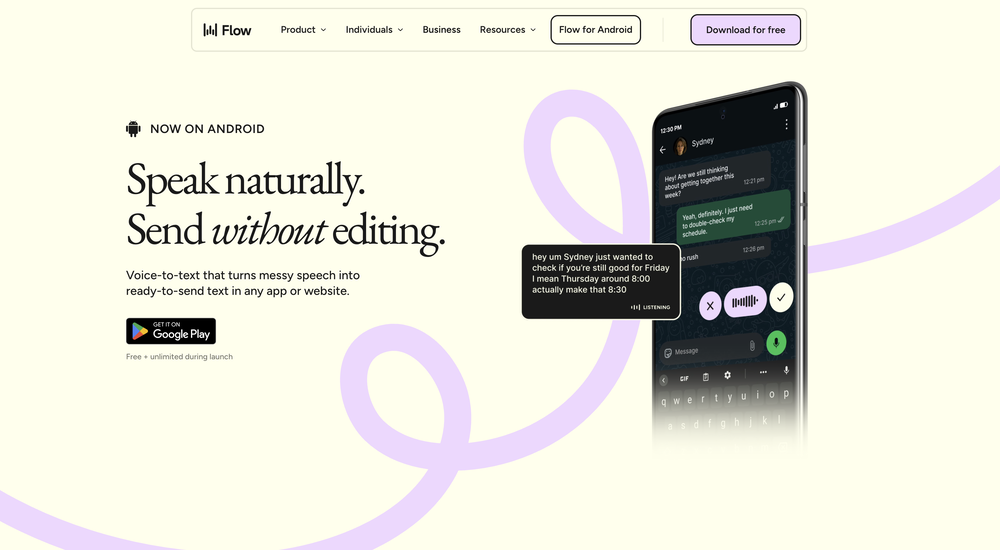 This is one of those apps that when you use it for the first time, it feels like magic. It is one of the apps that has led to me using it the most every day. It's almost as integral to me now as ChatGPT.
 -
 Open
Open
-
 Open
Open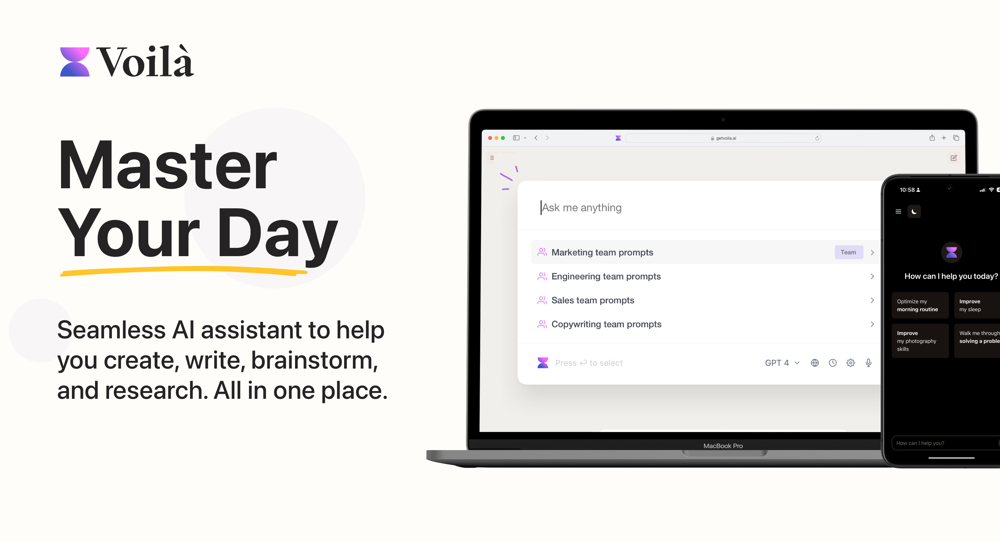 I love this extension, mobile app and desktop software! I use it everyday and everywhere. Generated text are amazing. Well done to the team and continue your incredible work! For me, Voilà is the best AI assistant, copilot and AI writer on the market. I stopped my ChatGPT plus subscription since I discoverer it.
 -
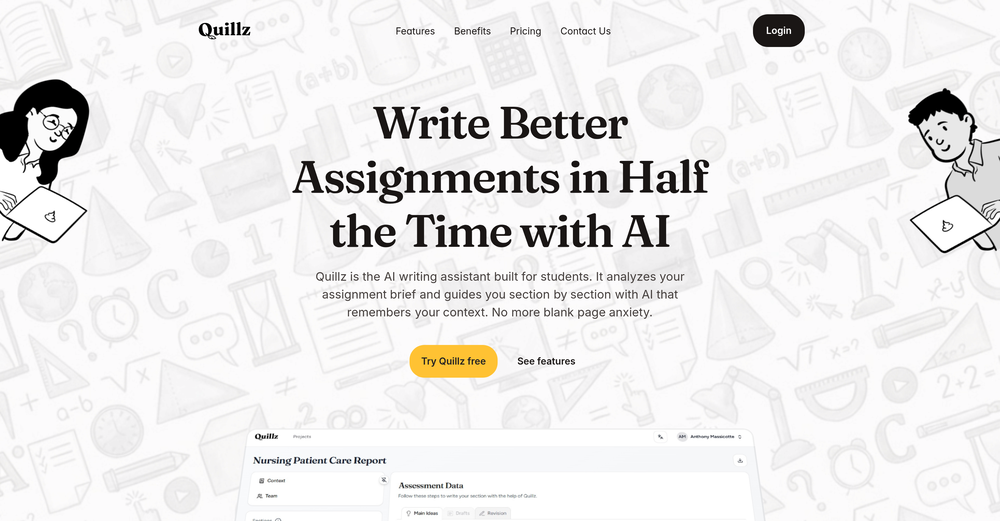 Pretty good tool for writing assignments or essays even, easy to use, gives a structured way to use AI and the outputs are better than expected, looks human.
 -
Waitlist
 Open
Open
-
 AI browser assistant for intelligent automation.Open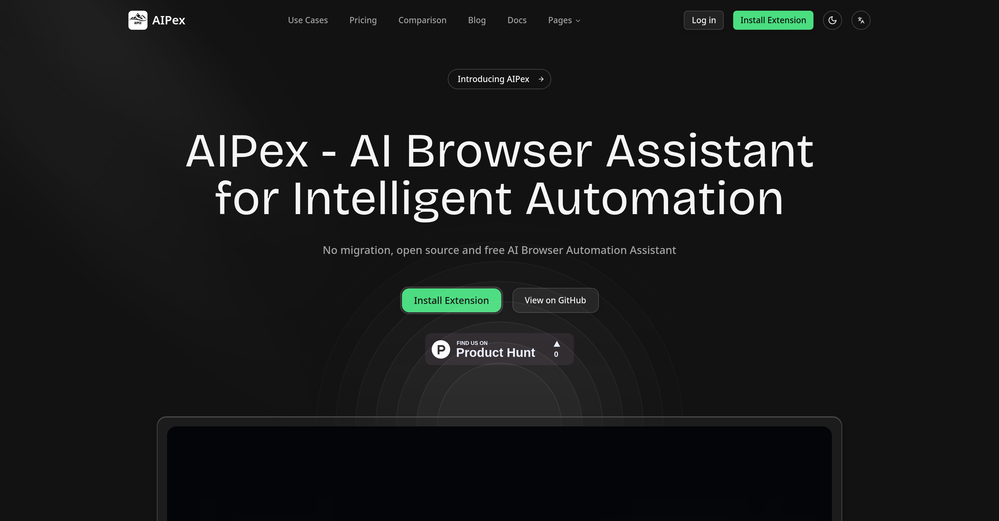
-
 I've tried about 10 different of these article makers, it's nice to see this one finally getting some recognition..this one actually works and i have proof of it working, my traffic from google has increased quite a bit, impressions AND clicks...
 -








Verified tools
-
 Transforming creativity and automation with AI-powered image, video, and content editing toolsOpen
 - Sponsor
 Base44 Superagents-AI agent that does it all
 -
The infographic maker lets you use it once for free without signing in. This infographic maker is simple and easy to use, even more so than Canva or Venngage. However, the available styles and templates are still limited. I hope they add more design options and customization in future updates. Overall, a good choice for quickly creating infographics.
-
-
made a presentation for my site with just 1 prompt, lol how did the AI get so much information out of my website lol
-
I tried using stuvio, but honestly the experience was disappointing. The platform looks promising at first, but many features feel unfinished and confusing. The interface is not very user-friendly, and it takes a lot of time to understand how things actually work.
-
-
Honestly SurfSense is amazing, I use it almost every morning to get an mp3/podcast of my Gmail, Gcal and urgent Linear tickets so I know exactly what's going on that day. It's also insane for board games because I just throw the rulebooks in and share it with my friends so we can chat with the AI together to figure out how to play. And it is scarily good at untangling and explaining really complex rules when we encounter some weird situation!
-
xeditai.com has options that most chat AIs lack, 1) Options to choose multiple vendor 2) Save content online 3) Regenerate by Section/Paragraph switch model to regenerate 4) Edit/Add text or image 5) Add branding and export 6) Run Parallel and copy across by Section/Paragraph 7) Run Strategy mode to a maximum of 3 LLMs to evaluate/synthesize/debate 8) Optionally switch templates to target output to different format 9) Tweak roles, thinking, model params 10) Use suggested next steps to follow up or target next template by process for e.g. BRD-> PRD
-
 Open
Open -
I was skeptical about the "one-click video" claim, but I gave TemVideo a shot for a new product I'm testing. The biggest headache with AI video tools is usually the prompt engineering—you spend 30 minutes typing descriptions just to get a weird-looking hand. TemVideo completely bypasses that. My honest take after using it: The "From Raw Footage" feature is the real MVP. You know those random 10-second clips you take on your phone just to check lighting? The AI somehow turns those messy scraps into coherent ads. It’s almost spooky how well it edits around the product. It’s built for speed. If you are a dropshipper who needs to test 5 different products today, this workflow is unbeatable. Upload, click, done. I had an export ready faster than I could find a coffee. Multi-language is a bonus. It’s smart they included localization. If you sell globally, having the AI handle the lip sync and narration in different languages from one workflow is a massive time-saver. Best part? The built-in "Viral Hooks" library. It takes the guesswork out of what text to put on screen to stop the scroll.
-
Use it every day! Best AI support for work
-
 OpenTried it with one photo and was surprised how natural the video looked — lots of effects and models to play with too
 -
Used this for a eulogy I had to write and I'm not gonna lie, it helped me find the right words when I was completely stuck. Sometimes you just need that push to express what you're feeling. Surprisingly thoughtful tool
-
 Modular & Cross-Platform Vibe Coding Editor and Workflow Automation on Any DeviceOpengood!A different kind of AI tool that has been very helpful for my work!
 -
 Convert YouTube videos to text with 99% accuracy.Open
 -
 OpenI was struggling to create some free Christmas and New Year's e-cards, and these templates are really good. I recommend giving them a try. The only downside is that each free template can only be used once.
 -
it removed the watermark cleanly while keeping the original quality.
-
 Turn book ideas into creations - Ready for Amazon or alternative platformsOpenBruv not gonna lie this one gave me a clean outline and a draft in couple of minutes, a bit boilerplate at first but after you tweak the prompt it hits the vibe.
 -
 Turn baby photos into talking podcast videos.OpenWow, The AI tool is so interesting for the AI talking baby podcast. I like it. Thank you for the AI
 -
Hi Marwa — thank you for the love on your first try and for the candid update. We’re sorry about the frustration with verification and downloads — that’s on us. A quick update based on your feedback: • We’ve removed the human‑verification step entirely. It was only in place during our early launch (before login) to prevent abuse; now that sign‑in is live, it’s no longer needed. • The free plan currently includes 2 song generations per day plus unlimited listening/streaming. (Downloads are available on paid plans.) AI music generation is expensive to run, so we can’t make unlimited usage completely free, but we’re committed to keeping a useful free tier and transparent pricing. If you decide to upgrade, use the code TAAFT at checkout for 20% off any plan. If anything still doesn’t work as expected, please email us at [email protected] — we’ll jump on it. Thanks again for helping us make Eleven Music better!
-
As someone who's worked with food businesses, I know how crucial visual appeal is for driving sales - especially in the digital space where customers make split-second decisions based on photos. What stands out to me is how this tool addresses a real pain point. Professional food photography is expensive and time-consuming, but this AI solution makes high-quality food images accessible to everyone from small restaurants to food bloggers. The instant transformation aspect is particularly valuable for businesses that need to update their menus frequently or manage multiple locations. I can see this being a game-changer for food delivery apps where compelling visuals directly impact order volume. The fact that it's specifically trained for food photography rather than being a generic photo enhancer shows thoughtful development. Would love to see some before/after examples if the developers are sharing any - the concept is solid and fills a clear market need. Definitely keeping this on my radar for future projects!
-
It really does a good job at humanizing, very little adjustment needed for the end product.
-
I am the builder of WUI.AI, an innovative content repurposing application designed to help global individual creators transform their text, audio, and video content into platform-optimized short and long videos for YouTube, TikTok, Reels, and more, with automated publishing capabilities. I try to build in public so any feedbacks will be appreciated
-
This is not good, it is randomly adding 3 seconds video before the given video. Not related to the video, so not good.
-
typed in my prompts and boooooom. clean descriptions in secs lol. handy if you suck at writing (like me). lowkey a cheat code (no san andreas)
-
Love Dadan's new AI features. I used to hate searching through videos to find specific points and actions. Now I just get AI Assist to transcribe them and use one of the meeting templates to find what I need in a few seconds.
-
-
-
Currently, generating course videos is basically free, and everyone is welcome to use it! If you have any problems during use, you can complain and we will quickly iterate! Thank you~!
-
-
A lot of humanizer software is actually just gpt wrappers to do this by asking gpt to rewrite with some different voice. Ace Essay does have their own AI that does a better job at humanizing.
-
-
The ability to create a short video as a demo of the output is great. It had good imagery and it created a good script.
-
🚀 New Models Released • Added Nano Banana 2 — faster, more stable, better results • Added Qwen Image 2 — better image quality
-
Maybe you don’t have a subscription, so there are no credits on your account, and a lot of features require credits to use.
-
 Instantly create professional screen recordings in perfect English.OpenHi folks - I'm Charles, the founder of Wizardly. I built this app to help marketing, product, and sales teams instantly create polished product videos without requiring expensive professional video editing. Try it out to see how to turn a quick screen recording into professional, customer-ready video today. We have lot's of cool features in the pipe but feel free to share feedback and suggestions once you give the app a spin! 🙏🏻
 -
 Transform your music into stunning visual experiences with AIOpenThe generation effect is good, the pictures are exquisite, and the transition animations of the pictures are smooth The only drawback is that it would be better if the generation time were a little faster
 -
 Open
Open -
It works surprisingly well. Clean plus you can actually try it first without having to drop money right away. helps if you are not sure it'll fit your needs. Solid stuff.
-
 Edit smarter, faster and easier with Filmora’s powerful AI video tools.Open
 -
-
 OpenHi! I'm the founder of LyricEdits. After 20 years as a bass player and 20 years in software engineering, I finally combined both passions into one. I'd love to hear your comments and suggestions!
 -
Thanks for the feedback. We would love to know more about your issue. Could you please provide more details at [email protected] ?
-
-
very slow , no help and you did not have any feedbck on what happened also It deducts points even without providing any videos or photos.
-
-
The fact that it's available as a Chrome and Firefox extension makes it super convenient to integrate into my workflow. I love how it not only helps with proofreading and editing but also tracks changes, which is incredibly useful.
-
Can't test without entering a credit card directly after sign up, I won't be using without testing it first. sorry!
-
It's super easy to use, and the humanizer works. I tried a sample text, and it could pass ZEROGPT and GPTZERO (as a human). Recommended.
-
Very useful tool, especially that it's free and easy to use.
-
It’s a brilliant tool that instantly transforms your ideas into dynamic, professional presentations with ease and impact. Overall a nice one!🙌
-
-
Although the results are slightly inferior to Nano Banana, it has more relaxed content restrictions, including NSFW content.
-
Great platform to increase your productivity. The infographic generator is my favorite tool.





















































































Other tools
-
I think it delivers on all of its claims, specially the transcription and Blogs.
-
-
-
I forgot to take videos on my trip, so I gave this a shot with just the photos I had. Surprisingly, it created a short clip that actually looked real, super cool. Just wish it didn’t take forever to render
-
Classic tool 😮💨 Loving Gen 4, it's wild how good the motion consistency is. It feels like a full studio in your browser. Big W guys keep it up!
- Didn't find the AI you were looking for?
-
 Open
Open -
I recently started using Napkin AI, and I couldn't be more impressed! This tool is incredibly user-friendly and intuitive, making it easy to generate clear visual representations from text. Moreover, the interface is clean and visually appealing, which enhances the overall user experience. Napkin AI is a fantastic companion. Highly recommended for anyone looking to elevate their creative process!
-
When uploading a 30-minute video file, I was surprised to receive the transcript in just a few seconds. The speed and quality of the transcription process blew me away, especially considering the complexity of the video content.
-
This tool is just rewriting the text, and the limit is 1500 words.
-
Either I write like AI, or this tool is really bad at telling the difference. I question these detectors, especially when you give them something you know you wrote and they claim it is 80% AI-generated. I tested it by pasting in something I wrote entirely on my own, without using AI. I didn’t even proofread it, just ran a basic spell check, and that was it. The tool still claimed that 80% of it was written by AI. Then it rewrites the supposedly “AI-generated” text using AI, which essentially makes it AI-written. 😆 That’s kind of a weird concept.
-
-
we definitely need this one back, it was pretty amazing lol.
-
Cool writing assistant from what features you have listed. Heads up, the 1st time you try to sign in with google it gives an error message "Wrong Captcha". Complete it and try again.
-
The major problem with this product is the limited word count. I tried an article with 975 words and it only humanized about 160 words.
-
Really cool and intuitive tool, it helps me a lot with my articles!
-
it's a useful tools for me , i also use https://wallegent.com and olly.social for my daily work
-
tested the proofreader and it does a good job showing what's off and why. it explains every mistake even when it's just about tone or sounding too casual. i'd add an undo button to quickly check stuff again if needed. works well though.
-
i am terribly sorry - as much as i try to be encouraging towards new apps - this one is NOT something i recommend the free version is very limited and they do not have a monthly subscription plan - they want all the money for a whole year - tools that bind you to them for a whole year in advance are no no for me.
-
Hello! I am writing about an error When using Asc Isaac. It is not the answer that appears, but the text of the HTML code. here is the first half of <!DOCTYPE html> <html> <head> <meta name="viewport" content="width=device-width, initial-scale=1" /> <meta charset="utf-8" /> <title>Server Error</title> <style media="screen"> :root { --bg: hsl(250, 24%, 9%); --fg: hsl(0, 0%, 100%); --pink: hsl(270, 60%, 52%); } html,
-
cant test before i pay. autocut doesnt work,but i can install it and watch that it doesnt work autopod cant do it
-
It’s a no! you can’t try anything for the unremoveable ads that pop up as soon as you click a source
-
-
 Transcribe audio and video in 100+ languages effortlesslyOpenFast - probably the fastest tool I've tried for transcribing from an uploaded MP3. Accuracy was good. My samples was a ~30 min university lecture recorded alone (recorded with a mic and laptop, not in a lecture hall). Only complaint is that the logical sectioning or paragraphing isn't great. (It's hard to do with these stream-of-consciousness type lectures, but some tools do a great job.) If I didn't need the logical breaks, I'd likely come back to this tool solely for the speed and accuracy. Great job!
 -
 AI writing assistant that detects your intent and creates tailored content.Open
 -
 Transforms verbose text into razor-sharp, high-impact language.Open
 -
-
I recently used it. The contents are more powerful. It helps my social media postings easy to find and see. The generated contents are very engaging as well.
-
 Formal, professional editor for app content, bilingual in English and Japanese.Open
 -
 Open
Open -
 Transform text with a human touch.Open































































































Post





