
 Mini tools
▼ Latest
Flowchart generator
Free mode
100% free
Freemium
Free Trial
Featured matches
-
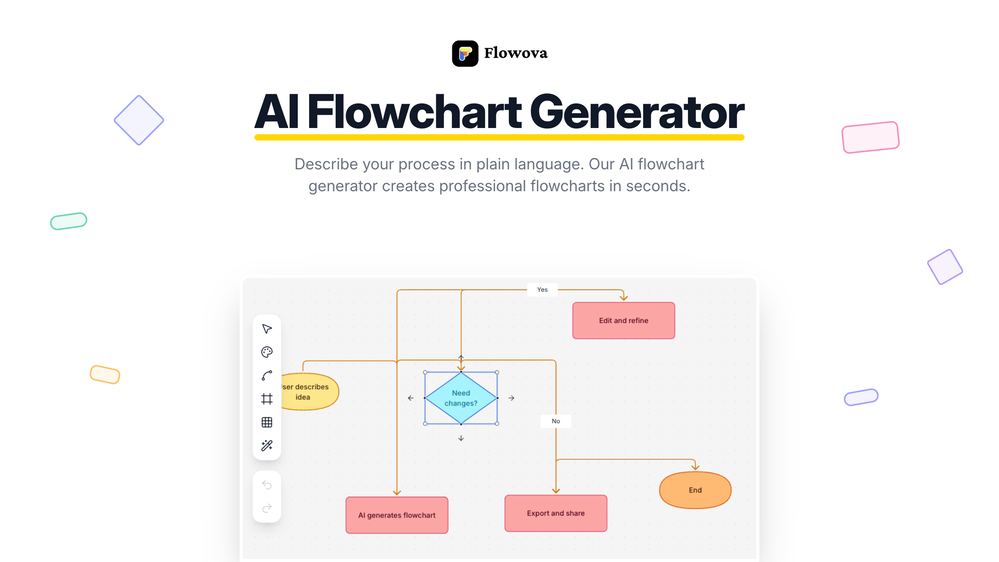
 jmcraft🛠️ 2 tools 🙏 9 karmaDec 14, 2025@Flowova AI👋 Hey, I'm the founder of Flowova! We built this because we were tired of spending hours dragging boxes in traditional flowchart tools. A few things you might not know: - Works with anything — text, images, PDFs, Word, PPT, Excel, even photos of whiteboard sketches - 40+ themes designed for presentations - Full Mermaid code support for developers Happy to answer any questions! 🚀

Verified tools
-
Love FlowChai. I save so much time on writing content for my website.
-
Didn't really do the graphs that i thought it would do. Good for simple graphs, like for a presentation
-
 AI infographic generator that turns blog posts into link magnetsOpen
 - Sponsor
 MongoDB - Build AI That Scales🗄️ Database
 -
-







Other tools
-
 Create stunning hand-drawn flowcharts from text instantly.OpenI use AI Flowchart Generator to create flowcharts for my blog posts. It’s incredibly easy to use and saves me so much time. Now, I can turn my text to flowchart and make my posts more interesting and helpful for readers!
 -
Really useful tool here. Saves a lot of time when creating diagrams. Made a video about it here: https://www.youtube.com/watch?v=ClySYyEBvno
-
Says "free during testing," but keeps telling me I have insufficient credits. I also can't seem to find a way to delete my account.
- Didn't find the AI you were looking for?
-
Isn't it possible that when downloading a diagram from it, the diagram to have white background rather than black background.
-
Limitless possibilities, but templates available are subpar
-
Flowgpt was great... up until the point where all my history disappeared, I stopped being able to see content, and I was unable to do anything without their ever helpful "something went wrong" error message. I'm glad I didn't pay for their currency... it would have all be lost.
-
This one was really nice. In that it could also generate a white paper to go with the diagram
-
-
Great tool for getting some initial information about your data, especially in the beginning phase when your main goal is to explore your data
-
 Transforming ideas into clear flowcharts with tech stack recommendations.Open
 -
 Converting Python code into illustrative diagrams.OpenI like how it gives both PlantUML and Mermaid code, as I found that the Mermaid graph TD code would sometimes not work in the Mermaid Live Editor.
 -
Dumber than a box of hair. Asked for a break even analysis chart. Fed it clear fixed costs, variable costs, net operating income AND ROI percentages. Even hinted that the break even point was between years six and seven. Dude took five minutes to draw a line across the "0" plane labeled "costs" and a revenue line crossing through where I suggested the break even point is. The scale was between 0.2-1.6 USD. No, I am not running a business for ants.





























Post





