Go to section
Sponsor
 Flow - 4x faster than typing
🎤 Dictation
Flow - 4x faster than typing
🎤 Dictation
The front page of AI.Used by 90M+ humans.

TAAFT Tutorial
Generate image
Tasks
Generate text
Free mode
Trending
Leaderboard
Characters
 Mini tools
New
Featured
Lists
Agents
Requests
Jobs
Map
Newsletter
Starter pack
Free tools
Speech to text
Text translator
Remove background
Settings
Edit profile
My tools
Gallery
Dashboard
Inbox
Get featured
Contact TAAFT
For you
Popular
Job impact index
Most saved
Affiliate program
Submit AI tool
Notification preferences
Glossary
Home
Timeline
My profile
Create tool
Deals
Companies
Models
Robots
Papers
Fundraises
Repositories
Devices
Organizations
Events
Prompt Pack
Merchendise
APIs
Features
Tools
Countries
Collections
Videos
Mini tools
New
Featured
Lists
Agents
Requests
Jobs
Map
Newsletter
Starter pack
Free tools
Speech to text
Text translator
Remove background
Settings
Edit profile
My tools
Gallery
Dashboard
Inbox
Get featured
Contact TAAFT
For you
Popular
Job impact index
Most saved
Affiliate program
Submit AI tool
Notification preferences
Glossary
Home
Timeline
My profile
Create tool
Deals
Companies
Models
Robots
Papers
Fundraises
Repositories
Devices
Organizations
Events
Prompt Pack
Merchendise
APIs
Features
Tools
Countries
Collections
Videos
Mini tools
New
Featured
Lists
Agents
Requests
Jobs
Map
Newsletter
Starter pack
Free tools
Speech to text
Text translator
Remove background
Settings
Edit profile
My tools
Gallery
Dashboard
Inbox
Get featured
Contact TAAFT
For you
Popular
Job impact index
Most saved
Affiliate program
Submit AI tool
Notification preferences
Glossary
Home
Timeline
My profile
Create tool
Deals
Companies
Models
Robots
Papers
Fundraises
Repositories
Devices
Organizations
Events
Prompt Pack
Merchendise
APIs
Features
Tools
Countries
Collections
Videos

▼ Latest
Media transformation
Free mode
100% free
Freemium
Free Trial
Featured matches
-
-
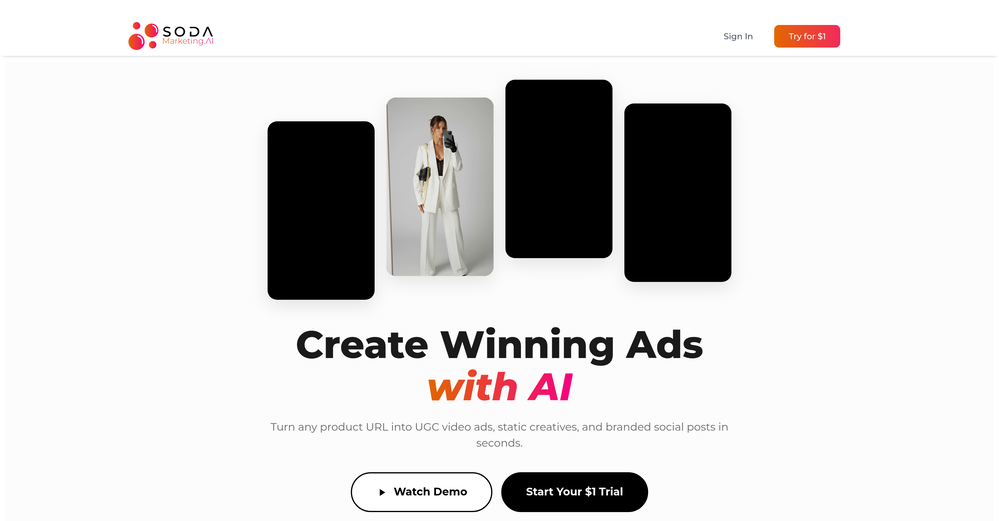 Yasser Seleem🛠️ 1 tool 🙏 4 karmaMay 12, 2026@SodaMarketingVery good tool to create hyper realistic UGC ads and on-brand static ads
 -

-
-

-

-

-
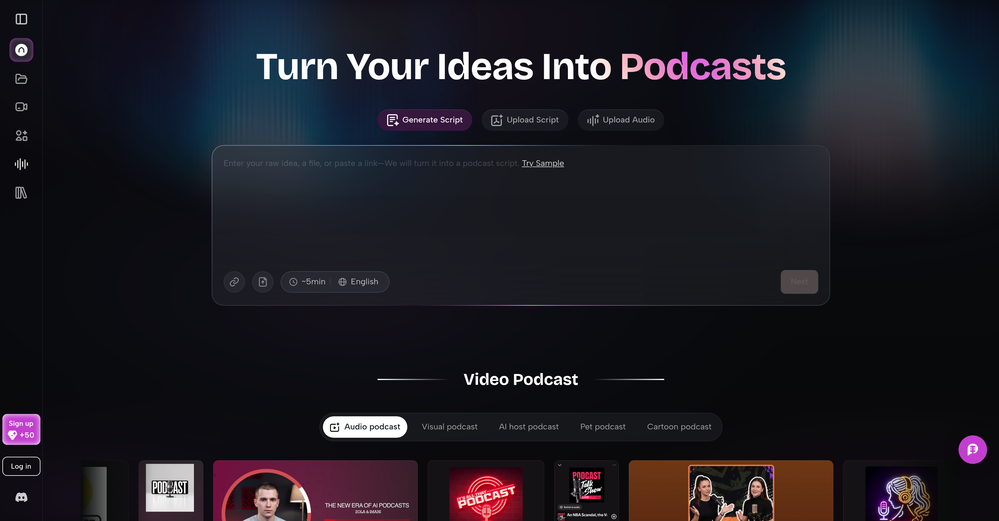 As a student, I regularly work with research papers and long PDFs. PodcastorAI has been a helpful way to turn that content into something I can listen to while commuting or walking. I like that it creates a structured podcast rather than simply reading the text aloud. The dialogue format is surprisingly engaging and makes dense material easier to get through. I still rely on the original documents for deeper study, but for review and knowledge retention, it's been a genuinely useful tool.
 -
 AI jewelry retouching, virtual try-ons & video — studio quality in secondsOpen
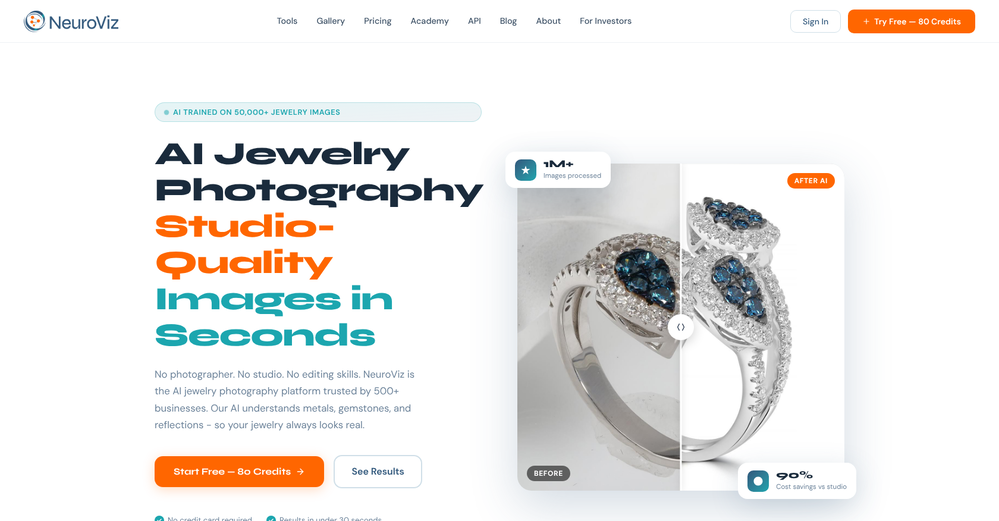 We teach product photographers for a living, so we're picky about what actually holds up to a pro eye. NeuroViz surprised us. The retouching keeps the real texture of metal and stones instead of plasticky AI smoothing — that's the part most tools get wrong. We've started recommending it to students who need clean catalog shots fast without losing the craft. It doesn't replace a good photographer, it just removes the boring 80% so you can focus on the shot that matters.
 -










Verified tools
- SponsorFlow - 4x faster than typing🎤 Dictation
-
 OpenGoEnhance's production from video to animation is impressive. It can go up to 2k 60fps, so exciting.
 -
 OpenTried it with one photo and was surprised how natural the video looked — lots of effects and models to play with too
 -
I am the builder of WUI.AI, an innovative content repurposing application designed to help global individual creators transform their text, audio, and video content into platform-optimized short and long videos for YouTube, TikTok, Reels, and more, with automated publishing capabilities. I try to build in public so any feedbacks will be appreciated
-
Love how it offers stuff for both free and premium users. huge thanks to the devs and keep it up!
-
I like it but sometimes it changes some features in somone
-
Não conseguir testar pois a plataforma fica toda hora caindo, então não conseguir gerar a imagem. Mas gostaria de conseguir testar pois a proposta é muito boa.
-
 Open
Open -
 Turn images into videos with advanced AI All with Fylia AI.Open
 -
 Open
Open -
 Open
Open -
 OpenAI Inspo is an excellent all-in-one AI platform. With trending templates and advanced AI generation models, creating engaging videos becomes fast and effortless in just a few clicks.
 -
 Open
Open -
 Open
Open -
-
I tried Animon for a bit and it’s actually pretty solid. It does a good job with simple animations and keeps the original image style pretty well, so the results usually look clean.
-
 Open
Open -
 Transform casual selfies into studio-quality business headshots instantly.Open
 -
This is an amazing AIGC tool! The effect is incredible, it can perfectly restore what I want.
-
 Open
Open -
-
 Transfer motion from videos to photos with AI.OpenHey guys, Zeeshaan here, co-founder of AI Motion Transfer. This tech allows AI videos to follow complex human movements, making ai video look more far more realistic than ever before. My goal is to create a simple interface for anyone to take advantage of this new model. Hope you enjoy the tool, and I'm open to all feedback.
 -
 Open
Open -
Although the results are slightly inferior to Nano Banana, it has more relaxed content restrictions, including NSFW content.
-
 AI infographic generator that turns blog posts into link magnetsOpen
 -
My daughter Abigail created a dragon story, and I used AI to help her visualize the text into a cartoon storybook. That simple moment changed everything. Watching her eyes light up when she saw her words transformed into beautiful, AI-style illustrations made me realize: every child deserves this opportunity. We decided to build an app to share what we learned—and to empower more kids to do innovative work by creating AI images and AI stories. Because when kids can bring their imagination to life, magic happens. And here's what we discovered: their pets and friends make the best characters for stories. Kids already love their pets. They already have wild imaginations. What if we could combine both? pet2ai was born from that vision. We make it easy for any child—or parent—to create fully illustrated storybooks starring their pets, friends, or custom characters. No artistic skills needed. No weeks of waiting. Just pure creativity, powered by AI. Every story teaches positive values, celebrates friendship and adventure, and most importantly—makes kids excited about reading and storytelling. We're not just generating stories; we're sparking innovation, creativity, and a love for bringing ideas to life. Just like Abigail's dragon story became real, we want every child to see their imagination come alive. Because every kid has an Amethyst waiting to be illustrated.
-
Tool is useless for anything that even hints at being mature. Not even swimsuits or cleavage pics. Much less nudity. Worthless, puritanical garbage. Don't bother.
-
I got some free credits to try the app when I signed up, I could create a few great infographics
-
 Create AI fashion model photos without photoshoots.Open
 -
Fast & straightforward with acceptable quality
-
Great value for the price with powerful features. I especially love the video generation function - it has taken my content creation to the next level.
-
-
So, how is it "100% FREE" if there is "PRICING" involved? Did I awake in an alternate universe where "red" is "green" on the traffic light and "free" means "free after you pay?" ;-)
-
 OpenThe features are incredibly comprehensive. I really love it — the AI videos I created got a ton of praise when I shared them. Likes galore!
 -
A very clean website — simple, clear, and fast to generate results.
-
Experimented with the image to video mode. You are limited to 8 creations per day on the free plan, a 3s preset duration and no prompt inputting as the AI analyze the image to decide the most likely possible animation. So far from the given results with eight different picture type, it clearly looks like the AI engine is more prone to animate subject rather than anything else.
-
-
What a innovative idea, this is awesome! What you need is what you get simplify!
-
This is so encouraging — thank you! ❤️ We’re putting everything into the next version to make it even better.
-
 Create professional AI headshots instantly for freeOpenProduce nice picture and is fast but does a horrible job if you are no a white dude
 -
-
-
excellent to use! very helpful in my content creation journey. the UI is elegant and easy to navigate, plus the founder keeps on shipping new features faster than I can imagine. love the product 👏
-
Hi, I'm the creator of MimicPhoto, thx for the feedback. Are you using an unusual image format or an image size greater than 15MB?
-
VideoWeb AI is an useful AI tool for my video creation. I like the video to video feature that I can create the anime video with my videos.
































































Other tools
-
-
very accurate transcription. summaries are spot on. and can transcribe conversations in real-time. easy to use
-
it's kinda disappointing that all you get upon registration is enough to make only one 4 second clip that gets hit or miss. it looked promising tho
-
 Open
Open -
I just used LumiClip to make clips from my long podcast video and Im so amazed how it differs from other ai video clipper tools like Opus or vizard, It does the highlight finding very well and reframe comes our so clean with no editing required. Only thing i would suggest is adding b-roll videos to clips automaticaly.
- Didn't find the AI you were looking for?
-
Says "free during testing," but keeps telling me I have insufficient credits. I also can't seem to find a way to delete my account.
-
 Create romantic kissing videos from images with AI.Open
 -
The art styles are fun to mess with. overall it's pretty nice but not every result hits and i wish the free tier gave a bit more room to play.
-
 Create free AI professional headshots instantlyOpenNice to play with, but not for anything else. No resemblance, mix of faces...
 -
-
Glitched output at best, that can’t even be exported unless you pay.
-
I've never seen an app with this pop style of avatar. I like the flat design style, which makes a Notion-like illustration for our avatars.
-
I've tried so many image enhancing apps but I couldn't believe that this one works so much better than the others!
-
Fantastic product - it helped me increase my conversions on my website quite a bit. The support was really helpful too.
-
Nothing special. It could be done on any imaging app. The images mostly just look like filters.
-
 Opendid not look like the pictura I upload and ask to transform.
 -
 Bring still images to life—instantly animate your art with Midjourney Video V1OpenThe highlighted images on the home page are stunning. I wish I could have just one free try to really understand the extent of it. :(
 -
 Creates 8K cinematic soccer portraits from photos.Open
 -
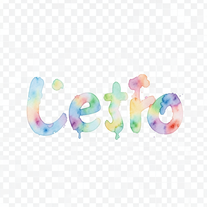 Turn text into hand-painted watercolor typography.Open
 -
 Transform photos into ultra-realistic cinematic scenes.Open
 -
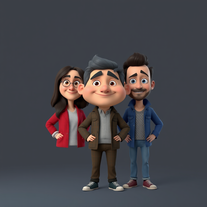
 Transform photos into epic 3D cartoon characters.OpenSimply upload your photo; you don't need to type anything in the prompt field. Just click "generate" and watch the magic happen.
 -
 OpenVideo editing is the process of selecting, trimming, and arranging footage to create a cohesive story or visual narrative. Here are some fundamental concepts and techniques: Types of Video Editing Linear editing: A straightforward, sequential approach to editing, where clips are arranged in a linear timeline. Non-linear editing: A more flexible approach, where clips can be arranged and rearranged freely in a timeline. Key Video Editing Techniques Cutting: A transition between two clips, where one clip ends and another begins. Cutting on action: Cutting between two clips while an action is in progress, to create a seamless transition. J-cut: Cutting from one clip to another while audio from the second clip starts playing before the video cuts to it. L-cut: Cutting from one clip to another while audio from the first clip continues to play. Video Editing Software Popular video editing software includes: Adobe Premiere Pro: A professional-level editing software with advanced features and integration with other Adobe tools. Final Cut Pro: A professional-level editing software for Mac users, known for its user-friendly interface and advanced features. DaVinci Resolve: A free and paid editing software that offers advanced color grading and audio editing tools. Best Practices for Video Editing Plan your edit: Develop a clear vision and storyboard before starting to edit. Organize your footage: Label and categorize your clips to make them easily accessible. Keep it simple: Avoid overusing transitions and effects; focus on telling a clear story. Advanced Video Editing Techniques Color grading: Adjusting the color and brightness of footage to create a specific mood or atmosphere. Audio ducking: Automatically reducing the volume of background audio when dialogue is present. Motion graphics: Adding animated text, logos, or other graphics to enhance the visual narrative. Video editing involves selecting, trimming, and arranging footage to create a cohesive story. Linear and non-linear editing are two fundamental approaches. Key techniques include cutting, cutting on action, J-cuts, and L-cuts. Popular software includes Adobe Premiere Pro, Final Cut Pro, and DaVinci Resolve. Best practices involve planning, organizing footage, and keeping it simple. Advanced techniques include color grading, audio ducking, and motion graphics. Capcat pro Capcat pro Download image-to-image-generator generated imagetransparent pixel Image to Image Generator Image to Image Generator Download image-to-image-generator generated imagetransparent pixel Image to Image Generator Image to Image Generator Download image-to-image-generator generated imagetransparent pixel Image to Image Generator Image to Image Generator Download image-to-image-generator generated imagetransparent pixel Image to Image Generator Image to Image Generator Download image-to-image-generator generated imagetransparent pixel Image to Image Generator Image to Image Generator Download image-to-image-generator generated imagetransparent pixel Image to Image Generator Image to Image Generator Download image-generator generated imagetransparent pixel Image Generator Image Generator Copy Video Editing Basics Video editing is the process of selecting, trimming, and arranging footage to create a cohesive story or visual narrative. Here are some fundamental concepts and techniques: Types of Video Editing Linear editing: A straightforward, sequential approach to editing, where clips are arranged in a linear timeline. Non-linear editing: A more flexible approach, where clips can be arranged and rearranged freely in a timeline. Key Video Editing Techniques Cutting: A transition between two clips, where one clip ends and another begins. Cutting on action: Cutting between two clips while an action is in progress, to create a seamless transition. J-cut: Cutting from one clip to another while audio from the second clip starts playing before the video cuts to it. L-cut: Cutting from one clip to another while audio from the first clip continues to play. Video Editing Software Popular video editing software includes: Adobe Premiere Pro: A professional-level editing software with advanced features and integration with other Adobe tools. Final Cut Pro: A professional-level editing software for Mac users, known for its user-friendly interface and advanced features. DaVinci Resolve: A free and paid editing software that offers advanced color grading and audio editing tools. Best Practices for Video Editing Plan your edit: Develop a clear vision and storyboard before starting to edit. Organize your footage: Label and categorize your clips to make them easily accessible. Keep it simple: Avoid overusing transitions and effects; focus on telling a clear story. Advanced Video Editing Techniques Color grading: Adjusting the color and brightness of footage to create a specific mood or atmosphere. Audio ducking: Automatically reducing the volume of background audio when dialogue is present. Motion graphics: Adding animated text, logos, or other graphics to enhance the visual narrative. Video editing involves selecting, trimming, and arranging footage to create a cohesive story. Linear and non-linear editing are two fundamental approaches. Key techniques include cutting, cutting on action, J-cuts, and L-cuts. Popular software includes Adobe Premiere Pro, Final Cut Pro, and DaVinci Resolve. Best practices involve planning, organizing footage, and keeping it simple. Advanced techniques include color grading,
 -
 Transform yourself into a Fast & Furious action hero!Open
 -
 Transform photos into Coca-Cola Christmas ads with polar bears.Open
 -
 Generate ultra-realistic 8K selfies with legendary rockstars.Open
 -
I am very satisfied with the result, and all from the first prompt. great.
-
 OpenI really appreciate you trying out my tool! The best results come from simple prompts, so no need to overthink it. Follow me, leave a comment with your thoughts or requests, and let’s keep building new tools together. Also, check out the other tools I’ve created—you might find one you really enjoy!
 -
 Creates surreal, liquefying visuals where reality loses its shape.OpenChanged the prompt to improve results.
 -
WOW!! i was left speechless, this is absolutely phenomenal, it creates pieces of art unlike anything i’ve ever seen before. great job!!!
-
 Transform subjects into stunning mixed-media collages.Open
 -
 Open
Open -
-
 Open
Open -
 Open
Open -
-
Pure, simple, elegant, and absolutely beautiful. This tool completely exceeded my expectations. Every prompt I entered was transformed into a stunning line art masterpiece — clean, minimal, and full of meaning. From celestial cities to mythical creatures, each drawing captured the essence of my idea with graceful precision. It feels less like generating art and more like uncovering something timeless. If you love symbolic, elegant visuals that are perfect for digital use, print, or even tattoo design, this is the tool. Beautifully done. I’ll absolutely be coming back for more.
-
 Election campaign strategist for mayors, focusing on social media and new city development visions.Open
 -
 Open
Open -
 Open
Open -
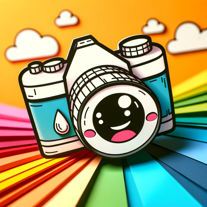 I turn your photo into a fun cartoon!Open
 -
 Transforming JSONs into Excel, creating interactive heatmaps.Open
 -
 Debate Journalism Ethics With a J-School ProfOpen