
 Mini tools
▼ Latest
Resume tools
Free mode
100% free
Freemium
Free Trial
Featured matches
-
 NextDocs v1.7.0 - Motion Animations, Video Export, and More Released: March 2026 Animate any object on your slides. Export to video. Present with confidence. NextDocs v1.7.0 adds motion animations to presentations. Select any element on the canvas and assign entrance, exit, or emphasis animations. Preview directly in the editor, then present full-screen with keyboard controls. The AI assigns appropriate animations automatically when generating slides. Describe what you need. AI generates animated presentations. You get ready-to-present results. --- Motion Animations Every object on the canvas can be animated. Text, images, shapes, charts, diagrams. Select an element, open the motion panel, and choose an animation. Animations are organized in beats. Logical groups that play together. Each presentation supports up to 20 beats, reorderable by dragging in the sidebar. What makes this powerful: - Stagger animations: group objects and have them animate one by one with a delay - Drag-and-drop ordering: rearrange animation sequences visually - In-editor preview: see animations without entering presentation mode - Auto-play after generation: AI picks sensible animations and plays them automatically - Keyboard navigation: arrow keys to advance, spacebar to play, escape to exit Use cases: - Pitch decks: reveal key numbers one at a time for dramatic effect - Lecture slides: step through formulas and diagrams progressively - Sales presentations: build visual stories that guide attention - Conference talks: control pacing so the audience focuses on what you are saying --- Video Export Create animated content and export the full sequence as an MP4 file. No external video editing software needed. What you can create: - Short explainer videos for social media - Animated infographics for reports - Product walkthroughs and demos - Educational video content for courses The AI generates motion-ready slides designed for video output. The export pipeline handles concurrent frame capture and produces a clean MP4 you can share directly. --- Page Transitions Presentations now support smooth fade and slide transitions between pages. Combined with motion animations, your slides flow naturally from one to the next. --- Also in v1.7.0 Keyboard Shortcuts Full keyboard control in presentation mode. Arrow keys, spacebar, escape. Faster Template Browsing Images preload in the background for instant display. WebP Blog Images Blog pages load faster with optimized image formats. i18n System New unified management system with audit tooling across 13 languages. About Page New company About page with full localization. Redesigned Marketing Pages New hero section, animated statistics, improved template browsing with category chip labels. Mobile responsiveness improved across all pages. --- Who is this for? Business Professionals Pitch decks, sales presentations, and quarterly reviews with animated reveals. Teachers and Professors Lecture slides with progressive reveal of complex concepts. Students Thesis defenses and coursework presentations with professional animations. Content Creators Animated explainer videos and social media content, exported as MP4. Engineers and Designers Technical walkthroughs and product demos with controlled pacing. --- Try It Go to nextdocs.io. Open a presentation. Add your first animation. If you have ever wished your AI-generated slides had more visual storytelling, v1.7.0 delivers that. - The NextDocs Team
 -
-
-
 M Penney🛠️ 2 tools 🙏 2 karmaDec 20, 2025@Hat StackI just went in and made it easier to see where to add a custom role under Roles/Hats (not roles from your existing resumes) and it will create a draft of any resume you want from your profile information.
 -
 Open
Open
-
 I like the concept and the convenience of Refer.me; it gives job seekers like me access to networks I wouldn’t normally have.
 -
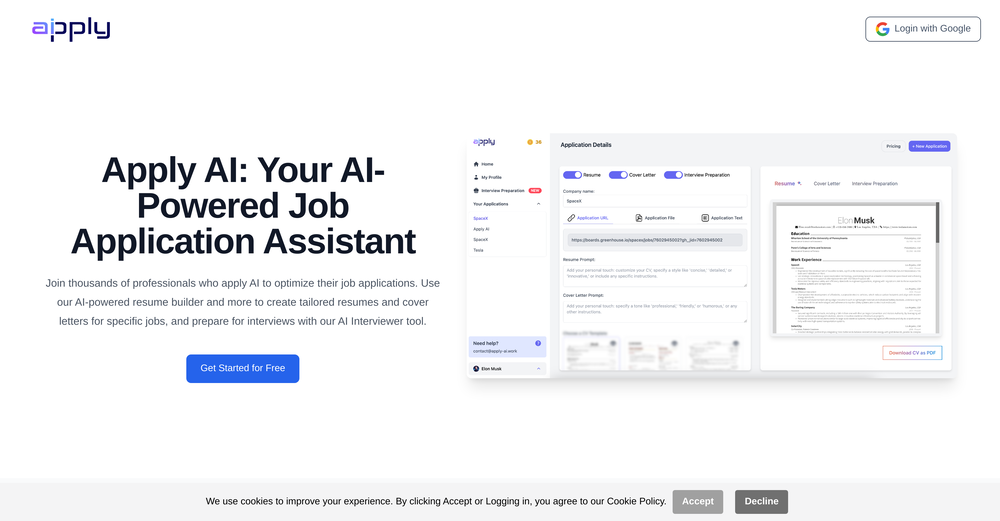 It helped me a lot preparing for job interviews, also being able to custom make your CV for a specific job is a game changer
 -
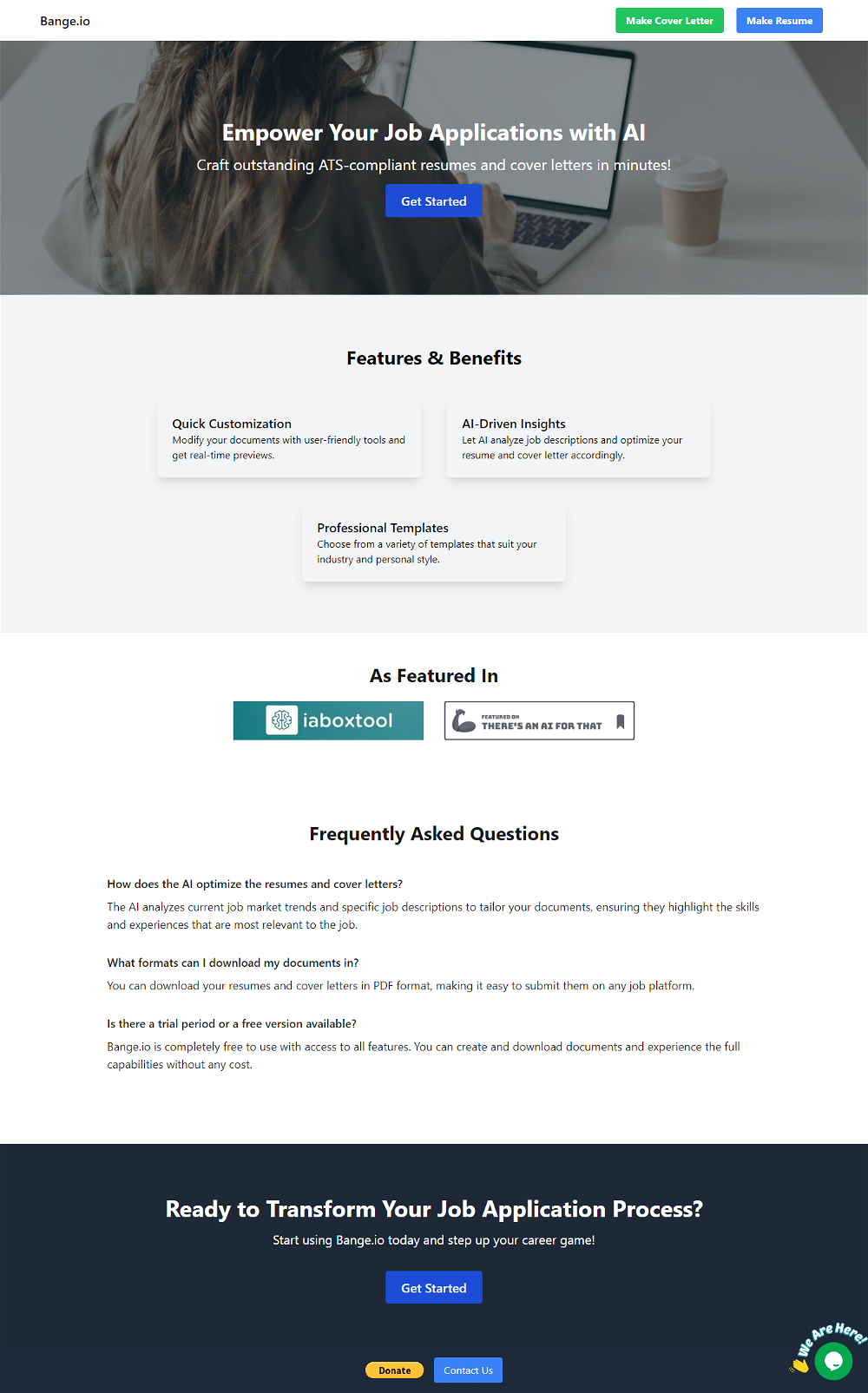
 Transform Your Career: AI-Powered Resumes, Cover Letters, and Mock Interviews with Bange.ioOpen
 Everything worked fine for me, give it another go now, it might have been temporary.
 -
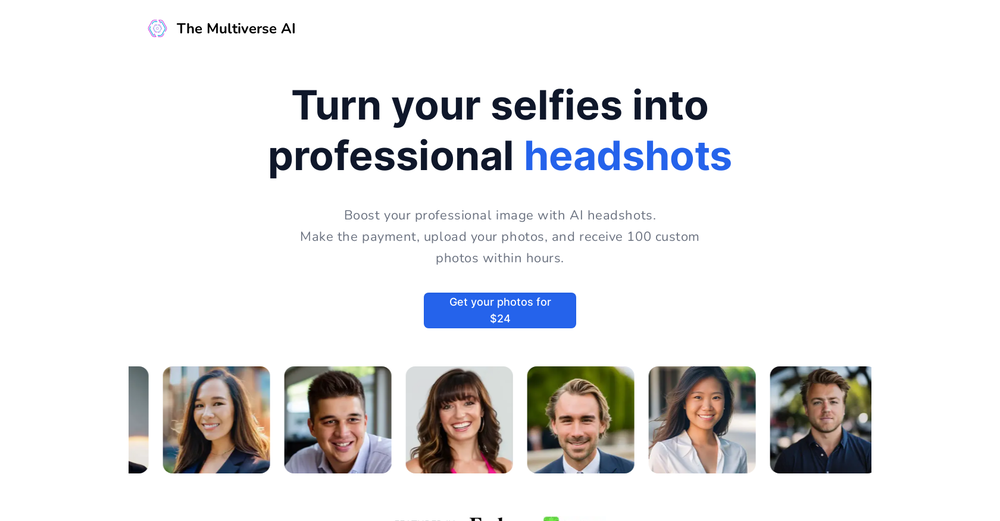 I tried TheMultiverse.ai and was genuinely impressed — the headshots it generated look sharp, professional, and true to me. The editing options gave me just enough control without feeling overwhelming. I think it is more affordable than other ai headshot options out there.









Verified tools
-
We built UPCV with a simple intention: to make writing a resume no longer the most frustrating part of the job search. We’ve spent a long time refining our guided questions, real-time formatting engine, ATS-friendly structure, and multilingual support. We’ve also talked to many real job seekers to better understand their challenges. Whether you’re writing your first resume, switching careers, coming off a gap, or just struggling with layout and structure — we hope UPCV helps you take that step more easily and frees up your time for what truly matters: building a better future for yourself. Thank you for choosing to click on us in a sea of tools. We’ll keep working hard to make it even better.
- Sponsor
 Base44 Superagents-AI agent that does it all
 -
Quick update: Verify is now live on the Microsoft Edge Add-ons store in addition to Chrome. Same one-click resume red flag check in seconds. Same free first-day trial. Now available in whichever browser your team uses most. Recruiters are already catching issues their ATS missed... sometimes on the very first resume they check. If you’ve been meaning to test it, this is your sign → https://microsoftedge.microsoft.com/addons/detail/hiiappghgofoiionoeloemlkcankbpka
-
I'm new in using AI tools, but i found Coach quite helpful! It follows you step by step both analyzing your situation and finding resources... thanks!
-
Thanks a lot for your feedback, Mark. We appreciate your kind words.
-
-
Wow. It really works. All you need to do is uploading the LinkedIn URl of the job posting and your cv. It gives you brilliant suggestions and shows you whatever's missing in your cv. 3 for free. then 30 CVs for 15 USD per month
-
ATS optimisation with the help of AI insights is very helpful.
-
Hey, appreciate the feedback! I have to respectfully disagree though. While resumebuild is a great tool, UseResume.ai actually takes a different approach with its AI builder workflow and the editor. As for ATS readiness - all our templates generate documents with machine readable text (not images). I've personally tested them through Workday, Breezy, and others (e.g. Google's job portal), with perfect parsing accuracy. Would be curious to hear what specific ATS issues you encountered? Always looking to improve!
-
-
-



















Other tools
-
 Open
Open -
No issues. For the (insanely) cheap price wasn't expecting much but the dev keep adding interesting features (the new AI coaching stuff is a real banger, HEAR ME OUT: he's borrowing ideas from Robert Greene's Mastery, and as a reader myself I always felt curious about doing a test in real life - this is exactly what I was looking for, and I got some very insightful answers from the test!), some bugs here and there but I trust he'll take care of them overtime, I took on his lifetime license and No Regret whatsoever, go for it your eyes closed!!
-
Uploaded my linkedin profile. It created a generic looking tech oriented banner, which didnt reflect my work in the education sector.
- Didn't find the AI you were looking for?
-
best and true af. plus very very affordable than any other resume tools out there. quality with affordability, rarely seen in todays time
-
-
Dont work on resume longer than 1500 words
-
-
hate loggin in before reviewing the product capability
-
Decent creation tools, but doesn't allow downloading the resume for free.
-
Useless and dangerous. I entered a brief profile paragraph, and my most recent 3 jobs. It did not ask for any skills or experience details, and when I generated a preview, it had repeatedly reworded the profile I entered for the descriptions and skills of all three jobs. I can't understand how you can even publish this product There's an AI for that.
-
i wasted time to explain which format to build, provided all details including even the finished product to match it and simply the normal reply for any free AI tool on? how? explain!
-
Good interface and easy to navigate. Could benefit by allowing users to add custom sections. Charges $10 to download after you've created it.
-
 Generate professional headshots for job applications.OpenI have just used this to build out headshot images for my team – roughly 40 people! I think two of the images were not exactly correct (myself, to be fair, and another who only has a poor-quality image), and that is what I want to note! Even so, most of the images were very low-rez and poor-quality – this programme was freaking amazing! I actually cannot praise it enough!! The free version is actually incredible!!! xx I will be using it in the future as my go-to, and I will gladly pay for the extended benefits!
 -
 Transform job details into professional cover letters instantly.Open
 -
 Enhancing resume reviews with grammar checks and keyword suggestions.Open
 -
 Open
Open -
-
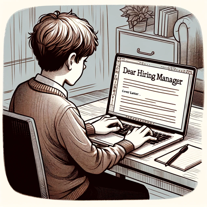 Creating personalized cover letters from resumes and job links.Open
 -
 Open
Open
















































Post





