TAAFT Tutorial
Generate image
Tasks
Generate text
Free mode
Trending
Leaderboard
Characters
 Mini tools
New
Featured
Lists
Agents
Requests
Jobs
Map
Newsletter
Starter pack
Free tools
Speech to text
Text translator
Remove background
Settings
Edit profile
My tools
Gallery
Dashboard
Inbox
Get featured
Contact TAAFT
For you
Popular
Job impact index
Most saved
Affiliate program
Submit AI tool
Notification preferences
Glossary
Home
Timeline
My profile
Create tool
Deals
Companies
Models
Robots
Papers
Fundraises
Repositories
Devices
Organizations
Events
Prompt Pack
Merchendise
APIs
Features
Tools
Countries
Collections
Videos
Mini tools
New
Featured
Lists
Agents
Requests
Jobs
Map
Newsletter
Starter pack
Free tools
Speech to text
Text translator
Remove background
Settings
Edit profile
My tools
Gallery
Dashboard
Inbox
Get featured
Contact TAAFT
For you
Popular
Job impact index
Most saved
Affiliate program
Submit AI tool
Notification preferences
Glossary
Home
Timeline
My profile
Create tool
Deals
Companies
Models
Robots
Papers
Fundraises
Repositories
Devices
Organizations
Events
Prompt Pack
Merchendise
APIs
Features
Tools
Countries
Collections
Videos
Mini tools
New
Featured
Lists
Agents
Requests
Jobs
Map
Newsletter
Starter pack
Free tools
Speech to text
Text translator
Remove background
Settings
Edit profile
My tools
Gallery
Dashboard
Inbox
Get featured
Contact TAAFT
For you
Popular
Job impact index
Most saved
Affiliate program
Submit AI tool
Notification preferences
Glossary
Home
Timeline
My profile
Create tool
Deals
Companies
Models
Robots
Papers
Fundraises
Repositories
Devices
Organizations
Events
Prompt Pack
Merchendise
APIs
Features
Tools
Countries
Collections
Videos

▼ Latest
Video quality enhancement
Free mode
100% free
Freemium
Free Trial
Featured matches
-
-
 Open
Open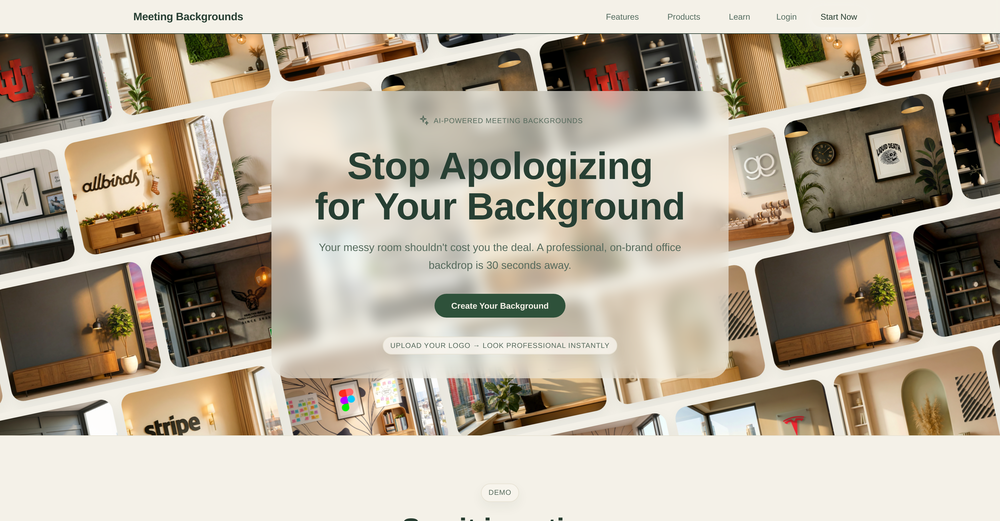
 yuhFeb 24, 2026@Meeting BackgroundsFound this product useful. A great way to add a personal touch to meetings.
 -
 AI jewelry retouching, virtual try-ons & video — studio quality in secondsOpen
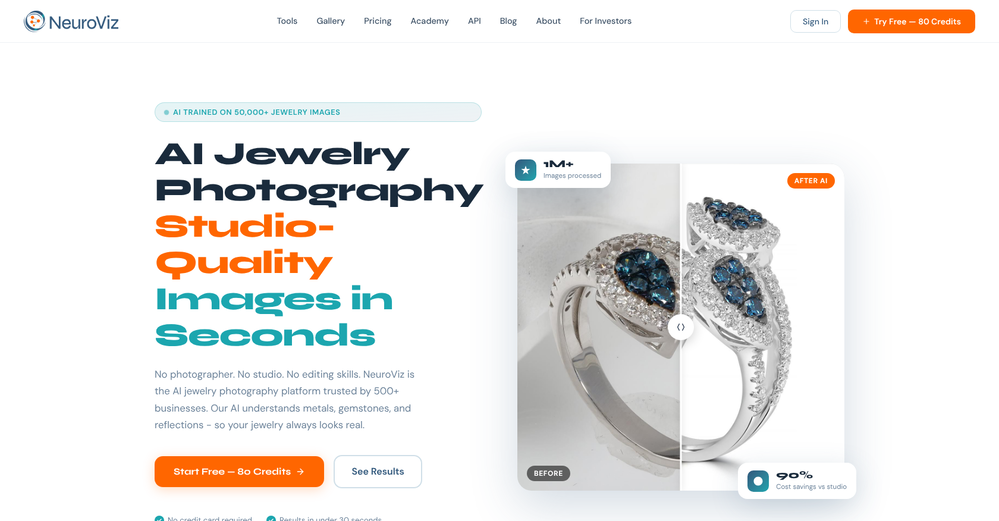 We teach product photographers for a living, so we're picky about what actually holds up to a pro eye. NeuroViz surprised us. The retouching keeps the real texture of metal and stones instead of plasticky AI smoothing — that's the part most tools get wrong. We've started recommending it to students who need clean catalog shots fast without losing the craft. It doesn't replace a good photographer, it just removes the boring 80% so you can focus on the shot that matters.
 -
 Open
Open
-
 Turn images into videos with advanced AI All with Fylia AI.Open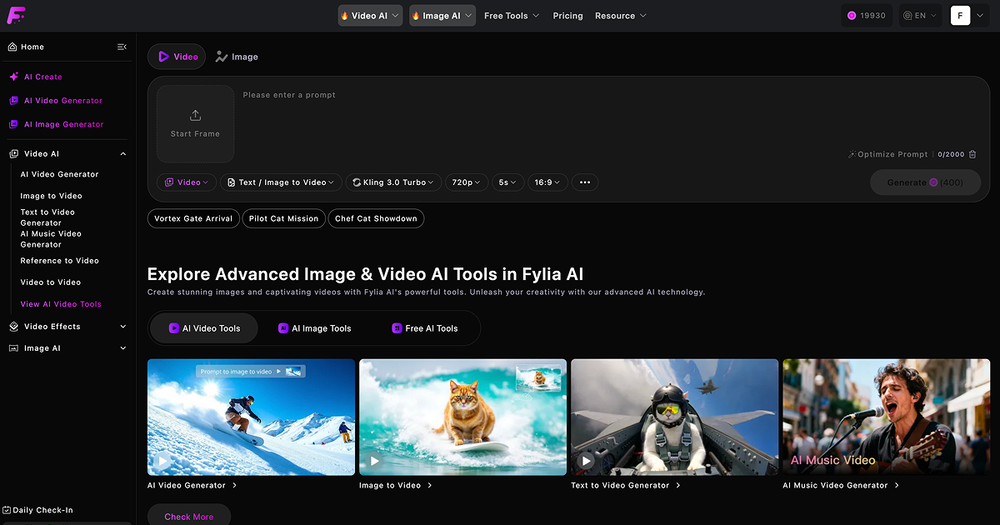
-
 Open
Open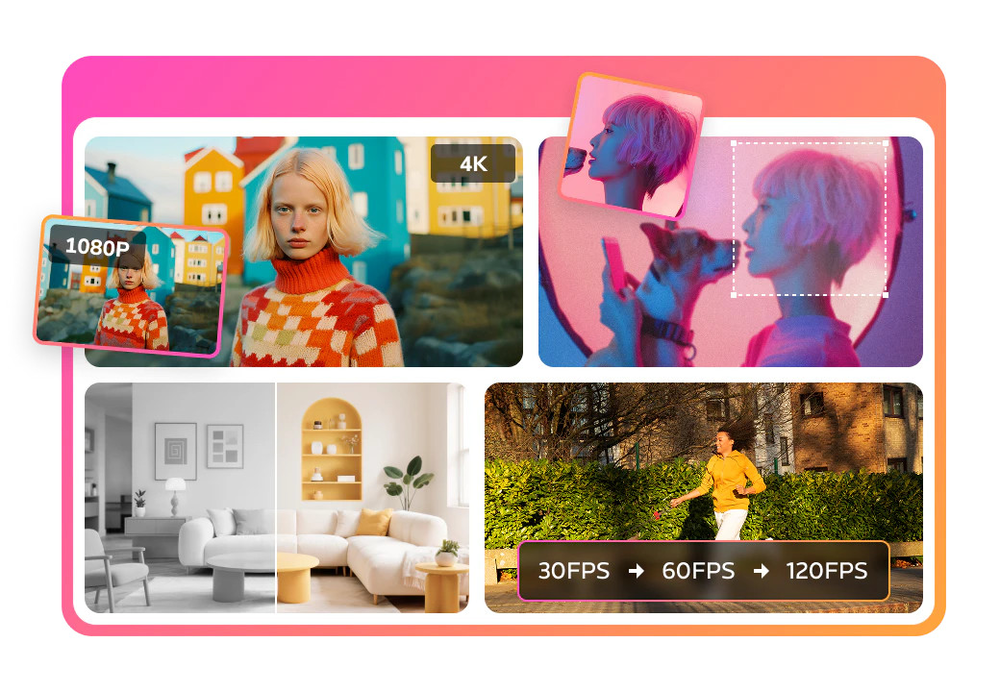 I mainly use the AVC AI Video Enhancer to process old videos and those with poor quality. The overall experience is quite stable. The most obvious feeling is that the video clarity has indeed improved. Especially for the parts that were originally blurry and had lost details, after upscaling, the edges become cleaner. On some low-resolution videos, the detail restoration is quite good. For example, the facial features and background outlines will be clearer than before.
 -
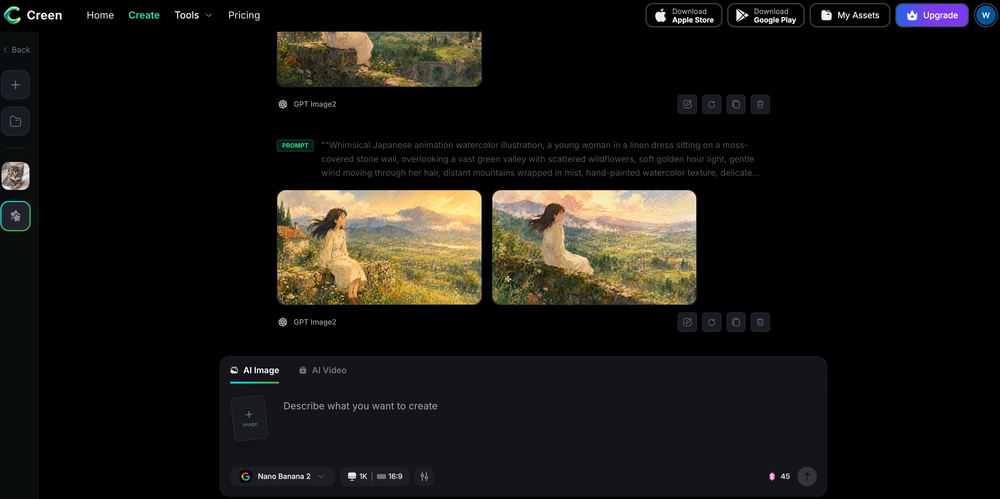 Works wonders for anime, has me taking it in consideration for a tool rotation.
 -
-
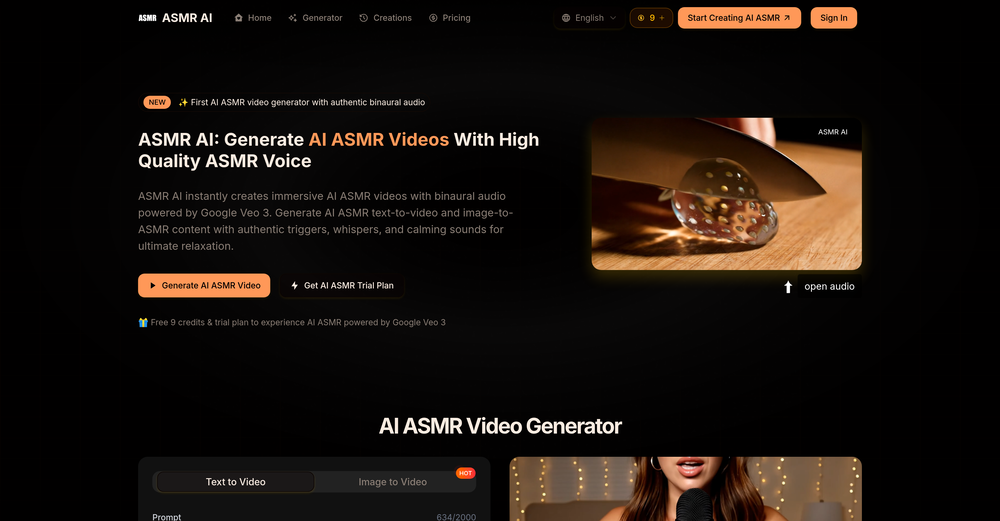 By using AI to generate ASMR videos with sound, you can choose your favorite ASMR scenes to DIY. It's so cool.
 -
 Open
Open






Verified tools
-
 Turn any browser workflow into a polished, AI-narrated video guide in minutes.OpenHey everyone, I’m Evaldas, co-founder of Guideless, the fastest way to turn any browser workflow into a polished, AI-narrated video guide in minutes. No screen recording. No tedious editing. Just turn on the extension, click through your process as you normally would, and instantly get a share-ready guide. We recently shipped a major update: a sleeker UX and new high-quality AI voiceover characters — making guides sound and feel more vibrant than ever. Give Guideless a try and see how effortless creating high-quality tutorials can be 🪄
 - Sponsor
 Tripo AI 3D Generator
 -
-
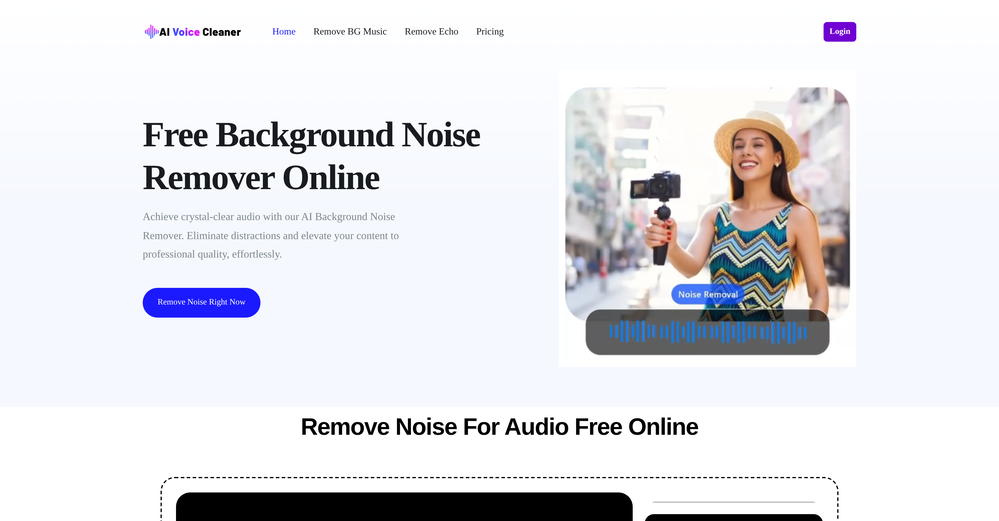
Particularly useful in scenarios where human voices are clear but background noise is complex.
-
 Open
Open -
 Open4K resolution is one of its major advantages in the relevant field.
 -
 Open
Open -
Well, it did give me an insanely good image, but you only get one free trial, i.e, generate one image for free. And the model is costly for someone who wants free AI tools. But it does the job if you're willing to pay.
-
Hey everyone 👋 I’m excited to introduce VidFab, an AI-powered tool that turns text and images into cinematic videos in seconds. We built VidFab to help creators and startups make beautiful videos without complex editing or long render times. Just type an idea — and our AI brings it to life. I’d love to hear your feedback and ideas for what features you’d like to see next. Your thoughts really help us shape the future of VidFab!
-
-
-
with no complex prompts or workflows required, it delivers immediate, high-quality results. Among the unique transformations offered are Studio Ghibli and Sesame Street styles, setting it apart from more generic AI tools.
-
Cool service. Used it just now on a video I took of my son's soccer game, which came out a bit blurry. The final result was significantly sharper.
-
 Upscale, Enhance, Restore, Colorize, Stabilize & Blur Videos with AIOpenI love it, this software surprisingly colors my black and white family video images and fits this video perfectly. The effect is so stunning.
 -
 AI Video Enhancer software; AI Video upscaling; Audio Upscaling; Video ConversionOpenNot even close to being worth the heavy pricing.
 -
 Boost your Performance in Video Calls through Authentic Eye Contact.OpenI'm using a 27" screen. with a pro logitec webcam. If it's mounted on top, it's way to high, if it's below the screen, it's way to low. I've also tried boom arms and other gadgets to put the cam in the middle of the screen, however, while it's a good temporary solution, it's blocking my screen and instead of looking at the person, i'm watching my cam... Casablanca is a great alternative and while it was glitchy at 1st, it is now stable and a great alternative that just works. Not sure why Google, Zoom and others haven't implemented this option OOTB. Way to go Casablanca!
 -
It works well on video upscaling. I can fix my blurry old videos.
-
Excellent to restore old interlaced video, and to add FPS in order to make the motion smooth. The best part is that is accessible in browser, from any device, no equipment request.
-
VideoWeb AI is an useful AI tool for my video creation. I like the video to video feature that I can create the anime video with my videos.
-





































Other tools
-
easy to use meets very specific need but for general purpose ( quick enhance)
-
Create tool for AI image generation, image and video enhancement and other tools on your computer. No usage limits like online services.
-
Results are ok, you maynget nothing younget results thatbare barley acceptable, but they are very generous with their free offerings.
-
 Open
Open -
It does not load the processor. Fast in operation.
- Didn't find the AI you were looking for?
-
-
 Open
Open -
-
 Open
Open -
-
-
I want a logo for a traditional Persian carpet workshop in red color.
-
 Open
Open -
Very good job. File size concerns me, it was 10.2mb from a 1.63mb file. That was only one image, what if I had 50?
-
I really enjoy using Remini, but I can only rate it three stars for two main reasons: 1. The ads in the free version are too long and disrupt the experience. 2. The pro version is extremely expensive, making it hard to justify the upgrade.
-
-
I found that AVCLabs launched many new tools last year, including several very practical AI online tools, such as AVCLabs Online Video Quality Enhancer and AVCLabs Online Image Upscaler. Whether it is improving video quality or enlarging pictures with high quality, professional-level effects can be easily achieved.
-
 Openyou only get 10 credits better to use other upscalers