 Base44 Superagents-AI agent that does it all
 Mini tools
Lido Document Processing
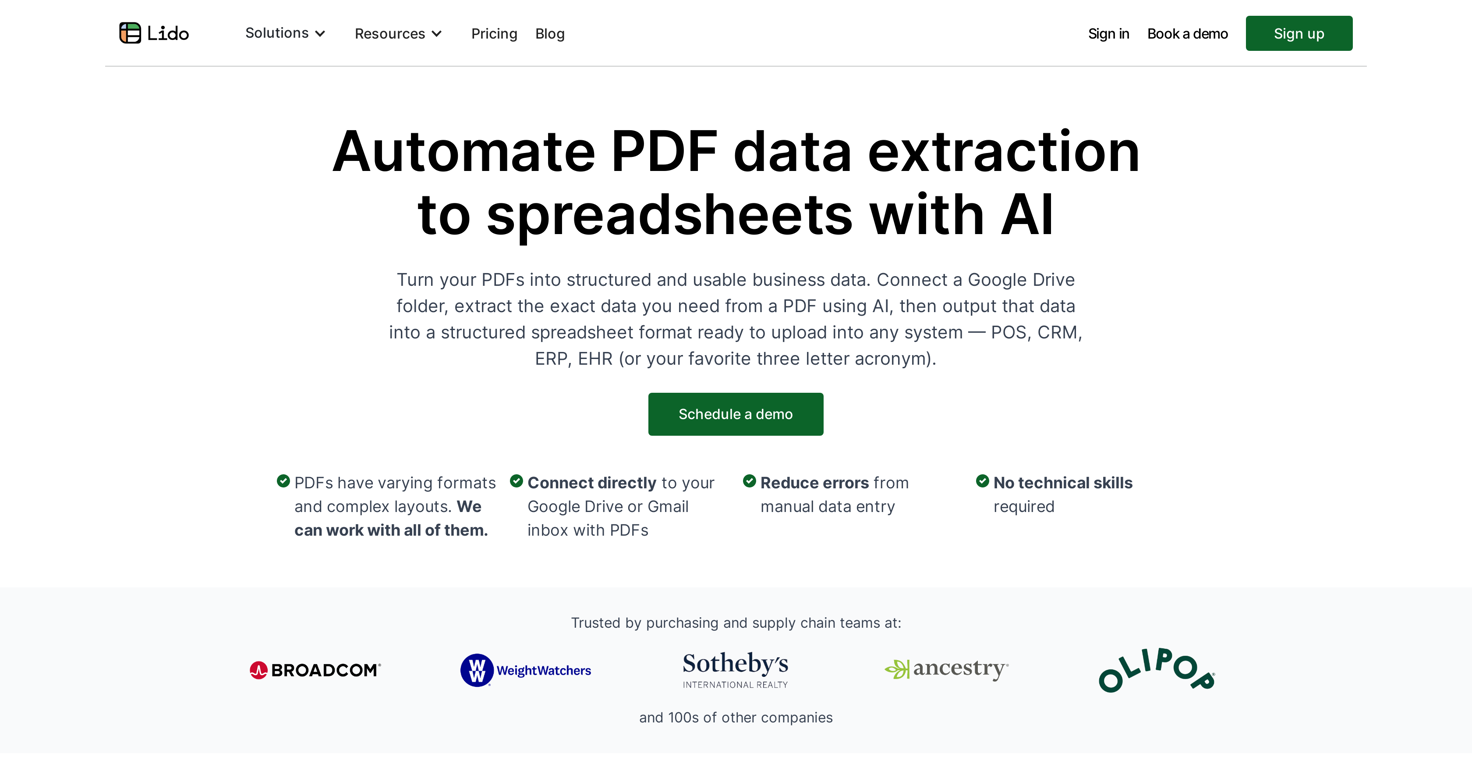
 Automate PDF data extraction with AI
Go to 📄 Document data extraction
 Molku
Molku
 TextMine
 Parser by bix-tech.com
 SuperAI
 Parsio
 Parseur
 Base64
 Cradl
Cradl
 FormX
FormX
 Document Extract
 CambioML
 PDFMerse
 Extracta
 Parchment
 OCR Best
 Botminds
 ReadyData - AI Data Extraction
 KlearStack
 iKapture
 ImageToTable.ai
Molku
16,204
TextMine
9,601
Parser by bix-tech.com
8,859
SuperAI
8,780
Parsio
5,173
Parseur
4,357
Base64
4,206
Cradl
3,133
FormX
2,150
Document Extract
2,084
CambioML
1,914
PDFMerse
1,315
Extracta
1,256
Parchment
1,013
OCR Best
870
Botminds
754
ReadyData - AI Data Extraction
624
KlearStack
536
iKapture
513
ImageToTable.ai
236
Go to 💼 Business
📢
Marketing
(2236)
🔍
Industries
(954)
💾
Data
(868)
💼
Sales
(701)
💰
Finance
(386)
👔
Management
(306)
💡
Startups
(294)
⚖️
Legal
(250)
👔
HR
(233)
📈
Business strategy
(201)
📅
Meetings
(123)
📊
Product management
(114)
🔒
Security
(80)
📞
Calls
(42)
💻
Tech support
(37)
🤝
Networking
(36)
💻
Virtual employees
(25)
🤖
Enterprise
(15)
🚀
Business innovation
(13)
 Younet
 CleeAI
 Avataar's GenAI Creator
 Activepieces
 BigTeam
 Olivya
 Abstra
 Sreda.ai
 DoubleO
 AI Agents
 Pipefy
 Quixl
Quixl
 Cubeo
Cubeo
 Sema4.ai
 Ridvay
 Cognition by Mindcorp
 Tray.io
 UiPath
 Mr David
 Super Amplify
Younet
147,507
CleeAI
14,287
Avataar's GenAI Creator
4,484
Activepieces
4,268
BigTeam
3,136
Olivya
3,103
Abstra
2,674
Sreda.ai
2,649
DoubleO
2,601
AI Agents
2,516
Pipefy
2,390
Quixl
1,894
Cubeo
1,823
Sema4.ai
1,661
Ridvay
1,435
Cognition by Mindcorp
1,168
Tray.io
834
UiPath
545
Mr David
514
Super Amplify
393
Go to 💾 Data
📊
Data analysis
(216)
📂
Files
(204)
📊
Market research
(170)
🔍
Data extraction
(96)
📊
Data visualization
(63)
🗄️
Databases
(41)
📊
Data entry
(24)
🗄️
Data management
(24)
📊
Business analysis
(18)
🏷️
Data labeling
(6)
🔒
Data anonymization
(2)
🧩
Data modeling
(2)
🔀
Synthetic data
(2)
 genset
genset
43










Automate PDF data extraction with AI
Overview



Overview
Tired of manually copying data from PDFs? Save time and money with Lido's PDF to spreadsheet AI tools.This tool is designed to transform PDF documents into clean Excel tables. You upload your PDFs then specify what data to extract either in plain English or by drawing a box around the region.
The tool is able to work with all sorts of PDF layouts and formats, including tabular data. You can even edit the extracted data with AI to clean / reformat numbers or auto-categorize expenses.
There's no complex setup required, just talk to the AI and have it extract the exact data you need. Bulk processing and automation integrations with email, drive folders, etc. are also available.
Customers use it for processing invoices, bank statements, credit card statements, financial P&Ls, legal contracts, resumes, and much more.
Free trial with 20 free pages.
Show more
Releases
Get notified when a new version of Lido Document Processing is released
Notify me
Mar 17, 2025

Mary
Email parsing by Lido has arrived! Now you can automatically capture data from incoming emails (including attachments) and send it to spreadsheets. Fully customize your extracted datapoints with plain English, no complex model training required.
0
0
May 18, 2024
Mary
Initial release of Lido Document Processing.


Top alternatives
-
 Extract data from any document automatically with AI.OpenEduardo🙏 1 karmaNov 28, 2025@Parser by bix-tech.comThe tool worked really well for us. It was easy to upload our first PDFs and set up an automated flow through the API
 -
Had several issues with app, beginning with a refresh needed to find the upload (figured out while waiting for help desk). Relatively straightforward conversion, rearranged fields, merged integer and text field. Conversion was Ok on first 30 lines and 2 pages, second 25 lines needed more manual editing. Was going to rate lower, tried Parseur was even worse.
-


Related topics


 2
2





