TAAFT Tutorial
Generate image
Tasks
Generate text
Free mode
Trending
Leaderboard
Characters
 Mini tools
New
Featured
Lists
Agents
Requests
Jobs
Map
Newsletter
Starter pack
Free tools
Speech to text
Text translator
Remove background
Settings
Edit profile
My tools
Gallery
Dashboard
Inbox
Get featured
Contact TAAFT
For you
Popular
Job impact index
Most saved
Affiliate program
Submit AI tool
Notification preferences
Glossary
Home
Timeline
My profile
Create tool
Deals
Companies
Models
Robots
Papers
Fundraises
Repositories
Devices
Organizations
Events
Prompt Pack
Merchendise
APIs
Features
Tools
Countries
Collections
Videos
Mini tools
New
Featured
Lists
Agents
Requests
Jobs
Map
Newsletter
Starter pack
Free tools
Speech to text
Text translator
Remove background
Settings
Edit profile
My tools
Gallery
Dashboard
Inbox
Get featured
Contact TAAFT
For you
Popular
Job impact index
Most saved
Affiliate program
Submit AI tool
Notification preferences
Glossary
Home
Timeline
My profile
Create tool
Deals
Companies
Models
Robots
Papers
Fundraises
Repositories
Devices
Organizations
Events
Prompt Pack
Merchendise
APIs
Features
Tools
Countries
Collections
Videos
Mini tools
New
Featured
Lists
Agents
Requests
Jobs
Map
Newsletter
Starter pack
Free tools
Speech to text
Text translator
Remove background
Settings
Edit profile
My tools
Gallery
Dashboard
Inbox
Get featured
Contact TAAFT
For you
Popular
Job impact index
Most saved
Affiliate program
Submit AI tool
Notification preferences
Glossary
Home
Timeline
My profile
Create tool
Deals
Companies
Models
Robots
Papers
Fundraises
Repositories
Devices
Organizations
Events
Prompt Pack
Merchendise
APIs
Features
Tools
Countries
Collections
Videos

▼ Latest
Natural language editing
Free mode
100% free
Freemium
Free Trial
Featured matches
-
-
-
-

-
 AI browser assistant for intelligent automation.Open
-
-
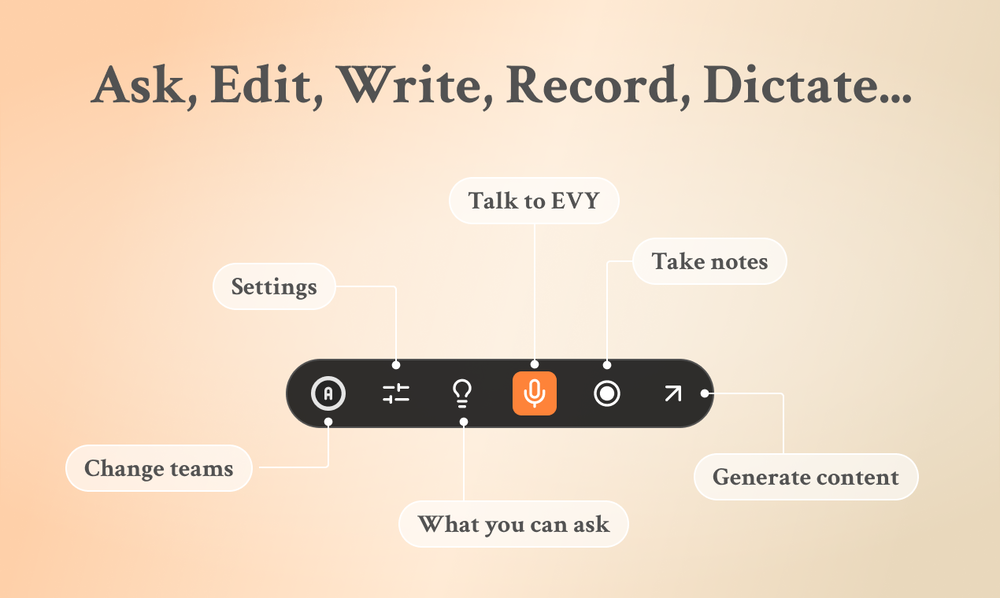
 Eugen Petersen🛠️ 1 tool 🙏 3 karmaFeb 13, 2026@EVY - your AI co-creatorUse it every day! Best AI support for work
 -
-
-
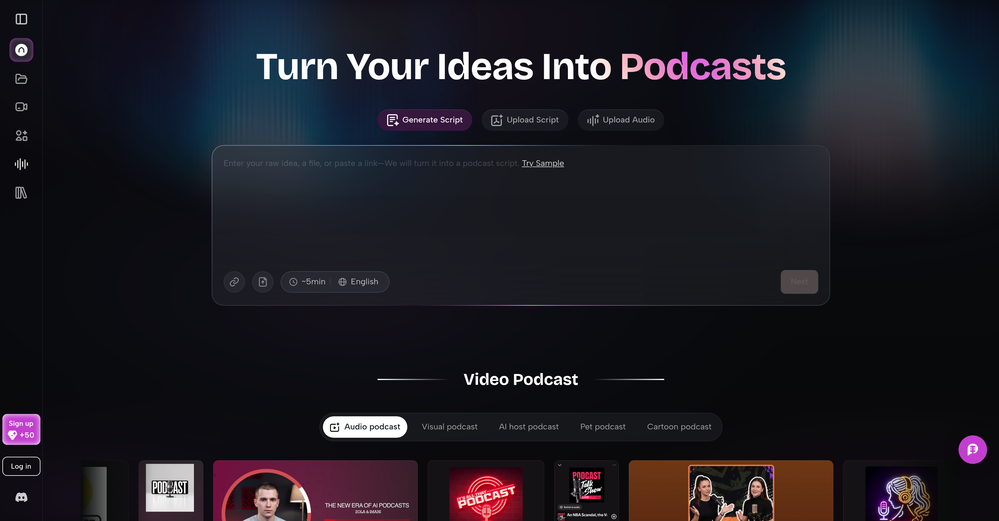 As a student, I regularly work with research papers and long PDFs. PodcastorAI has been a helpful way to turn that content into something I can listen to while commuting or walking. I like that it creates a structured podcast rather than simply reading the text aloud. The dialogue format is surprisingly engaging and makes dense material easier to get through. I still rely on the original documents for deeper study, but for review and knowledge retention, it's been a genuinely useful tool.










Verified tools
-
- Sponsor
 Tripo AI 3D Generator
 -
Lovart is the 1st design agent, built for socials, posters, videos, 3D and more.
-
Thank you for your feedback. I want to clarify: Nano Banana (the free version) remains free. What's new: Nano Banana Pro — A new premium option we added with higher resolution (4K) and advanced features (requires subscription) The free version is still available on the homepage under the "Nano Banana" tab. You can use it for free. We added Pro as an optional upgrade for users who want higher quality outputs. I hope this clears things up, and thank you for using our service!
-
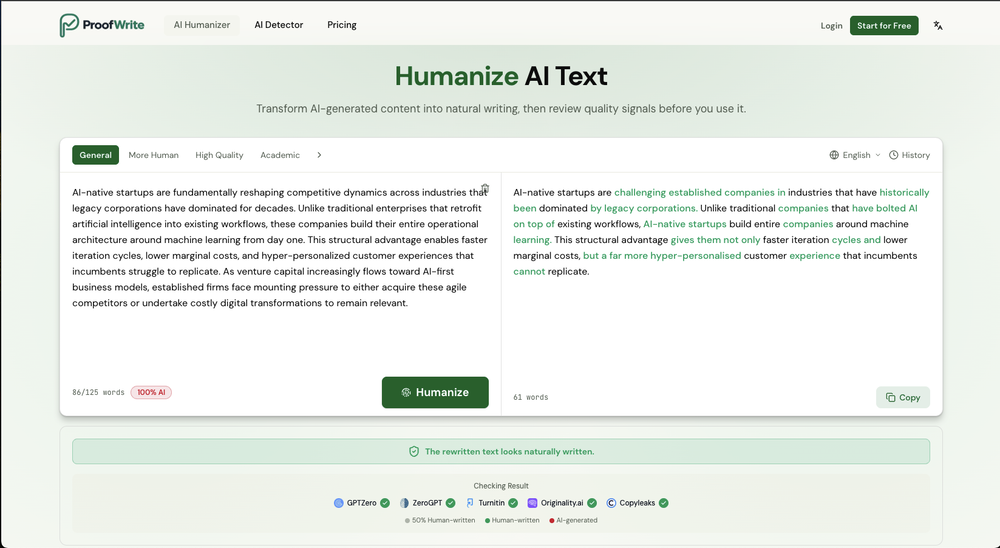
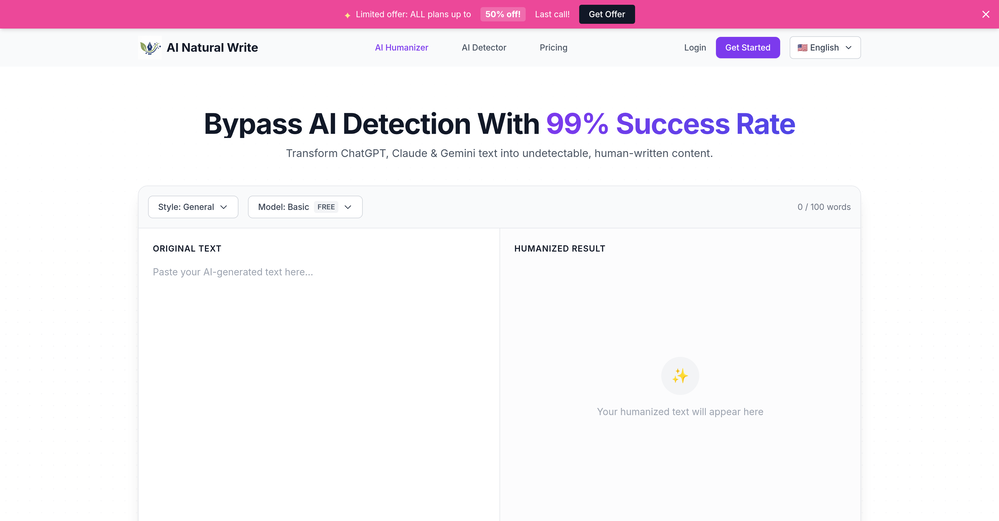
 Transform AI-generated content into natural, human-like text.Open
 -
Used this for a eulogy I had to write and I'm not gonna lie, it helped me find the right words when I was completely stuck. Sometimes you just need that push to express what you're feeling. Surprisingly thoughtful tool
-
It's super easy to use, and the humanizer works. I tried a sample text, and it could pass ZEROGPT and GPTZERO (as a human). Recommended.
-
Well, I use Statuz myself, so maybe I'm biased. The only way to find out is to try it yourself. Let us know here.
-
Very useful tool, especially that it's free and easy to use.
-
This is surprisingly powerful. I can go from a vague idea to a polished track just by talking to Tunesona. The level of genre control and the instant adjustments make the whole process incredibly efficient.
-
 Open
Open -
This is absolutely a great image editing tool for everyday use. The UX is great and the price is affordable!
-
 OpenThe features are incredibly comprehensive. I really love it — the AI videos I created got a ton of praise when I shared them. Likes galore!
 -
A very clean website — simple, clear, and fast to generate results.
-
 OpenI often struggle to find the right words, but this tool helps me polish my expressions and make my writing flow naturally.
 -
 AI Video Generator by RenderFlow AI - Wan, Sora 2, Kling etc.OpenHello. Thanks for your feedback. The amount of credits coming with the free plan still covers 1 video from either Kling 2.1 standard model or Hailuo 2 standard model. It also can cover a couple of images from all image models. Hope this could help. Thanks
 -
-
 Transform AI-Generated text into content that feels like it's written by humanOpenThanks for reaching out. We are committed to provide great user experience.
 -
It really does a good job at humanizing, very little adjustment needed for the end product.
-
-
5/5 very easy, it translated all the text very easily and in 5seconds
-
It's a great tool. I have used and I'm still using it.
-
Total game changer. I’ve been using it for about two weeks now, and honestly, I don’t think I need my copywriter or editor anymore. I usually use a mix of Perplexity Claude ChatGPT to generate content for my sites. But no matter how advanced my prompts are, the output often still gets flagged as AI generated by tools like Originality or ZeroGPP.. and it still reads a bit synthetic. After running the content through Humantone, though, it actually sounds like something a real person wrote. Clean, natural, quality. I still make a few light edits here and there, but man… it saves a ridiculous amount of time.
-
The fact that it's available as a Chrome and Firefox extension makes it super convenient to integrate into my workflow. I love how it not only helps with proofreading and editing but also tracks changes, which is incredibly useful.
-
 Open
Open -
 Humanize AI text into undetectable and convincing human content.OpenBest one! The only one that does not add mistakes to fool AI detectors.
 -
 Instantly rewrite, polish, and perfect any text without leaving your current tabOpen











































Other tools
-
-
-
 Open
Open -
-
 Open
Open - Didn't find the AI you were looking for?
-
Either I write like AI, or this tool is really bad at telling the difference. I question these detectors, especially when you give them something you know you wrote and they claim it is 80% AI-generated. I tested it by pasting in something I wrote entirely on my own, without using AI. I didn’t even proofread it, just ran a basic spell check, and that was it. The tool still claimed that 80% of it was written by AI. Then it rewrites the supposedly “AI-generated” text using AI, which essentially makes it AI-written. 😆 That’s kind of a weird concept.
-
Glitched output at best, that can’t even be exported unless you pay.
-
couldn't even use it... i signed up, had to rewrite my prompt, but then i had to sign in, then rewrite my prompt, then sign in...
-
Excited to share this tool that merges documents with AI, making writing PRDs a breeze! 🚀
-
The first one I see that is free and can bypass even Originality AI. Super dope
-
tested the proofreader and it does a good job showing what's off and why. it explains every mistake even when it's just about tone or sounding too casual. i'd add an undo button to quickly check stuff again if needed. works well though.
-
Absolutely terrible! Spinning at it's worst and still 100% detected by GPTZero!
-
Seemed good UI at first. But the quality is not good at all.
-
Great tool! It has troubles in the subtitle editor tho. Needs improving.
-
-
Good to use even for free. Gives answers related directly to the info in the document, along with references to pages where it can be found. Also does well at analyzing graphs and charts
-
-
-
its a language simulator but it comes up in text editor results. it only reveals its not an editor after we create an account. the creator has no integrity
-
-
-
works wonderfully, really good for cleaning up writing. just wish the monthly plan was a bit cheaper.
-
-
The major problem with this product is the limited word count. I tried an article with 975 words and it only humanized about 160 words.
-
 Transforms verbose text into razor-sharp, high-impact language.Open
 -
I'd love to help you breathe some life into your article about the benefits of exercise. To get started, could you share the text with me? That way, I can get a feel for your writing style and the tone you're aiming for. Also, just to clarify, are you looking for a casual and conversational tone, or something more professional and informative? Any guidance you can provide will help me tailor the rewrite to your needs. Please go ahead and share the article, and I'll do my best to make it engaging, easy to read, and true to your original message. (If you have any specific instructions or a preferred tone in mind, feel free to let me know and I'll do my best to accommodate them.)
-
 Converts images of math formulas into LaTeX code.Open
 -
 Specializing in correcting your spelling and grammar.Open