Go to section
Spotlight SureThing.io - "OpenClaw" for BeginnersTask automation
The front page of AI.Used by 90M+ humans.

TAAFT Tutorial
Generate image
Tasks
Generate text
Free mode
Trending
Leaderboard
Characters
 Mini tools
New
Featured
Lists
Agents
Requests
Jobs
Map
Newsletter
Starter pack
Free tools
Speech to text
Text translator
Remove background
Settings
Edit profile
My tools
Gallery
Dashboard
Inbox
Get featured
Contact TAAFT
For you
Popular
Job impact index
Most saved
Affiliate program
Submit AI tool
Notification preferences
Glossary
Home
Timeline
My profile
Create tool
Deals
Companies
Models
Robots
Papers
Fundraises
Repositories
Devices
Organizations
Events
Prompt Pack
Merchendise
APIs
Features
Tools
Countries
Collections
Videos
Mini tools
New
Featured
Lists
Agents
Requests
Jobs
Map
Newsletter
Starter pack
Free tools
Speech to text
Text translator
Remove background
Settings
Edit profile
My tools
Gallery
Dashboard
Inbox
Get featured
Contact TAAFT
For you
Popular
Job impact index
Most saved
Affiliate program
Submit AI tool
Notification preferences
Glossary
Home
Timeline
My profile
Create tool
Deals
Companies
Models
Robots
Papers
Fundraises
Repositories
Devices
Organizations
Events
Prompt Pack
Merchendise
APIs
Features
Tools
Countries
Collections
Videos
Mini tools
New
Featured
Lists
Agents
Requests
Jobs
Map
Newsletter
Starter pack
Free tools
Speech to text
Text translator
Remove background
Settings
Edit profile
My tools
Gallery
Dashboard
Inbox
Get featured
Contact TAAFT
For you
Popular
Job impact index
Most saved
Affiliate program
Submit AI tool
Notification preferences
Glossary
Home
Timeline
My profile
Create tool
Deals
Companies
Models
Robots
Papers
Fundraises
Repositories
Devices
Organizations
Events
Prompt Pack
Merchendise
APIs
Features
Tools
Countries
Collections
Videos

▼ Price
Organizing
Free mode
100% free
Freemium
Free Trial
Featured matches
-
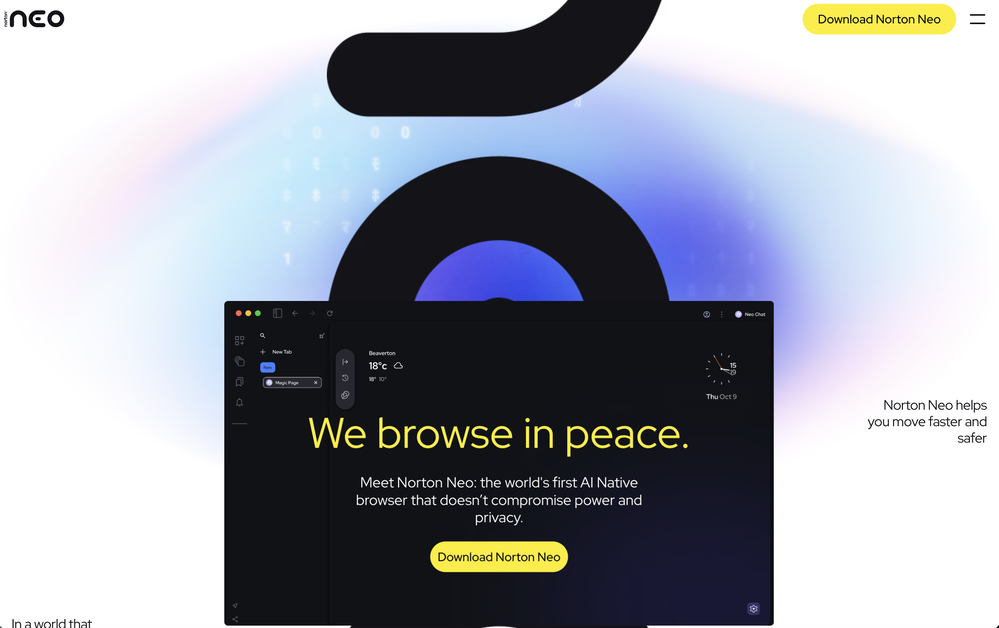 GigaChad🙏 3 karmaJul 1, 2026@Norton Neo BrowserIt is really easy to use. Best of all, you can use the built-in free VPN to access content from anywhere in the world. I just recently found out that you can also stream FIFA games with this feature. It's so good!
 -
 Gistr has been a game changer for processing long YouTube videos and PDFs - saves hours and actually helps you retain what you consume.
 -
-
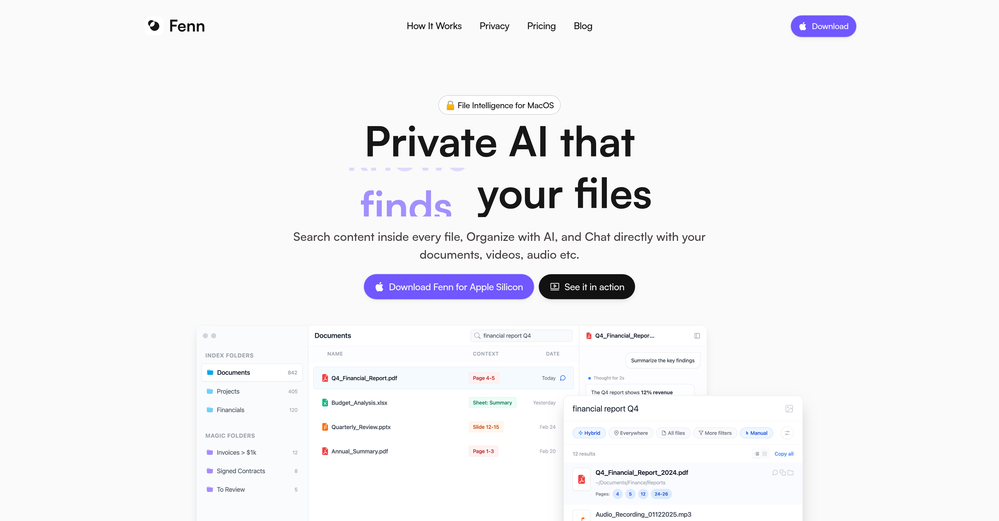
 Filex AI seems useful for people dealing with too many documents and scattered files daily. I like tools that make finding and organizing information feel faster instead of turning file management into another chore.
 -
-
 Fabric is kind of like a combo of bookmarking/webclipper/summarizer/knowledgebase. Basically you can add information and it will auto organize it as well as let you chat with this information and search through it. It is not a “search engine tool” I wouldn’t say. Maybe you will be able to create a knowledge, base and information repository of everything relevant to you and be able to search through that information… But that is still different than a “search engine, tool” in my opinion. So far I think they are shooting for individuals and not enterprise users. Which is great because I have been wanting to find a product that will allow me to add information from PDFs, websites and videos and then be able to search/query/chat with that. But so many of the companies I have found that offer anything close to along these lines are developing knowledge bases with only company customers in mind. I get that that is where the money is, but Fabric appears to be for actual people to use. The product is definitely underdevelopment, and I have the TestFlight of their iOS app. I wouldn’t say the app is perfect yet or anything, but they are actively developing it, and some of their ideas are changing and evolving not just minor changes to their user interface. I am using Fabric and Mem at the same time and I will be interested to see which turns put to be more for me. Definitely check it out if you have not already done so they have the opportunity to make an extremely useful tool and kind of even changing the way individuals think about storing/accessing information important to them.
 -
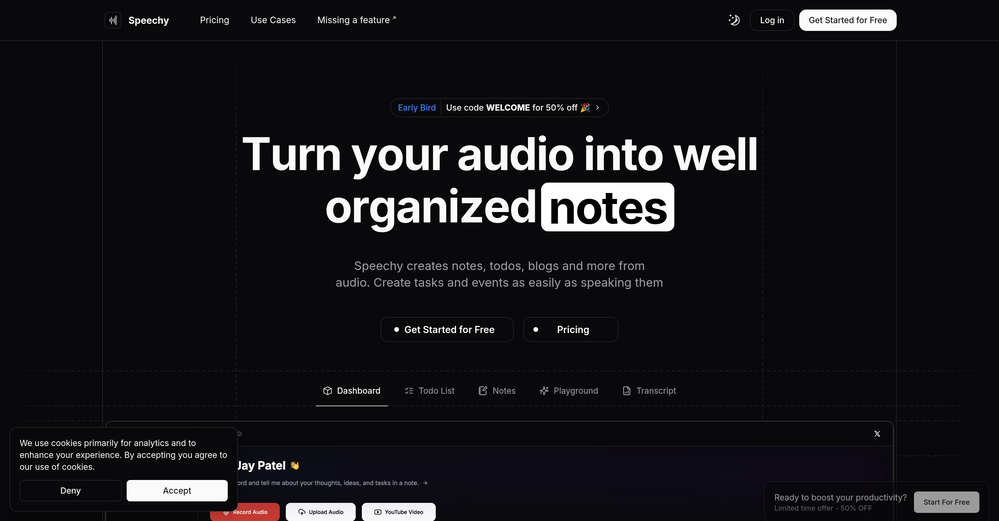 Not a very good experience. There are a lot of screenshots of what is supposed to happen when you record or upload audio, but the functionality is very clunky. I had to upload the same audio file 5 times before it appeared in the dashboard. The experience is even worse on a mobile phone. So I am still looking for a quick audio to text AI tool and one that I can get the transcription in multiple languages.
 -
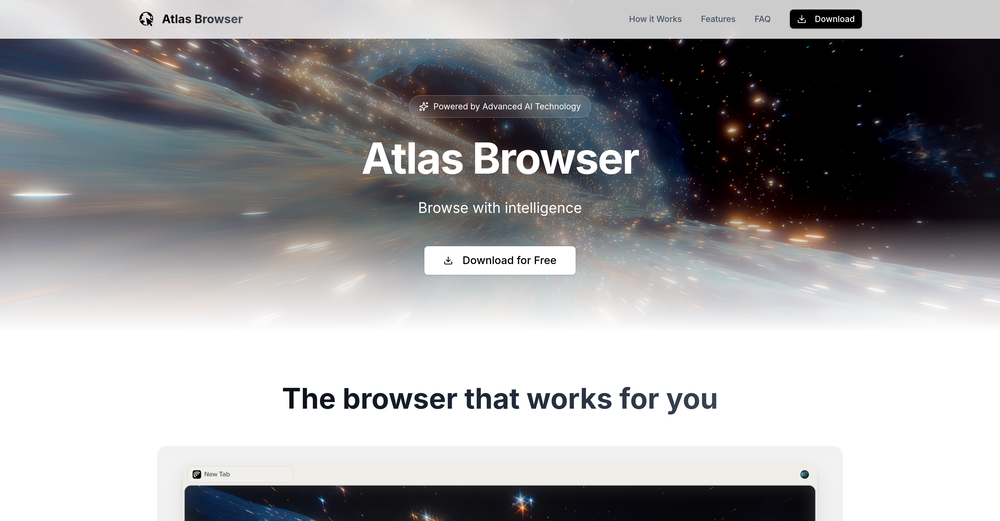









Other tools
- SpotlightSureThing.io - "OpenClaw" for BeginnersTask automation
-
This tool is really amazing! It gives concise summary of the book that I was looking for.
- Didn't find the AI you were looking for?
-
Love this!! 100x better than Notion, this should get more attention
-
I've used it to create quizzes and found many incorrect answers marked as correct.
-
-
Working good and enough credits including achievements to test the app for free
-
Hey AI fans, I am Kalo, co-founder of Breezemail. If your inbox is anything like mine, you spend at least 20% of your life opening, answering, and unsubscribing from emails. Arguably, the only thing more tedious than this is fixing your grandma’s Windows XP (arguably). Or you just gave up, and your inbox app has a cute red dot with a truncation ellipsis (…), also known as the symbol of inbox doom. Either way, the whole inbox situation is an absolute disaster. We wanted to solve this challenge using AI. Breezemail will help you enter the holy land of Inbox Zero. It’s an email categorizer tool that keeps important emails in your inbox and categorizes the rest into folders using natural language prompts. How does it work? 1. Breezemail has a default Important category which leaves all your real human emails in your inbox. 2. Everything else is organized into AI folders (or labels). Labels using natural language prompts, for example, “All emails from my family”. 3. We give you a bunch of pre-defined categories to start with, and you can create your own custom categories, the same way you would write a ChatGPT prompt (yes, our tool also uses ChatGPT). We’ve been testing it in-house for both our personal and business emails, and it worked so well that I no longer hate link builders and outreach people because their requests are neatly organized into a couple of folders. For my personal inbox, I can finally see all my receipts in one place, and all stock newsletters are ready for daily review in a different folder. Go try it out now for free. We’d love to hear your feedback, so please don’t be shy and drop me a line back. Currently, the tool is only available for Outlook, but we are working on a Gmail app, too. If you’d like to try it for Gmail, please let us know. Thank you, Kalo
-
Very nice tool for storyboarding. The process is streamlined and it's a real time saver! The tool has also a lot of features to specify shots for comprehensive settings which is a must for complex projects!
-
I loveeeee this idea but sadly it does not send the email so i couldnt log in and try it... tried 2 different devices with different emails...
-
I found a lot of value so far. I'm surprised this isn't saved more often. Great tool for speeding up qual data analysis and repository.
-
 Open
Open -
While it does write your notes it only transcribes no audio. and it doesn’t even allow for you to update the title or a description of the recording. Lastly, the section items section doesn’t work.
-
-
-
Doesn’t work without a us phone number or us education email. Unsuited for internationals.
-
 Analyzes photos for detailed cleaning and organizing instructions.OpenI think it is a pretty helpful a.i tool to help someone figure out what to do when decluttering their spaces. The use of photo is exactly ehat I was hoping to find. So I totally recommend this cleaning and Organizing guide.
 -
 A comprehensive tool for searching, organizing, and analyzing the latest policies.Open
 -
 Open
Open -
 Open
Open -
 Organizing your content calendar with custom blog ideas.Open
 -
 Your comprehensive Black Friday/Cyber Monday shopping guide.Open
 -
 Open
Open -
 Your assistant for brain dumping, organizing thoughts and focusing on tasks.Open
 -
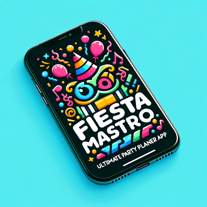 Open
Open -
 Assisting in planning and organizing corporate events.Open
 -
 Your assistant for organizing 2023 School Council elections.Open
 -
 Organizing food events and funding info for the homeless.Open
 -
 Reflecting and organizing content into JSON format.Open
 -
 Expert in sourcing and organizing knowledge databases for GPTs.Open