Go to section
Sponsor
 Flow - 4x faster than typing
🎤 Dictation
Flow - 4x faster than typing
🎤 Dictation
The front page of AI.Used by 90M+ humans.

TAAFT Tutorial
Generate image
Tasks
Generate text
Free mode
Trending
Leaderboard
Characters
 Mini tools
New
Featured
Lists
Agents
Requests
Jobs
Map
Newsletter
Starter pack
Free tools
Speech to text
Text translator
Remove background
Settings
Edit profile
My tools
Gallery
Dashboard
Inbox
Get featured
Contact TAAFT
For you
Popular
Job impact index
Most saved
Affiliate program
Submit AI tool
Notification preferences
Glossary
Home
Timeline
My profile
Create tool
Deals
Companies
Models
Robots
Papers
Fundraises
Repositories
Devices
Organizations
Events
Prompt Pack
Merchendise
APIs
Features
Tools
Countries
Collections
Videos
Mini tools
New
Featured
Lists
Agents
Requests
Jobs
Map
Newsletter
Starter pack
Free tools
Speech to text
Text translator
Remove background
Settings
Edit profile
My tools
Gallery
Dashboard
Inbox
Get featured
Contact TAAFT
For you
Popular
Job impact index
Most saved
Affiliate program
Submit AI tool
Notification preferences
Glossary
Home
Timeline
My profile
Create tool
Deals
Companies
Models
Robots
Papers
Fundraises
Repositories
Devices
Organizations
Events
Prompt Pack
Merchendise
APIs
Features
Tools
Countries
Collections
Videos
Mini tools
New
Featured
Lists
Agents
Requests
Jobs
Map
Newsletter
Starter pack
Free tools
Speech to text
Text translator
Remove background
Settings
Edit profile
My tools
Gallery
Dashboard
Inbox
Get featured
Contact TAAFT
For you
Popular
Job impact index
Most saved
Affiliate program
Submit AI tool
Notification preferences
Glossary
Home
Timeline
My profile
Create tool
Deals
Companies
Models
Robots
Papers
Fundraises
Repositories
Devices
Organizations
Events
Prompt Pack
Merchendise
APIs
Features
Tools
Countries
Collections
Videos

▼ Most saved
Reports creation
Free mode
100% free
Freemium
Free Trial
Featured matches
-

-
-
-
-
-
-
-
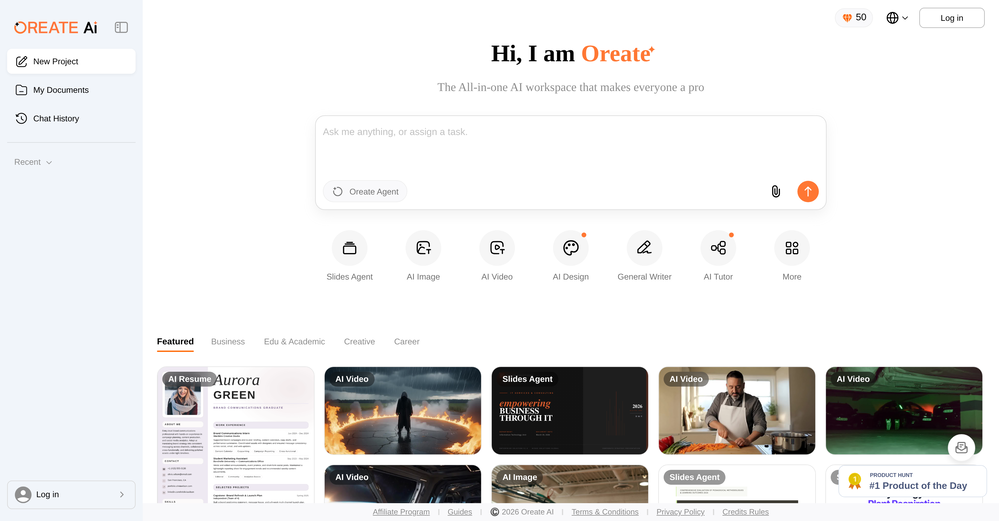
-
 Build professional, on-brand decks — 10x faster. Inside PowerPoint or online.Open
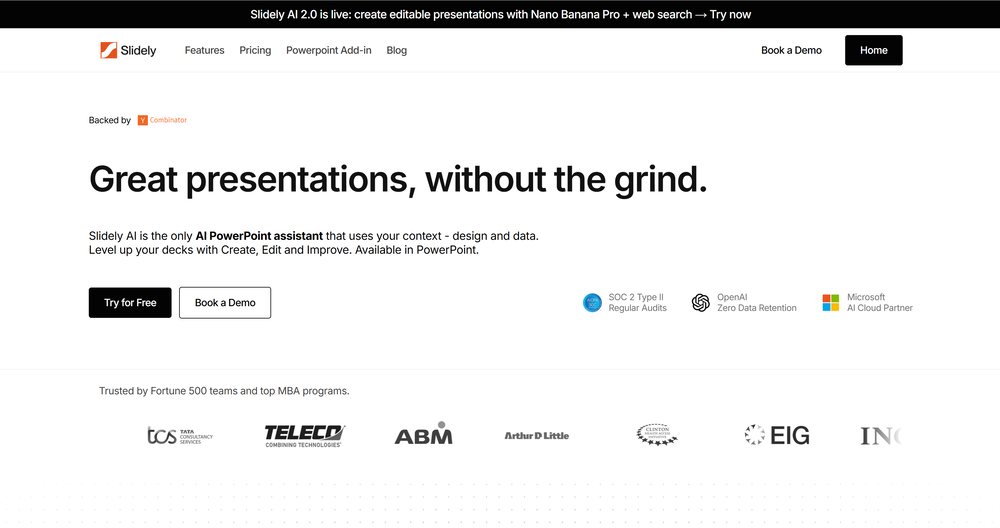 Nikhil Shah🙏 4 karmaDec 11, 2025@Slidely AI (backed by YC)I think Slidely is the only tool that has worked for me when creating my client presentations. The presentations aren't web pages or images like the other tools but actual PowerPoint slides which I really like.
 -










Other tools
-
How has this not received a single review. It’s a brilliant analytical writer of up to 5,000 words
-
This is really great opportunity to check any business ideas!
- SponsorFlow - 4x faster than typing🎤 Dictation
-
-
Used it for PPT generation and performed extremely well, especially the numbers and data part.
-
Test based on an actual teaching topic of Social Media Marketing based on a textbook. Perhaps my prompt was not detailed enough because the .ppt output had a minimalist layout. Some textual explanations were acceptable however, the AI does not yet have enough depth to use for an education environment. The results were very fast and produced 12 slides. Images were presentation quality however, two images were repeated and the text-to-image ratio was only a 1/2 grid.
-
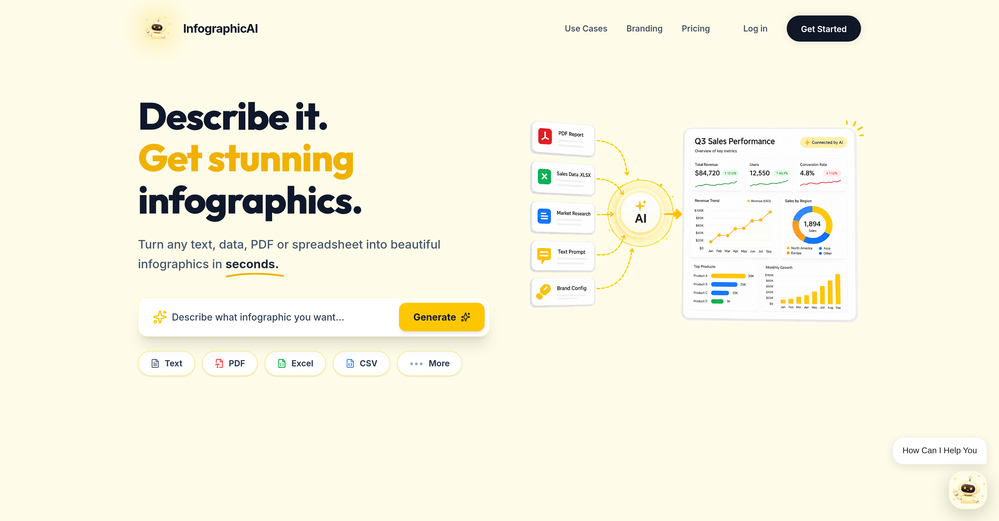
I felt there is need of more ready made templates. But, it does what it claims. I chose one question suggested by the AI agent, and it created the infographics in few seconds. It's cool. Saving it for future reference.
-
This tool is just rewriting the text, and the limit is 1500 words.
- Didn't find the AI you were looking for?
-
Great tool for getting some initial information about your data, especially in the beginning phase when your main goal is to explore your data
-
👋 Hey everyone — I’m Yusef, founder of Jamy. We built Jamy because we were tired of wasting time after meetings — rewriting notes, chasing action items, and trying to remember what was actually said. Jamy handles all of that automatically: it joins your calls, transcribes, summarizes, pulls tasks and quotes, and even sends branded follow-ups. It works with Zoom, Google Meet, Teams, and phone calls — and connects with tools like Slack, Trello, and Notion. If you’re curious, give it a spin — jamy.ai. Would love your feedback! — Yusef
-
-
I tested a few AI presentation tools and this one works smoothly inside Google Slides.
-
The infographic maker lets you use it once for free without signing in. This infographic maker is simple and easy to use, even more so than Canva or Venngage. However, the available styles and templates are still limited. I hope they add more design options and customization in future updates. Overall, a good choice for quickly creating infographics.
-
I really gotta let my heart out, got so many great reviews from my peers. It has helped me make my school work so much easier. I work with little children so when i make it cartoonish it's giving me the best one's yet.
-
 Guidance on offensive security and pentesting.Open
 -
 Open
Open -
 Open
Open