Go to section
Spotlight SureThing.io - "OpenClaw" for BeginnersTask automation
The front page of AI.Used by 90M+ humans.

TAAFT Tutorial
Generate image
Tasks
Generate text
Free mode
Trending
Leaderboard
Characters
 Mini tools
New
Featured
Lists
Agents
Requests
Jobs
Map
Newsletter
Starter pack
Free tools
Speech to text
Text translator
Remove background
Settings
Edit profile
My tools
Gallery
Dashboard
Inbox
Get featured
Contact TAAFT
For you
Popular
Job impact index
Most saved
Affiliate program
Submit AI tool
Notification preferences
Glossary
Home
Timeline
My profile
Create tool
Deals
Companies
Models
Robots
Papers
Fundraises
Repositories
Devices
Organizations
Events
Prompt Pack
Merchendise
APIs
Features
Tools
Countries
Collections
Videos
Mini tools
New
Featured
Lists
Agents
Requests
Jobs
Map
Newsletter
Starter pack
Free tools
Speech to text
Text translator
Remove background
Settings
Edit profile
My tools
Gallery
Dashboard
Inbox
Get featured
Contact TAAFT
For you
Popular
Job impact index
Most saved
Affiliate program
Submit AI tool
Notification preferences
Glossary
Home
Timeline
My profile
Create tool
Deals
Companies
Models
Robots
Papers
Fundraises
Repositories
Devices
Organizations
Events
Prompt Pack
Merchendise
APIs
Features
Tools
Countries
Collections
Videos
Mini tools
New
Featured
Lists
Agents
Requests
Jobs
Map
Newsletter
Starter pack
Free tools
Speech to text
Text translator
Remove background
Settings
Edit profile
My tools
Gallery
Dashboard
Inbox
Get featured
Contact TAAFT
For you
Popular
Job impact index
Most saved
Affiliate program
Submit AI tool
Notification preferences
Glossary
Home
Timeline
My profile
Create tool
Deals
Companies
Models
Robots
Papers
Fundraises
Repositories
Devices
Organizations
Events
Prompt Pack
Merchendise
APIs
Features
Tools
Countries
Collections
Videos

▼ State of the art
Workflow organization
Free mode
100% free
Freemium
Free Trial
Other tools
-
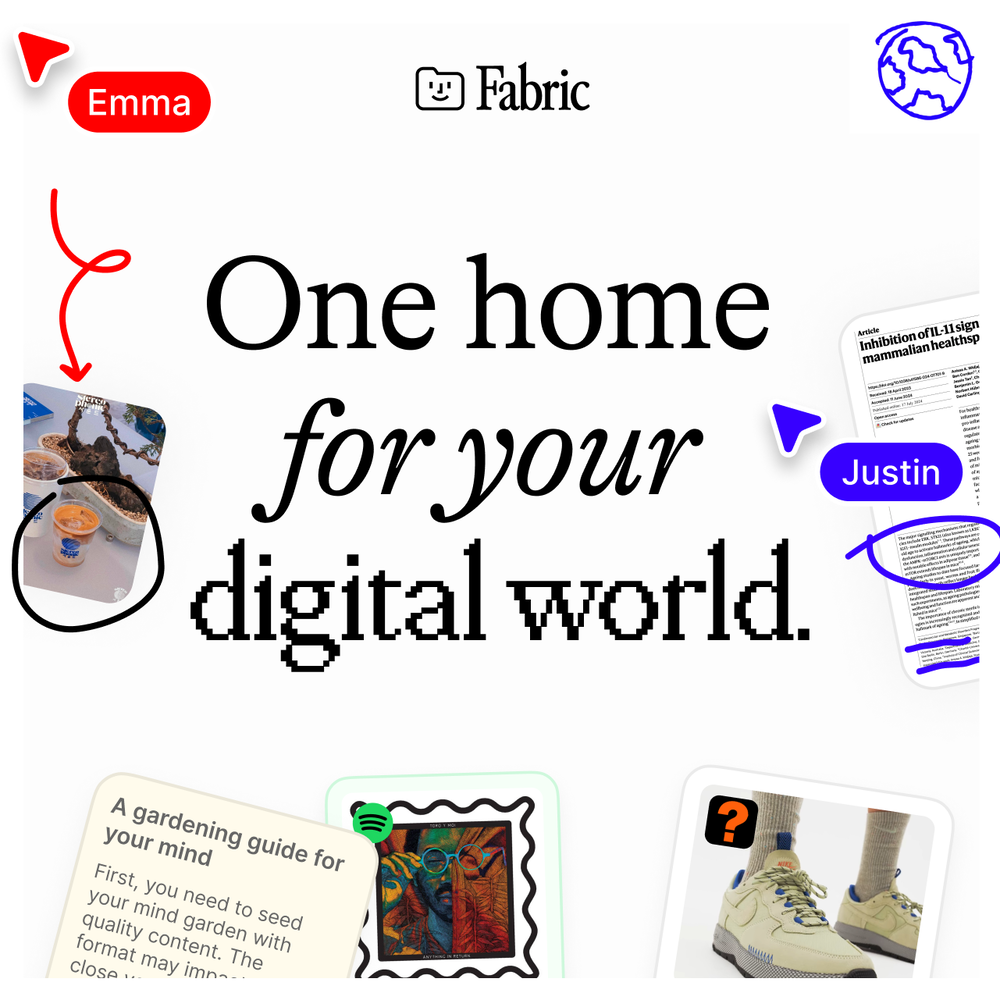 Extra Google Account🙏 60 karmaNov 25, 2023@FabricFabric is kind of like a combo of bookmarking/webclipper/summarizer/knowledgebase. Basically you can add information and it will auto organize it as well as let you chat with this information and search through it. It is not a “search engine tool” I wouldn’t say. Maybe you will be able to create a knowledge, base and information repository of everything relevant to you and be able to search through that information… But that is still different than a “search engine, tool” in my opinion. So far I think they are shooting for individuals and not enterprise users. Which is great because I have been wanting to find a product that will allow me to add information from PDFs, websites and videos and then be able to search/query/chat with that. But so many of the companies I have found that offer anything close to along these lines are developing knowledge bases with only company customers in mind. I get that that is where the money is, but Fabric appears to be for actual people to use. The product is definitely underdevelopment, and I have the TestFlight of their iOS app. I wouldn’t say the app is perfect yet or anything, but they are actively developing it, and some of their ideas are changing and evolving not just minor changes to their user interface. I am using Fabric and Mem at the same time and I will be interested to see which turns put to be more for me. Definitely check it out if you have not already done so they have the opportunity to make an extremely useful tool and kind of even changing the way individuals think about storing/accessing information important to them.
 -
I’ve been using it for a month now and I have decided to keep it for a year. There definitely are some kinks they can still work out like file management, but it’s very good at it’s core function: it generally does a good job answering questions and most times identifies PDFs automatically and correctly. The browser plugin works great, and it’s very nice that Papers allows you to add your university’s library API so you can automatically download PDFs that are accessible through your institution (sometimes it refuses to download some papers, so you just have to downlow it yourself and manually add it). The iPad and Android apps are serviceable. Every once in a while it will mess up the PDF identification, especially with papers from either very old sources or online-only journals. Things they must work on: * A much better system to annotate PDFs (the post-it type notes are cumbersome). * Introduce a notepad attached to each PDF or some way to easily link and save the AI’s output to the PDF. Currently, you have to add a little post it note and then paste the text there. * Keep the AI answers available after closing the documents. If you close the document by mistake or have several open and wish to close some, the ai conversation will be reset. * I REALLY wish that you could get citations and links to where the info was from extracted from PDFs. Currently, I have found Coral.ai does a much better job of showing you where the info came from and it even highlights it for you. Give it a try, their 30-day no credit card needed trial allowed me to truly test it, and now I’m a yearly subscriber looking forward for new additions and releases.
-
 Ultimate macOS AI tool for performing tasks on anything on your screen.OpenTried it several times and it really did make entries for me. Not quite fast, as i use Claude in browser. But when i use all of my Claude tokens i use it.
 -
I loveeeee this idea but sadly it does not send the email so i couldnt log in and try it... tried 2 different devices with different emails...
- SpotlightSureThing.io - "OpenClaw" for BeginnersTask automation
-
Process Street has increased my efficiency in ways I didn't even know was possible especially with the AI-powered workflow builder and the insanely large template library!
-
It was great in terms of the data linked with email but very limited in functionality
-
By far the best AI vocal software out there, both in terms of training your own model or using one of theirs (legit artists and generic vocalists). No trial BS, free account tier, commercial use option, etc. 10/10
-
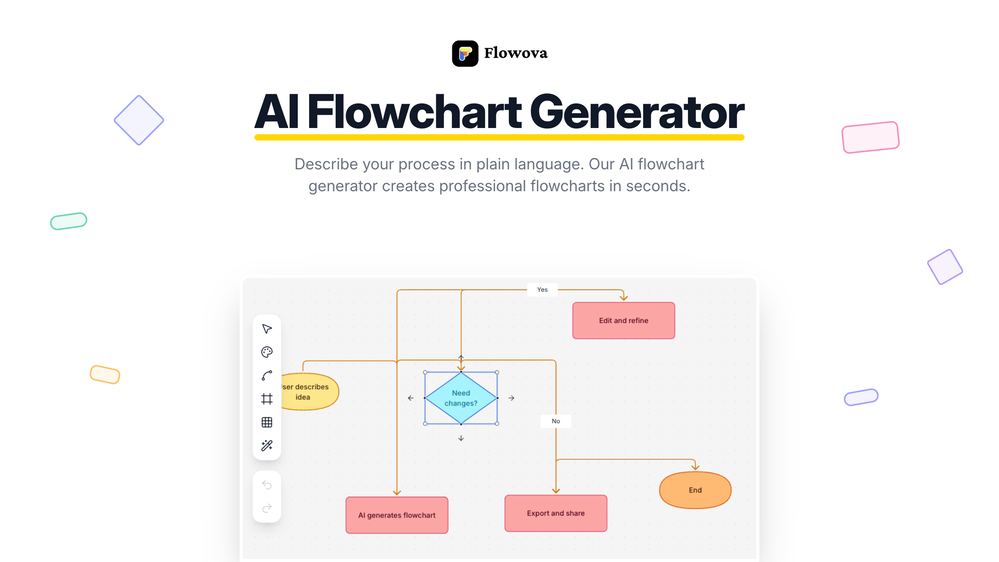 👋 Hey, I'm the founder of Flowova! We built this because we were tired of spending hours dragging boxes in traditional flowchart tools. A few things you might not know: - Works with anything — text, images, PDFs, Word, PPT, Excel, even photos of whiteboard sketches - 40+ themes designed for presentations - Full Mermaid code support for developers Happy to answer any questions! 🚀
 -
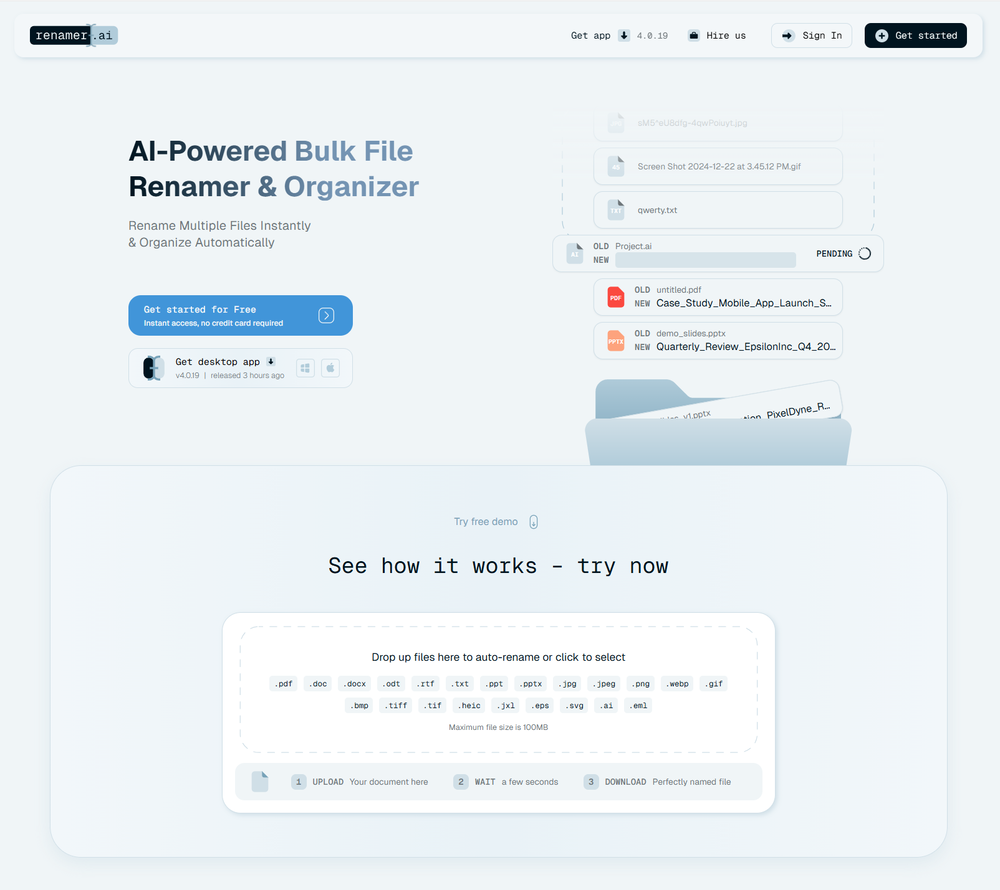 A very simple-to-use, yet very powerful app. It made my work so much easier, my scanned and downloaded files are no longer a mess.
 -
 Search real papers and write literature reviews without AI hallucinations.Open
 - Didn't find the AI you were looking for?
-
Yeah, Chatgot is really amazing. I used it for over two months, it was really precise and helpful with every kind of question. I used to ask it to explain math problems to me, and any other questions. It gave detailed and comprehensive explanations. It used to be free, but now it is premium so I can't use it anymore. Overall, it's really great.
-
The Crisp team has done a very good job with this. I'm a very happy customer!
-
Nice app, it is like MCP for people who dont want to code
-
-
The app looks great, and options are wonderful. I just hope if you can add memory section so the LLM knows and retrieve Data about you.
-
 AI-powered research assistant for diverse content analysis.Open
 -
Clever email management design and easy to use. I love the kanban board style with summarize and auto response.
-
-
-

-
Finally, an AI that makes fine-tuning simple and fast. No infrastructure, no coding, just results. This is exactly what the community needs!
-
-
 Open
Open -
I was on an early version of this, and it's been really cool to use with Claude and be able to just send different tasks to my Superlists and organize everything. It's completely changed the way that I do my productivity software.
-
 Split any complex 3D model into clean, editable parts with a single click.Open
 -
 Innovative assistant for task management and creative problem-solvingOpen