Go to section
Spotlight SureThing.io - "OpenClaw" for BeginnersTask automation
The front page of AI.Used by 90M+ humans.

Generate image
Tasks
Generate text
Free mode
Trending
Leaderboard
Characters
 Mini tools
New
Featured
Lists
Agents
Requests
Jobs
Map
Newsletter
Starter pack
Free tools
Speech to text
Text translator
Remove background
Settings
Edit profile
My tools
Gallery
Dashboard
Inbox
Get featured
Contact TAAFT
For you
Popular
Job impact index
Most saved
Affiliate program
Submit AI tool
Notification preferences
Glossary
Home
Timeline
My profile
Create tool
Deals
Companies
Models
Robots
Papers
Fundraises
Repositories
Devices
Organizations
Events
Prompt Pack
Merchendise
APIs
Features
Tools
Countries
Collections
Videos
Mini tools
New
Featured
Lists
Agents
Requests
Jobs
Map
Newsletter
Starter pack
Free tools
Speech to text
Text translator
Remove background
Settings
Edit profile
My tools
Gallery
Dashboard
Inbox
Get featured
Contact TAAFT
For you
Popular
Job impact index
Most saved
Affiliate program
Submit AI tool
Notification preferences
Glossary
Home
Timeline
My profile
Create tool
Deals
Companies
Models
Robots
Papers
Fundraises
Repositories
Devices
Organizations
Events
Prompt Pack
Merchendise
APIs
Features
Tools
Countries
Collections
Videos
Mini tools
New
Featured
Lists
Agents
Requests
Jobs
Map
Newsletter
Starter pack
Free tools
Speech to text
Text translator
Remove background
Settings
Edit profile
My tools
Gallery
Dashboard
Inbox
Get featured
Contact TAAFT
For you
Popular
Job impact index
Most saved
Affiliate program
Submit AI tool
Notification preferences
Glossary
Home
Timeline
My profile
Create tool
Deals
Companies
Models
Robots
Papers
Fundraises
Repositories
Devices
Organizations
Events
Prompt Pack
Merchendise
APIs
Features
Tools
Countries
Collections
Videos

▼ Popular
Creative productivity
Free mode
100% free
Freemium
Free Trial
Featured matches
-
-
 Regitze Campbell🛠️ 1 tool 🙏 33 karmaJul 31, 2025@DigibateHi! I'm Regitze, founder of Digibate - your AI-powered marketing assistant built especially for small businesses and solopreneurs. We help you create, schedule, and publish content effortlessly across platforms, including product photoshoots, social posts, newsletters, and more. We're constantly working on improving Digibate, and your feedback means the world to us. If you have any thoughts, ideas, or wishes for future features, please don’t hesitate to share - we’d love to hear from you! 💡
 -
-
 A Game-Changer for Deep Work and Creativity! Flowith has completely transformed my workflow. The infinite canvas is an intuitive and powerful way to interact with AI, moving beyond the limits of traditional linear chats. I can now explore multiple ideas in parallel, compare outputs from different AI models like GPT-4o and Claude 3.5 side-by-side, and visually organize complex projects. The personal knowledge base feature is incredible. By simply uploading my own documents, the AI generates content that is perfectly tailored and context-aware, which has significantly boosted the quality and relevance of its outputs. It's the ultimate tool for long-form content generation, brainstorming, and real-time collaboration. Highly recommended for anyone looking to enhance their productivity and creativity with AI.
 -
-
-
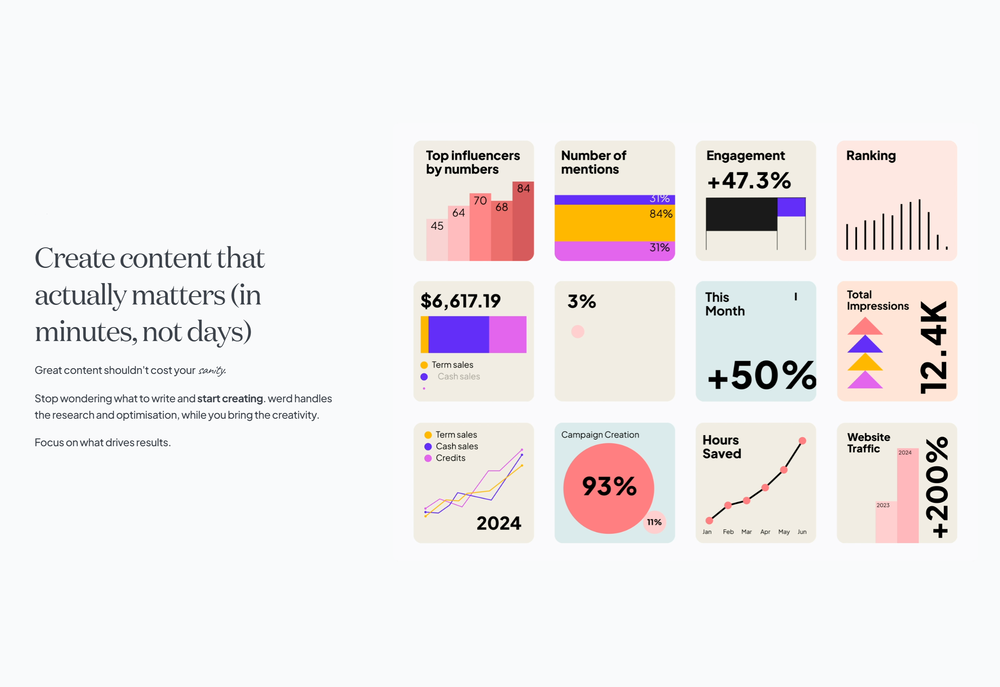 Have been trial running this tool and am very impressed by what I've seen. Would recommend for persons in need of a reliable, cost-effective and SEO optimized writing solution.
 -
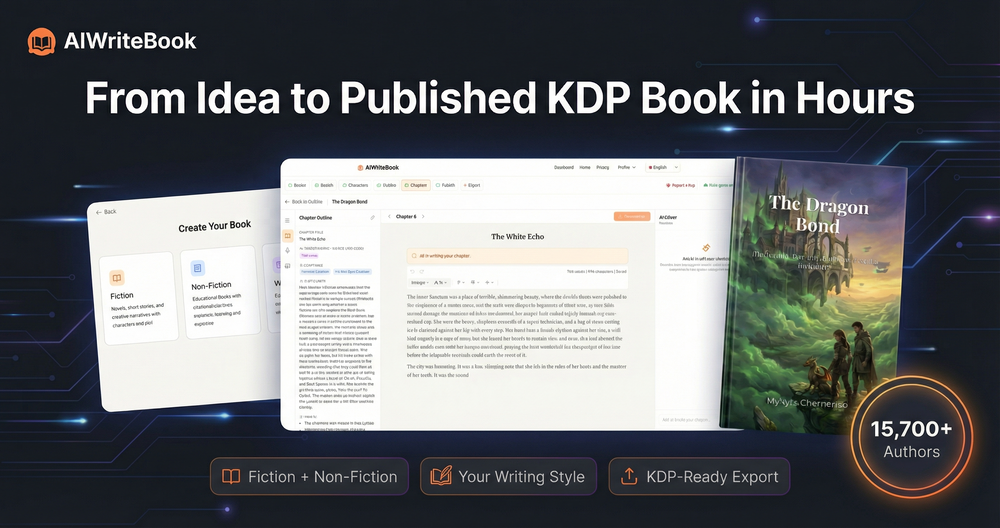 Well, what can I say, I managed to create quite a few books quickly and with good quality ;)
 -
-
 Hey everyone! I’m Martin — co-founder, builder, and creator of OneTask 🚀 OneTask is specifically designed for people with ADHD and other creatives who can’t be bothered to spend time “managing” their tasks, and instead need an app that just helps them get things done. We have a Todoist and Google Calendar integration, and offer many other features that will help you optimize your life. Let me know if you have any questions! As of this writing, we have a special lifetime deal featured on our website — be sure to catch it before it’s gone! Martin












Other tools
-
The fact that it's available through ChatGPT plugin actually helped me find a lot more AI tools to help me do certain tasks. Thanks.
-
This is phenomenal. I demo it in my sessions all the time.
-
Design of a two-wheeled, obstacle-avoiding, Bluetooth-powered car
-
- SpotlightSureThing.io - "OpenClaw" for BeginnersTask automation
-
Allows me to create high-quality banners to promote my products.
-
I stumbled upon this site, so happy I did . I asolutely love it. There is a mother load of AI tools to choose from. My new favorite site!
-
Seems like it's going to be super helpful with my marketing campaign creative design work. I'll check this out.
- Didn't find the AI you were looking for?
-
Miro has massively improved how we collaborate and execute. The AI features have made a real difference in day-to-day productivity, helping us structure ideas quickly and get to decisions faster. What really surprised me is the new prototyping feature: it’s now much easier to turn a workshop board into an actual prototype and iterate with the team. If you’re running product work, workshops, roadmaps, or even GTM planning, Miro is worth it.
-
 Open
Open -
It's working very well. AI chat is 100% free, but image and video are not free, though they are still good. You get a few daily credits, but at least you still have some
-
I've been using the free trial to use different chatbot models in the same conversation and it's way more efficient than having 3 or 4 different browser tabs open at the same time. It was really cool to see that when changing a model in the middle of a chat, it keeps the context! Can't wait to start using the image and speech features!
-
Love the product has many useful tools that I can use for my brand and the design needs little more work.
-
Ayyyy this thing's actually valid! It starts spitting lyrics right away and they're kinda fire too
-
Made writing my first book simple and fast. I turned scattered ideas into a full, professional manuscript in a weekend. The guided flow kept me focused, and the editing felt natural.
-
 Your AI partner for effortless social media content, planning, and scheduling.OpenI used Simbli.ai as a beta user and found it really useful. The tool helped me save a lot of time by automating repetitive tasks and organizing my workflow better. It feels smooth, fast, and genuinely improves productivity. What I liked most is that Simbli doesn’t just complete tasks — it understands the context and helps plan things in a smarter way. Within a few days, I could clearly see the difference in how I managed my daily work. Overall, it’s a great AI productivity assistant and definitely worth trying if you want to simplify your work and get more done in less time.
 -
 Chain AI tasks with no-code into workflows for chatbots, video, documents, andOpenThis tool removes all of the prep work of getting an LLM API endpoint running. I can try out ideas quickly and see within minutes whether an endpoint concept actually works. And when it does, moving it into a production app is about as easy as it gets.
 -
-
 Open
Open -
Wow, Vondy sounds like a game changer! So many cool AI tools in one place. Definitely gonna check this out, might save me a ton of time! Hope it's as good as it sounds!
-
These are sooo cool, I love them, so many cute outfits I can create for Roblox
-
i use nova almost every day, mostly for work and learning new things. the app is straightforward and does what i need without a lot of extra clutter. definitely one of the better ai apps i've tried so far.
-
Solid hub for socials. Schedules to a lot of platforms in one place with ai post ideas and short-form tools, plus a free tier to try things out. I like the planner and analytics, ui feels busy at first but once you learn the flow it moves fast.
-
great for quick mockups when i need placeholder art. not as robust as some other tools but it's fast and the visuals are clean enough for client presentations. gets the job done without overthinking it
-
Link ends up going to OpenAI website, and login and integration with APIs are required. Lots of set-up and not what was expected.
-
Discover the power of meditation for stress relief and mindfulness. Learn easy techniques for beginners, and hear from people who've experienced the benefits firsthand.
-
Its actually good. I was able to make 3 screens using the promo code and they were better than the other UI tools.
-
nice, overall this tool turns lazy ideas into polished design briefs and mockups without leaving your conversation. if you live in ChatGPT this is a good workflow booster right here.
-
-
 AI-powered PDF assistant for summarizing, translating, and creating content.Open
 -
Has anyone made anything with these tools they could share? Curious about the AI capabilities.
-
 Ignite creativity with AI-powered whiteboarding and mind mappingOpenNo competition, the Fine-tuning is second to none.
 -
Received a Norton threat alert the second I tried to use the site!
-
No free use because I use a VPN?? I'm out. I should have a choice to stay private if I want to and still be able to review the product without penalty. Others allow it - I will use them before buying. If you have that big of an issue with what you feel are multiple accounts using your free services, then reduce the amount of free use.
-
It's alright, not the best. The provided answers are really short sometimes and the beginning is annoying with so many question asked, but overall it's fine for talking a bit about your feelings. Remember, folks, this will never replace a real therapist!
-
 Create futuristic business visuals with AI.Open
 -
doesn't generate anything 3d, nor animated. images also took a long time to make :(
-
 Open
Open -
 Ready to solve any problem? Introducing the 'Tree of Thought' approach.Open
 -
 Creating print on demand designs, titles, and keywords.Open
 -
 Creating and running productive design thinking sessions.Open
 -
 Expert-level, confidential assistant for workspace optimization.Open