
 Mini tools
▼ Most saved
Opp
Free mode
100% free
Freemium
Free Trial
Featured matches
-
 Open
Open
-
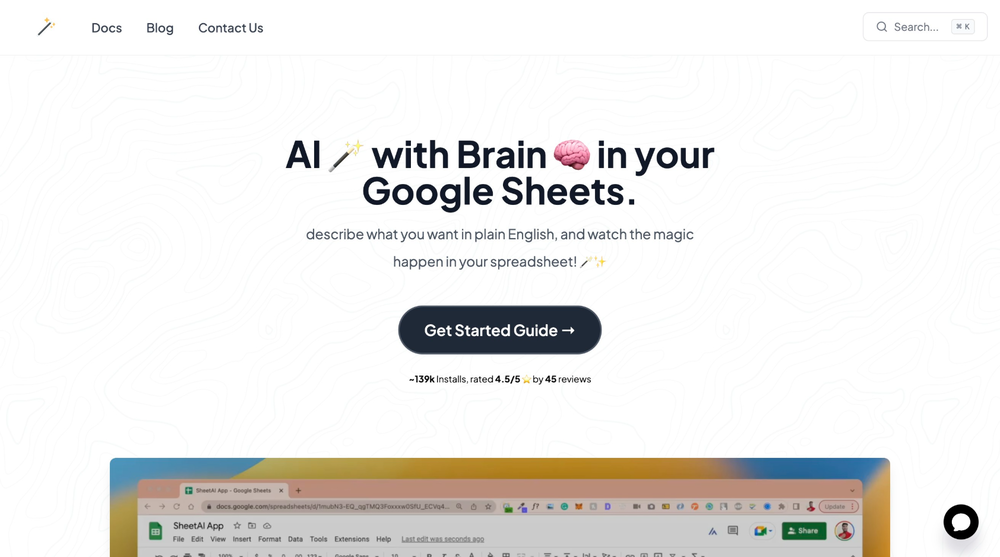
 Jorelle Joseph🛠️ 1 tool 🙏 525 karmaJul 30, 2025@SheetAI App - AI For SheetsSheetAI was very handy in sorting, fixing and all sorts of tools. This tool is also well documented, so if you need help figuring something out, chances are they will have the info you need.
 -
-
 Open
Open Hi! I just tested the Android app myself, installed it, created an account and everything worked smoothly for me, including the login. I didn’t run into the lock issue you described.It might have been a one-off glitch.
 -
-
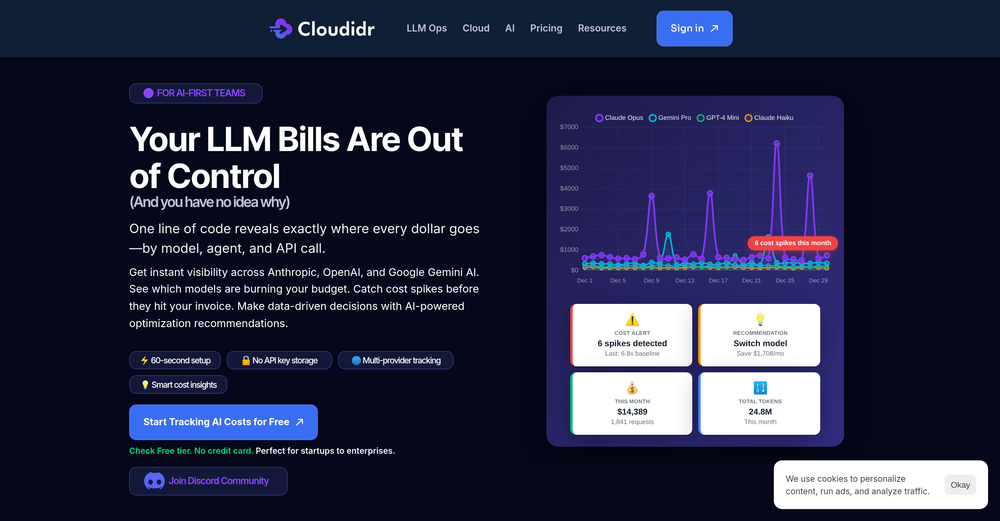
 Turn app reviews into actionable insights—quickly and efficientlyOpen
-
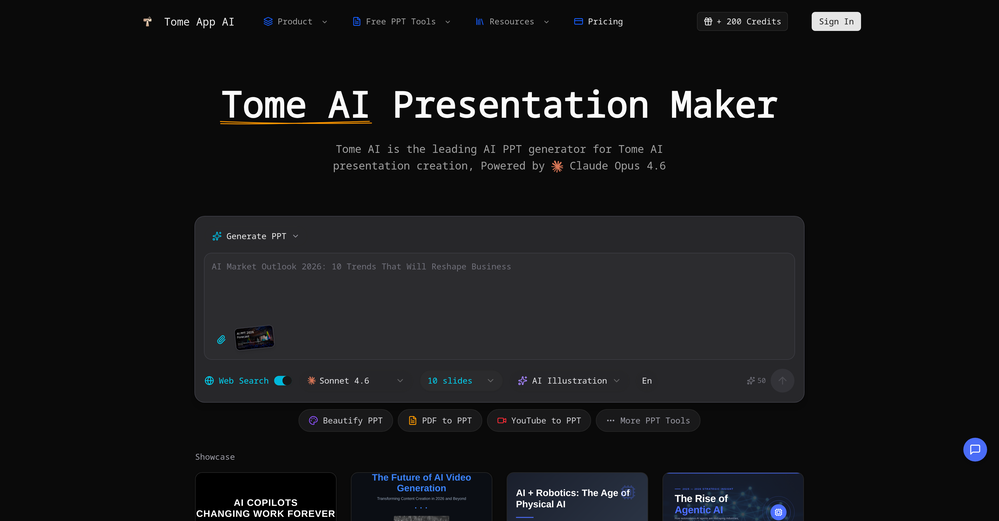 made a presentation for my site with just 1 prompt, lol how did the AI get so much information out of my website lol
 -
-







Other tools
-
-
Amazing! Combining AI with tasks, helping us get stuff done - that's what it's all about!
-
 OpenVideo editing is the process of selecting, trimming, and arranging footage to create a cohesive story or visual narrative. Here are some fundamental concepts and techniques: Types of Video Editing Linear editing: A straightforward, sequential approach to editing, where clips are arranged in a linear timeline. Non-linear editing: A more flexible approach, where clips can be arranged and rearranged freely in a timeline. Key Video Editing Techniques Cutting: A transition between two clips, where one clip ends and another begins. Cutting on action: Cutting between two clips while an action is in progress, to create a seamless transition. J-cut: Cutting from one clip to another while audio from the second clip starts playing before the video cuts to it. L-cut: Cutting from one clip to another while audio from the first clip continues to play. Video Editing Software Popular video editing software includes: Adobe Premiere Pro: A professional-level editing software with advanced features and integration with other Adobe tools. Final Cut Pro: A professional-level editing software for Mac users, known for its user-friendly interface and advanced features. DaVinci Resolve: A free and paid editing software that offers advanced color grading and audio editing tools. Best Practices for Video Editing Plan your edit: Develop a clear vision and storyboard before starting to edit. Organize your footage: Label and categorize your clips to make them easily accessible. Keep it simple: Avoid overusing transitions and effects; focus on telling a clear story. Advanced Video Editing Techniques Color grading: Adjusting the color and brightness of footage to create a specific mood or atmosphere. Audio ducking: Automatically reducing the volume of background audio when dialogue is present. Motion graphics: Adding animated text, logos, or other graphics to enhance the visual narrative. Video editing involves selecting, trimming, and arranging footage to create a cohesive story. Linear and non-linear editing are two fundamental approaches. Key techniques include cutting, cutting on action, J-cuts, and L-cuts. Popular software includes Adobe Premiere Pro, Final Cut Pro, and DaVinci Resolve. Best practices involve planning, organizing footage, and keeping it simple. Advanced techniques include color grading, audio ducking, and motion graphics. Capcat pro Capcat pro Download image-to-image-generator generated imagetransparent pixel Image to Image Generator Image to Image Generator Download image-to-image-generator generated imagetransparent pixel Image to Image Generator Image to Image Generator Download image-to-image-generator generated imagetransparent pixel Image to Image Generator Image to Image Generator Download image-to-image-generator generated imagetransparent pixel Image to Image Generator Image to Image Generator Download image-to-image-generator generated imagetransparent pixel Image to Image Generator Image to Image Generator Download image-to-image-generator generated imagetransparent pixel Image to Image Generator Image to Image Generator Download image-generator generated imagetransparent pixel Image Generator Image Generator Copy Video Editing Basics Video editing is the process of selecting, trimming, and arranging footage to create a cohesive story or visual narrative. Here are some fundamental concepts and techniques: Types of Video Editing Linear editing: A straightforward, sequential approach to editing, where clips are arranged in a linear timeline. Non-linear editing: A more flexible approach, where clips can be arranged and rearranged freely in a timeline. Key Video Editing Techniques Cutting: A transition between two clips, where one clip ends and another begins. Cutting on action: Cutting between two clips while an action is in progress, to create a seamless transition. J-cut: Cutting from one clip to another while audio from the second clip starts playing before the video cuts to it. L-cut: Cutting from one clip to another while audio from the first clip continues to play. Video Editing Software Popular video editing software includes: Adobe Premiere Pro: A professional-level editing software with advanced features and integration with other Adobe tools. Final Cut Pro: A professional-level editing software for Mac users, known for its user-friendly interface and advanced features. DaVinci Resolve: A free and paid editing software that offers advanced color grading and audio editing tools. Best Practices for Video Editing Plan your edit: Develop a clear vision and storyboard before starting to edit. Organize your footage: Label and categorize your clips to make them easily accessible. Keep it simple: Avoid overusing transitions and effects; focus on telling a clear story. Advanced Video Editing Techniques Color grading: Adjusting the color and brightness of footage to create a specific mood or atmosphere. Audio ducking: Automatically reducing the volume of background audio when dialogue is present. Motion graphics: Adding animated text, logos, or other graphics to enhance the visual narrative. Video editing involves selecting, trimming, and arranging footage to create a cohesive story. Linear and non-linear editing are two fundamental approaches. Key techniques include cutting, cutting on action, J-cuts, and L-cuts. Popular software includes Adobe Premiere Pro, Final Cut Pro, and DaVinci Resolve. Best practices involve planning, organizing footage, and keeping it simple. Advanced techniques include color grading,
 - Sponsor
 Base44 Superagents-AI agent that does it all
 -
Would rate 4.9 if possible, but rounding up to 5 stars because this app truly excels compared to other AI coding tools. Why 5 Stars: Best-in-class AI coding assistance Huge improvements over competitors Actually works for real development Real Impact: I successfully built and published an actual app using this tool - that's game-changing for non-developers like me. Bottom Line: Yes, there's room for improvement, but this is already the top AI coding app available. The fact that ordinary people can create real apps with it says everything. Perfect for anyone wanting to turn ideas into actual apps!
-
I was just trying it out at first, used some free credits a few hours ago to build a simple app. Turns out, it actually came out pretty decent! I got to test it on my phone without spending a dime, and even showed it to my wife, she was pretty surprised too. So we decided to go ahead and pay to polish it up and download it properly. So far, everything’s running smooth
-
Thanks for noticing this Tyler, we really liked the idea of getting back to lifetime one-time purchases. Alice is a desktop app and it doesn’t use our cloud resources much, so this should be also feasible for the long run. Please, give Alice a try, you won’t regret it!
-
 Transform ideas into 3D anime-inspired battle scenes.Open
 -
 Transform photos into bold WPA-style geometric art.Open
 -
If you are a LinkedIn Premium member sure. If not, this is useless.
-
 AI-powered mobile app designs, tailored to you.Open
 - Didn't find the AI you were looking for?
-
 Transform words into vibrant pop art portraits.Open
 -
 Create AI-powered coloring books with whimsical pop culture mashups.Open
 -
This generator came out with some awesome app ideas! Just picked my next project, time to get to work xD
-
 Open
Open -
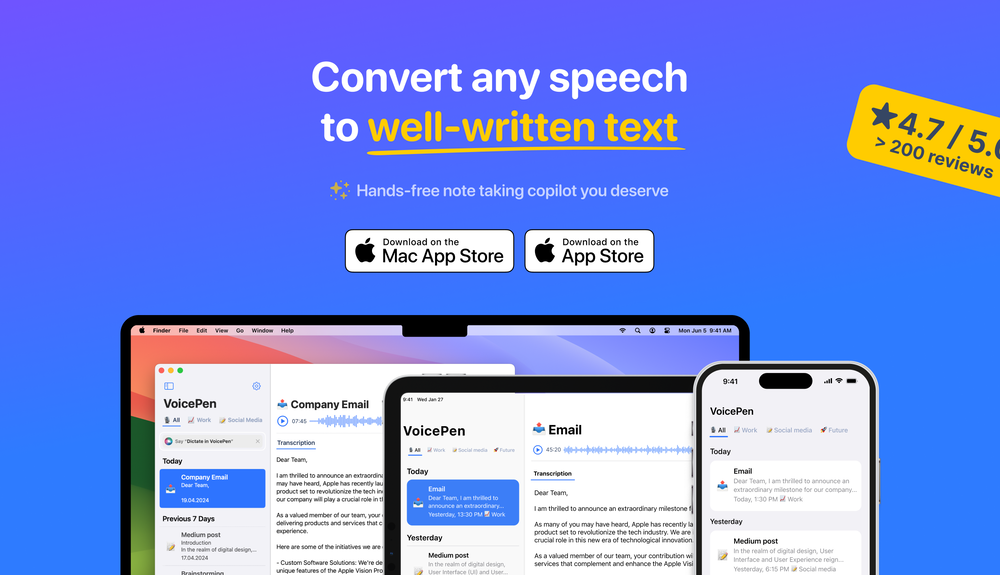
Among mobile apps this is the best tool making AI-written texts out of speech
-
 Supercharge your Google Play Store success with AI.Open
 -
Once you get the hang of it, you can def make some nice shit. Lots of customization options, but it's a bit tricky at first figuring out where everything is. Just gotta keep using it to get to its full potential.
-
 Ship Your Full-Stack MVP in Hours, No CodeOpenThe AI tool that turns Figma design into production-ready websites, automates complex backend tasks like auth and payments, adds AI capabilities, and I like their support team service.
 -
 Transform photos into vibrant comic book illustrations.Open
 -
 Craft multilingual pop-rock lyrics effortlessly.Open
 -
 Create adorable Funko Pop-style characters from any concept!OpenChanged the prompt to improve results.
 -
-
It's pretty good. transformed my regular selfie into a professional-quality portrait in seconds. Highly recommend!
-
Changed the prompt to improve results.
-
The automatic translation feature is a time saver. Definitely worth a try if you have a large project!
-
 Transform ideas into vibrant pop art masterpieces.Open
 -
 Transform photos into Lichtenstein pop-art portraits.Open
 -
 Retain the power of language models without sacrificing your data privacy with Dot.OpenAll great things are simple to use! Safe and useful app.
 -
 Open
Open -
i HATE naming my apps, im never creative enough for that, so this AI is really helpful for me, thank you very much
-
 Transform photos into cinematic Funko-Pop portraits.Open
 -
 Increase App Downloads & Keyword Rankings with AI-driven ASOOpenHi, GrowASO is only meant for mobile apps and not for websites and this is clearly stated in all our marketing/landing pages. If you have questions, please feel free to contact us at [email protected]
 -
-
 Open
Open -
 Open
Open -
Onboarding was vey easy, I just gave my platform link. Test Strategy and Test cases were automatically generated and I could see the defects. Very easy to use and very useful too
-
 Open
Open -
 OpenNice use case 👍 Curious how you’re thinking about discovery beyond directories.
 -
 Open
Open -
-
 Open
Open -
 Open
Open -
 Expert in mobile app idea generation and development guidanceOpen
 -
 Recommends mobile apps for productivity, entertainment, and lifestyle.Open
 -
 Guiding your mobile app development process with AI.Open
 -
 Planning guide for rapid app development with Microsoft Power AppsOpen
 -
Finds the best Shopify app for your needs and budget.Open
-
 Formal, professional editor for app content, bilingual in English and Japanese.Open
 -
 Grades op-eds with reasoning, engagement, and open-mindedness.Open
 -
 Managing software card writing, time estimation, and image interpretation.Open
 -
 Analyze, tailor, review, and evaluate your app's success.Open
 -
 A guide for iOS app builders to navigate App Store guidelinesOpen
 -
 eCommerce consultant & Shopify expert for the best Shopify app recommendations.Open
 -
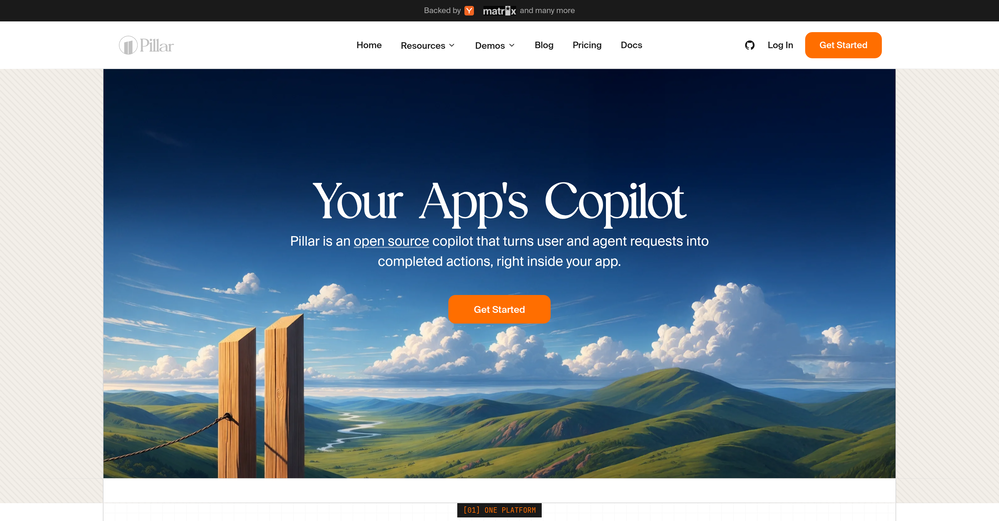
 Creates Next.js components using the latest docsOpen
 -
 Open
Open -
 Open
Open -
 Your expert for Quantum Computing and Neural Machine Learning.Open
 -
 Adaptable expert on current entertainment and media trends.Open
 -
 Open
Open -
 Transform your photos into Funko Pop style characters.Open
 -
 Impartial explanations of CDS-PP proposals.Open
 -
 Crafting cutting-edge web applications with seamless integration.Open




























































































































Post





