 Rocket
 Mini tools
▼ Most saved
Presentation automation
Free mode
100% free
Freemium
Free Trial
Featured matches
-
 Just type what you need — AI fills Sheets™, Docs™, and Slides™Open
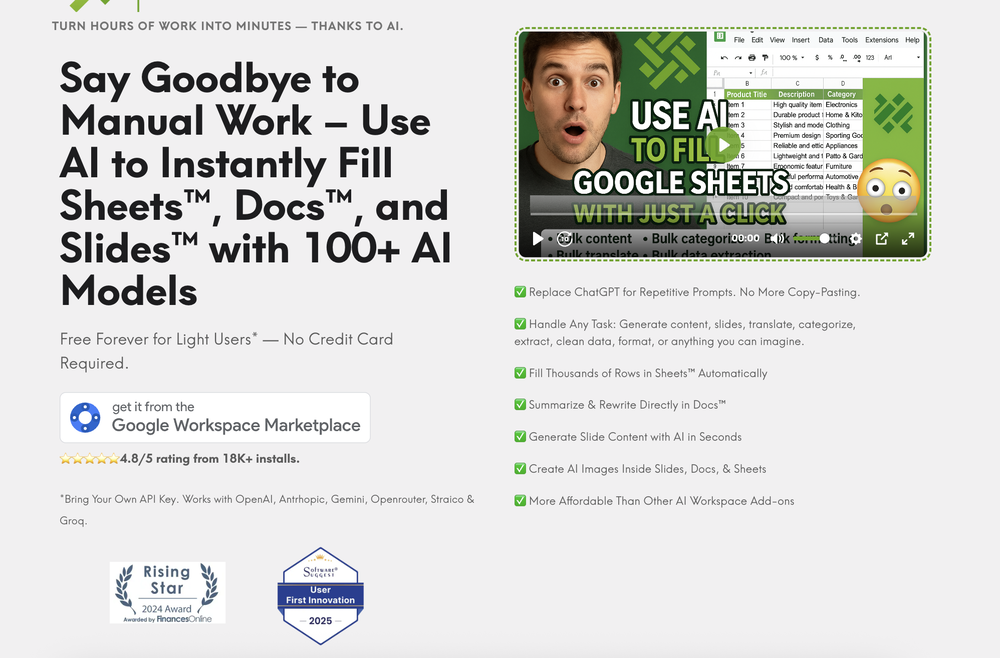 AiAssistWorks Contact🛠️ 1 tool 🙏 28 karmaAug 19, 2025@AiAssistWorks - GPT Gemini Claude AI for Sheets Docs SlidesJust type what you need — AI fills Sheets™, Docs™, and Slides™. FREE Forever with your API key for up to 100 execution per month! Zero formula typing, natural language instructions, zero complexity. Fill spreadsheets, create and edit documents, generate slide presentations, create images, and more.
 -
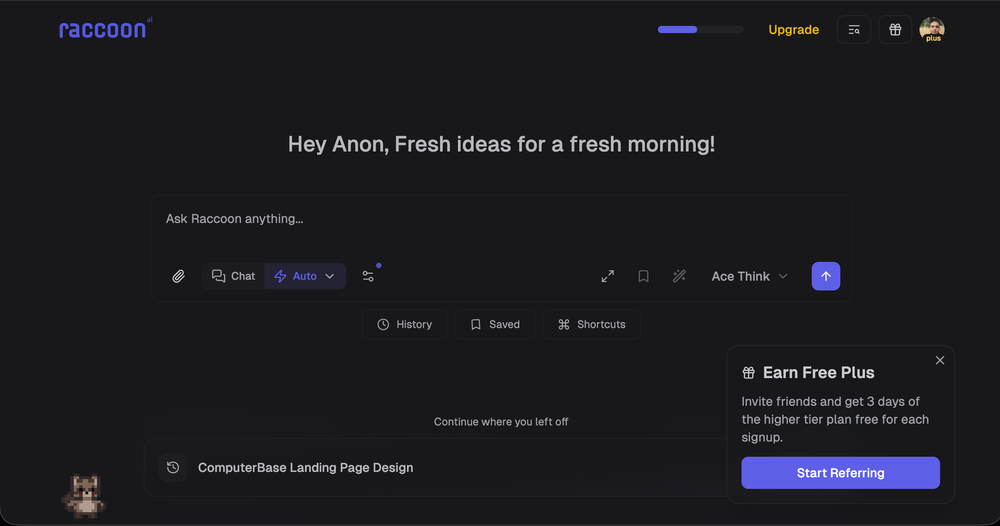 We're live folks! Do check us out and drop your feedback or requests.
 -
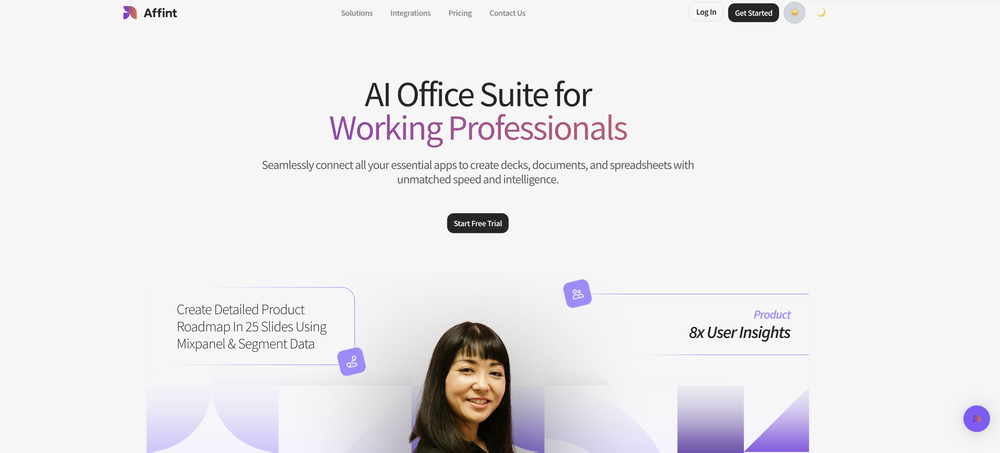 Just tried yesterday. The first productivity tool which allowed me to create professional slides, reports, and sheets with my data in a few minutes. Was able to connect 20 of my tools in less than 5 minutes.
 -
-
-
 Cool tool. I hope you continue to develop this tool to reach its full potential. Keep it up






Other tools
-
Hello Lalith! Try refreshing the page and giving it another shot,the app seems to be working fine.
-
When testing out the free version it looked promising, but as soon as I purchased the largest package for more characters the slides were unusable with text running vertically up and beyond my slides (1 character per line). When I reached out to the supplier, they wouldn't refund me because it had been more than 48 hours since my purchase. Waste of money and time.
-
Should offer a free trial.. so much competition out there and alot with substandard results. I need to try it before I buy it.
- Sponsor:Rocket
-
-
Very intuitive and easy to use tool, that will allow whoever wants to create presentations a wide range of templates to add cool graphics and design in very little time. The cons are that as a web based app, you have to store your presentations online and depend on having good internet connection to present. It does give you the option to download a PDF or PPTX document, but transitions, videos and audio doesn't download. The AI generator for images is not quite there yet, but the prompts to create slides is very good. Tip: Create slide by slide if you are going to use AI. The command to generate a whole presentation from a prompt is still not very accurate in my experience.
-
An AI that can present slides! I used to only use AI that could create PowerPoint presentations, but this is the first time I've encountered an AI that can present slides for me! I hope it will provide even more help with my work in the future.
-
ppt.ai has saved me at least 80% of the time spent on making PPTs. I just need to submit rough ideas or drafts to ppt.ai, and it can create a relatively usable PPT. This is simply amazing! Although some revisions and optimizations are still needed afterward, it’s already a huge relief compared to starting from scratch.
-
It's helps you get started on a presentation. Likely need to edit photos and text.
-
 Generate professional presentations in seconds with AIOpenDid not allow to download the slides.... ideally they should keep it free till sufficient traffic hits the platform and allow people to share feedback.
 -
-
Used it for PPT generation and performed extremely well, especially the numbers and data part.
- Didn't find the AI you were looking for?
-
-
Takes input (full presentation text in my case) as prompt and generates its own copy. Poor image quality. Boring layout. No bullets etc. You can try once with your free credits. no fun
-
Seems good , but do not have single easy to use step guide to help use it. Its like your learn and then it works . They could prepared a small cheat sheet to make their product easy to use . I am logging out
-
It’s minimalistic and easy to prompt and generate a image any style you needed
-
-
It works surprisingly well. Clean plus you can actually try it first without having to drop money right away. helps if you are not sure it'll fit your needs. Solid stuff.
-
 OpenThe PowerPoint presentation I made met my expectations very well
 -
 AI-powered outreach and multimedia delivery to help sales and marketing teams close.Open
 -
 OpenI want a presentation on the topic **Travel**. I want words that are easy to read and pronounce and have an expressive, useful and scientific meaning.
 -
 Supercharge Word with AI-powered writing assistance.OpenAwesome tool! Using it on a daily basis!
 -
-
Thanks for your note. Pi is independently developed, with more than Gamma: richer themes, interactive surveys, AI copilot. 7-day free trial—try it to see! We value innovation and users.
-
It easy to use and you can create beautiful presentations but you can't share professionally without a HUGE cost of 50 per month thats billed annual! they try and force you to buy. Will not use as it is NOT easy to share
-
Surprisingly Powerful & Underrated I originally used TeraBox just to back up my photos and save lecture materials—but the new AI features blew me away. The built-in paraphrasing tool has become my go-to for refining academic writing. It’s a hidden gem that deserves way more attention!
-
You can't do anything without paying
-
A very useful AI slides tool! The content it generates is genuinely smart.
-
 Open
Open -
-
 Create stunning presentations in seconds with AIOpen
 -
It’s a decent tool for making slide presentations. A bit complicated at first, but once you get used, it gets better. Offers some nice features
-
I got some free credits to try the app when I signed up, I could create a few great infographics
-
 Open
Open -
 Creating captivating product descriptions for your business.Open





















































Post





