
 Mini tools
▼ Latest
Visual generator
Free mode
100% free
Freemium
Free Trial
Featured matches
-
 1 Robert🙏 8 karmaNov 1, 2025@EdensignThis is the best virtual staging product I have ever tried. Love the batch processing feature that saves so much time!
 -

-
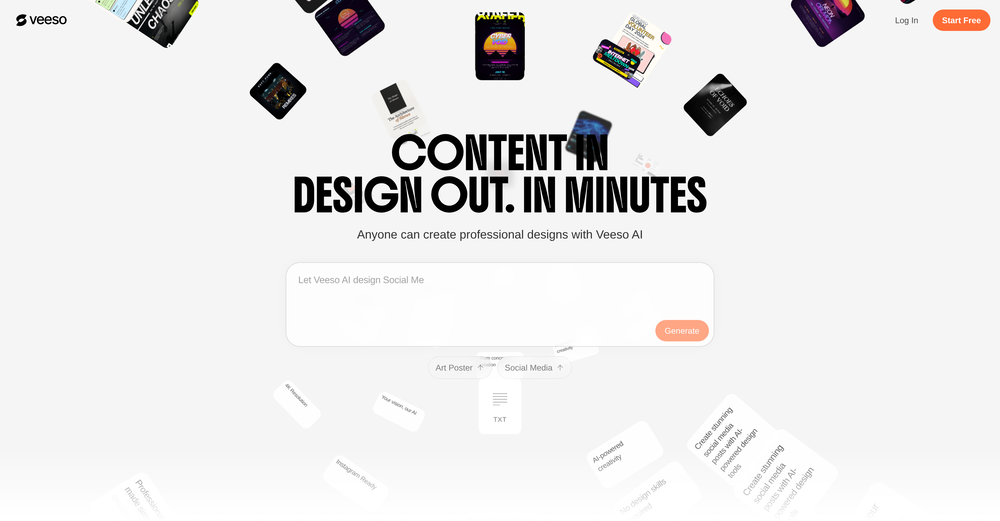 Just paste content in, layout will automatically be desigend
 -
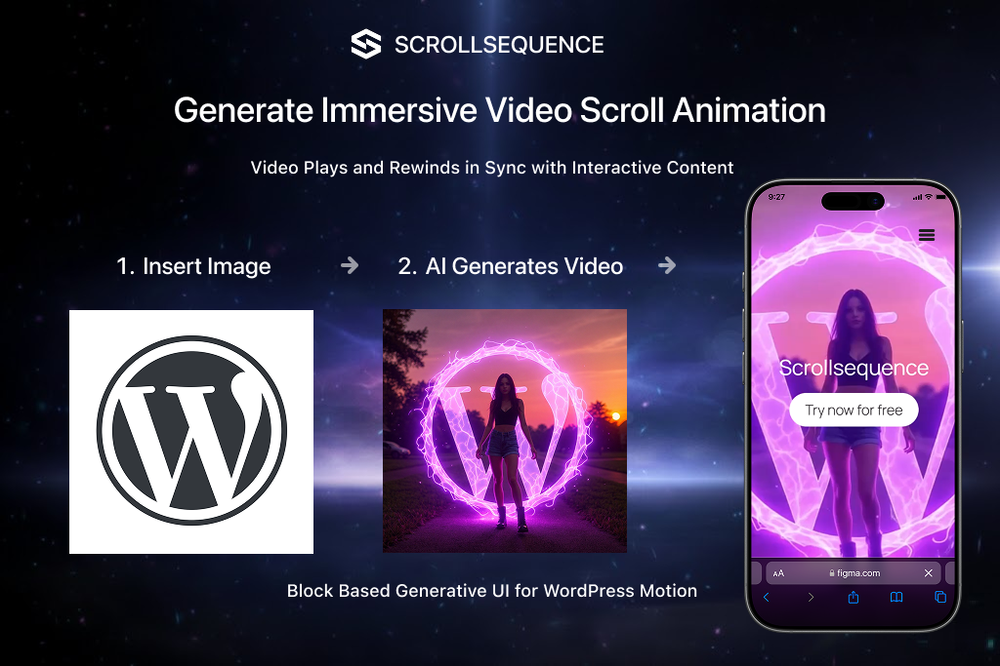 Scrollsequence is a game-changer for interactive storytelling! Smooth animations, intuitive setup, and impressive control over scrolling sequences make it perfect for engaging web experiences. Highly recommend for designers and developers looking to elevate their sites. 🙌







Verified tools
-
 AI-assisted grading tool that ensures a human-in-the-loop for essays and visual assignments.Open
 -
 Change the clothes in any model photo using another reference imageOpenGive it a try on the web app and be amazed by the results. The AI image processing is outstanding, and the intuitive flow makes it a pleasure to use. Highly recommended for anyone looking for a seamless and impressive experience!
 -
Hi there - I'm Nicolas, the founder, X @bolcoto We're the developers of Virlo and would love feedback!
- Sponsor:
 Base44💻 Vibe coding
 -
-
-
Speed is amazing ! I will definitely utilize the tool in the future for film generation
-
New Features 🚀 Ace Max Agent Introducing Ace Max alongside our existing agent versions (Fast and Think) — built for complex reasoning across multi-dimensional tasks. Ace Max handles multi-step workflows that require planning, research, creation, and delivery in a single conversation. 🔌 Connectors Connectors library with 40+ pre-built connectors including: - Gmail - Google Drive - Notion - Supabase - Calendar - Outlook - And more... Key Features: - Add custom MCP servers as connectors to plug in any tool or API - Filter tools to limit access to specific actions per session - Context-efficient design — add as many as you need without worrying about context bloat 🛝 Presenter View for Slides Professional presentation mode with advanced controls: - Multi-window setup — presenter view in one window, slide view in another with real-time synchronization - Interactive cursor tools — laser pointer, arrow, and other cursor types that broadcast across windows - Presenter notes — AI-generated speaker notes with inline editing, resizable panels, and auto-sync - Timer controls — built-in timer with pause/reset functionality - Autoplay mode — configurable auto-advance with adjustable duration - Slide navigation — thumbnail preview, keyboard shortcuts, and progress tracking - Publishing — share slides via public URL for remote viewing 📄 File Publishing and Editing - Publish any file to a public URL — share with anyone, access from anywhere - Edit files inline in the smart editor with changes synced to the agent in real-time - Redesigned workspace sidebar with improved file navigation and management ⏮️ Rewind Rewind any session to any previous message: - All files, context, and agent state are fully restored to the rewind point - Branch your session in a new direction from any point in the conversation history 🎤 Audio and Input Experience - Audio input support — dictate prompts using the microphone - Prompt enhancement with `Cmd/Ctrl + Shift + E` to refine your prompts before sending - Quick file picker (`Cmd/Ctrl + U`) - Drive import (`Cmd/Ctrl + Shift + U`) - Command palette (`Cmd/Ctrl + K`) for power users 🌐 Web App Previews - Significantly stabler previews with fixed race conditions, stale content, and server restoration issues - In-preview navbar to quickly navigate between pages of your app - Inspect mode — select any element directly on screen and ask the agent to modify it visually - Cloud integration — connect your Supabase account in a few clicks and build full stack web apps with authentication, database and cloud storage, all managed by the agent. 🧭 Explore and Navigation - Recent sessions sidebar with quick actions to switch between sessions or start new ones instantly - Explore section with detailed capability guides to discover everything Raccoon AI can do - Focused in-session experience with updated tool output UI and performance improvements - Connect your web app to cloud hosting anytime during a session 🌍 Localization Raccoon AI now supports 7 languages natively across the entire platform. And you can work with the agent in any language including these 7. Bug Fixes and Stability - Fixed session listing delays - Fixed stale file previews - Fixed missing files - Fixed delayed UI updates - Autoloading knowledge bases when tags are present in queries - Unified and optimized image handling across the agent - Improved media generation tools and media knowledge bases - Fixed system prompt propagation for API users
-
It works surprisingly well. Clean plus you can actually try it first without having to drop money right away. helps if you are not sure it'll fit your needs. Solid stuff.
-
Looks like an interesting project with complete focus on ease of use and no-code environment! 🤩 #NoCode #Project #Software #Development #EaseOfUse
-
very slow , no help and you did not have any feedbck on what happened also It deducts points even without providing any videos or photos.
-
-
Well, I use Statuz myself, so maybe I'm biased. The only way to find out is to try it yourself. Let us know here.
-
-
I got some free credits to try the app when I signed up, I could create a few great infographics
-
Great tool for getting some logo ideas, works fine 👍
-
I used the Punk subscription for 2 months and really went deep into it. Plazmapunk offers great flexibility and a lot of option to create videos/animated visuals that can look stunning and cool. My favorite part is the Scene Editor where you can be your own story director. Sometimes videos won't turn out the way you like them, but upon refining you usually get it to be satisfying for you. So in short, I enjoyed it a lot :)
-
-
This app is awesome because it has two cool features. First, it lets you chat with an AI that talks like a real person, perfect for customer service or just having fun conversations. The second feature lets you create amazing artwork instantly using AI. The app is super easy to use, and you don’t even need to sign up. Plus, it’s a free mobile app, so you can take it anywhere! It’s a fun, creative tool for everyone.
-
 Get viral crazy youtube thumbnail faces, change facial expression for free.OpenNeat mate. I love the feature of change facial expression
 -
 Open
Open -
Easy to create Chatbots and there is a easy using with existing templates































Other tools
-
 Open
Open -
-
-
kaspersky notified me of this platform when I registered it leaked personal data, ip history, name, password, email address.
-
-
The art styles are fun to mess with. overall it's pretty nice but not every result hits and i wish the free tier gave a bit more room to play.
- Didn't find the AI you were looking for?
-
The best way to get the best seo content for a website been using it for a month and I have seen a great improvement in search console, used gemini 2 as ai model.
-
Pay your money, upload an image, ask to animate it and uses a generic image, not the one you upload. Garbage
-
I tried other tools aswell, this was the only accurate. Other ais didn't even get the country right. Compared to the others it had the advantage that I could specify the area in which the location was. I only tried it once so far but I am satisfied.
-
Very high quality, amazing realism. You can change ethnicities and expressions as well, including full body skin.
-
Very good service but it doesn’t always display what the prompt tells. Do you plan to add a feature for negative prompting?
-
-
Seems to work fine for me, maybe try and give it another chance :D
-
Results are ok, you maynget nothing younget results thatbare barley acceptable, but they are very generous with their free offerings.
-
Best platform to make content understandable for people with low literacy skills.
-
The current version is not yet stable. Glimmer is working on improving the performance and features. Just signed up for notifications. Am hoping for the best...
-
-
The app offers useful free features. I'm curious about the paid ones, like background replacement, but overall it works quickly and is reliable.
-
 OpenSays free, but when you try to download your image they charge you for it. Also, you need to manually select the watermark. Not worth your money, as there are better free alternatives.
 -
 Generate infinite unique AI backgrounds from text descriptions.OpenNice, but low resolution output.
 -
would've loved to try but daaamn the price is crazy. looks real nice though :(
-
this is a solid AI generator. you get 75 free daily generations, which is plenty to experiment. it doesn’t just do images, there are character, logo and avatar tools too. the interface is a bit plain but easy to use. results came out pretty good overall, not mind-blowing, but usable. it's a nice free option. :)
-
Removal.AI is fast and easy to use, especially useful when removing backgrounds in batches. However, with complex backgrounds, manual adjustments are sometimes required. Overall, this is a useful tool that is fast and saves time.
-
Thank you I got a great score and the information I needed to know if I was on the right track with this one.






































































Post





