Go to section
Spotlight SureThing.io - "OpenClaw" for BeginnersTask automation
The front page of AI.Used by 90M+ humans.

Generate image
Tasks
Generate text
Free mode
Trending
Leaderboard
Characters
 Mini tools
New
Featured
Lists
Agents
Requests
Jobs
Map
Newsletter
Starter pack
Free tools
Speech to text
Text translator
Remove background
Settings
Edit profile
My tools
Gallery
Dashboard
Inbox
Get featured
Contact TAAFT
For you
Popular
Job impact index
Most saved
Affiliate program
Submit AI tool
Notification preferences
Glossary
Home
Timeline
My profile
Create tool
Deals
Companies
Models
Robots
Papers
Fundraises
Devices
Organizations
Events
Prompt Pack
Merchendise
APIs
Features
Tools
Countries
Collections
Videos
News
Investors
Repositories
Modalities
Mini tools
New
Featured
Lists
Agents
Requests
Jobs
Map
Newsletter
Starter pack
Free tools
Speech to text
Text translator
Remove background
Settings
Edit profile
My tools
Gallery
Dashboard
Inbox
Get featured
Contact TAAFT
For you
Popular
Job impact index
Most saved
Affiliate program
Submit AI tool
Notification preferences
Glossary
Home
Timeline
My profile
Create tool
Deals
Companies
Models
Robots
Papers
Fundraises
Devices
Organizations
Events
Prompt Pack
Merchendise
APIs
Features
Tools
Countries
Collections
Videos
News
Investors
Repositories
Modalities
Mini tools
New
Featured
Lists
Agents
Requests
Jobs
Map
Newsletter
Starter pack
Free tools
Speech to text
Text translator
Remove background
Settings
Edit profile
My tools
Gallery
Dashboard
Inbox
Get featured
Contact TAAFT
For you
Popular
Job impact index
Most saved
Affiliate program
Submit AI tool
Notification preferences
Glossary
Home
Timeline
My profile
Create tool
Deals
Companies
Models
Robots
Papers
Fundraises
Devices
Organizations
Events
Prompt Pack
Merchendise
APIs
Features
Tools
Countries
Collections
Videos
News
Investors
Repositories
Modalities

▼ Most saved
Collaboration
Free mode
100% free
Freemium
Free Trial
Featured matches
-
-

-
-
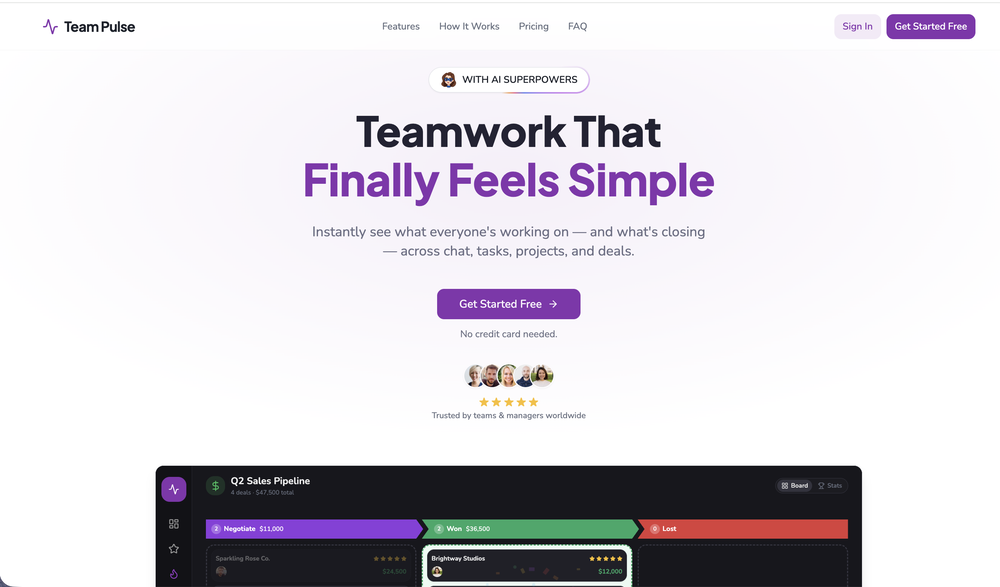 Zain Saeed🙏 3 karmaMay 20, 2026@Team PulseI started using Team Pulse recently, and I really like how simple it feels. Managing projects, tasks, and pipelines in one place is smooth, clean, and easy to understand without overcomplicating the workflow.
 -
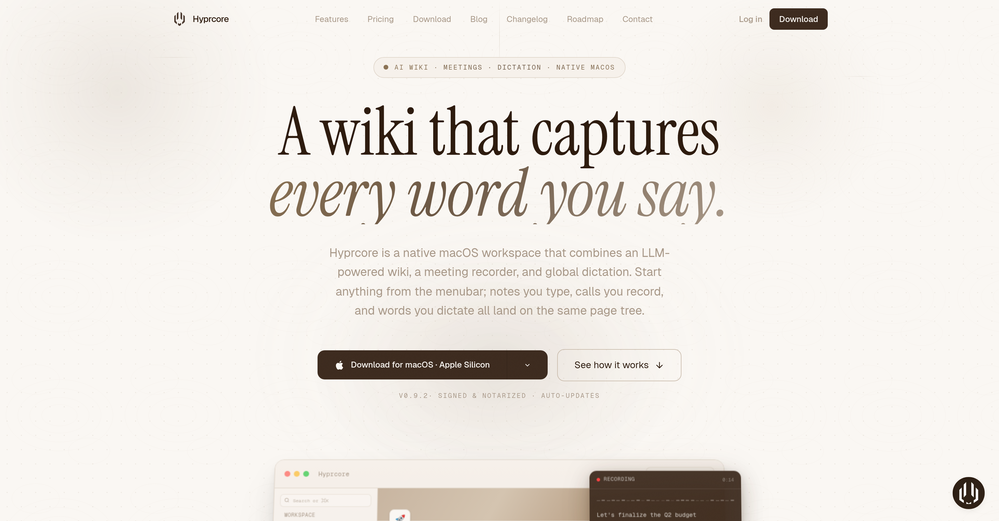 Awesome to use, the dictation really helps out while doing dev work
 -
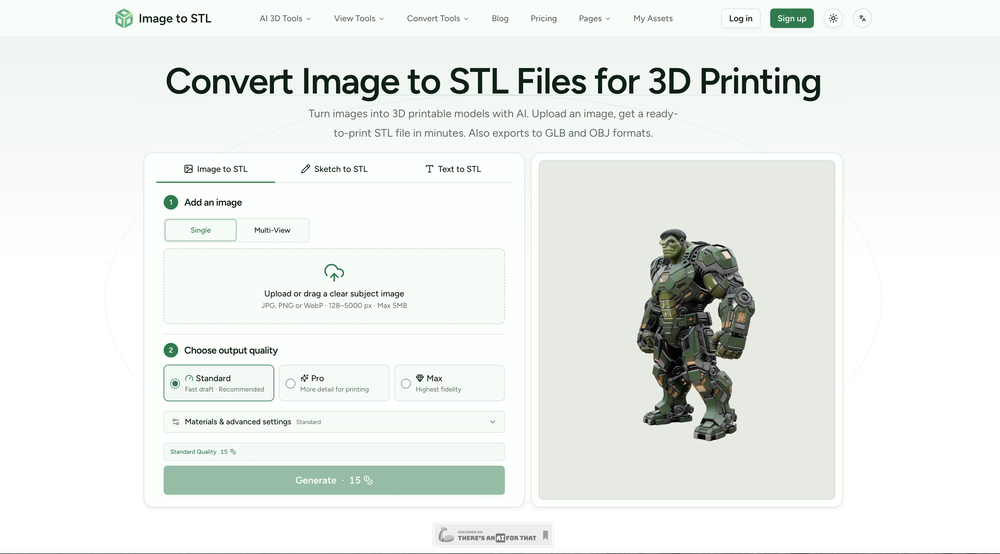 The tool makes converting images into STL files quick and straightforward. It’s easy to use, though complex images may require some adjustment for the best results.
 -
-

-
-













Other tools
-
-
When I want to sign up on the Ideogram website with "Continue with Google" and press it, the sentence "Please choose an option to continue" appears below the banner and no action happens. Anybody can help me?
-
 From idea to software application fast with Archie’s AI-first platform and services.Open
 - SpotlightSureThing.io - "OpenClaw" for BeginnersTask automation
-
quick and the quality's nuts. tons of presets and styles to pick from, definitely one of those tools that makes you wanna keep testing more stuff.
-
-
Now here's an application where ML can shine. Translation quality is usually excellent, especially if the target language is English. Probably the closest you can get to a decent translation short of hiring a professional translator.
-
Very good, they give a lot of loans, unlike other similar ones, and the quality is good and convenient
- Didn't find the AI you were looking for?
-
Fabric is kind of like a combo of bookmarking/webclipper/summarizer/knowledgebase. Basically you can add information and it will auto organize it as well as let you chat with this information and search through it. It is not a “search engine tool” I wouldn’t say. Maybe you will be able to create a knowledge, base and information repository of everything relevant to you and be able to search through that information… But that is still different than a “search engine, tool” in my opinion. So far I think they are shooting for individuals and not enterprise users. Which is great because I have been wanting to find a product that will allow me to add information from PDFs, websites and videos and then be able to search/query/chat with that. But so many of the companies I have found that offer anything close to along these lines are developing knowledge bases with only company customers in mind. I get that that is where the money is, but Fabric appears to be for actual people to use. The product is definitely underdevelopment, and I have the TestFlight of their iOS app. I wouldn’t say the app is perfect yet or anything, but they are actively developing it, and some of their ideas are changing and evolving not just minor changes to their user interface. I am using Fabric and Mem at the same time and I will be interested to see which turns put to be more for me. Definitely check it out if you have not already done so they have the opportunity to make an extremely useful tool and kind of even changing the way individuals think about storing/accessing information important to them.
-
Purely magic. It increases the productivity by a lot and the process is pretty addictive. I've been building websites like there's not tomorrow.
-
Whiteboard by Athena AI is a user-friendly, AI-powered tool that makes digital collaboration seamless. supports real-time brainstorming, and integrates easily with other apps—ideal for teams, educators, and remote learners alike.
-
I work on the Tendem team, so take this with that context — but I also use the product constantly for my own work. I've used Tendem to research AI directories — finding relevant ones, pulling submission requirements, organizing everything into a spreadsheet I could act on. I've also used it for copy edits — sending over drafts and getting back tightened, polished versions without going back and forth with a prompt ten times. The thing that keeps me coming back is how little I have to think about the handoff. I describe what I need, send it, and move on to something else. It's slower than getting a ChatGPT response, sure. But I get something finished — not a starting point I still need to rework. When you use AI tools for this kind of work, you trade waiting time for cleanup time. Tendem flips that. I'd rather wait and get a result I can use than get a fast draft I have to fix myself.
-
Thanks! So happy to hear you're liking FlowPost.
-
 Your AI-powered hub for seamless social media scheduling and content creation.OpenSadly is not working as described but they have pretty many things planned so maybe in the future it will.
 -
I was just trying it out at first, used some free credits a few hours ago to build a simple app. Turns out, it actually came out pretty decent! I got to test it on my phone without spending a dime, and even showed it to my wife, she was pretty surprised too. So we decided to go ahead and pay to polish it up and download it properly. So far, everything’s running smooth
-
-
When uploading a 30-minute video file, I was surprised to receive the transcript in just a few seconds. The speed and quality of the transcription process blew me away, especially considering the complexity of the video content.
-
Not bad, its freemium and the feature is good like private pdf and support OCR
-
Love Dadan's new AI features. I used to hate searching through videos to find specific points and actions. Now I just get AI Assist to transcribe them and use one of the meeting templates to find what I need in a few seconds.
-
Miro has massively improved how we collaborate and execute. The AI features have made a real difference in day-to-day productivity, helping us structure ideas quickly and get to decisions faster. What really surprised me is the new prototyping feature: it’s now much easier to turn a workshop board into an actual prototype and iterate with the team. If you’re running product work, workshops, roadmaps, or even GTM planning, Miro is worth it.
-
A huge disappointment. It fails standard tasks that Sonnet 3.5 completes with no issue. I’ll be skipping this version.
-
 AI-powered task list: Dictate tasks, integrate with Gmail, Slack, ChatGPT & Calendar.OpenEasy to use and the AI does its work but it is not something extraordinary. But the AI can do nothing more as it does right now
 -
-
-
Feels like an important moment in consumer AI. I installed it this past weekend and played with it a bit (in a sandboxed environment). Still rough around the edges, but feels like it will become something big. Onwards!
-
 Your AI business agent platform, on any channelOpenHi there, I’m Alix, co-founder of Invent. We’re building the future of Customer Support UX, where humans and AI truly collaborate. Would love to read&hear your thoughts. DM for any questions. We ship fast!
 -
Still surprised these guys haven't made a full release yet, its already has a lot of features than I thought it would - I personally use their hostedgpt for organizing my threads the interface is much better than chatgpt but they didnt add a settings features to it yet - for chatbot building its fully flesh-out couldnt have choosen a better service!
-
Just tried yesterday. The first productivity tool which allowed me to create professional slides, reports, and sheets with my data in a few minutes. Was able to connect 20 of my tools in less than 5 minutes.
-
Saves me from rewatching hour-long recordings just to find one decision point. The recap feature is clutch when back-to-back calls pile up and I need to remember who committed to what.
-
Thank you everyone for trying 1UI! If you haven't yet, give it a spin and use code ‘TAAFT’ to get $5 credits to try 1UI.
-
Really impressed by the multi-model planning and code review. Having different models collaborate instead of relying on just one actually leads to better decisions. You can feel the difference on more complex tasks.
-
-
 AI note taker that fixes broken meetings.OpenTeamsMaestro boosts my productivity by automatically generating clear meeting summaries with key takeaways and action points. It keeps everything organized in one place, making follow-ups easy. Highly recommend!
 -
Hello! Thor here, creator of Axell. We're the first generative AI application with real-time sync for multiple users, happy to answer any questions.
-
Waitlist
 Open
Open -
 OpenThere is nothing like that out there, especially with a high voice-based translation quality (including with specific terminology). As the Product Manager, I am a bit biased, but I still think it is great for live interpretation :)
 -
A Game-Changer for Deep Work and Creativity! Flowith has completely transformed my workflow. The infinite canvas is an intuitive and powerful way to interact with AI, moving beyond the limits of traditional linear chats. I can now explore multiple ideas in parallel, compare outputs from different AI models like GPT-4o and Claude 3.5 side-by-side, and visually organize complex projects. The personal knowledge base feature is incredible. By simply uploading my own documents, the AI generates content that is perfectly tailored and context-aware, which has significantly boosted the quality and relevance of its outputs. It's the ultimate tool for long-form content generation, brainstorming, and real-time collaboration. Highly recommended for anyone looking to enhance their productivity and creativity with AI.
-
Man, with the free models that we have web creation became so easy. But everyone had the same websites. I really like how different they look from others.
-
Honestly SurfSense is amazing, I use it almost every morning to get an mp3/podcast of my Gmail, Gcal and urgent Linear tickets so I know exactly what's going on that day. It's also insane for board games because I just throw the rulebooks in and share it with my friends so we can chat with the AI together to figure out how to play. And it is scarily good at untangling and explaining really complex rules when we encounter some weird situation!
-
-
Llamaroo has helped over 250 primary school teachers and parents generate engaging lessons for students since February 2026. We are very excited to launch Llamaroo on TAAFT and excited to give parents and teachers an empowering tool to win student attention back from apps like Roblox, Minecraft, TikTok, etc.
-
Great experience with Glean providing impressive support while onboarding and building out custom data sources.
-
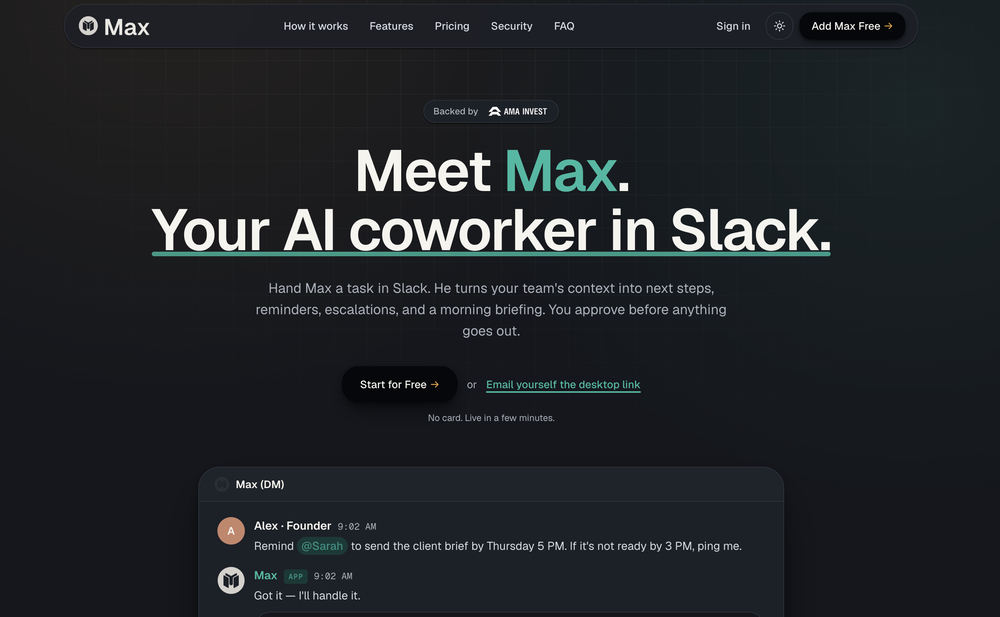
Yes, finally a slack tool that does it all. I wonder how safe it is?
-
I use it for a few years now, for me it´s a great "all-in-one" tool especially if you like to build apps. Build-in AI is also great and at all the price is fair. no-Coder.io
-
The Agent is really handy. It's much more streamlined and convenient than canvas-based AI tools. There's a bit of a learning curve at the start, but once you get the hang of it, it's incredibly useful
-
 Open
Open -
-
Easy-to-use platform to access multiple LLMs from one dashboard. Very convenient for teams as one person can purchase the API key and share its access with the team. It helps keep costs low. Wish they add the image generation feature and real-time search feature soon.
-
it integrates so well with my workspace, could be more responsive though!
-
Chatted with the fitness coach. I told him details about my goal but only gave very, very vague advice. Also, the voice was SUPER robotic and corny jokes were made. Not my expectation for a fitness instructor.
-
 Ready-to-use AI Teams for Your Automation NeedsOpengood!A different kind of AI tool that has been very helpful for my work!
 -
Really love using PR.co. Super easy to set up and our team can share press stuff way faster now. It saves us a ton of time and just makes the whole PR job less stressful.
-
It’s a fantastic tool that makes collaboration seamless and super productive by bringing AI-powered assistance directly into shared workspaces. Highly recommended!
-
Bracket makes your task list proactive. Instead of hunting tasks across tools, Bracket captures them straight from Slack and Email (for now :P). It automates follow-ups, takes accountability for your tasks, and eliminates the hours wasted maintaining task systems. Operate where your work happens —> no context switching, no dropped balls, just a team that actually follows through. Try Bracket free, sign up to the waitlist today.
-
High bandwidth way to work with Claude Code and Codex. Has become my main workspace.
-
I successfully used this app for creating 50k+ LOC commertial projects. It shifts development effort to more thinking in advance and system design. And then straightforward implementation. Are we at the time of making Waterfall methodology great(er) again?
-
-
Hey this is Tan, I'm the creator of NotesBot. I created this tool because I needed it for my own meetings. After using myself and getting great summarization reviews from my peers, I decided to release it to the public. After release, we realized people were also using it for Dungeons and Dragons, I then added a DnD mode. This tool is non-invasive, very easy to set up, and perfect for meetings. I hope you enjoy using it!
-
Founder here 👋 I built Clear Cortex because the chat window is the wrong shape for real work. Every new conversation starts from zero — you re-paste the same context, re-explain the same project, and the good answers disappear into scrollback you'll never find again. So the model here is flipped: your work lives in a workspace you own, and the AI comes to it. Every leading model — chat, image, audio, code — works from the same canvas behind one login and one pot of credit. And every answer is cited back to the exact source it was built from, so you can open it a week later and still trust it.
-
xeditai.com has options that most chat AIs lack, 1) Options to choose multiple vendor 2) Save content online 3) Regenerate by Section/Paragraph switch model to regenerate 4) Edit/Add text or image 5) Add branding and export 6) Run Parallel and copy across by Section/Paragraph 7) Run Strategy mode to a maximum of 3 LLMs to evaluate/synthesize/debate 8) Optionally switch templates to target output to different format 9) Tweak roles, thinking, model params 10) Use suggested next steps to follow up or target next template by process for e.g. BRD-> PRD
-
Waitlist
I'm in early beta and I'm managing to orchestrate my 3 openclaw agents with my 2 claude code sessions. It's cool, maybe this is the future.
-
Tried AnyGen for a bit and I like how flexible it feels compared to more rigid AI generators. Seems useful for quickly experimenting with different types of content and ideas without overcomplicating the workflow.
-
I mostly use ChatGPT and Claude for writing content. What I like Chatgbot is that it saves me from multiple monthly payments for different AI tools. Everything works fine, accuracy included. Worth subscribing.
-
 Debating AI models, tireless agents, and workspaces. Unlocked, pay-as-you-go.Open
 -
 AI-powered influencer marketing automation platform.Open
 -
SmartTalk is an amazing tool. For now, I’m using the free plan and it’s already doing the job. I’m looking forward to the upcoming features, like broadcasting, to switch to the paid plan.
-
 Discord voice transcription and note taking app for teams and DnD sessionsOpen
 -
Use it every day! Best AI support for work
-
 Search and chat across multiple developer documentation sources in one place.Open
 -
 Test Management by Testsigma | Test Faster with AIOpen
 -
Perfect one-stop knowledge base for individuals/teams!
-
-
 Turn phone photos into compliant passport photos instantly.Open
 -
amaiko finally makes AI feel native to Teams. Instead of another chatbot bolted onto your workflow, amaiko lives right inside Microsoft Teams and actually gets things done — reading your email, digging through Microsoft 365, researching the web, and drafting documents through a team of specialist agents that remember who you are and how you work. It's everything Copilot promised, but sharper, faster, and genuinely useful. If you live in Teams, amaiko is the AI colleague you've been waiting for. 🚀
-
Echother is exactly what I was looking for to speed up our meetings. While other tools trap you in $X/month subscriptions for basic transcription, echother does something different, it connects your meeting discussions to your actual codebase and generates Jira tickets with real context. The repo-aware ticket generation cut our sprint refinement time in half because we stopped re-explaining everything. Instead of vague tickets that need clarification later, we get tickets with file references, implementation patterns, and technical context pulled directly from our code. It's saved us 10+ hours per week that used to disappear into coordination overhead. No corporate fluff, just meetings that actually turn into actionable work.
-
What you’re describing is interesting, but also risky. If users stay for insights but you position around ops efficiency, you’re likely attracting the wrong icp and underpricing the real value. In similar cases, that creates a significant revenue ceiling. Have you tested leading with insight speed / decision advantage instead of scheduling pain?
-
Geekflare Chat has made my workflow much simpler by bringing multiple AI models into one place. I can quickly compare responses, which is really helpful for content ideas and research. It’s fast, clean, and easy to use, and I haven’t faced any issues so far.
-
 AI-powered employee monitoring that turns screen data into productivity insightsOpen
 -
-
Awesome team collaboration app! I am of course very biased :)
-
AI Call is one of the few tools that can translate both phone calls and video calls in real time. I've used it for international travel, hotel bookings, and customer service calls. The live subtitles are accurate and the call quality is surprisingly smooth. It saves a lot of time compared to switching between multiple translation apps.
-
 Open
Open -
 Dynamic 'War Room': Knowledge, ethics, and collaboration blend.Open
 -
 Open
Open -
 Open
Open -
 Secure, innovative GPT for collaborative data science and education.Open
 -
 Enhancing collaboration with 'The 10 Foundational Elements' model.Open
 -
 Open
Open -
 Orchestrating coding dialogues with AI expertise.Open
 -
 Facilitates efficient collaboration between suppliers and the organization.Open