TAAFT Tutorial
Generate image
Tasks
Generate text
Free mode
Trending
Leaderboard
Characters
 Mini tools
New
Featured
Lists
Agents
Requests
Jobs
Map
Newsletter
Starter pack
Free tools
Speech to text
Text translator
Remove background
Settings
Edit profile
My tools
Gallery
Dashboard
Inbox
Get featured
Contact TAAFT
For you
Popular
Job impact index
Most saved
Affiliate program
Submit AI tool
Notification preferences
Glossary
Home
Timeline
My profile
Create tool
Deals
Companies
Models
Robots
Papers
Fundraises
Repositories
Devices
Organizations
Events
Prompt Pack
Merchendise
APIs
Features
Tools
Countries
Collections
Videos
Mini tools
New
Featured
Lists
Agents
Requests
Jobs
Map
Newsletter
Starter pack
Free tools
Speech to text
Text translator
Remove background
Settings
Edit profile
My tools
Gallery
Dashboard
Inbox
Get featured
Contact TAAFT
For you
Popular
Job impact index
Most saved
Affiliate program
Submit AI tool
Notification preferences
Glossary
Home
Timeline
My profile
Create tool
Deals
Companies
Models
Robots
Papers
Fundraises
Repositories
Devices
Organizations
Events
Prompt Pack
Merchendise
APIs
Features
Tools
Countries
Collections
Videos
Mini tools
New
Featured
Lists
Agents
Requests
Jobs
Map
Newsletter
Starter pack
Free tools
Speech to text
Text translator
Remove background
Settings
Edit profile
My tools
Gallery
Dashboard
Inbox
Get featured
Contact TAAFT
For you
Popular
Job impact index
Most saved
Affiliate program
Submit AI tool
Notification preferences
Glossary
Home
Timeline
My profile
Create tool
Deals
Companies
Models
Robots
Papers
Fundraises
Repositories
Devices
Organizations
Events
Prompt Pack
Merchendise
APIs
Features
Tools
Countries
Collections
Videos

▼ Popular
Content extraction
Free mode
100% free
Freemium
Free Trial
Featured matches
-
 Open
Open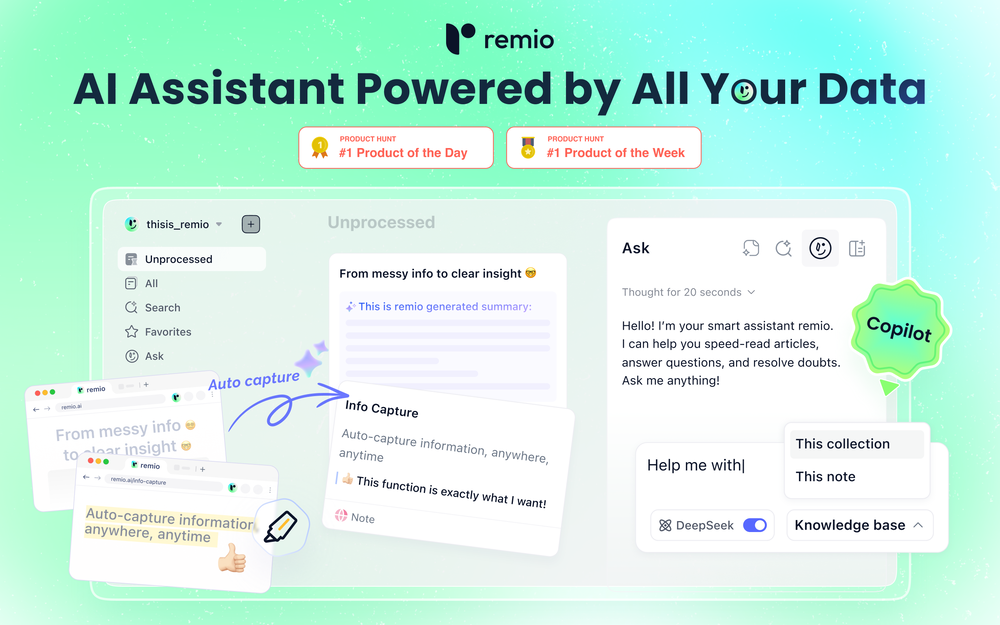 Most AI tools start from zero. You paste in context, re-explain your work, and hope the output is relevant. Every. Single. Time. remio is different. It automatically captures everything you work on — web pages you browse, documents you read, meetings you record, emails you send — and turns it all into a living, private knowledge base. No manual tagging. No copy-pasting. No setup. Then, when you need to get something done, remio already knows your context. Write a doc, draft an email, generate a report, create slides — just tell it what you need. It pulls from your actual work history to produce output that's genuinely relevant to you. What makes remio different: 🧠 Passive, automatic context capture — works silently in the background 🔒 Local-first & privacy-focused — your data stays on your device ⚡ BYOK support — bring your own API key from OpenAI, Google, DeepSeek and more 🖥️ Local model support via Ollama 📎 Connects to Gmail, Google Docs, local files, YouTube, and more 🛠️ Build reusable aApp workflows powered by your own knowledge This is not another note-taking app. This is your personal agent — one that already knows your world. From knowledge to getting things done. 👉 Try remio today.
 -
 Yasser Seleem🛠️ 1 tool 🙏 4 karmaMay 12, 2026@SodaMarketingVery good tool to create hyper realistic UGC ads and on-brand static ads
 -
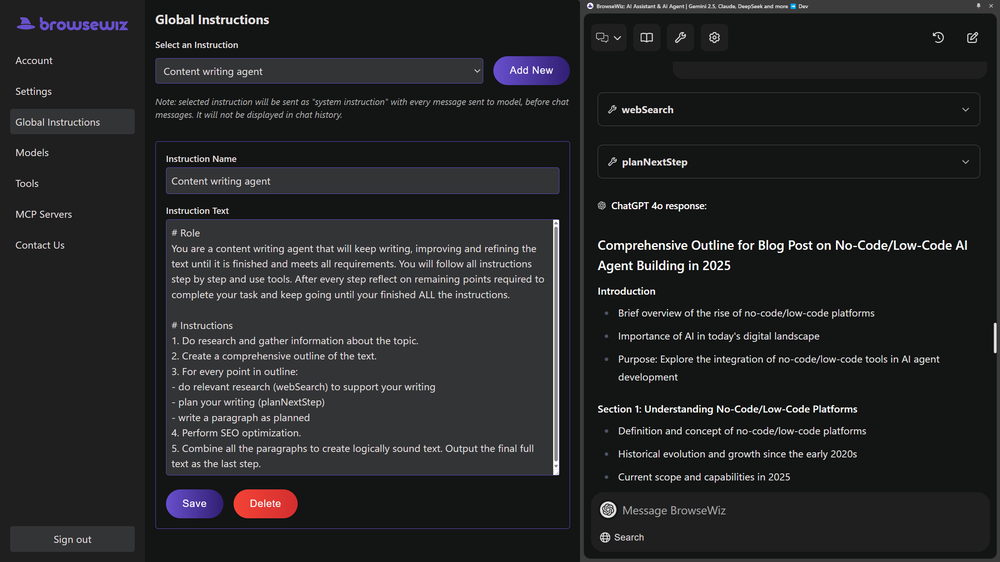 Like copilot, but for power users. Nice for my n8n workflows command center
 -
 AI browser assistant for intelligent automation.Open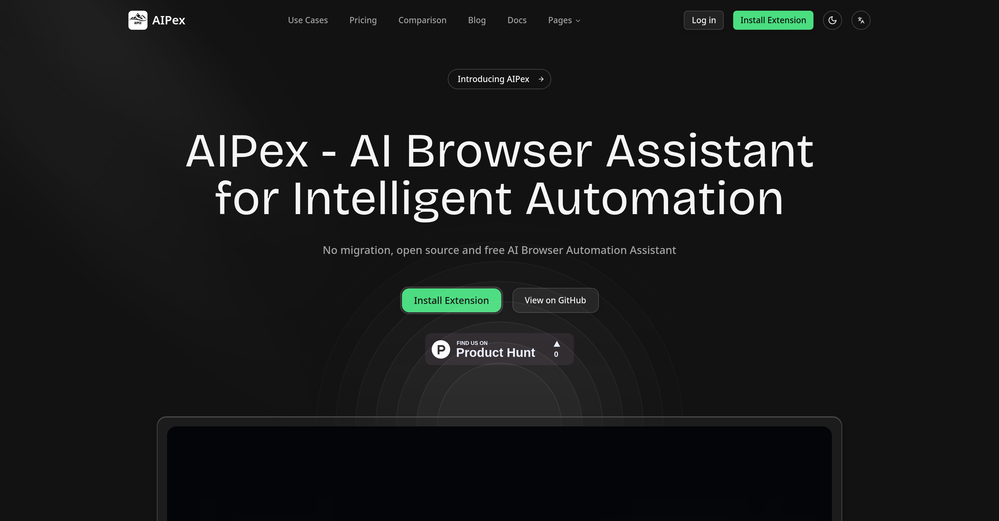
-
 One API to track mentions, sentiment, and visibility across top LLMs.Open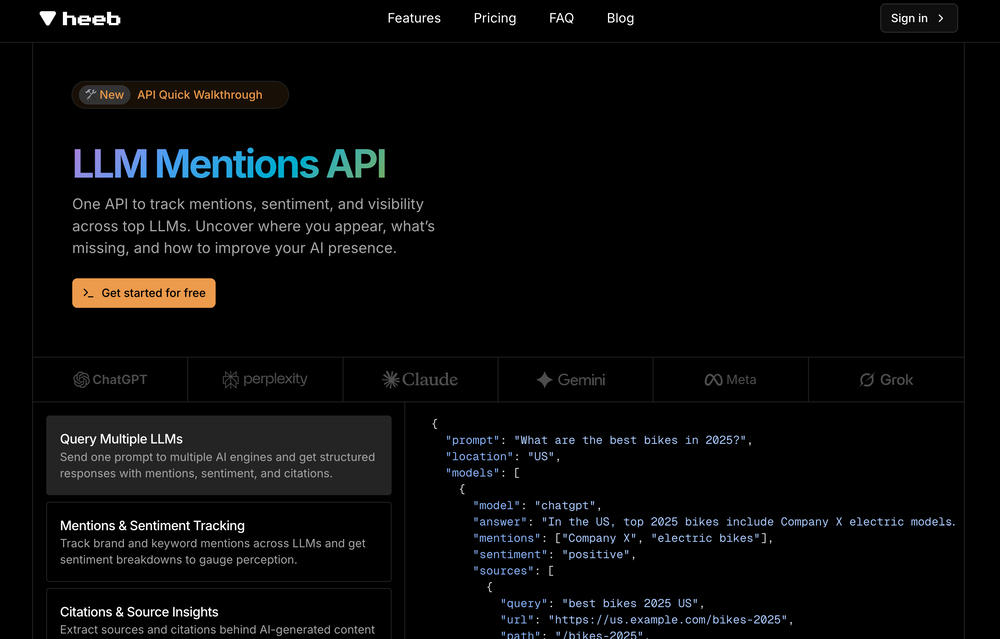
-
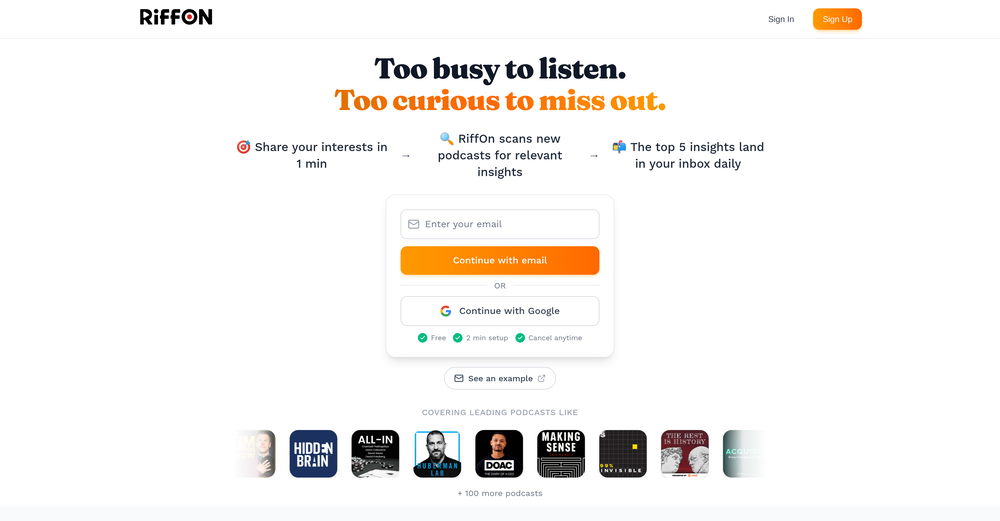 This is a great platform for synthesise insights from different podcasts in case you'd like to extract key point without watching the entire thing. Here's a video I made on it https://youtu.be/m9jw29xsQbo
 -

-
-
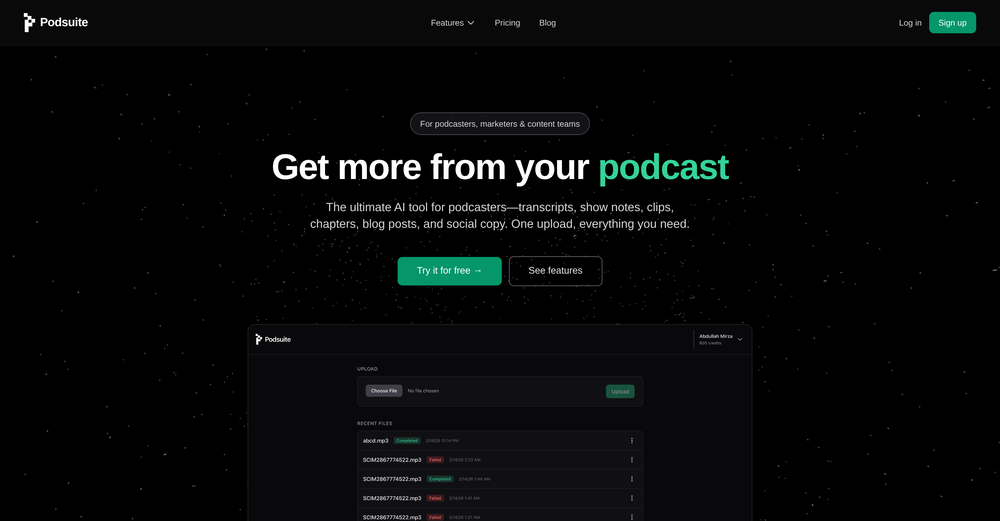 I think it delivers on all of its claims, specially the transcription and Blogs.
 -







Other tools
-
 Summarize any YouTube video, any size, under 30 seconds, for free.Open
 -
Very expensive for most common pages, no way you pay that
-
YouTube to Doc is freaking awesome! Total lifesaver for turning videos into text. Just paste the URL → boom, you’ve got a doc. Perfect for notes or quotes. 10/10 recommend!
- Sponsor
 Tripo AI 3D Generator
 -
This AI PDF Summarizer worked really well
-
I was able to get a summary for a half hour video in just under 2 minutes. An hour long video took 5 minutes. Saved me a phenomenal amount of time having to watch videos for courses!
-
A great tool without a doubt. However I prefer to have something that stays under my sight, like a separate app or a browser extension.
-
-
I've tried several Youtube summarizers and this is...by far...the best.
- Didn't find the AI you were looking for?
-
-
Without a doubt Petal is the most comprehensively helpful ai for analysing, comparing and paraphrasing multiple papers or websites etc. it’s table feature totally rocks for gathering citations and will answer you]r questions in a table containing your choice of docs - it then mines each uploaded doc for answers to your questions. The multi-doc lit review writer it’s very cool once you get the hang of it’s. Honestly, there are so many things to love in this ai - I’m truly surprised it’s isn’t more widely used … it mines your documents thoroughly and finds all kinds of helpful insights. I use it by preference.
-
nice tool,only input two images to easily create realistic cartoon animations.
-
 Convert YouTube videos to text fast and freeOpenHands down the best ai tool for content creators. Their free YouTube transcriptor is always on point
 -
-
 Open
Open -
This is one of the best scrapers I have ever seen, especially considering that Cloudflare explicitly advises against scraping their pages. What makes this scraper stand out is that it opens a virtual machine and runs an agent on top of it, which allows it to bypass bot detection errors effectively. This advanced approach enables it to grab the text content reliably, even from websites with strong anti-scraping measures. By simulating a real user environment, it avoids common blocks and restrictions.
-
You can now ask AI about your typed note. This issue has been fixed.
-
I highly recommend xound.io for its voice enhancement quality 🚀
-
 Extract data instantly: Grab text, images, emails & links from any websiteOpen
 -
"Key Milestones in the Y2K Phenomenon and the Rise of OpenAI": This was result of simply prompting it "Y2K, OpenAI". The results were excellent. I imagine this would be an amazing tool for a large basket of professionals, as well as scholars and more.
-
It's like 12ft.io with summaries. I haven't tested it for long, but I'm hyped about this!!
-
 Extract Wisdom from Any Link -- 6 AI Models, Haiku 4.5 SynthesizedOpenExtract wisdom from YT, websites, PDFs, any link. Multiple models catch what single perspectives miss. Organized thematically. Honest about uncertainty. Built for understanding, not compression. All feedback welcome!
 -
Doesn't work on a PDF I uploaded. Seems like it just wants to collect (l)users.
-
-
 AI-powered research assistant for diverse content analysis.Open
 -
-
PDF Digest is a helpful AI tool that makes working with PDF files easier and saves time.
-
 Open
Open -
 Open
Open -
-
Way better than most Chat with PDF tools I tried
-
Great platform to increase your productivity. The infographic generator is my favorite tool.
-
 Intelligent browser assistant for deep content analysis and instant translations.Open
 -
 Schedule without effort: speak, snap, paste — plan and adapt as youOpenGood job dud good job , i wanna try sure
 -
It can only capture a box in a page, but if the page is longer than the screen, and it has scrolling text, the tool cannot handle it wholly. Then the user has to scroll and do the job piece by piece, making this extension useless. I have also encountered several issues with extracting data from a web page with tables and pasting it onto an Excel file, the formatting was not kept and I have spent hours on portions of the texts just to be able to paste it into an excel file correctly. This last issue might be due solely to the web page I have tried the extension on, but the fact that the tool cannot capture the whole page, still stands.
-
 Transform lengthy content into concise, purpose-driven summaries.Open
 -
 AI chat for every YouTube video, with instant summaries and search.Open
 -
-
I use Coolo to remove bass from the song. By isolating the bass track, I can hear every single note and nuance. It’s also been great for making backing tracks to practice my guitar solos over. Very nice!!
-
I have been using ProNoto for over an year, the extension has helped a lot with my meetings and presentations.
-
 No-code AI agent for your website, trained for your business data.Open
 -
idk how but tokens are cheaper than claude and chatgpt
-
Great tool to grow on YouTube with actionable insights👏🏼
-
 Get 99.9% accurate TikTok transcripts in seconds.OpenOne tool that really impressed me—I honestly can’t believe something this good is free. Even if it becomes paid later, I’d still keep using it. The results are just that good.
 -
 OpenI recently tried legasite.io The process was straightforward. You paste in your site’s URL, choose a template, and wait. It didn’t take long before I got a downloadable version built with modern structure (Next/React.js). That alone saved me a decent chunk of manual setup time. The generated layout was clean and usable. Overall, I’d say it’s genuinely useful if you’re modernizing legacy sites and want a head start with the possibility of refining the output if the original website has messy interactions or complex structures.
 -
Interesting! Worked quite well on free verifications I had.
-
-
 Debating AI models, tireless agents, and workspaces. Unlocked, pay-as-you-go.Open
 -
Paying $300-$500/month for a docs site, as a small founder, is way too much. We've been looking for a simple, affordable, practically autonomous tool like Docsio for a while.
-
This started from a small frustration that wouldn't go away: I'd open 12 tabs for "research," skim none of them properly, and close my laptop feeling more behind than when I started. The web rewards reading speed, not reading depth — and I wanted a tool that flipped that. So I built GetTheGists: a Chrome extension that gives you the gist of any page in 3 seconds, then lets you ask follow-up questions like you would a smart friend who already read it. A few things we went out of our way to get right: - Cognitive hierarchy, not walls of text. Every summary is structured as Gist → Why It Matters → Key Takeaways → Implications. Compression before precision. - Ask, don't just read. Hit the page with follow-ups, get answers grounded in the content. - 20 languages, full dark mode, and a resizable side panel that actually respects your screen. What surprised me building this: the hardest part wasn't the AI — it was deciding what not to show. Every iteration was about removing a section, not adding one. It's free to try (Premium and Pro tiers if you want higher limits). I'd love your honest feedback — especially on the summary format and where it falls short on your favorite kind of page. I'll be in the comments all day. Thank you for taking a look 🙏
-
Great workflow tool with a good deal of nodes. Very easy to use. Can create AI app in minutes.
-
 Open
Open -
-
Tried AnyGen for a bit and I like how flexible it feels compared to more rigid AI generators. Seems useful for quickly experimenting with different types of content and ideas without overcomplicating the workflow.
-
 Open
Open -
 AI-powered legal document analysis for rapid insightsOpen
 -
 Open
Open -
 Open
Open -
 Book Summarizer instantly transforms any book into a crisp, intelligent summary.OpenBy far the most complete summary I received. Thank you.
 -
Hi everyone. 👋 I created Ozigi because I was tired of seeing AI slop in content all over the internet, from social media posts to long-form content. Ozigi operates on two principles: 1. We eliminate AI slop words from your content, using a banned lexicon feature that filters common/known AI words or structures from getting into your content. 2. We encourage a human-in-the-loop philosophy. We do not believe in mindless automation that values quantity over quality. We value quality, and that is why it is important to us to make sure that you--a human--reviews the generated content first before setting it up for publishing. Ozigi does more than just social media content. It generates email newsletters and blogppsts as well.
-
Geek Link seems genuinely practical for people working with recordings, meetings, or voice notes regularly. I like transcription tools that focus on speed and usability instead of making the workflow feel overly technical.
-
Been using TranscriptTool whenever I need to quickly turn short videos into text. I like that it keeps things simple and makes it easier to review claims or pull quotes without having to watch clips repeatedly. Handy tool for anyone dealing with video content regularly.
-
Pretty handy, not always helpful since sometimes notes are not in a simple text format, but it does the job
- Waitlist
-
 Open
Open -
 Automates clear and understandable PPT content extraction and structuring.Open
 -
Could you please guide me step by step on how you found the pricing page? All I can find is a Pro subscription page that doesn't display any prices.
-
 Refines articles into summaries and mind maps.Open
 -
 Efficiently extracts keywords from various texts, social media, and customer feedbackOpen
 -
 Extracts and explains key insights from online articles, blog posts, and files.Open
 -
 Open
Open -
 Open
Open -
 Creating FAQs for dropshipping/POD from blog titles.Open