Go to section
Sponsor
 Flow - 4x faster than typing
🎤 Dictation
Flow - 4x faster than typing
🎤 Dictation
The front page of AI.Used by 90M+ humans.

Generate image
Tasks
Generate text
Free mode
Trending
Leaderboard
Characters
 Mini tools
New
Featured
Lists
Agents
Requests
Jobs
Map
Newsletter
Starter pack
Free tools
Speech to text
Text translator
Remove background
Settings
Edit profile
My tools
Gallery
Dashboard
Inbox
Get featured
Contact TAAFT
For you
Popular
Job impact index
Most saved
Affiliate program
Submit AI tool
Notification preferences
Glossary
Home
Timeline
My profile
Create tool
Deals
Companies
Models
Robots
Papers
Fundraises
Repositories
Devices
Organizations
Events
Prompt Pack
Merchendise
APIs
Features
Tools
Countries
Collections
Videos
Mini tools
New
Featured
Lists
Agents
Requests
Jobs
Map
Newsletter
Starter pack
Free tools
Speech to text
Text translator
Remove background
Settings
Edit profile
My tools
Gallery
Dashboard
Inbox
Get featured
Contact TAAFT
For you
Popular
Job impact index
Most saved
Affiliate program
Submit AI tool
Notification preferences
Glossary
Home
Timeline
My profile
Create tool
Deals
Companies
Models
Robots
Papers
Fundraises
Repositories
Devices
Organizations
Events
Prompt Pack
Merchendise
APIs
Features
Tools
Countries
Collections
Videos
Mini tools
New
Featured
Lists
Agents
Requests
Jobs
Map
Newsletter
Starter pack
Free tools
Speech to text
Text translator
Remove background
Settings
Edit profile
My tools
Gallery
Dashboard
Inbox
Get featured
Contact TAAFT
For you
Popular
Job impact index
Most saved
Affiliate program
Submit AI tool
Notification preferences
Glossary
Home
Timeline
My profile
Create tool
Deals
Companies
Models
Robots
Papers
Fundraises
Repositories
Devices
Organizations
Events
Prompt Pack
Merchendise
APIs
Features
Tools
Countries
Collections
Videos

▼ Latest
Vide
Free mode
100% free
Freemium
Free Trial
Featured matches
-
-
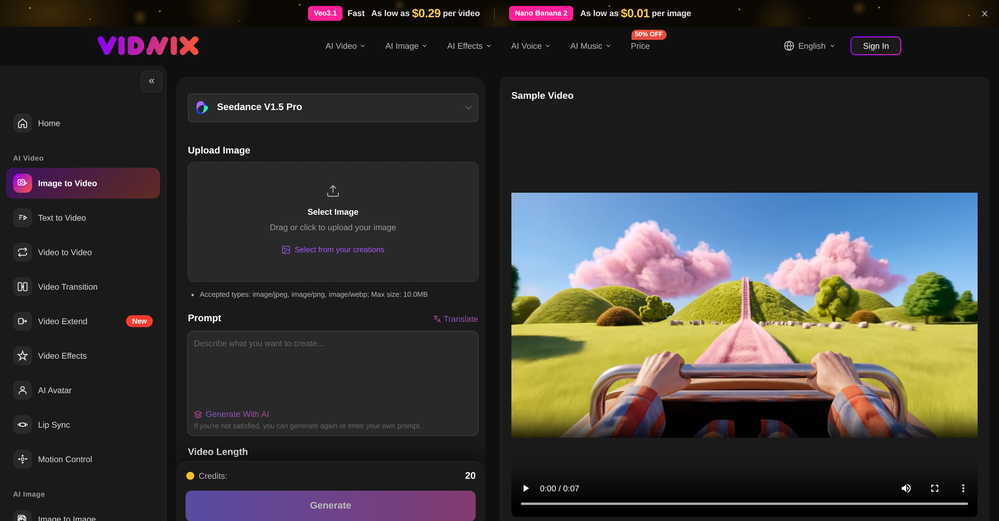 GOO DAGE🙏 17 karmaApr 24, 2026@Vidnix | AI Image to Video GeneratorThe generation speed is very fast, and having access to multiple mainstream models on a single platform — including the latest ones like Seedance2 and GPT Image2 — is great. The pricing is really affordable. I've already become an annual member.
 -
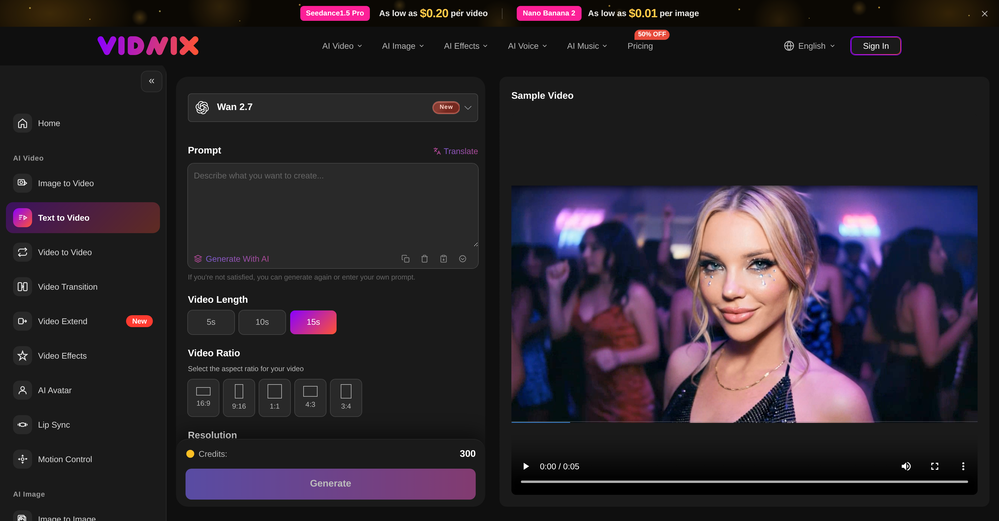 Solid. Not perfect but it gets the job done and the updates have been pretty consistent
 -
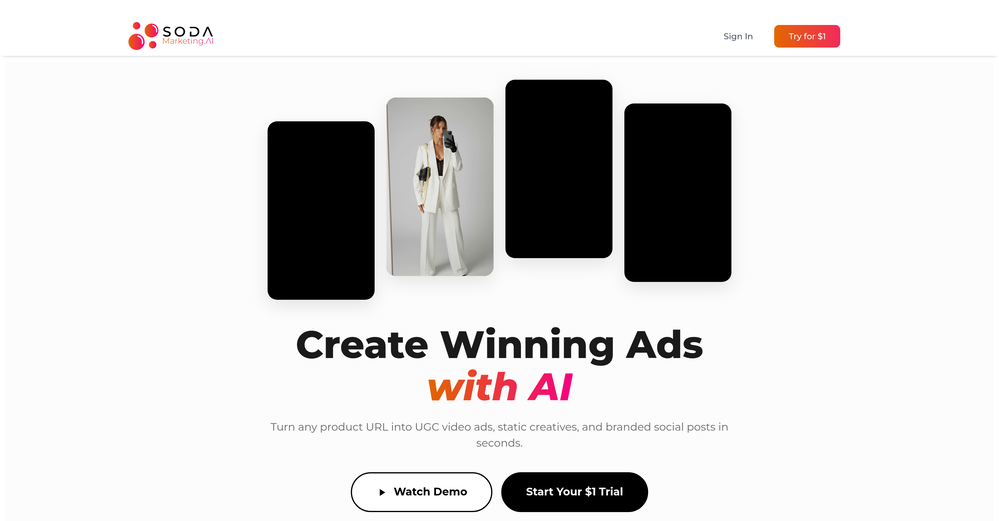 Very good tool to create hyper realistic UGC ads and on-brand static ads
 -
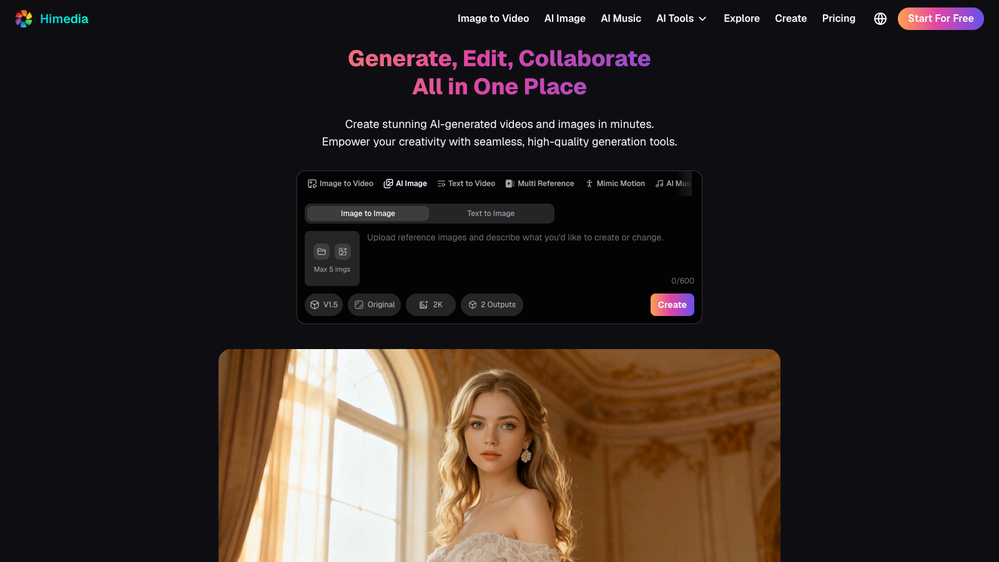 I mainly used Himedia AI for image creation and got surprisingly realistic outputs. Prompt control feels intuitive compared with some other tools.
 -

-
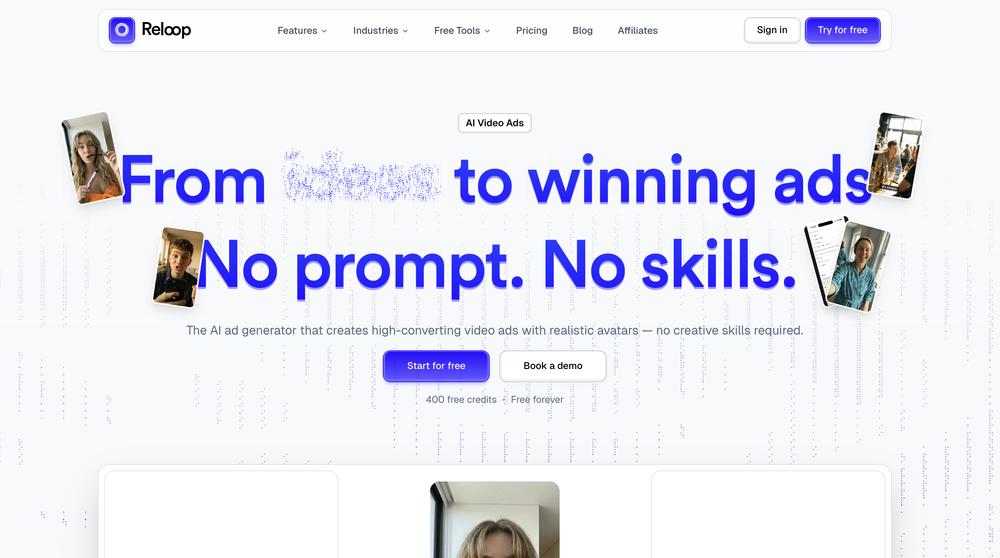 Reloop let's you create and edit ads in different kind of styles, whether you want to promote a product, a service or a tool, you can do it in 3 minutes, by having a convo with an agent. The output and ease of use is great!
 -
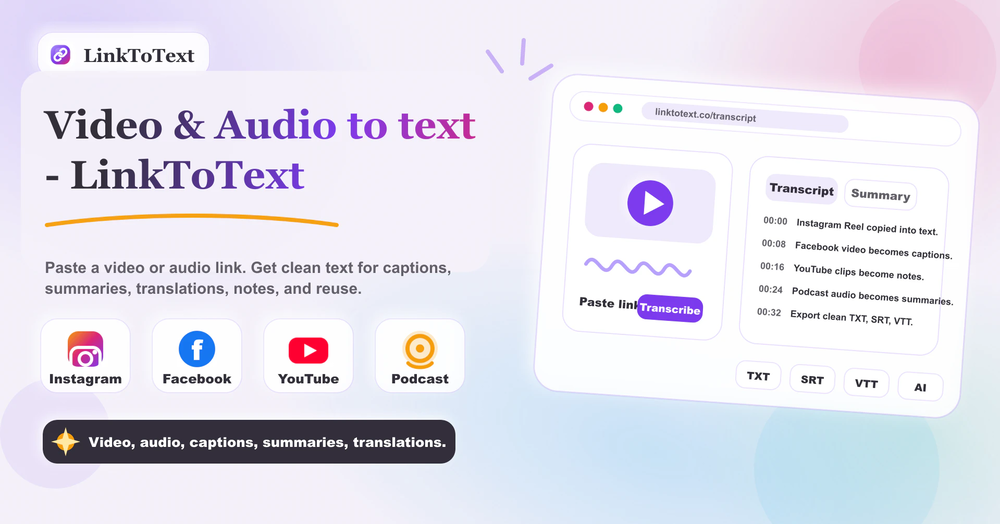 Tried this with a couple clips and the speed was honestly impressive. Feels super useful for creators and research workflows.
 -
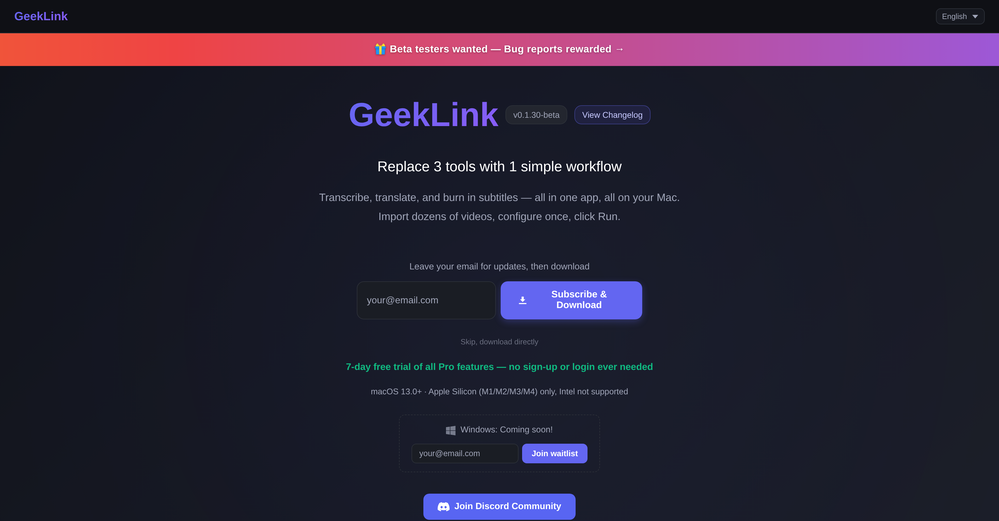 You are absolutely right. There are a lot of founder and certain types of tools that assume their users are experts, making their products very technical. GeekLink is not that kind of product. A creator shouldn't have to know the exact parameters, meanings, and depths behind it. All of that is handled behind GeekLink.
 -














Verified tools
-
Speed is amazing ! I will definitely utilize the tool in the future for film generation
- SponsorFlow - 4x faster than typing🎤 Dictation
-
 OpenI mainly use the AVC AI Video Enhancer to process old videos and those with poor quality. The overall experience is quite stable. The most obvious feeling is that the video clarity has indeed improved. Especially for the parts that were originally blurry and had lost details, after upscaling, the edges become cleaner. On some low-resolution videos, the detail restoration is quite good. For example, the facial features and background outlines will be clearer than before.
 -
 Open
Open -
 AI video translation with dubbing and lip-sync.Open
 -
Vireel offers the best realistic ai image to video and ai text to video tools. Incredible no watermark quality!
-
 OpenTried it with one photo and was surprised how natural the video looked — lots of effects and models to play with too
 -
To just upload my song and have AI figure out the rest so I can share my songs on tiktok etc... As a Suno user I've wanted something simple and affordable, this is finally it. Other tools want $50 credits then it turns out it's not even enough to learn the tool, never mind just get a usable video out.
-
Love Dadan's new AI features. I used to hate searching through videos to find specific points and actions. Now I just get AI Assist to transcribe them and use one of the meeting templates to find what I need in a few seconds.
-
 Open
Open -
 Turn your slides into narrated videos with AI voiceoverOpen- Complete rebuild with a redesigned interface and faster workflow. - Added AI script generation to automatically create presentation narration. - Expanded language support for creating videos in more languages. - Added new natural-sounding AI voices across supported languages. - Improved presentation rendering speed and overall reliability. - Enhanced export experience with downloadable MP4, PDF, and script files. - Refined project management and editing workflow. - Numerous bug fixes and performance improvements.
 -
 Transform photos into cinematic videos with AI.OpenMultiple video models available, easy to try with free credits, and the results look good.
 -
 Use every top AI model and 100+ effects in one account.Opena friend sent me this the other day. veo, grok, seedance all run from one upload and it's actually fast. ui doesn't fight me. no complaints.
 -
Many ai models help me create videos I love
-
 Create on-brand image and video ads in minutesOpen
 -
 Start from real examples. Turn one good clip into a full video.OpenI was surprised by MotionGen's image2 model. I've uploaded a photo and it accurately suggested hairstyle variations I actually loved. Didn't expect that at all.
 -
 Transform your music into stunning visual experiences with AIOpenThe generation effect is good, the pictures are exquisite, and the transition animations of the pictures are smooth The only drawback is that it would be better if the generation time were a little faster
 -
 Open
Open -
 Upscale videos or images with AI for free, right in your browserOpen
 -
Hey everyone! We're making VIP mobile friendly, team-friendly (added support for organizations). We've added semantic search and better bulk analysis, and we're soon adding real-time camera feeds and API access for custom integrations. Try it out for free and let us know what you think!
-
 Open
Open -
-
 AI-powered video background remover without green screens.Open
 -
This tool not only transcribes videos and audio, but also automatically generates summaries, which greatly helps me organize my study notes.
-
 Instant compression, zero restrictions just fast, free, and flawless.Open
 -
VideoWeb AI is an useful AI tool for my video creation. I like the video to video feature that I can create the anime video with my videos.
-
not that good it cant generate your prompt it can only generate custom prompt as saved by itself
-
After trying this feature for a few days, I found that it writes more human-like articles than ordinary AI-generated ones, with higher depth and less wordiness than traditional AI articles.
-
 Turn prompts into polished images and videos, instantly.Open
 -
 Turn images into videos with advanced AI All with Fylia AI.Open
 -
 Open
Open -
 Open
Open -
 Turn simple prompts into viral videos, stunning images, and realistic audio.Open
 -
 OpenAI Inspo is an excellent all-in-one AI platform. With trending templates and advanced AI generation models, creating engaging videos becomes fast and effortless in just a few clicks.
 -
-
 Turn any image into AI video. No watermark, 10+ models, free.OpenVdoo is excellent; it can freely generate all sorts of videos and images I want. I highly recommend giving it a try.
 -
 Transform any photo into stunning dynamic videos.Open
 -
 Open
Open -
 Turn product photos into marketing videos instantly.Open
 -
I tried Animon for a bit and it’s actually pretty solid. It does a good job with simple animations and keeps the original image style pretty well, so the results usually look clean.
-
 Remove subtitles, captions, and watermarks from videos instantly.Open
 -
I really gotta let my heart out, got so many great reviews from my peers. It has helped me make my school work so much easier. I work with little children so when i make it cartoonish it's giving me the best one's yet.
-
I was skeptical about the "one-click video" claim, but I gave TemVideo a shot for a new product I'm testing. The biggest headache with AI video tools is usually the prompt engineering—you spend 30 minutes typing descriptions just to get a weird-looking hand. TemVideo completely bypasses that. My honest take after using it: The "From Raw Footage" feature is the real MVP. You know those random 10-second clips you take on your phone just to check lighting? The AI somehow turns those messy scraps into coherent ads. It’s almost spooky how well it edits around the product. It’s built for speed. If you are a dropshipper who needs to test 5 different products today, this workflow is unbeatable. Upload, click, done. I had an export ready faster than I could find a coffee. Multi-language is a bonus. It’s smart they included localization. If you sell globally, having the AI handle the lip sync and narration in different languages from one workflow is a massive time-saver. Best part? The built-in "Viral Hooks" library. It takes the guesswork out of what text to put on screen to stop the scroll.
-
 Open
Open -
It's great to have free tools of such high value
-
As the developer behind Pixado, I built this because I was tired of spending hours on design tools just to get a decent thumbnail. I wanted to create something that focuses purely on CTR and production-ready output, not just 'artistic' images. I’m constantly refining the models to handle real YouTube layouts. Would love to hear your feedback on the latest results—what features would make your content production even faster?
-
realistic lip sync working very good recommended
-
 Web platform for video translation, text-to-speech conversion, image creation, media editingOpenGenerated a pretty accurate video translation. Also, was quite impressed with a price tag.
 -
 Edit smarter, faster and easier with Filmora’s powerful AI video tools.Open
 -
 OpenGoEnhance's production from video to animation is impressive. It can go up to 2k 60fps, so exciting.
 -
I am the builder of WUI.AI, an innovative content repurposing application designed to help global individual creators transform their text, audio, and video content into platform-optimized short and long videos for YouTube, TikTok, Reels, and more, with automated publishing capabilities. I try to build in public so any feedbacks will be appreciated
-
Purely magic. It increases the productivity by a lot and the process is pretty addictive. I've been building websites like there's not tomorrow.
-
Really impressed by the multi-model planning and code review. Having different models collaborate instead of relying on just one actually leads to better decisions. You can feel the difference on more complex tasks.
-
Rocket is fast as heeeelll for spinning up prototypes when an idea hits. I've shipped small tools and MVPs with this as the foundation, saves days of boilerplate setup. Great one :)
-
Base44 is an AI-powered platform for building fully-functional apps with no code and minimal setup hassle. The platform leverages advanced AI technology to translate simple, natural language descriptions into working apps. Let’s make your dream a reality. Right now.
-
 Turn one screen recording into videos, interactive tours, and product guides.Open
 -
-
-
-
 Open
Open -
Really liked the performance dashboard features. Very unique. Also the output was very polished, ready to deploy. Did not have to use Supabase - though would like to have the option of also using it if I want. Also cheaper compared to alternatives
-
I was just trying it out at first, used some free credits a few hours ago to build a simple app. Turns out, it actually came out pretty decent! I got to test it on my phone without spending a dime, and even showed it to my wife, she was pretty surprised too. So we decided to go ahead and pay to polish it up and download it properly. So far, everything’s running smooth
-
It’s super easy to use! Trickle can handle everything from forms to analytics, and you can deploy your project in no time. Impressive!
-
I’ve found Jogg.ai to be super convenient, especially for creating short ad videos for products! If you haven’t tried it yet, you should check out this tutorial: https://www.jogg.ai/blog/4-steps-to-create-your-product-video-ads-in-minutes/
-
I tried to look at what their avatars look and sound like but could not find it on their website. I'm not going to make a purchase if I can't see what I'm buying.
-
 Open
Open -
 Open
Open -
 Convert IG Reels into text with 99.9% accuracy.OpenI hadn't come across this tool until just a few days ago, when I spotted it on TAAFT. It was truly a pleasant surprise; the development team genuinely offers their services completely free of charge—a remarkably generous approach compared to other tools. It saves both time and money. My sincere thanks to the development team for creating such an excellent tool.
 -
 Get 99.9% accurate TikTok transcripts in seconds.OpenOne tool that really impressed me—I honestly can’t believe something this good is free. Even if it becomes paid later, I’d still keep using it. The results are just that good.
 -
-
Preplo really helped me cook more at home. Can't wait to see what new features they will add in the future.
-
Pricing is fair since it would take me days to clip 4 hour videos
-
 Open
Open -
 Open
Open -
Super interesting tool! I’ve been using FindTube to learn data analysis, and it solved a problem I always had with YouTube—I could easily collect too many tutorials, but I was always lost about where to start, and everything felt unstructured.
-
 Open
Open -
Hey Jack, fair question! The AI is the "Wingman" feature inside the video call. Instead of transcribing the audio (which would violate our privacy policy), the AI is an on-demand agent powered by GPT-4o. You toggle modes like 'Roast' or 'Spicy', and it generates context-aware conversation cards to save the date if things get awkward. We prioritized user privacy over an 'always-listening' AI assistant. Give the Roast mode a try—it's pretty ruthless!

















































































































Other tools
-
I forgot to take videos on my trip, so I gave this a shot with just the photos I had. Surprisingly, it created a short clip that actually looked real, super cool. Just wish it didn’t take forever to render
-
Hey SFS, it seems the app works with credits via an API key, priced at $0.01 per credit. The lowest generation cost is 0.9 credits, and the highest is 8 credits. We’ve also updated the app’s price description. Thank you very much!
-
 Open
Open -
Been using it for the past few days and it is exactly what I hoped it was. Nothing complicated, does exactly what it says it does without the fluff. The analysis section is great, does not produce canned summaries. It appears to be doing something different for every different type of topic, which is great. Still playing with it.
-
-
Step 1 . Registered first for you to have an access. Make sure you let people in your advert first that registration is required. Not misleading them .
-
-
In the "free" version you start with too little of an amount of Credits - so no actual trial possible before paying. can not recommend
- Didn't find the AI you were looking for?
-
I was able to get a summary for a half hour video in just under 2 minutes. An hour long video took 5 minutes. Saved me a phenomenal amount of time having to watch videos for courses!
-
Feels illegal to be this early, quick run with Grok Imagine: great for teaser bits. The image-to-video pass holds up for shorts ~6s loops with decent motion and sound sync. Style range is solid. Access sits behind the Grok sub on mobile, so not fully free and I’d love longer clips!
-
Try doing anything real with Lovable and welcome to the error loop. Has a lot of potential but Lovable does not seem to be ready to produce real apps with multiple pieces that need to work together without getting stuck in error loops. Disappointing.
-
It gets 2 stars for actually being able to deploy an app. But I'd give it negative 5 stars because it will cause pure rage when it starts to break your app and won't reference what is currently deployed or it will break backups. Wtf?!?!
-
Returning to bolt after initial disappointment (due to user error/misunderstanding), I was impressed how easily I could have a chat app made with React and Vite! I'll be returning to this for sure!
-
-
the tool charges per response not result, simply the 100 gratuity credits keeps decreasing every time i try to correct the action taken backend, may be i am stupid but if i am uploading a photo that cannot be altered in horizontal view, the tool should notify me that the outcome will be wrong due to the reference image, what really happened is that i was charged, the result even after i requested correction was the same for 3 times. and guess what the script was complete and i literally requested the assets to be added since i had none, the tool promised to get assets and show a preview,, but after charging ofcourse and again the result was wrong.. not recommended sorry!
-
 Open
Open -
 Open
Open -
-
Could you please guide me step by step on how you found the pricing page? All I can find is a Pro subscription page that doesn't display any prices.
-
 Open
Open -
 Open
Open -
 Open
Open -
 Creates casual-toned video ideas and shot lists in table format.Open
 -
 Open
Open -
 Open
Open -
 Optimizing YouTube SEO and crafting engaging content.Open
 -
 Mastering video, from classic to neural network compression.Open
 -
 Beat any game with the Ultimate Video Game Walkthrough Guide.Open



























































Collections
-
Tools for creating demo videos for your AI toolSubscribe2217





-
Best ai tools for videoSubscribe229





-
Tools for Editing Wedding Videos and PhotosSubscribe3413







-
Best Video AI ToolsSubscribe168





-
VideoBotsSubscribe8710






-
TOP text to video toolsSubscribe69





-
Video GenerationSubscribe877



-
Text to video toolsSubscribe594



-
AI Video Generation ToolsSubscribe124


-
IMAGE TO VIDEOSubscribe374







