Go to section
Sponsor
 Wispr Flow - Don’t type, just speak
🎤 Dictation
Wispr Flow - Don’t type, just speak
🎤 Dictation
The front page of AI.Used by 90M+ humans.

TAAFT Tutorial
Generate image
Tasks
Generate text
Free mode
Trending
Leaderboard
Characters
 Mini tools
New
Featured
Lists
Agents
Requests
Jobs
Map
Newsletter
Starter pack
Free tools
Speech to text
Text translator
Remove background
Settings
Edit profile
My tools
Gallery
Dashboard
Inbox
Get featured
Contact TAAFT
For you
Popular
Job impact index
Most saved
Affiliate program
Submit AI tool
Notification preferences
Glossary
Home
Timeline
My profile
Create tool
Deals
Companies
Models
Robots
Papers
Fundraises
Repositories
Devices
Organizations
Events
Prompt Pack
Merchendise
APIs
Features
Tools
Countries
Collections
Videos
Mini tools
New
Featured
Lists
Agents
Requests
Jobs
Map
Newsletter
Starter pack
Free tools
Speech to text
Text translator
Remove background
Settings
Edit profile
My tools
Gallery
Dashboard
Inbox
Get featured
Contact TAAFT
For you
Popular
Job impact index
Most saved
Affiliate program
Submit AI tool
Notification preferences
Glossary
Home
Timeline
My profile
Create tool
Deals
Companies
Models
Robots
Papers
Fundraises
Repositories
Devices
Organizations
Events
Prompt Pack
Merchendise
APIs
Features
Tools
Countries
Collections
Videos
Mini tools
New
Featured
Lists
Agents
Requests
Jobs
Map
Newsletter
Starter pack
Free tools
Speech to text
Text translator
Remove background
Settings
Edit profile
My tools
Gallery
Dashboard
Inbox
Get featured
Contact TAAFT
For you
Popular
Job impact index
Most saved
Affiliate program
Submit AI tool
Notification preferences
Glossary
Home
Timeline
My profile
Create tool
Deals
Companies
Models
Robots
Papers
Fundraises
Repositories
Devices
Organizations
Events
Prompt Pack
Merchendise
APIs
Features
Tools
Countries
Collections
Videos

▼ Latest
Video editing ai
Free mode
100% free
Freemium
Free Trial
Featured matches
-
 Open
Open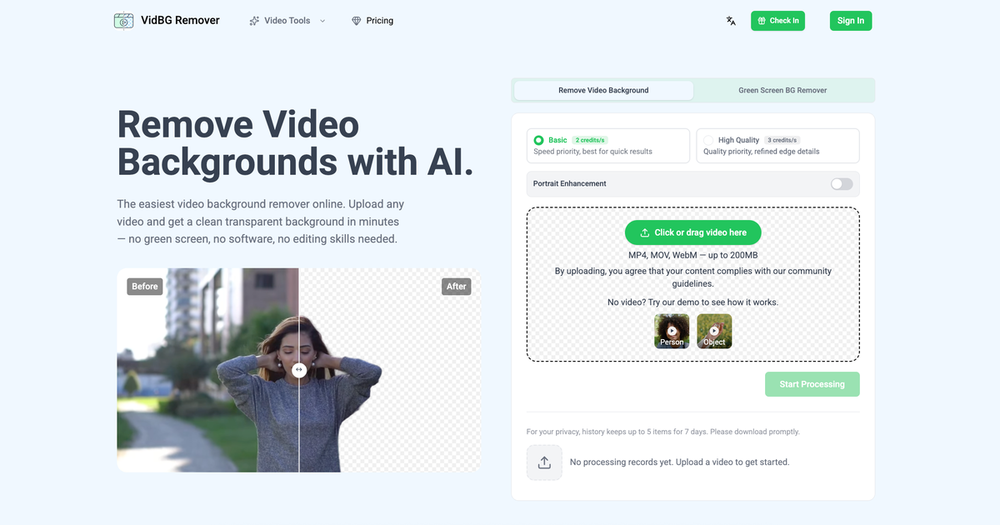
-
 Turn any song into scroll-stopping videos in minutes with AI-directed scripts andOpen
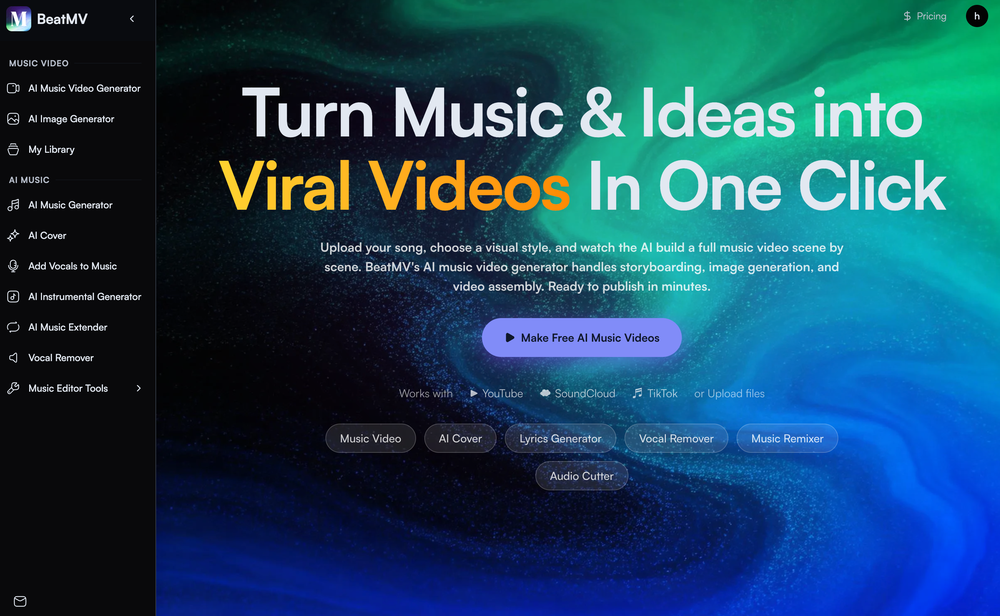 🎬 BeatMV v2.6 — Product Update Turn any Suno or Udio song into a karaoke-ready lyric video — lyrics that hit every beat, baked right into the export. ✨ New Features 🎤 Synced Lyrics for Suno & Udio Paste a Suno or Udio song and BeatMV reads its word-level timestamps to lay out perfectly timed, line-by-line lyrics across your video. Uploaded or external tracks get AI-estimated timing automatically — no manual syncing. 🎬 Cinematic Subtitle Styles Style your lyrics like a real music video: 20+ display fonts (Anton, Bebas, Oswald, Montserrat, plus CJK), three sizes, color presets, top/center/bottom positioning, and smooth fade in/out — on by default. 📤 One-Click Lyric Video Export Lyrics burn directly into the final MP4 from the export dialog, so what you preview is exactly what you share — ready for TikTok, Reels, and Shorts. 🔧 Improvements & Fixes 🔁 Auto-Retry for Stuck Scenes Scenes that fail or stall (timeouts, page reloads) now retry automatically in the background — and you can hit Cancel on any retrying card to stop the loop instantly. 🎵 Smoother Suno / Udio Import Refined CDN extraction for cover art, audio, and metadata so imports land cleanly the first time.
 -
-
-
-
-
-
-

-







Verified tools
- SponsorWispr Flow - Don’t type, just speak🎤 Dictation
-
 Turn property photos into scroll-stopping videos that sell homes faster.Open
 -
 Laliga Hel🛠️ 1 tool 🙏 4 karmaMay 21, 2026@LyricMVOne thing we kept noticing with AI music: Great songs were being generated… but most of them still looked like demos when shared online. We built LyricMV to help turn AI-generated music into something that actually feels publishable — cinematic lyric videos with synced visuals, emotional pacing, and short-form friendly formats. Would love feedback from the AI music community 👀
 -
Geek Link seems genuinely practical for people working with recordings, meetings, or voice notes regularly. I like transcription tools that focus on speed and usability instead of making the workflow feel overly technical.
-
Particularly useful in scenarios where human voices are clear but background noise is complex.
-
As a student, I regularly work with research papers and long PDFs. PodcastorAI has been a helpful way to turn that content into something I can listen to while commuting or walking. I like that it creates a structured podcast rather than simply reading the text aloud. The dialogue format is surprisingly engaging and makes dense material easier to get through. I still rely on the original documents for deeper study, but for review and knowledge retention, it's been a genuinely useful tool.
-
 Open
Open -
I was lucky enough to join the early canary testing for this platform, and it’s been impressively simple and transparent to use.
-
Tried Teno for a quick product ad — surprisingly simple. Chat your idea, get image/video outputs in minutes. Good free tier to test. Handy if you need creatives fast without a full production team.
-
 Open
Open -
 Turn prompts into polished images and videos, instantly.Open
 -
 Open
Open -
 Turn images into videos with advanced AI All with Fylia AI.Open
 -
Solid. Not perfect but it gets the job done and the updates have been pretty consistent
-
The Agent is really handy. It's much more streamlined and convenient than canvas-based AI tools. There's a bit of a learning curve at the start, but once you get the hang of it, it's incredibly useful
-
 OpenAI Inspo is an excellent all-in-one AI platform. With trending templates and advanced AI generation models, creating engaging videos becomes fast and effortless in just a few clicks.
 -
 OpenI was struggling to create some free Christmas and New Year's e-cards, and these templates are really good. I recommend giving them a try. The only downside is that each free template can only be used once.
 -
I tried testing Seedance 2.0 on several platforms, but most of them required a membership upgrade first — even Dreamina. SeeGen AI offers a free trial, and that’s the main reason I recommend it.
-
Works wonders for anime, has me taking it in consideration for a tool rotation.
-
 Seamless AI video text and subtitle removal with zero blur.Open
 -
This is not good, it is randomly adding 3 seconds video before the given video. Not related to the video, so not good.
-
Love Dadan's new AI features. I used to hate searching through videos to find specific points and actions. Now I just get AI Assist to transcribe them and use one of the meeting templates to find what I need in a few seconds.
-
it removed the watermark cleanly while keeping the original quality.
-
To just upload my song and have AI figure out the rest so I can share my songs on tiktok etc... As a Suno user I've wanted something simple and affordable, this is finally it. Other tools want $50 credits then it turns out it's not even enough to learn the tool, never mind just get a usable video out.
-
 Edit smarter, faster and easier with Filmora’s powerful AI video tools.Open
 -
 OpenTried it with one photo and was surprised how natural the video looked — lots of effects and models to play with too
 -
I am the builder of WUI.AI, an innovative content repurposing application designed to help global individual creators transform their text, audio, and video content into platform-optimized short and long videos for YouTube, TikTok, Reels, and more, with automated publishing capabilities. I try to build in public so any feedbacks will be appreciated
-
 Turn baby photos into talking podcast videos.OpenWow, The AI tool is so interesting for the AI talking baby podcast. I like it. Thank you for the AI
 -
-
I created this platform to solve a problem I saw everywhere: AI videos that looked too unnatural. AI Kiss is designed for high-quality, lifelike animation. We capture the subtle details of intimacy, specifically the eye contact between partners, making the moment feel truly authentic. Founder of AIKiss.Art Cherry
-
Currently, generating course videos is basically free, and everyone is welcome to use it! If you have any problems during use, you can complain and we will quickly iterate! Thank you~!
-
Generating captions was super fast like seconds. Wish they had Anton font though
-
-
-
🚀 AirMusic AI Music Video Generator v2.5 23% Lower Video Cost, Mobile Optimization, and Smarter Generation Control AirMusic AI Music Video Generator v2.5 focuses on making AI music video creation more affordable, easier to use, and more reliable across devices. This update reduces the credit cost of music video generation, improves the mobile creation experience, refines the song upload and video style selection flow, and fixes reported video stuttering issues. 📌 Summary · AI music video generation now costs 23% fewer credits for the same video duration · Mobile-optimized workflow for creating music videos from phones · Improved song upload experience · Smoother video style selection flow · Cancel & regenerate support for slow image or video generations · No credits charged for cancelled or failed tasks · Fixes for reported video stuttering issues · AirMusic also adds 25+ AI music styles, making it easier to create songs before turning them into videos 💰 AI Music Video Cost Reduced by 23% AirMusic v2.5 optimizes the AI music video generation pipeline. Creating a video of the same duration now requires 23% fewer credits. This helps users create more music videos with the same credit balance, especially when testing different scenes, video styles, or versions of the same song. For creators who regularly make music videos for YouTube, TikTok, Instagram Reels, Shorts, or music promotion, this lowers the cost of repeated production. 📱 Mobile-Optimized AI Music Video Creation The AI Music Video Generator is now better adapted for mobile devices. Users can upload songs, choose video styles, adjust settings, and start generation more comfortably from a phone. This is useful for creators who produce and publish short-form music content directly from mobile workflows. 🎵 Improved Song Upload Flow The song upload experience has been refined to reduce friction at the first step of video creation. Users can move from uploading a track to choosing a video style more smoothly, whether they are using an original song, a Suno-generated track, or music created with AirMusic’s AI Music Generator. 🎨 Better Video Style Selection AirMusic v2.5 improves the video style selection experience. Users can choose the visual direction of the music video more clearly before generation starts. This helps when creating different types of videos, such as storytelling MVs, singing avatar videos, dance videos, lyric-style visuals, or social media clips. ⚡ Cancel & Regenerate Without Losing Credits If image or video generation is too slow, users can now cancel and regenerate without extra credit loss. This gives creators more control when testing different prompts, models, scenes, and visual styles. Instead of waiting for a slow generation to finish, users can restart the task and continue iterating. Cancelled or failed tasks do not consume additional credits. 🎬 Fixes for Video Stuttering Issues Based on user feedback, AirMusic v2.5 fixes a small number of reported video stuttering issues. This improves playback smoothness and helps exported music videos feel more stable, especially for social media publishing and music promotion. 🎶 25+ Music Styles for Better Music-to-Video Workflows AirMusic v2.5 also expands the AI Music Generator with 25+ music styles, including Pop, R&B, K-Pop, Hip Hop, Trap, Lo-Fi, House, Synthwave, Rock, Reggaeton, Afrobeats, Country, Jazz, Classical, Cinematic, and more. This helps users create music in a clearer style direction before turning it into an AI-generated music video. 🎯 Best For · Suno and AI music creators who want to turn generated songs into music videos with lower credit cost · YouTube, TikTok, Instagram Reels, and Shorts creators who need a mobile-friendly workflow for music-based videos · Artists and indie musicians who want to create promotional music videos without manual editing · High-volume creators and agencies who need lower per-video cost for repeated content production · Users testing multiple video styles who want to cancel slow generations and regenerate without wasting credits · Creators who experienced video stuttering and need smoother playback in exported music videos
-
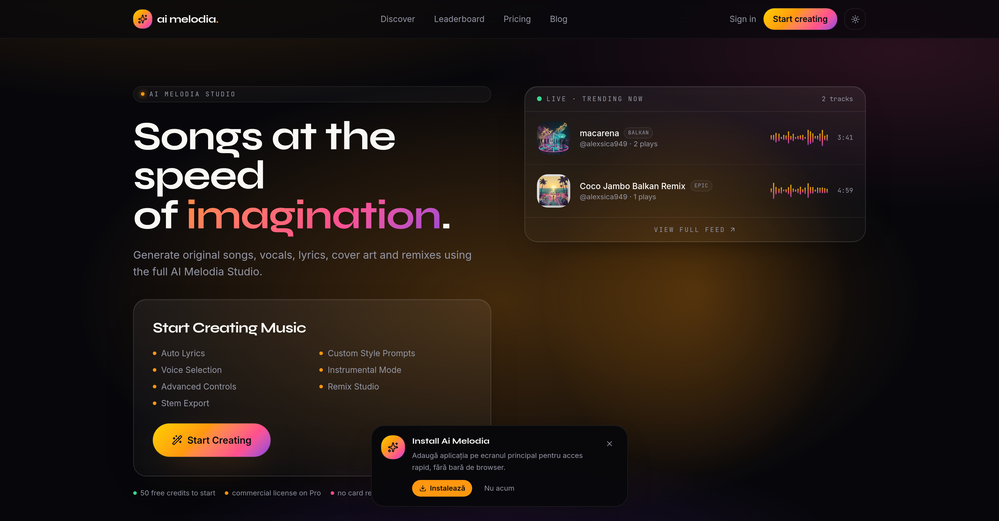
🚀🚀 25+ Music Styles, 23% Lower Video Credits Cost, and Smarter Generation Control 🚀🚀 AirMusic v2.5 adds 25+ music styles, reduces AI music video credits cost by 23%, improves music generation reliability with auto-retry, and introduces cancel & regenerate without credit deduction for slow or unwanted generations. 🎵 AI Music Generator — 25+ Styles New supported styles: Pop & Vocal: Pop, R&B, K-Pop, Gospel Hip-Hop & Beats: Hip Hop, Trap, Phonk, Lo-Fi Electronic: Electronic, House, Drum & Bass, Synthwave Rock: Rock, Metal, Punk Global: Reggaeton, Afrobeats, Reggae Acoustic: Country, Folk, Blues, Funk Jazz & Cinematic: Jazz, Classical, Cinematic 💰 AI Music Video Cost (-23%) - Same video duration now costs 23% fewer credits - Optimized rendering pipeline for image + video generation - Reduced compute usage per scene 🔁 Music Generation Reliability - Auto-retry when generation fails - Improved success rate for long / complex prompts - Reduced manual regeneration needs ⚡ Cancel & Regenerate (No Credit Loss) - Cancel slow image/video generation anytime - Regenerate with new prompt or model instantly - No credits charged for cancelled or failed tasks 🎯 Best For AI music creators (Suno users, indie artists) → Generate tracks in different genres (Pop, Trap, Cinematic) and quickly turn them into usable music for content or demos Content creators (YouTube, TikTok, Instagram Reels) → Produce background music and music videos with lower cost and faster iteration cycles Music video creators using AI Music Video Generator → Test multiple visual styles without wasting credits due to failed or slow generations Beginners without music production skills → Use preset styles instead of writing complex prompts to generate usable songs quickly High-volume creators / agencies → Lower per-video cost (-23%) enables scalable production of AI music videos
-
 Start from real examples. Turn one good clip into a full video.OpenI was surprised by MotionGen's image2 model. I've uploaded a photo and it accurately suggested hairstyle variations I actually loved. Didn't expect that at all.
 -
Best Free Movie Maker App on the Market
-
Clean UI, multiple video models in one place, and fair credit refunds when generations fail. Nice that you can try it for free before committing.
-
 Transform your music into stunning visual experiences with AIOpenThe generation effect is good, the pictures are exquisite, and the transition animations of the pictures are smooth The only drawback is that it would be better if the generation time were a little faster
 -
AIReel provides a convenient way to generate videos or images from text prompts or photos using several AI models in one place. When trying different prompts and images, the platform produced AI creations with noticeably different visual styles depending on the model selected. Compared with accessing many AI video models directly on their native platforms, the overall cost is more affordable, making it easier to experiment with AI-generated content, including both AI videos and AI images.
-
-
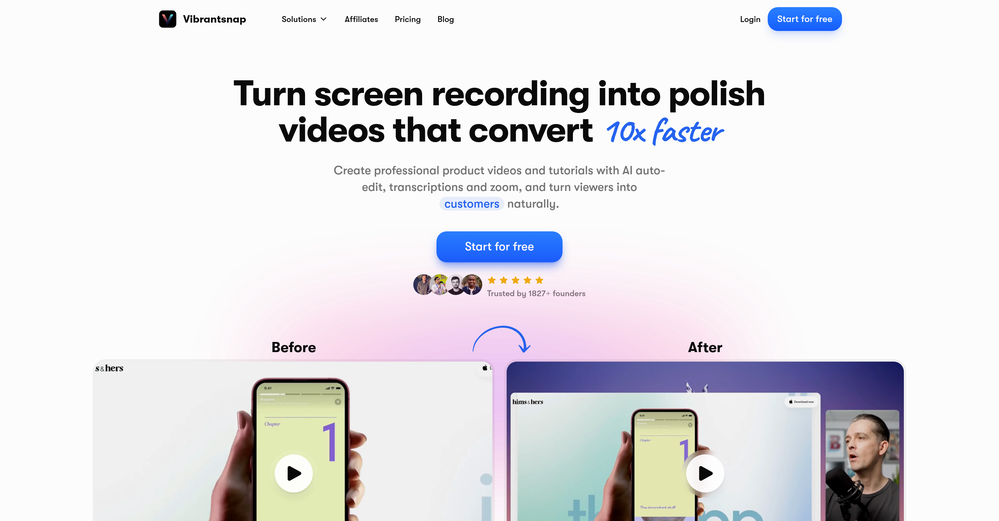
 Instantly create professional screen recordings in perfect English.OpenHi folks - I'm Charles, the founder of Wizardly. I built this app to help marketing, product, and sales teams instantly create polished product videos without requiring expensive professional video editing. Try it out to see how to turn a quick screen recording into professional, customer-ready video today. We have lot's of cool features in the pipe but feel free to share feedback and suggestions once you give the app a spin! 🙏🏻
 -
 Open
Open -
It works surprisingly well. Clean plus you can actually try it first without having to drop money right away. helps if you are not sure it'll fit your needs. Solid stuff.
-
 OpenHi! I'm the founder of LyricEdits. After 20 years as a bass player and 20 years in software engineering, I finally combined both passions into one. I'd love to hear your comments and suggestions!
 -
Thanks for the feedback. We would love to know more about your issue. Could you please provide more details at [email protected] ?
-
best part? it doesn't fight my process. i can iterate fast, try different moods and play with compositions while the idea's still hot.
-
-
Can't test without entering a credit card directly after sign up, I won't be using without testing it first. sorry!
-
his platform is amazing! The AI-generated images exceed expectations in quality. Fast creation speed and professional results. Highly recommended for all creators!
-
-
-
 Open
Open -
 Open
Open -
 Turn simple prompts into viral videos, stunning images, and realistic audio.Open
 -
Been using ViralReels.co for a few days and it honestly saves me a ton of time editing shorts. The animated captions look really good, and I can turn one video into multiple Reels and Shorts in minutes.
-
Very simple and easy to use. The premium feature of Lyrics helper really helped me to write lyrics exactly the way i wanted.
-
-
 Open
Open -
Vireel offers the best realistic ai image to video and ai text to video tools. Incredible no watermark quality!
-
 Transform images with AI-powered creative editing tools.Open
 -
 Open
Open -
 Open
Open -
 Transform any photo into stunning dynamic videos.Open
 -
 AI-powered YouTube thumbnail maker for click-ready designs.Open
 -
-
I've been using Snappyit for a few weeks now and I'm honestly impressed. As an eBay seller, I used to struggle with getting clean, professional product photos. The AI does an amazing job with background cleanup and putting items on virtual models — my sales definitely improved after switching. The 30% recurring commission for creators is also a nice bonus if you share your referral code. Worth every credit!
-
"WriteSongAI offers an incredibly smooth end-to-end experience for music creation. The AI vocals sound remarkably human-like across different genres, and the ability to export studio-grade WAV files directly from the browser is a huge plus. Whether you are a beginner or a pro needing a quick arrangement, this tool delivers quality results in seconds."
-
Steer clear of this by any cost ! it gives you ONE video for free and then ask you for no less than FIFTY dollars a month for only FIVE videos ! they must be crazy with all the alternatives.
-
Vocallab AI is honestly the easiest tool I’ve ever used. The interface is super simple and intuitive. Generations take less than 2 seconds. The quality is also incredible. The voices sound very realistic — almost like real people. You can even add emotions and details like coughs, laughs, sighs, and other subtle effects, which makes everything feel much more natural and alive. Highly recommend it to anyone working with content, videos, or voice projects.
-
-
I tried Animon for a bit and it’s actually pretty solid. It does a good job with simple animations and keeps the original image style pretty well, so the results usually look clean.
-
-
 Remove subtitles, captions, and watermarks from videos instantly.Open
 -
-
Pricing is fair since it would take me days to clip 4 hour videos
-
 Open
Open -
I tried using stuvio, but honestly the experience was disappointing. The platform looks promising at first, but many features feel unfinished and confusing. The interface is not very user-friendly, and it takes a lot of time to understand how things actually work.
-
-
 Open
Open -
 Open
Open -
I really gotta let my heart out, got so many great reviews from my peers. It has helped me make my school work so much easier. I work with little children so when i make it cartoonish it's giving me the best one's yet.

















































































































































Other tools
-
 AI-powered video editing for YouTube creators.OpenSelamat siang saya akan membagikan tutorial gimana caranya mengedit video di aplikasi capcut
 -
Been using Knowcast to keep up with new ideas and information, and I like how easy it is to discover and revisit useful content. The experience feels straightforward and helps cut through a lot of the noise, making it easier to stay informed without getting overwhelmed.
-
 Apply spooky Halloween filters and scary makeup effects online for free.Open
 -
I forgot to take videos on my trip, so I gave this a shot with just the photos I had. Surprisingly, it created a short clip that actually looked real, super cool. Just wish it didn’t take forever to render
-
-
-
The demo of this AI zagent is pretty stunning. The agent understand what I am saying zand is replying on the spot. Very interesting. The sky seems to be the limit. But how can a small company use this kind of tool in practice.
-
too expensive for me, I just want to make memes, not pay that much
- Didn't find the AI you were looking for?
-
-
Hey SFS, it seems the app works with credits via an API key, priced at $0.01 per credit. The lowest generation cost is 0.9 credits, and the highest is 8 credits. We’ve also updated the app’s price description. Thank you very much!
-
Awesome Tool! Saved me hours of editing and better than i would have done!
-
 Create AI-generated content for events and webinars.Open
 -
-
 Craft hyper-real 8K cinematic action shots from reference images.Open