Go to section
Sponsor
 Flow - 4x faster than typing
🎤 Dictation
Flow - 4x faster than typing
🎤 Dictation
The front page of AI.Used by 90M+ humans.

Generate image
Tasks
Generate text
Free mode
Trending
Leaderboard
Characters
 Mini tools
New
Featured
Lists
Agents
Requests
Jobs
Map
Newsletter
Starter pack
Free tools
Speech to text
Text translator
Remove background
Settings
Edit profile
My tools
Gallery
Dashboard
Inbox
Get featured
Contact TAAFT
For you
Popular
Job impact index
Most saved
Affiliate program
Submit AI tool
Notification preferences
Glossary
Home
Timeline
My profile
Create tool
Deals
Companies
Models
Robots
Papers
Fundraises
Repositories
Devices
Organizations
Events
Prompt Pack
Merchendise
APIs
Features
Tools
Countries
Collections
Videos
Mini tools
New
Featured
Lists
Agents
Requests
Jobs
Map
Newsletter
Starter pack
Free tools
Speech to text
Text translator
Remove background
Settings
Edit profile
My tools
Gallery
Dashboard
Inbox
Get featured
Contact TAAFT
For you
Popular
Job impact index
Most saved
Affiliate program
Submit AI tool
Notification preferences
Glossary
Home
Timeline
My profile
Create tool
Deals
Companies
Models
Robots
Papers
Fundraises
Repositories
Devices
Organizations
Events
Prompt Pack
Merchendise
APIs
Features
Tools
Countries
Collections
Videos
Mini tools
New
Featured
Lists
Agents
Requests
Jobs
Map
Newsletter
Starter pack
Free tools
Speech to text
Text translator
Remove background
Settings
Edit profile
My tools
Gallery
Dashboard
Inbox
Get featured
Contact TAAFT
For you
Popular
Job impact index
Most saved
Affiliate program
Submit AI tool
Notification preferences
Glossary
Home
Timeline
My profile
Create tool
Deals
Companies
Models
Robots
Papers
Fundraises
Repositories
Devices
Organizations
Events
Prompt Pack
Merchendise
APIs
Features
Tools
Countries
Collections
Videos

▼ Most saved
Video generator
Free mode
100% free
Freemium
Free Trial
Featured matches
-
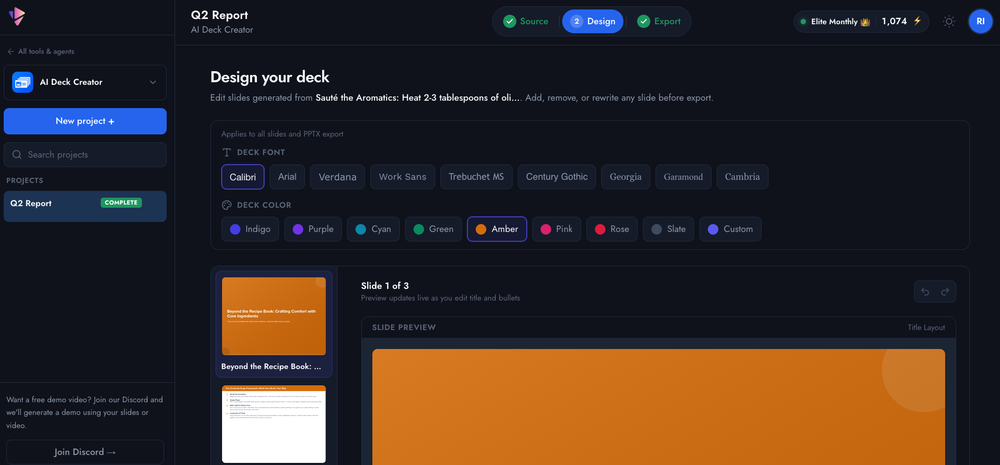 Rielly Milne🛠️ 4 tools 🙏 27 karmaJul 17, 2026@AI Deck CreatorStarted building this to make presentation creation less repetitive. It's become one of the tools I use the most myself.
 -
-
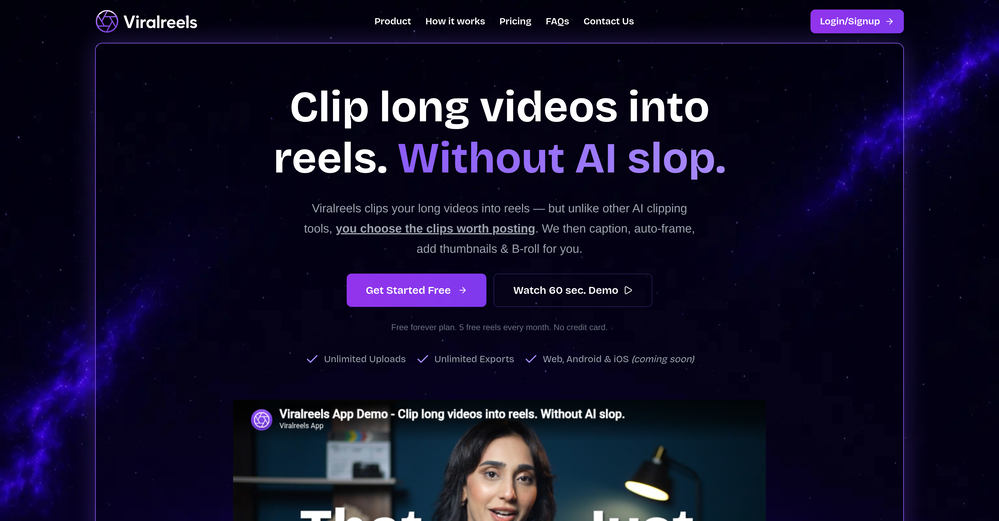 Been using ViralReels.co for a few days and it honestly saves me a ton of time editing shorts. The animated captions look really good, and I can turn one video into multiple Reels and Shorts in minutes.
 -
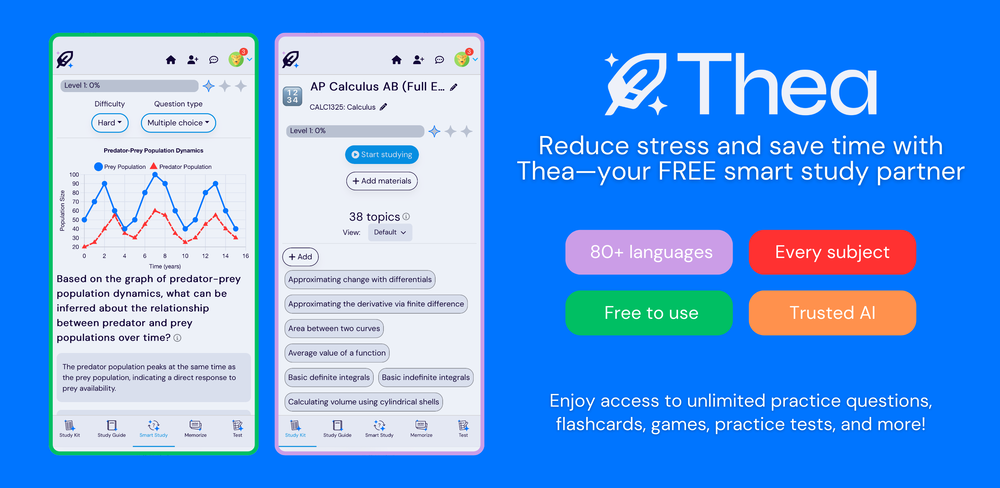 Went from a C to an A in Cognitive Psychology using Thea!!
 -
-
-
-
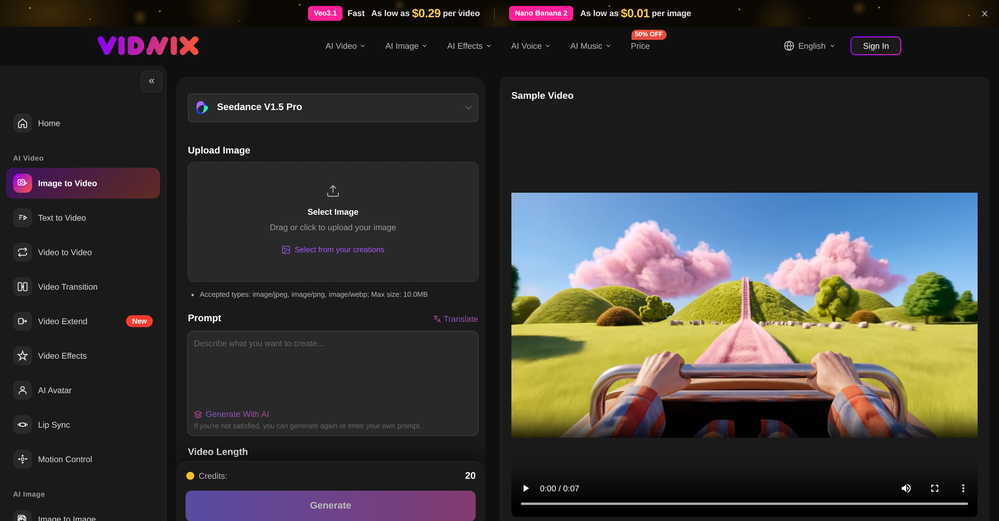 The generation speed is very fast, and having access to multiple mainstream models on a single platform — including the latest ones like Seedance2 and GPT Image2 — is great. The pricing is really affordable. I've already become an annual member.
 -
-
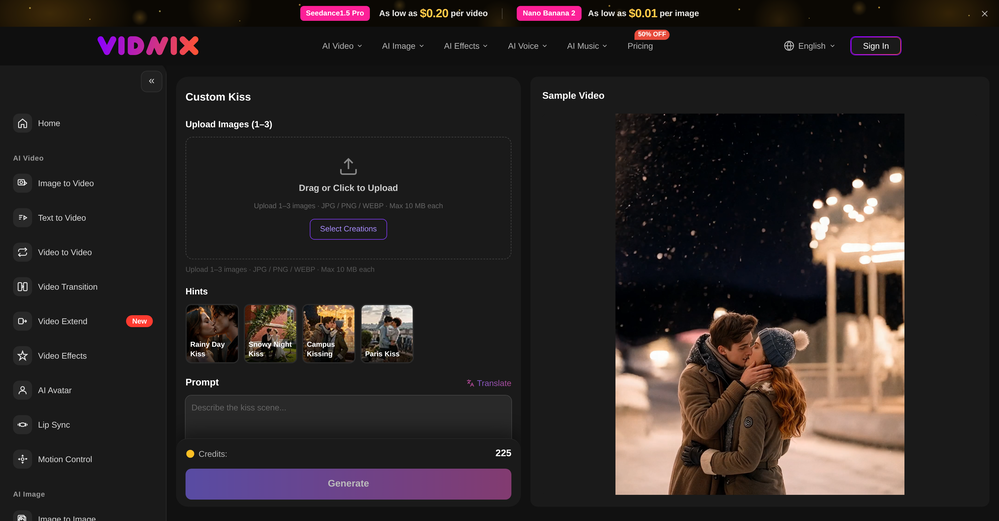 Looks pretty clean and easy to use! The upload process is straightforward, though the top section feels a little crowded. Maybe add a bit more info about how the credits work.













Other tools
-
After trying this feature for a few days, I found that it writes more human-like articles than ordinary AI-generated ones, with higher depth and less wordiness than traditional AI articles.
-
 Upscale videos or images with AI for free, right in your browserOpen
 -
not that good it cant generate your prompt it can only generate custom prompt as saved by itself
-
Speed is amazing ! I will definitely utilize the tool in the future for film generation
- SponsorFlow - 4x faster than typing🎤 Dictation
-
This tool not only transcribes videos and audio, but also automatically generates summaries, which greatly helps me organize my study notes.
-
This tool has completely transformed my social media content. I can now create engaging talking videos from my photos in minutes. The lip sync is incredibly realistic!
-
I was able to get a summary for a half hour video in just under 2 minutes. An hour long video took 5 minutes. Saved me a phenomenal amount of time having to watch videos for courses!
-
I forgot to take videos on my trip, so I gave this a shot with just the photos I had. Surprisingly, it created a short clip that actually looked real, super cool. Just wish it didn’t take forever to render
- Didn't find the AI you were looking for?
-
 Transform photos into cinematic videos with AI.OpenMultiple video models available, easy to try with free credits, and the results look good.
 -
Thanks for pointing this out Keith! We have reduced our prices significantly after a review. The lowest tier now starts at $19 /mo. You can visit https://aivideo.to to check out the complete pricing updates.
-
 Transform your music into stunning visual experiences with AIOpenThe generation effect is good, the pictures are exquisite, and the transition animations of the pictures are smooth The only drawback is that it would be better if the generation time were a little faster
 -
Many ai models help me create videos I love
-
 Use every top AI model and 100+ effects in one account.Opena friend sent me this the other day. veo, grok, seedance all run from one upload and it's actually fast. ui doesn't fight me. no complaints.
 -
Hey SFS, it seems the app works with credits via an API key, priced at $0.01 per credit. The lowest generation cost is 0.9 credits, and the highest is 8 credits. We’ve also updated the app’s price description. Thank you very much!
-
 Start from real examples. Turn one good clip into a full video.OpenI was surprised by MotionGen's image2 model. I've uploaded a photo and it accurately suggested hairstyle variations I actually loved. Didn't expect that at all.
 -
 Bring still images to life—instantly animate your art with Midjourney Video V1OpenThe highlighted images on the home page are stunning. I wish I could have just one free try to really understand the extent of it. :(
 -
Hey everyone! We're making VIP mobile friendly, team-friendly (added support for organizations). We've added semantic search and better bulk analysis, and we're soon adding real-time camera feeds and API access for custom integrations. Try it out for free and let us know what you think!
-
-
-
-
 Instant compression, zero restrictions just fast, free, and flawless.Open
 -
VideoWeb AI is an useful AI tool for my video creation. I like the video to video feature that I can create the anime video with my videos.
-
To just upload my song and have AI figure out the rest so I can share my songs on tiktok etc... As a Suno user I've wanted something simple and affordable, this is finally it. Other tools want $50 credits then it turns out it's not even enough to learn the tool, never mind just get a usable video out.
-
 OpenThe features are incredibly comprehensive. I really love it — the AI videos I created got a ton of praise when I shared them. Likes galore!
 -
It's working very well. AI chat is 100% free, but image and video are not free, though they are still good. You get a few daily credits, but at least you still have some
-
tried it on selfies and random shots and it did fine. faces look good objects get weird if the source is rough. free tier is tight too on my account it gave 20 credits which basically covered one export then a small daily drip of +2 or +5 before I could play more. would love more runway up front. paid packs lift the watermark and quality if you need it.
-
It's great to have free tools of such high value
-
 Turn your slides into narrated videos with AI voiceoverOpen- Complete rebuild with a redesigned interface and faster workflow. - Added AI script generation to automatically create presentation narration. - Expanded language support for creating videos in more languages. - Added new natural-sounding AI voices across supported languages. - Improved presentation rendering speed and overall reliability. - Enhanced export experience with downloadable MP4, PDF, and script files. - Refined project management and editing workflow. - Numerous bug fixes and performance improvements.
 -
Hey Cherryl, seems to be working just fine for me, can you give it another try?
-
 Open
Open -
Step 1 . Registered first for you to have an access. Make sure you let people in your advert first that registration is required. Not misleading them .
-
 Open
Open -
-
 OpenTried it with one photo and was surprised how natural the video looked — lots of effects and models to play with too
 -
Love this!! Its so easy to use and has made my life wayyyy easier. It got my whole team set up organized and has helped with every aspect from posting time to entire business structure and accounting!
-
Incredible generation quality, truly impressive!
-
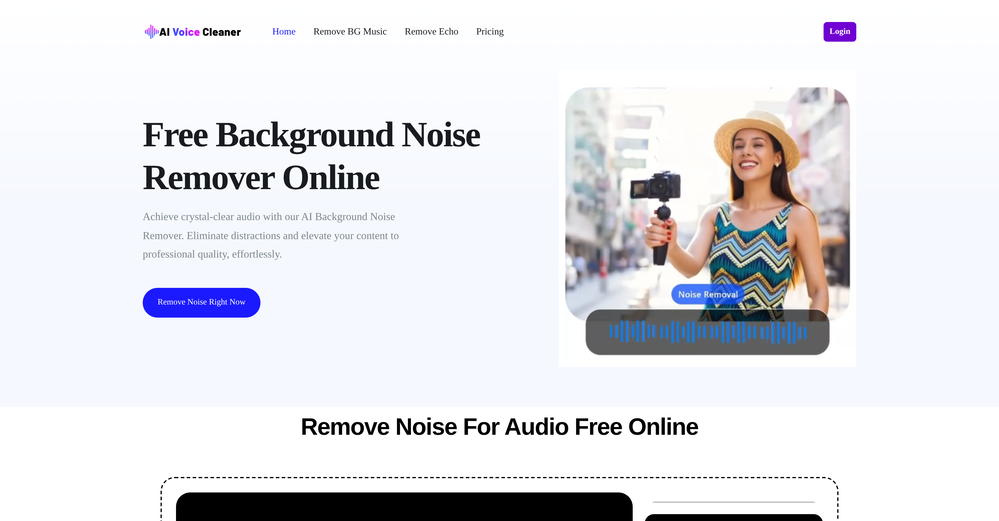
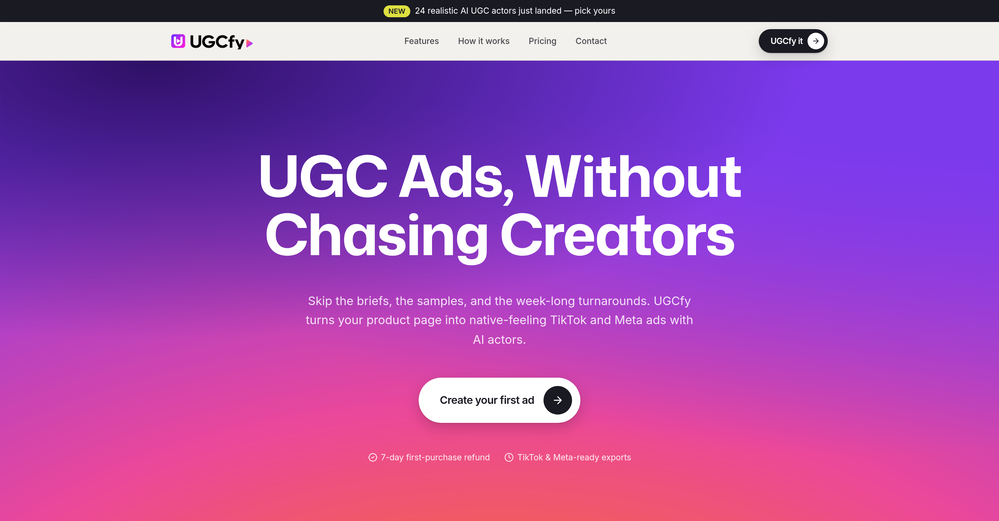
Very good tool to create hyper realistic UGC ads and on-brand static ads
-
Doesnt work. Also even if it would work the free Version offers only 5 seconds of video generation per month which is almost nothing. but then again, doesnt work in the first place
-
At least! I’ve always wanted an easy way to make karaoke tracks, and this app does exactly that. Everything I need is all in one place, and it’s super simple to use. My inner frustrated singer approves!
-
Reloop let's you create and edit ads in different kind of styles, whether you want to promote a product, a service or a tool, you can do it in 3 minutes, by having a convo with an agent. The output and ease of use is great!
-
Hi! Thor here, the creator. Think of Axey as your collaborative partner: you give commands, watch Axey work, refine & perfect. Feel free to ask any questions!
-
Vireel offers the best realistic ai image to video and ai text to video tools. Incredible no watermark quality!
-
 Open
Open -
Really enjoying VioEvo so far. It helps me test ideas quickly without getting stuck tweaking every little thing. Looking forward to seeing more models added over time.
-
 Create on-brand image and video ads in minutesOpen
 -
In the "free" version you start with too little of an amount of Credits - so no actual trial possible before paying. can not recommend
-
-
 AI video translation with dubbing and lip-sync.Open
 -
As a student, I regularly work with research papers and long PDFs. PodcastorAI has been a helpful way to turn that content into something I can listen to while commuting or walking. I like that it creates a structured podcast rather than simply reading the text aloud. The dialogue format is surprisingly engaging and makes dense material easier to get through. I still rely on the original documents for deeper study, but for review and knowledge retention, it's been a genuinely useful tool.
-
 OpenI mainly use the AVC AI Video Enhancer to process old videos and those with poor quality. The overall experience is quite stable. The most obvious feeling is that the video clarity has indeed improved. Especially for the parts that were originally blurry and had lost details, after upscaling, the edges become cleaner. On some low-resolution videos, the detail restoration is quite good. For example, the facial features and background outlines will be clearer than before.
 -
Been using it for the past few days and it is exactly what I hoped it was. Nothing complicated, does exactly what it says it does without the fluff. The analysis section is great, does not produce canned summaries. It appears to be doing something different for every different type of topic, which is great. Still playing with it.
-
 Open
Open -
 OpenHey 👋 — founder of Pinci here. Most AI tools hand you the controls and expect you to figure out the rest, the right model, the right prompt, the right settings. That's fine if you're an AI power user. It's a wall if you're not. Pinci works the opposite way. Each agent is a specialist creative director in one domain: Jules directs product video, Paul directs product photography, Tommy handles brand design. You describe the result you want in plain language. The agent decides how to get there, coordinates the right tools, and hands you a finished, ready-to-publish asset. No prompts. No model-picking. No AI knowledge required. You get 300 free credits on signup, enough to see exactly what I mean on your own product today. I'd love your honest feedback: which agent would you try first, and where does it fall short? 🙏
 -
 Open
Open -
 Open
Open -
Tried Teno for a quick product ad — surprisingly simple. Chat your idea, get image/video outputs in minutes. Good free tier to test. Handy if you need creatives fast without a full production team.
-
 Turn prompts into polished images and videos, instantly.Open
 -
High quality, really fast and generous free tier. Great tool! Comes even with speaker annotation!
-
 Turn property photos into scroll-stopping videos that sell homes faster.Open
 -
 Open
Open -
 AI-powered video background remover without green screens.Open
 -
 Open
Open -
Been using Knowcast to keep up with new ideas and information, and I like how easy it is to discover and revisit useful content. The experience feels straightforward and helps cut through a lot of the noise, making it easier to stay informed without getting overwhelmed.
-
tried it for a quick edit and it was super easy to figure out. saved me a bunch of time cutting out the boring parts lol. would be nice to have a few more options for tweaking things, but overall it gets the job done :))
-
 Open
Open -
AudioScribe has been really helpful for turning meeting recordings into clean transcripts without much hassle. I especially like the AI summaries and speaker identification, since they make it much easier to review long conversations and pull out the key points. Solid tool overall, and definitely worth a 5-star rating.
-
Great tool to grow on YouTube with actionable insights👏🏼
-
 AI jewelry retouching, virtual try-ons & video — studio quality in secondsOpenWe teach product photographers for a living, so we're picky about what actually holds up to a pro eye. NeuroViz surprised us. The retouching keeps the real texture of metal and stones instead of plasticky AI smoothing — that's the part most tools get wrong. We've started recommending it to students who need clean catalog shots fast without losing the craft. It doesn't replace a good photographer, it just removes the boring 80% so you can focus on the shot that matters.
 -
As the developer behind Pixado, I built this because I was tired of spending hours on design tools just to get a decent thumbnail. I wanted to create something that focuses purely on CTR and production-ready output, not just 'artistic' images. I’m constantly refining the models to handle real YouTube layouts. Would love to hear your feedback on the latest results—what features would make your content production even faster?
-
-
One thing we kept noticing with AI music: Great songs were being generated… but most of them still looked like demos when shared online. We built LyricMV to help turn AI-generated music into something that actually feels publishable — cinematic lyric videos with synced visuals, emotional pacing, and short-form friendly formats. Would love feedback from the AI music community 👀
-
You are absolutely right. There are a lot of founder and certain types of tools that assume their users are experts, making their products very technical. GeekLink is not that kind of product. A creator shouldn't have to know the exact parameters, meanings, and depths behind it. All of that is handled behind GeekLink.
-
Been using TranscriptTool whenever I need to quickly turn short videos into text. I like that it keeps things simple and makes it easier to review claims or pull quotes without having to watch clips repeatedly. Handy tool for anyone dealing with video content regularly.
-
-
Actually solid for product visuals. Uploaded a basic product photo and got a few usable lifestyle-style options without much setup. Having image and video tools in one place is handy, especially for testing listing ideas. I’d just like a clearer view of credit usage before running larger batches.
-
Tried this with a couple clips and the speed was honestly impressive. Feels super useful for creators and research workflows.
-
AI Call is one of the few tools that can translate both phone calls and video calls in real time. I've used it for international travel, hotel bookings, and customer service calls. The live subtitles are accurate and the call quality is surprisingly smooth. It saves a lot of time compared to switching between multiple translation apps.
-
 Track the Tooth Fairy's magical journey to your house.Open
 -
Could you please guide me step by step on how you found the pricing page? All I can find is a Pro subscription page that doesn't display any prices.
-
 Optimizing YouTube SEO and crafting engaging content.Open
 -
 Open
Open -
 Open
Open -
 Open
Open -
 Creates casual-toned video ideas and shot lists in table format.Open
 -
 Open
Open -
 Beat any game with the Ultimate Video Game Walkthrough Guide.Open
 -
 Open
Open -
 Open
Open -
 Mastering video, from classic to neural network compression.Open






















































































































































































Collections
-
Tools for creating demo videos for your AI toolSubscribe2227





-
Best ai tools for videoSubscribe229





-
Tools for Editing Wedding Videos and PhotosSubscribe3413







-
Best Video AI ToolsSubscribe168





-
VideoBotsSubscribe8710







-
TOP text to video toolsSubscribe69





-
Video GenerationSubscribe877



-
Text to video toolsSubscribe594



-
AI Video Generation ToolsSubscribe124


-
IMAGE TO VIDEOSubscribe374


Ask the community

Anemone Artist
Mar 25, 2025
Best video generator unlimited quantity





