
 Mini tools
▼ Latest
Video tutorial
Free mode
100% free
Freemium
Free Trial
Featured matches
-
 Open
Open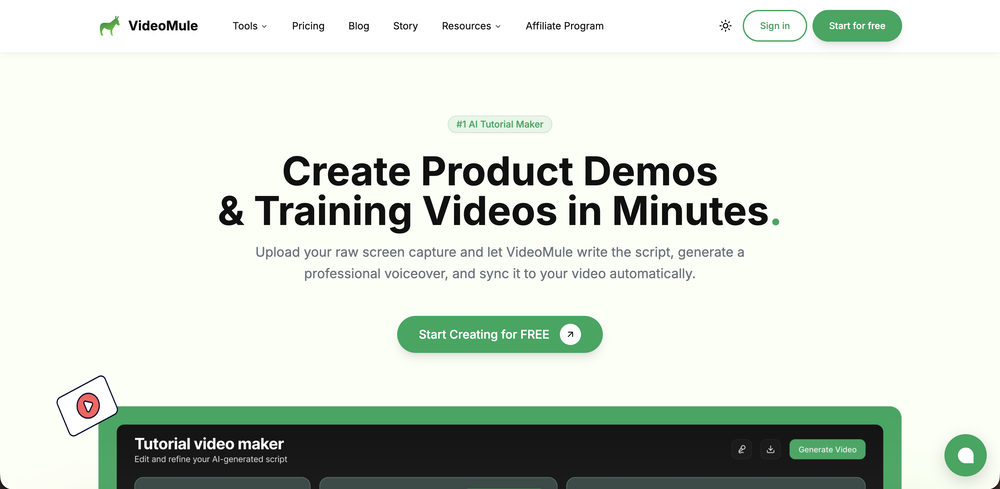
-
-
-
-




Verified tools
-
 Rapidly generate AI training videos without equipment or editing.Open
 -
 Open
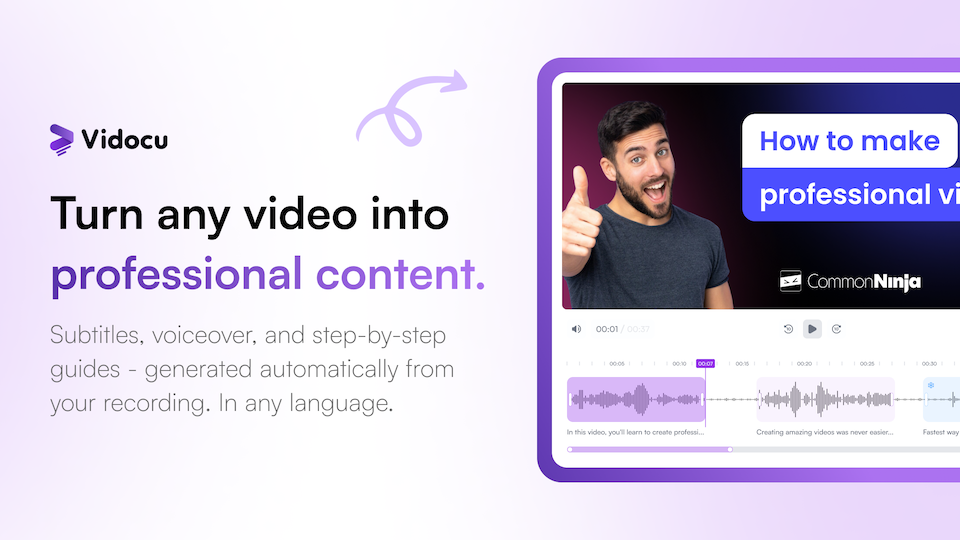
Open Evaldas Bieliūnas🛠️ 1 tool 🙏 19 karmaOct 13, 2025@GuidelessHey everyone, I’m Evaldas, co-founder of Guideless, the fastest way to turn any browser workflow into a polished, AI-narrated video guide in minutes. No screen recording. No tedious editing. Just turn on the extension, click through your process as you normally would, and instantly get a share-ready guide. We recently shipped a major update: a sleeker UX and new high-quality AI voiceover characters — making guides sound and feel more vibrant than ever. Give Guideless a try and see how effortless creating high-quality tutorials can be 🪄
 -
 Edit smarter, faster and easier with Filmora’s powerful AI video tools.Open
 -
- Sponsor
 Base44 Superagents-AI agent that does it all
 -
-
LipSyncAI.net delivers the best lipsync quality I’ve tested so far. The mouth movements are natural, the timing is spot-on, and the results always look professional. I’ve tried several other platforms, but I keep coming back to LipSyncAI because it’s simply the most realistic and reliable. Highly recommended for anyone working with AI music videos or creative projects!
-
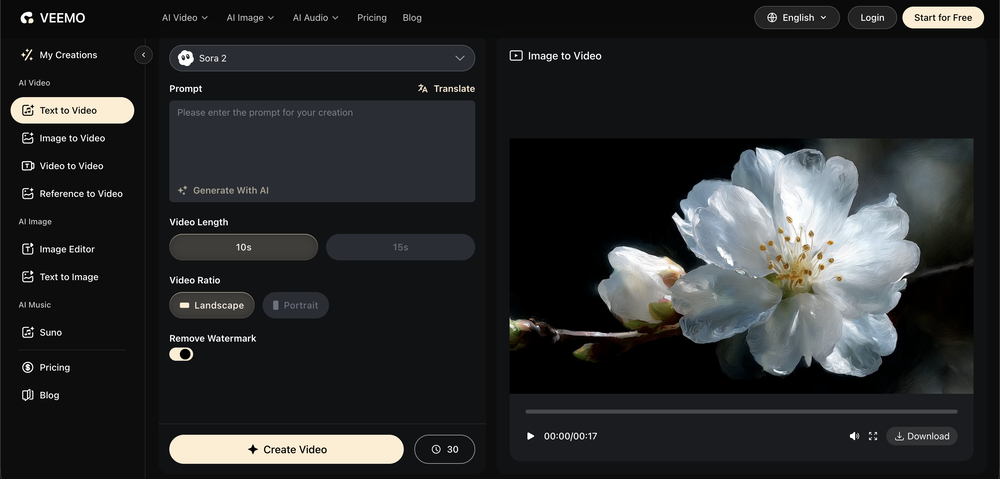
Experimented with the image to video mode. You are limited to 8 creations per day on the free plan, a 3s preset duration and no prompt inputting as the AI analyze the image to decide the most likely possible animation. So far from the given results with eight different picture type, it clearly looks like the AI engine is more prone to animate subject rather than anything else.
-
-
-
One platform gives me access to various high-quality video models — it’s been used to generate 110k viral social media posts.
-
 OpenA1: Transform text into stunning visuals. Simply describe your scene, and watch as the AI crafts vibrant images. Turn imagination into reality with this intuitive, powerful image generator. Video
 -
-
 OpenThe features are incredibly comprehensive. I really love it — the AI videos I created got a ton of praise when I shared them. Likes galore!



















Other tools
-
This one's a winner! Thank you for building this. Just used it for my product demo at grapha.ai
-
I'm sorry. I can't understand the purpose of paying $29 for a chatbot
-
-
good one compare with others as it clearly refelect what it said even hindi was clear and perfect where most software fail to produce correct prononciation ramesh rajani
-
- Didn't find the AI you were looking for?
-
-
-
-
-
 Smart recommender of Web and JavaScript programming tutorials.Open
 -






































Post





