TAAFT Tutorial
Generate image
Tasks
Generate text
Free mode
Trending
Leaderboard
Characters
 Mini tools
New
Featured
Lists
Agents
Requests
Jobs
Map
Newsletter
Starter pack
Free tools
Speech to text
Text translator
Remove background
Settings
Edit profile
My tools
Gallery
Dashboard
Inbox
Get featured
Contact TAAFT
For you
Popular
Job impact index
Most saved
Affiliate program
Submit AI tool
Notification preferences
Glossary
Home
Timeline
My profile
Create tool
Deals
Companies
Models
Robots
Papers
Fundraises
Repositories
Devices
Organizations
Events
Prompt Pack
Merchendise
APIs
Features
Tools
Countries
Collections
Videos
Mini tools
New
Featured
Lists
Agents
Requests
Jobs
Map
Newsletter
Starter pack
Free tools
Speech to text
Text translator
Remove background
Settings
Edit profile
My tools
Gallery
Dashboard
Inbox
Get featured
Contact TAAFT
For you
Popular
Job impact index
Most saved
Affiliate program
Submit AI tool
Notification preferences
Glossary
Home
Timeline
My profile
Create tool
Deals
Companies
Models
Robots
Papers
Fundraises
Repositories
Devices
Organizations
Events
Prompt Pack
Merchendise
APIs
Features
Tools
Countries
Collections
Videos
Mini tools
New
Featured
Lists
Agents
Requests
Jobs
Map
Newsletter
Starter pack
Free tools
Speech to text
Text translator
Remove background
Settings
Edit profile
My tools
Gallery
Dashboard
Inbox
Get featured
Contact TAAFT
For you
Popular
Job impact index
Most saved
Affiliate program
Submit AI tool
Notification preferences
Glossary
Home
Timeline
My profile
Create tool
Deals
Companies
Models
Robots
Papers
Fundraises
Repositories
Devices
Organizations
Events
Prompt Pack
Merchendise
APIs
Features
Tools
Countries
Collections
Videos

▼ State of the art
Windows
Free mode
100% free
Freemium
Free Trial
Other tools
-
 OpenFrancisco Bischoff🙏 41 karmaApr 15, 2024@AnythingLLMAnythingLLM is easy to use, and allows us to build private databases using several (any) kinds of media (text, pdf, audio, etc) and use it as a source of knowledge for any LLM you might wonder to experiment!
 -
- Sponsor
 Tripo AI 3D Generator
 -
Watch out! I canceled the trial period 2 or 3 days before its end but I was still charged.
-
 Boost your Performance in Video Calls through Authentic Eye Contact.OpenI'm using a 27" screen. with a pro logitec webcam. If it's mounted on top, it's way to high, if it's below the screen, it's way to low. I've also tried boom arms and other gadgets to put the cam in the middle of the screen, however, while it's a good temporary solution, it's blocking my screen and instead of looking at the person, i'm watching my cam... Casablanca is a great alternative and while it was glitchy at 1st, it is now stable and a great alternative that just works. Not sure why Google, Zoom and others haven't implemented this option OOTB. Way to go Casablanca!
 -
Thanks for noticing this Tyler, we really liked the idea of getting back to lifetime one-time purchases. Alice is a desktop app and it doesn’t use our cloud resources much, so this should be also feasible for the long run. Please, give Alice a try, you won’t regret it!
-
 OpenI often travel and work remotely. Finding accommodation with good facilities for working in a hotel room is very important to me. TripOffice made this process much easier. The website is intuitive and easy to use.
 -
 Private Q&A with your Documents on Windows or Mac.Open
 -
-
- Didn't find the AI you were looking for?
-
the autocomplete suggestions actually matched my tone and flow. the referencing tool is a lifesaver too, no more flipping between tabs. super smooth inside Word. gonna keep using it for sure
-
-
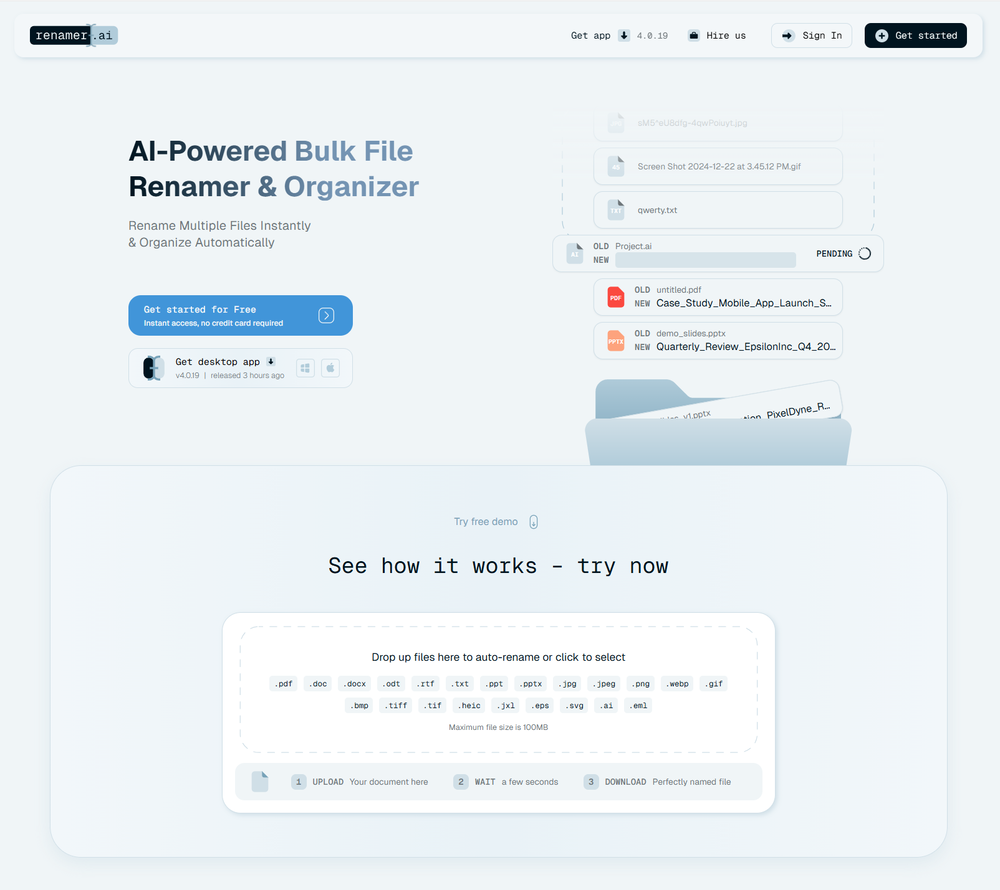 A very simple-to-use, yet very powerful app. It made my work so much easier, my scanned and downloaded files are no longer a mess.
 -
-
Pretty good, I was clueless coming into AI art production and this tool was beginer-friendly
-
-
Pretending to be free, but immediately tries to charge you $6, and that "free" really means 3 days of trial access. They also neglect to tell you it's for Mac only.
-
Still crashes on Mac Silicon. No response from emails to support about crashes with logs. Indexing takes forever and ai not that good once completed.
-
-
-
 Improve reading fluency with AI-powered stories and practice.Open
 -
-
-
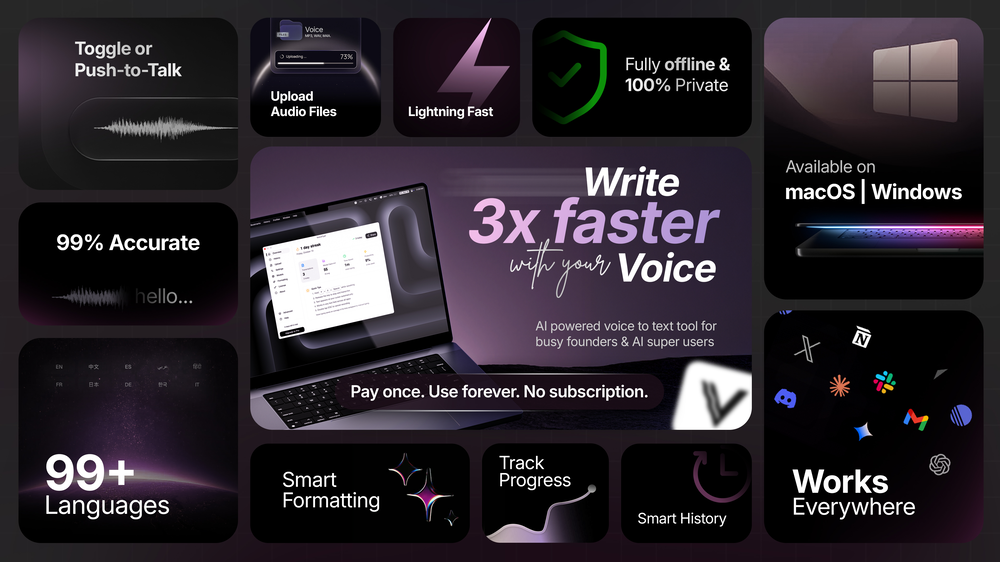
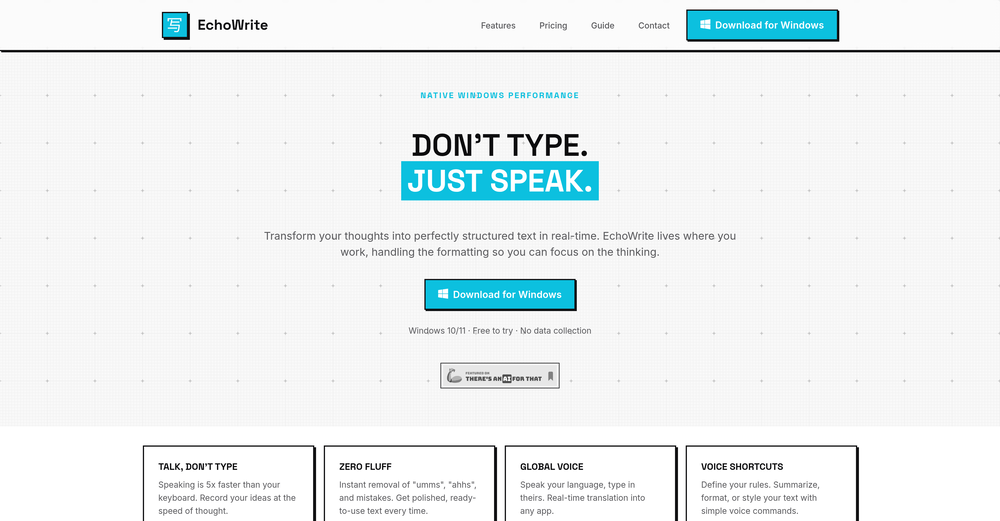 Really solid on Windows. I’ve tried several similar transcription tools before, but this one feels much better integrated into the system. The customizable global shortcuts are a game changer, you can either just do plain transcription or trigger your own custom prompts/actions with Adifferent hotkeys. A lot of competitors do Aroughly the same thing, but EchoWrite stands out because the basic transcription is essentially free (you just need your own OpenAI API key, which costs next to nothing). If you want the custom prompts and translations, it’s a one-time payment instead of yet another subscription. In 2026 that’s actually pretty fair compared to everything else out there. Big thumbs up.
 -
It works great and is super easy to use. There are several different layouts to choose frim that are all quite nice.
-
-
 AI-powered PDF assistant for summarizing, translating, and creating content.Open
 -
tried quickdata on a stack of rent rolls (pdf+xls), a couple T12s and one chunky OM. setup's just an excel add in, super barebones ribbon button and it goes straight to work (no gimmicks). it mapped a lot of line items correctly and dumped them into my model fast. i like that it plugs into your existing model instead of forcing theirs. a clearer "why" for each auto category would be good.
-
 An AI operating system that takes objectives, not instructions.Open
 -
-
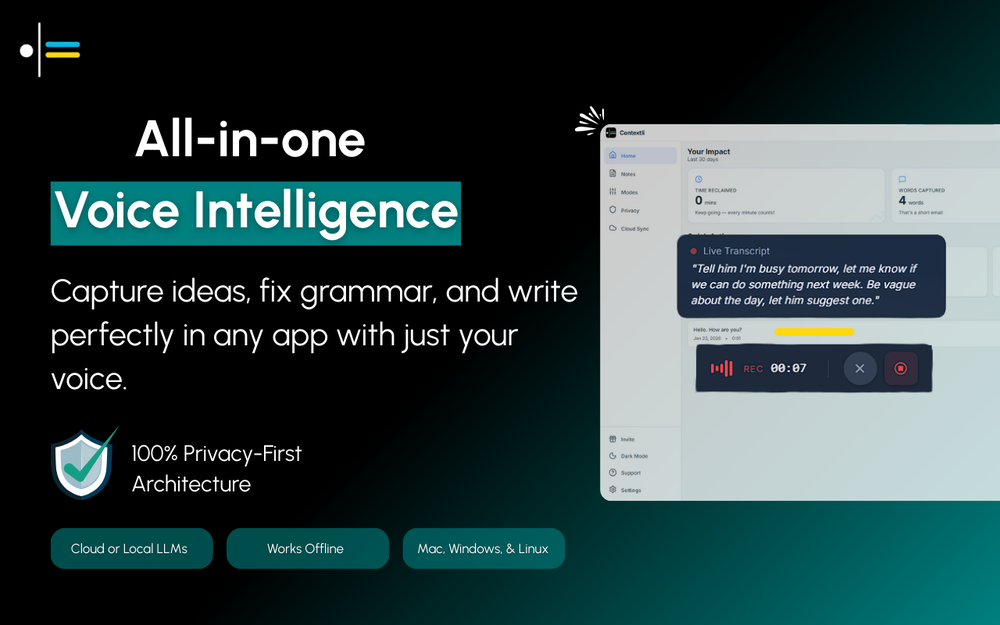
Spokenly feels genuinely practical for people who prefer talking through ideas instead of typing everything manually. I also like that offline/local support is included since a lot of dictation tools still depend completely on the cloud.
-
Geek Link seems genuinely practical for people working with recordings, meetings, or voice notes regularly. I like transcription tools that focus on speed and usability instead of making the workflow feel overly technical.
-
Threekit’s 3D and AR visuals really elevated our product presentation. Customers love interacting with the customizer and it’s definitely helped boost conversions. Setup took some coordination, but once it’s running, it’s super smooth.
-
 Transform any photo into stunning black-and-white editorial portraits.Open
 -
 Open
Open -
 Transform any photo into stunning 4K cinematic portraits.Open
 -
 Generate stunning luxury hotel exterior designs instantly.Open
 -
 Transform divine visions into sacred stained glass art.Open
 -
 Transform portraits into cinematic window masterpieces.Open
 -
 Your AI fasting coach for smarter eating windows.Open
 -
 Open
Open -
 Open
Open -
 Expert Windows PC helper, offering customized advice for all skill levels.Open
 -
 Open
Open -
 Open
Open