 Notis
Notis
 Mini tools
▼ Latest
Ai editing tool
Free mode
100% free
Freemium
Free Trial
Featured matches
-
 Open
Open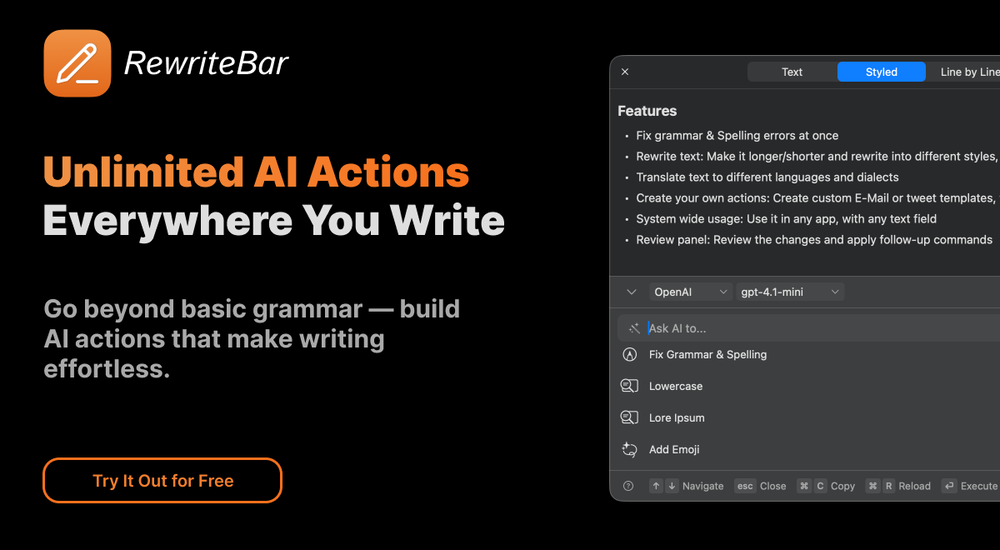 musthafa basheer🙏 16 karmaMay 24, 2024@RewriteBarIt's a useful app.
 -
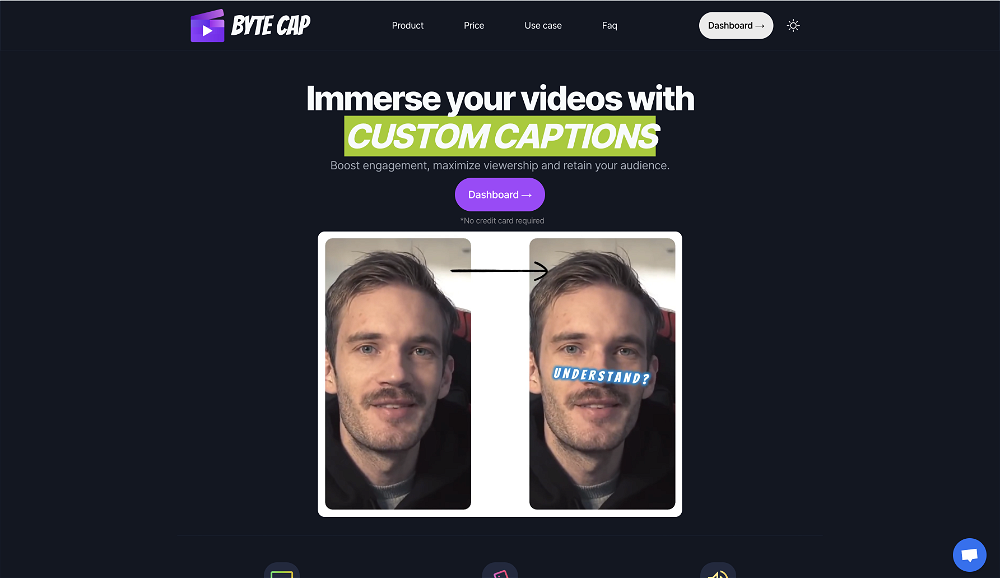 Generating captions was super fast like seconds. Wish they had Anton font though
 -
 Open
Open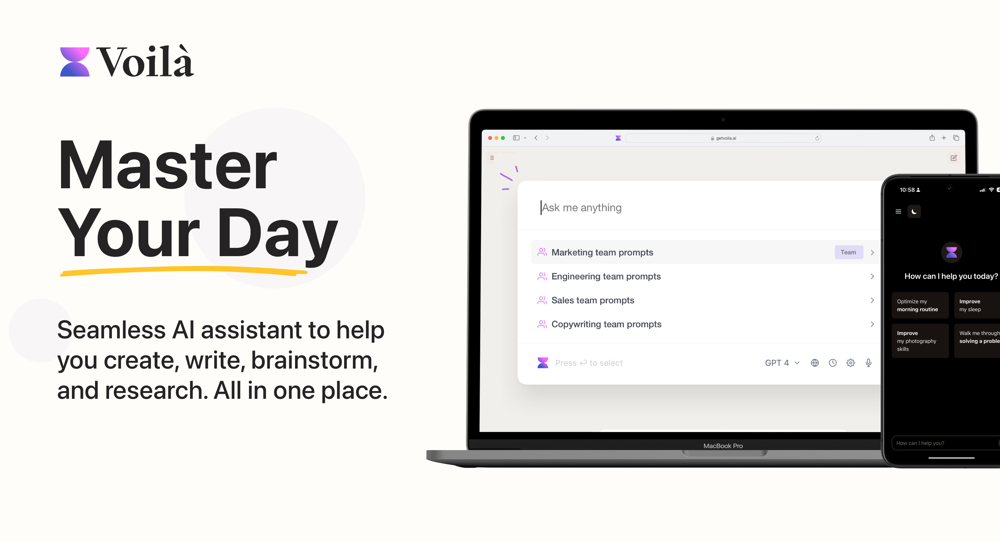 I love this extension, mobile app and desktop software! I use it everyday and everywhere. Generated text are amazing. Well done to the team and continue your incredible work! For me, Voilà is the best AI assistant, copilot and AI writer on the market. I stopped my ChatGPT plus subscription since I discoverer it.
 -
-
 Remove watermarks from Sora videos instantly.Open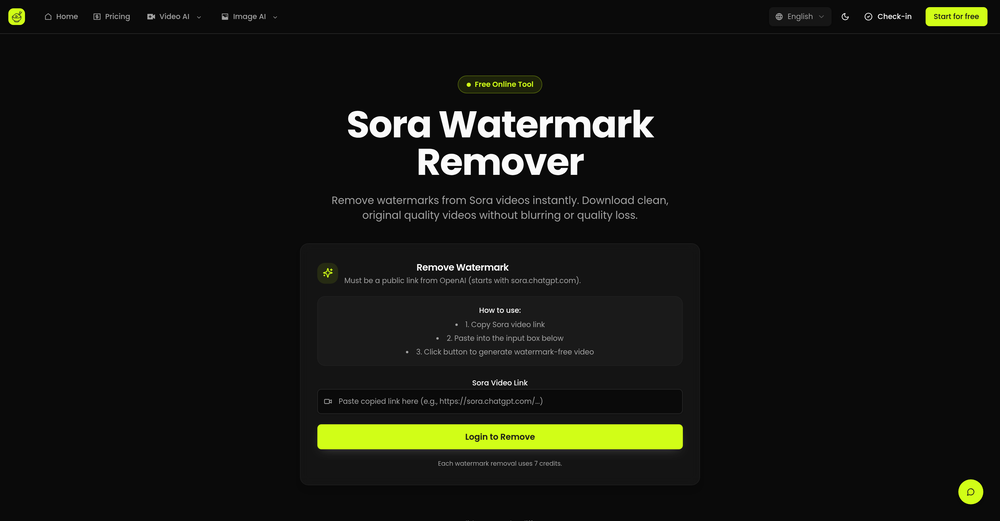
-
 AI browser assistant for intelligent automation.Open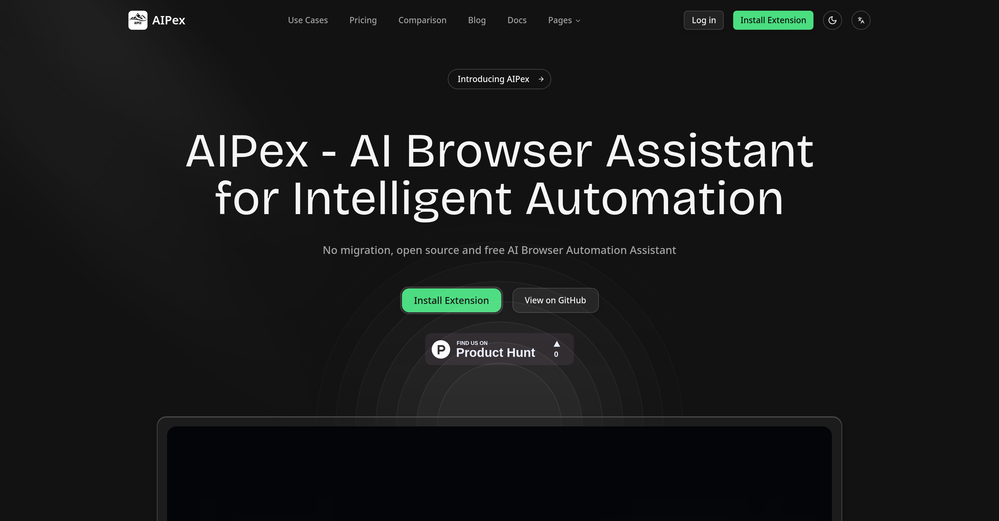
-
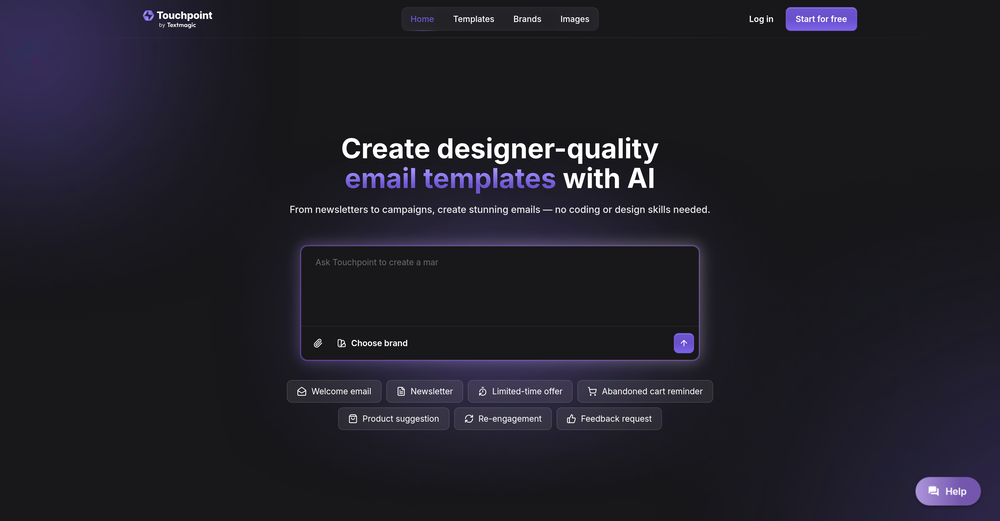
 Says "free during testing," but keeps telling me I have insufficient credits. I also can't seem to find a way to delete my account.
 -
-
-







Verified tools
- Spotlight: Notis (Personal assistant)
-
The AI-powered makeover feature has completely transformed my social media photos! Everyday commutes can be instantly transformed into a cyberpunk style, with outfits, backgrounds, and makeup all upgraded simultaneously. Even the smallest details, like the hair, are exquisitely rendered. My friends thought I'd had a professional photoshoot! No makeup or changing clothes required—get a trendy photoshoot in just 5 minutes! Perfect for fashionistas who love to save time and effort!
-
 OpenIf you care about control over your data, this tool is for you! Looking forward to your questions and feedback. Thank you ❤️
 -
Realistic couple photo merge and creative generation!
-
Made writing my first book simple and fast. I turned scattered ideas into a full, professional manuscript in a weekend. The guided flow kept me focused, and the editing felt natural.
-
This is the best virtual staging product I have ever tried. Love the batch processing feature that saves so much time!
-
 Turn baby photos into talking podcast videos.OpenWow, The AI tool is so interesting for the AI talking baby podcast. I like it. Thank you for the AI
 -
 ⚡ Your everyday writing companion: Fix grammar, Reply emails, Paraphrase, and more...Open🧩 TextWisely was born from a personal itch ⚠️ Sending numerous Emails and Slack messages daily, I found myself constantly switching apps and re-entering the same prompts into ChatGPT to refine my writing 💡 This inspired me to create TextWisely to boost writing speed, reduce context switching, and improve quality with instant text actions: → Grammar corrections → Email drafts → Structured writing → Tone changes → Translations ...and more 👉 It's a native macOS desktop app – shortcut-heavy for power users, but also click-friendly for those just starting out 🚀 Give it a try – Share your feedback and experience 👋 Edgar, creator of TextWisely
 -
I am the builder of WUI.AI, an innovative content repurposing application designed to help global individual creators transform their text, audio, and video content into platform-optimized short and long videos for YouTube, TikTok, Reels, and more, with automated publishing capabilities. I try to build in public so any feedbacks will be appreciated
-
typed in my prompts and boooooom. clean descriptions in secs lol. handy if you suck at writing (like me). lowkey a cheat code (no san andreas)
-
A lot of humanizer software is actually just gpt wrappers to do this by asking gpt to rewrite with some different voice. Ace Essay does have their own AI that does a better job at humanizing.
-
The ability to create a short video as a demo of the output is great. It had good imagery and it created a good script.
-
 Edit smarter, faster and easier with Filmora’s powerful AI video tools.OpenNew Features, Enhancements & Improvements: - AI Extend Effortlessly extend video and audio clips directly on the timeline. Generates seamless, natural-looking continuations for smoother storytelling. - Pen Tool Draw custom paths and shapes with full stroke controls. Bind paths to clips to create dynamic motion tracking and advanced visual effects. - Animated Charts Create animated data visuals with one-click data import. Includes adjustable styles, presets, and motion options for presentations and info-driven videos. - Source & Timeline Preview Editing Dual-preview workflow with a Source Monitor for reviewing raw footage and a Timeline Monitor for project playback. Enables faster, more accurate editing decisions. - Dual-Timeline Editing Work with multiple timelines through tabs, making it easier to manage compound clips, navigate edits, and organize complex projects. - Import Subprojects Import multiple Filmora project files as compound clips to support multi-project workflows and cross-project material reuse. Optimized Performance: - AI Object Remover Upgrade Introduces the new Magic Box engine with significantly improved removal results. Removes watermarks, subtitles, people, and distractions while maintaining natural clarity. - Smart Cutout Upgrade Improved edge detection and smudging interaction for cleaner extractions and fewer repetitive adjustments. - Dynamic Captions Enhanced subtitle editing with batch text processing and new, exclusive animation presets. - 32-Bit Audio Pipeline New high-fidelity audio processing engine with greater dynamic range. Projects needing V14 compatibility can be saved as Legacy Projects. System & Compatibility Improvements: - Improved overall system stability, faster rendering performance, enhanced GPU utilization, and better compatibility across supported devices for a smoother editing experience.
 -
Thanks for the feedback. We would love to know more about your issue. Could you please provide more details at [email protected] ?
-
Lovart is the 1st design agent, built for socials, posters, videos, 3D and more.
-
very slow , no help and you did not have any feedbck on what happened also It deducts points even without providing any videos or photos.
-
Every time i switch to a new mac -> this is the first tool i install
-
 Get Realistic, Natural-Looking AI-Generated Professional Headshots in 2 Hours.OpenI never thought I’d be using an AI service for something like this, but I’m glad I did. The headshot looks like it was taken by a professional photographer, without the pain.
 -
Insanely easy to use yet reliable automation tool. Recommend to give it a try.
-
-
✨ Key Advantages of Pixwith: 1. Wide range of AI models: From video generation to image creation, enhancement, and style transformation — you get access to a full suite of cutting-edge AI models in one place. 2. Affordable and transparent pricing: Our credit-based system is flexible and offers better value compared to many similar platforms. 3. Free trials available: Several models can be used for free, allowing you to test the quality before purchasing credits. 4.Beginner-friendly interface: Simple and intuitive design — generate high-quality content in just a few clicks. 5.Constant updates: We continuously add new models and features, ensuring you always have access to the latest AI capabilities.
-
Hey everyone 👋 I’m excited to introduce VidFab, an AI-powered tool that turns text and images into cinematic videos in seconds. We built VidFab to help creators and startups make beautiful videos without complex editing or long render times. Just type an idea — and our AI brings it to life. I’d love to hear your feedback and ideas for what features you’d like to see next. Your thoughts really help us shape the future of VidFab!
-
 vocal remover, remove vocal, vocal remover online free, vocal remover AIOpen
 -
Tried an image of a person. Just the head and shoulders, the AI had to extend the body. Result: different shirt color, six fingers. C'mon, it's almost 2026, we can do better than giving a person six fingers and not understanding the shirt color.
-
Easy to use, good visuals and good price to videos ratio. Made a few with 10k views.
-
Glad to see LitVideo listed here. Have been using it for a while. Easy to use, and LitVideo provides a relatively low-cost entry point into AI video creation.
-
 Turn scripts into creator-style videos instantly.OpenI built this because I had a spare RTX 5090 sitting idle and friends in e-commerce kept telling me UGC videos were too expensive. Most AI UGC tools cost 80 to 110 dollars a month, about 10 dollars per video. My prototype can already create 3-minute videos, but it takes almost an hour on one GPU, so I limited the public version to 30 seconds while I scale to 4 GPUs. Would love feedback on the best pricing model and go-to-market.
 -
it's great, it gets the job done and is 100% free, nothing more you could wish for
-
 Turn photos into realistic AI kissing videos instantly.Open
 -
 Open
Open -
 OpenThe features are incredibly comprehensive. I really love it — the AI videos I created got a ton of praise when I shared them. Likes galore!
 -
I’ve been using this tool for a while, and it’s made a huge difference. I now create 40–50 reels a month in half the time. It helps me generate videos automatically with realistic avatars, create images, edit clips easily, and see which types of content perform best. It really feels like having a creative team by my side.
-
A very clean website — simple, clear, and fast to generate results.
-
 OpenI often struggle to find the right words, but this tool helps me polish my expressions and make my writing flow naturally.
 -
-
pretty clean tool, i tried a couple product images fast and the controls make sense. model picks, image-to-image and quick batch runs are handy for ad shots or thumbnails. the free tier is tiny at 2 credits, so it's more of a taste test than real use.
-
It has most popular video models on the platform
-
 AI chat with images – Create, edit, innovate for free!Openthis is completely free, and it is amazing that you can change pictures into art and animations without paying anything.
 -
 Auto remove people from photos with AI.OpenMaybe not the best tool, I uploaded an image and it removed the main subject, didnt even think it was possible. Literally only the background was left
 -
 Turn your slides into narrated videos with AI voiceoverOpenWe built Vidsembly to make video creation from presentations as simple as having a conversation. Just upload your slide deck, pick a voice, and get a clean narrated video in minutes. No editing software or mic needed. Great for creators, educators, and sales teams who want their message to land. You can try it free with 30 credits.
 -
Six months ago I was building some landing pages and found myself wasting way too much time downloading stock photos, cropping them, resizing, rehosting... the whole thing felt broken. I looked around for a tool that just let me describe the image I wanted and get it in the right format instantly—but nothing really existed. So I built Inliner AI. Now when I need an image, I just write what I want directly into a URL like this: https://img.inliner.ai/my-project/panda-playing-guitar-on-stage_1200x750.png Hit enter and boom Inliner generates an original AI image, intelligently cropped, resized for the web, and served instantly via CDN. Need a quick edit? Just append it to the URL: .../remove-the-guitar_900x750.png No uploads, no UI, no waiting. You can also upload your own products, people, or logos and compose them into generated scenes. For more control, there's a Studio web GUI where you can play with prompts and dimensions and compare variants side by side before committing. Where this gets really powerful is when you show your LLM how to use these URLs. Once it knows the pattern like: https://img.inliner.ai/my-project/xxx-yyy-zzz.png It can generate, tweak, and iterate on image assets dynamically, right inside your prompts or your code. Everything stays self contained in the link. We also include copy/pasteable instructions for Claude, GPT, Cursor, and more so you can wire this up in minutes. If you're building a product, designing a page, or just prototyping something new try it out and let me know what you think!
-
I use the software to turn rough ideas into polished visuals that feel curated and high-end. It’s quick, effortless, and always on-brand.
-
 Create Your First Viral Video and Start YouTube Monetization with Multilingual Content.OpenIt feels so cool. I think the characters generated by the model are very consistent.
 -
It is easy to use, has a low threshold for getting started, and is inexpensive.
-
 OpenHi, this is Zeeshaan, co-founder of The Influencer AI. Virtual try on technology has recently taken a massive jump with new core models, and we wanted to let people to see what it's like for themselves. I think this could be genuinely value-creating, and just enable things that weren't possible before. Open to all feedback. Appreciate the community!
 -
 Transform AI-Generated text into content that feels like it's written by humanOpenThanks for reaching out. We are committed to provide great user experience.
 -
Thank you, if we can help with anything reach out any time!
-
Hoox app is a very easy and simple app to navigate and generate your script video for social media. My experience so far has been top-notch and the customer service in the name of Alan Hoox is always pronto to assist whenever needed. I recommend it for anyone that want to create a faceless youtube Ai without editing, selecting or mixing all you details. All you need is just drop your script and wellah your video is ready .
-
-
 Create Celebrity voices and voiceovers in 120 languages with 800+ AI voices.OpenThis is a cool little generator for a quick clip! Could see some potential quick use cases if you needed to generate something with an accent on the fly. Not a bad little tool!
 -
 Open
Open -
Amazing app and really easy-to-use! It has all the things I need to create a neat, functional, and clear-cut mindmap.
-
For me, watching Pointer AI in action is like witnessing magic - editing even the longest documents is a breeze. Thanks for being such a supportive community. I hope you find as much joy in using Pointer AI as I did in creating it! 😊
-
Hi, I'm the creator of MimicPhoto, thx for the feedback. Are you using an unusual image format or an image size greater than 15MB?
-
This is so encouraging — thank you! ❤️ We’re putting everything into the next version to make it even better.
-
Love it!!! It still need work, I wish I can add 3 or 4 more voices in my podcast. I trying to make callers call in. That would help.
-
The Remove Background tool is designed to be quite simple and easy to use. As long as the image is uploaded, the machine can automatically recognize the subject and background range, quickly remove the background, turn it into a transparent background or apply a specific color
-
The fact that it's available as a Chrome and Firefox extension makes it super convenient to integrate into my workflow. I love how it not only helps with proofreading and editing but also tracks changes, which is incredibly useful.






































































Other tools
-
 Open
Open -
-
Tried it. No idea what it's supposed to do. It mentioned things that weren't on my resume. Not very useful.
- Didn't find the AI you were looking for?
-
-
Great tool! The most complete one if you want to create music video specifically.
-
 Create consistent character videos from AI images.Open
 -
Brilliant! I'm blow away... the quality and the vocals are on another level. I had my lyrics that I wrote years back. Then I decided to use this Ai to create the song for me... I'm still jamming on the song
-
-
I’ve used this product, and the AI video generation quality is excellent. Most importantly, it offers the best value for money I’ve ever seen. In addition, if you need help optimizing your video prompts, you can email their professional advisors for free consultation.
-
This software helped me achieve the results I wanted! It’s incredible!
-
 Open
Open -
Easy to install and use. removed backgroung of a complex picture by one click. If any more work needs to clean up picture it is very easy to do in Photoshop. Highly recommended at the price. Better performance than many other paid photo manipulating tools.
-
-
The tool's quality has dropped significantly over the past three months. The AI is taking three times longer to solve problems and is still making many mistakes. Accuracy has decreased by at least 60%. I had to manually fix everything and stop using the prompt. Unfortunately, it used to work very well for me, but now it no longer does.
-
Not sure what I'm doing wrong but I downloaded the extension to my chrome browser and then highlighted my email copy and then clicked on the extension link but there is no button to provide updated copy.
-
-
works wonderfully, really good for cleaning up writing. just wish the monthly plan was a bit cheaper.
-
Free, but requires monthly subscription. With limitations on the free version 3 stars
-
AutoEditor is a tool powered by AI that allows users to create highly customized short videos. It is primarily designed to make video editing easier and more efficient, thus enabling users to focus more on content creation. Distinct features include the automatic generation of subtitles in more than 40 languages, detection of silence or non-relevant content in videos, and the ability to enhance videos by adding b-rolls, watermarks, and other effects. The platform provides an easy-to-use interface for video editing, putting users in complete control of their content. Users can change text, styles, and various other aspects of their videos without prior knowledge in video editing. Furthermore, AutoEditor supports editing of long videos, which can be broken down into smaller parts without pre-cutting them. Videos for editing can be directly processed from YouTube, eliminating the need for separate downloading websites. Users can also customize their captions, save their unique styles as presets, and create videos with a few simple clicks for a fast editing experience. AutoEditor's pricing is designed to be simple and affordable, with plans tailored to suit different needs. Users can also access a free tier to get started. Flexibility is one of its key advantages, providing users the means to edit their videos exactly how they want them. The software works best with videos containing any type of voice or talking, such as podcasts, talk shows, documentaries, educational videos, or speeches.
-
 Craft AI-powered single-purpose tools autonomouslyOpenGood app if u struggling with prompt
 -
 Generate cinematic overhead shots with vintage film aesthetics.Open
 -
 Open
Open -
 Transform photos into cinematic movie scenes.Open
 -
 Transforms verbose text into razor-sharp, high-impact language.Open
 -
-
 Transform messy lyrics into polished song structures.Open
 -
 Open
Open -
 Transform photos into vibrant cartoon stickers instantly.Open
 -
 Transform your photos into cinematic masterpieces.Open
 -
 Open
Open -
 Transform any subject into ultra-realistic charcoal portraits.OpenAbsolutely beautiful. I just uploaded a photo I gave it no prompts and it turned out magnificent.
 -
 Transform photos into cinematic Funko-Pop portraits.Open
 -
 Transform photos into cinematic dawn portraits.Open
 -
 Open
Open -
 Transform photos into cinematic AI portraits.Open
 -
 Transform any photo into cinematic black-and-white studio portraits.Open
 -
Changed the prompt to improve results.
-
 Transform any description into stunning professional headshots using AI.Open
 -
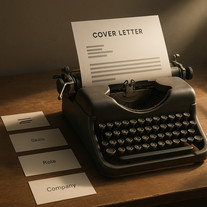 Transform job details into professional cover letters instantly.Open
 -
 Transform photos into Lichtenstein pop-art portraits.Open
 -
 Transform any document into structured, navigable outlines.Open
 -
 Opengreat alternative to the one and only Leonardo, great job!
 -
 Open
Open -
 Transform ideas into cinematic prompts for video production.Open
 -
cool, I've always wanted to see myself as a warrior, now I can picture that
-
 Turn ideas into stunning AI-generated paintingsOpen
 -
-
 AI-powered writing enhancer for polished, professional text.Open
 -
 Open
Open -
 Craft stunning portraits of fantasy descendants with AI.Open
 -
 Open
Open -
 Create celestial-inspired AI backgrounds effortlessly.Open
 -







































































Post





